Guides
Samsung TV guides
Practical, step-by-step help for Samsung Smart TV owners: control your TV without a remote, use your Android phone as a remote, mirror and cast, and fix the most common problems.
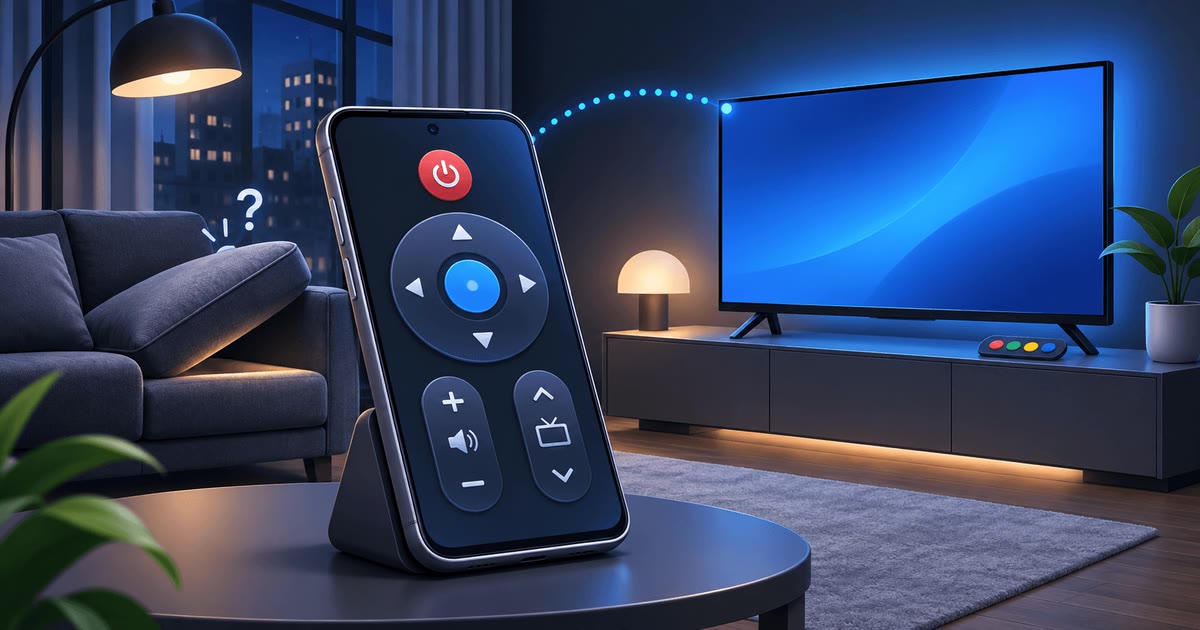
How to Control Your Samsung TV Without a Remote: 6 Ways That Work
Lost or broken remote? You can still control your Samsung TV today: with the button on the TV, your Android phone, a keyboard or another HDMI device.
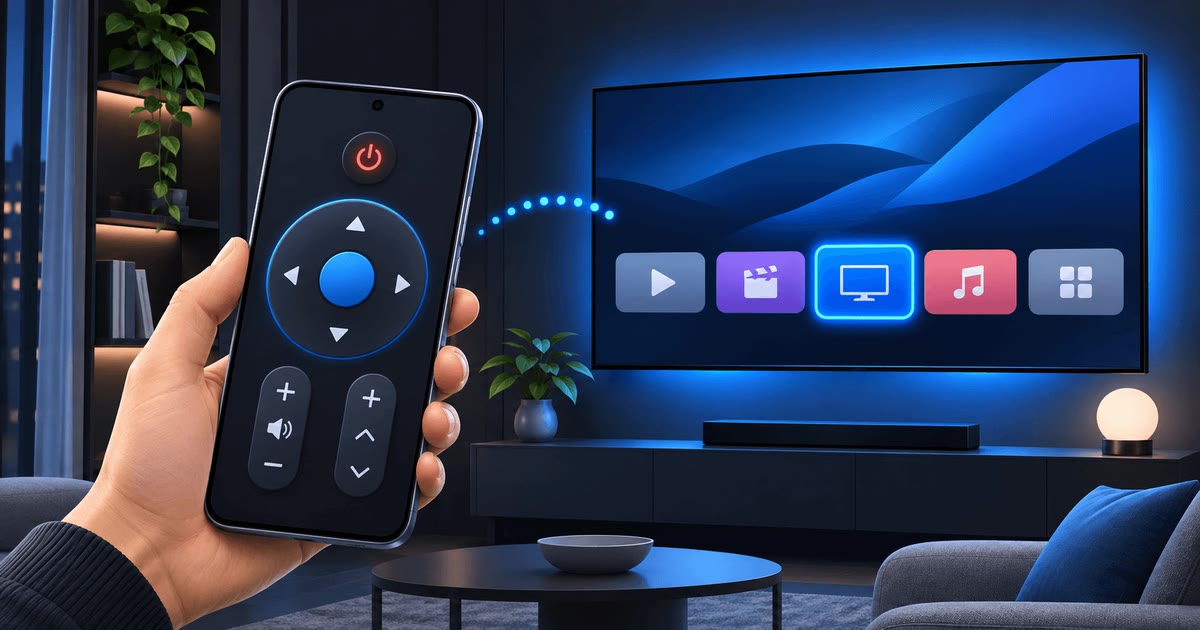
How to Use Your Android Phone as a Samsung TV Remote
Your Android phone can replace the Samsung TV remote over Wi-Fi in about two minutes, and it adds a touchpad, a mouse pointer, real typing and one-tap apps.
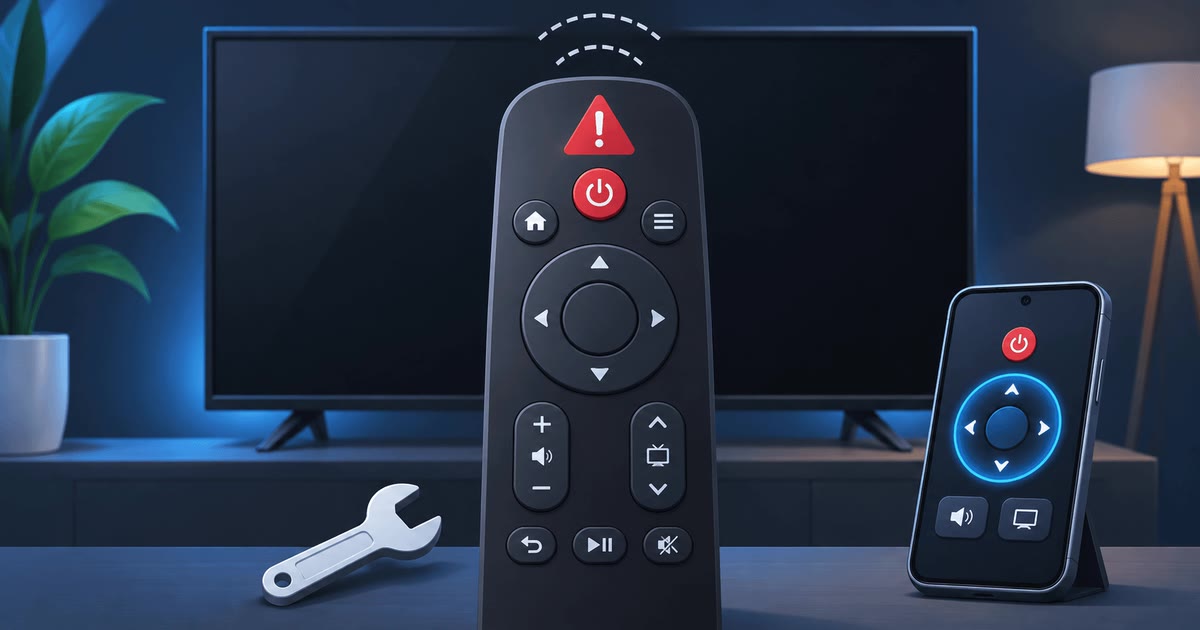
Samsung TV Remote Not Working? 9 Fixes Before You Buy a New One
Most Samsung TV remotes that stop working are not broken. Low power, a lost pairing or a confused TV cause most problems, and you can fix them in minutes.
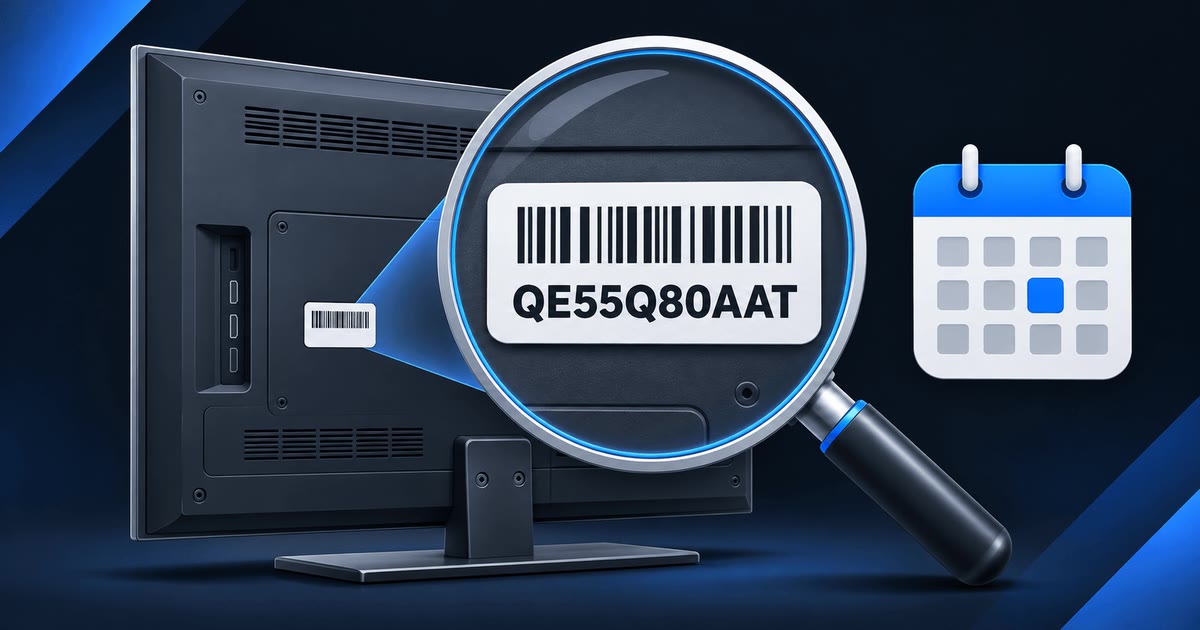
Which Samsung TVs Work With a Phone Remote App? Compatibility by Model Year
Samsung TV Remote works with Samsung Smart TVs from 2010 onward, but what you can do depends on the TV's generation. Here is the full picture, year by year.
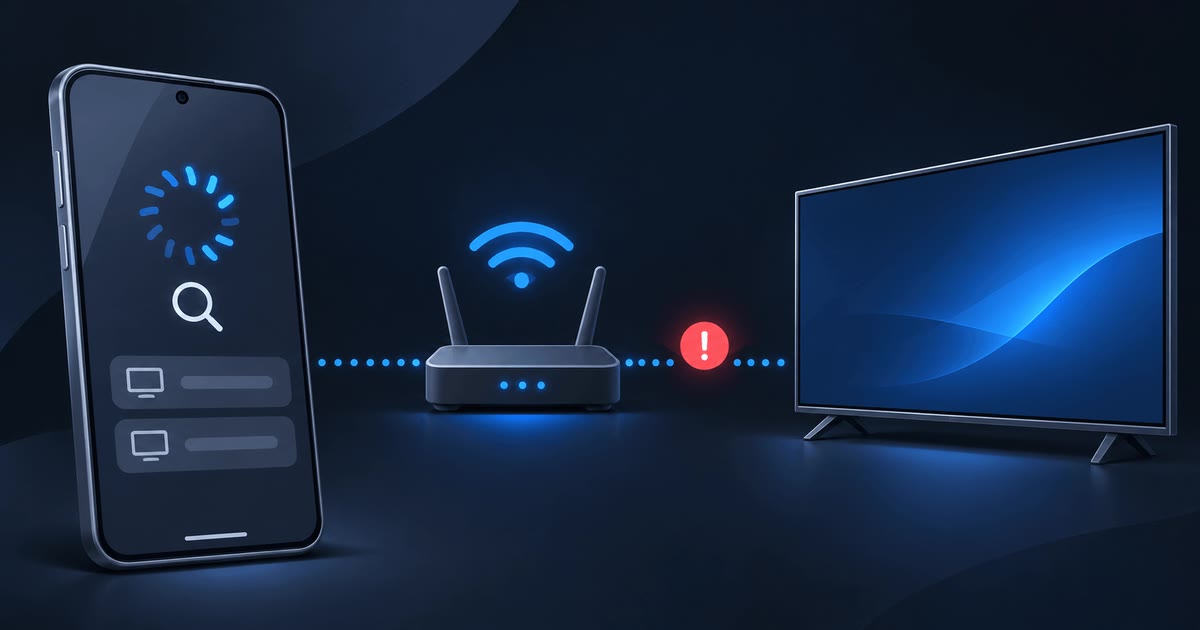
Samsung TV Not Showing Up on Your Phone? How to Fix It
When your phone can't find your Samsung TV, the cause is almost always the network, not the phone or the TV. These six fixes solve most cases in minutes.
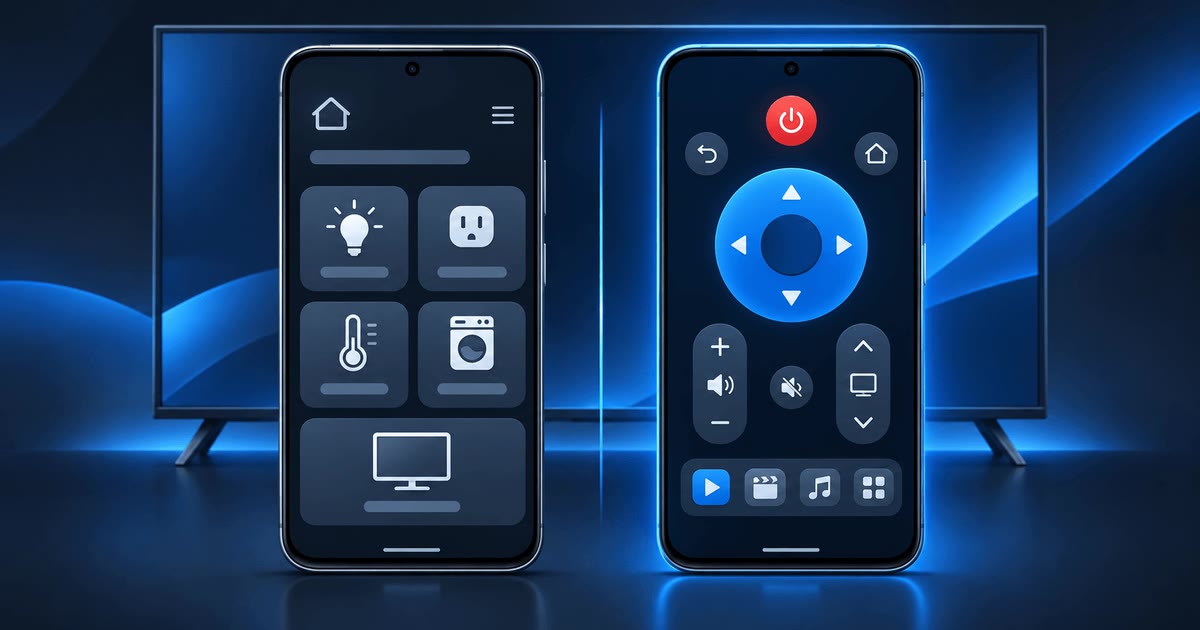
SmartThings Alternatives: Samsung TV Remote Apps Without an Account
SmartThings is Samsung's official app, but it is a whole smart-home hub and needs a Samsung account. Here is how it compares with lighter Samsung TV remote options.
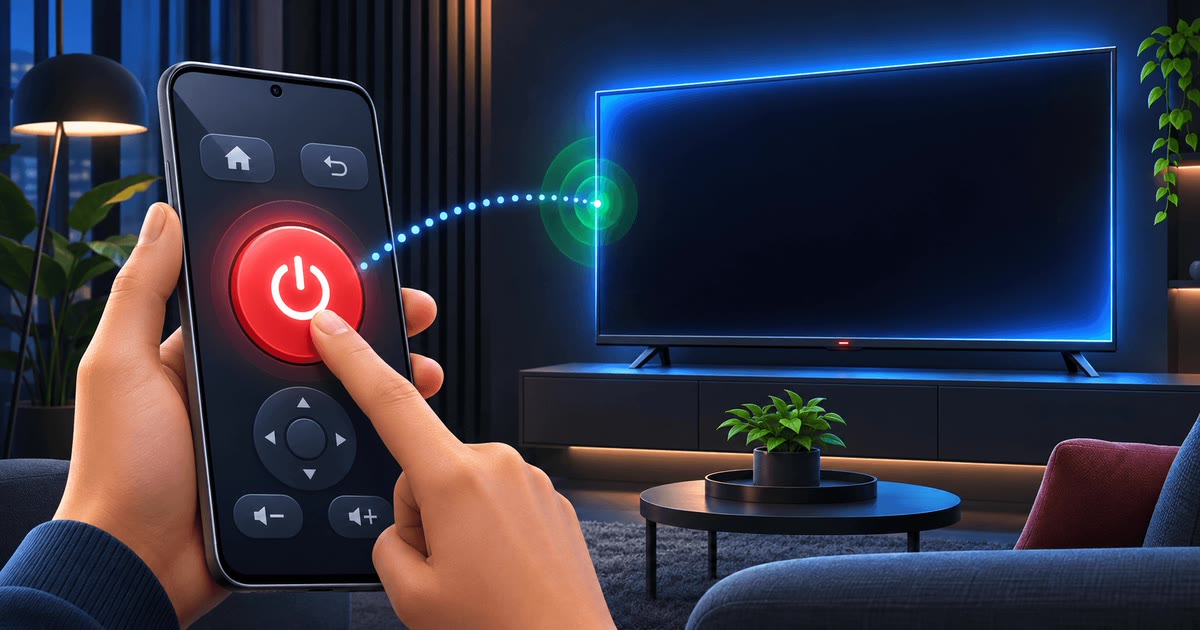
How to Turn On Your Samsung TV With Your Phone Over Wi-Fi
A Samsung Smart TV can wake up from standby when your phone asks it to. You only need to enable one setting, Power On with Mobile, once.
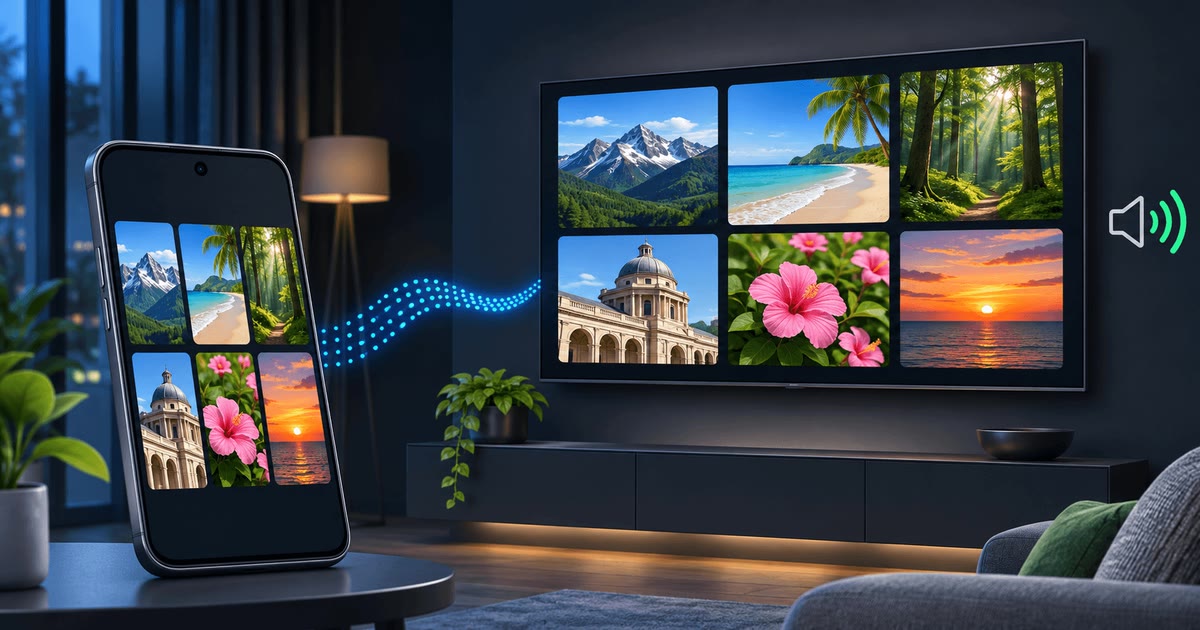
How to Screen Mirror Android to a Samsung TV With Sound
Show your Android phone on your Samsung TV over Wi-Fi, with sound, without a Chromecast or an HDMI cable. Plus fixes for lag and missing audio.
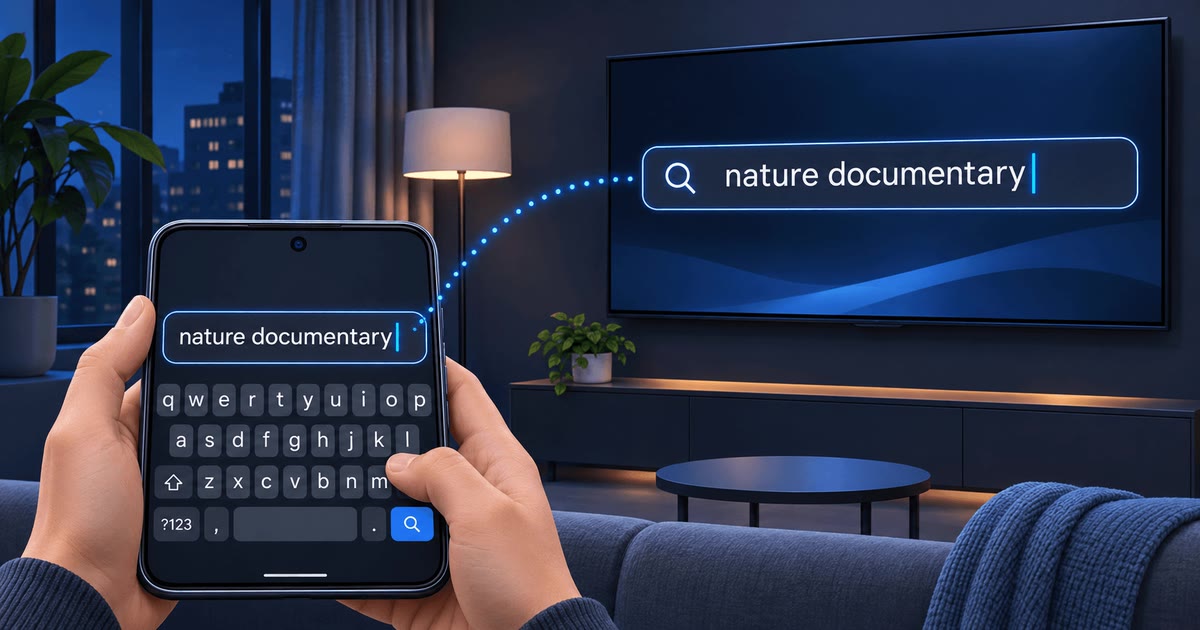
How to Type on Your Samsung TV With Your Phone Keyboard
Typing on a TV with arrow keys is slow and error-prone. Your phone keyboard can send searches, passwords and web addresses straight to your Samsung TV.
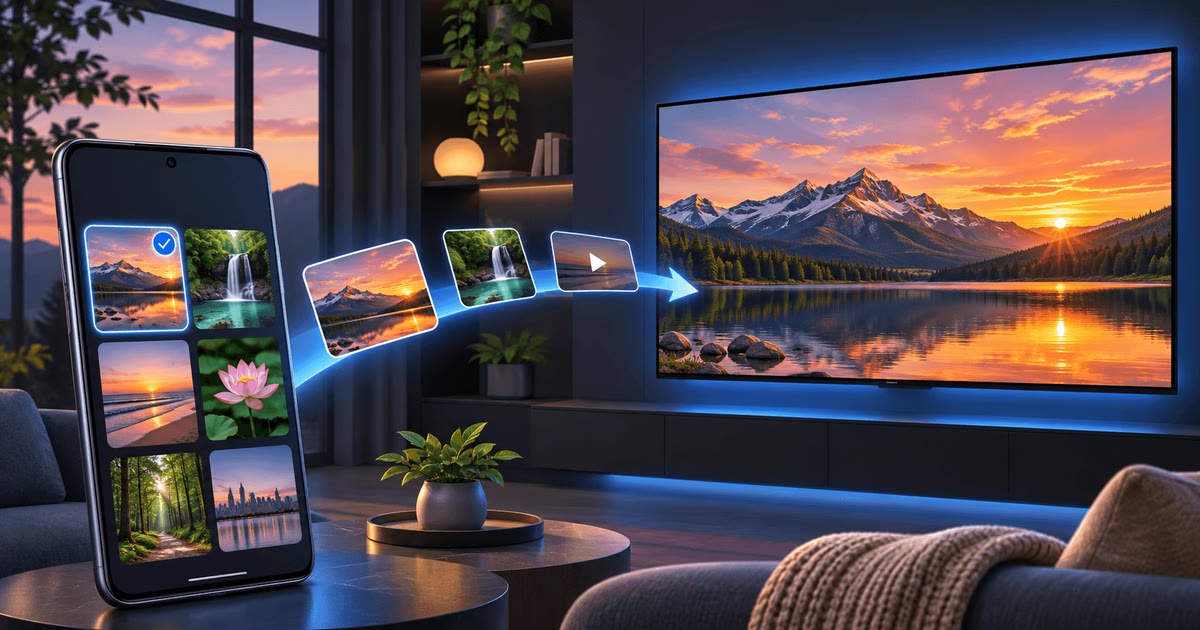
How to Cast Photos and Videos From Android to a Samsung TV
Holiday photos and family videos look better on the big screen. Here is how to cast photos to a Samsung TV from your Android phone over Wi-Fi, with no Chromecast.
What Year Is My Samsung TV? Model Numbers Explained
Your Samsung TV's model number tells you its screen size, series and year. Here is where to find it and how to read it in under a minute.


