
How-to
Samsung TV privacy: turn off ACR (Viewing Information) and tracking
Samsung Smart TVs can recognise what's on screen to personalise content and ads. You can switch it off — here's where, and what else is worth checking.
Quick answer
On most Samsung TVs from recent years, open Settings, then General & Privacy (or Support on some models), then Terms & Privacy and Privacy Choices. Turn off Viewing Information Services (Samsung's name for ACR), Interest-Based Advertisement and, if you don't use voice, Voice Recognition Services. Menu names vary by year. In February 2026 Samsung settled a Texas lawsuit and agreed to get express consent before collecting ACR data from Texas residents.
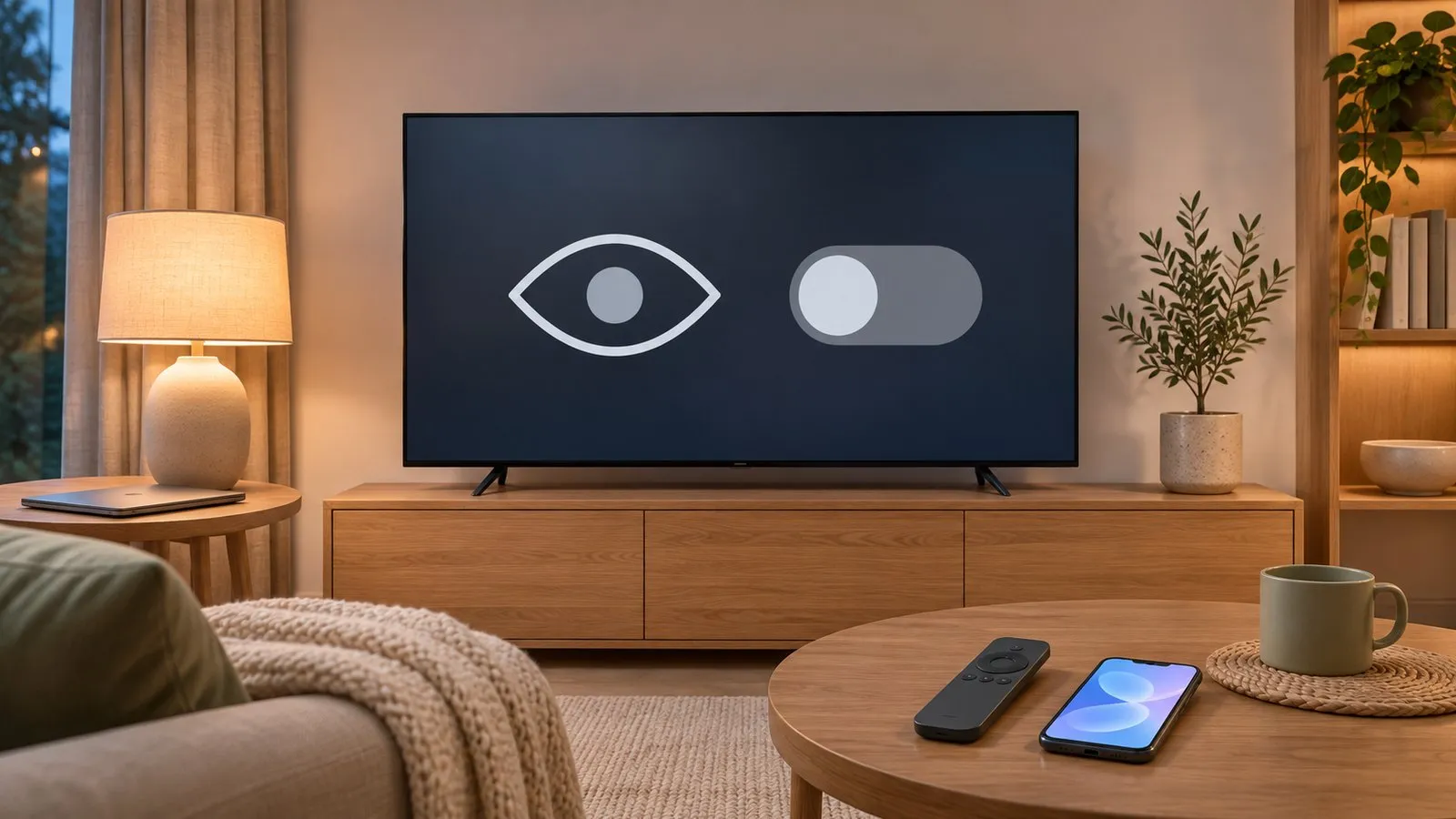
What Samsung TVs can collect
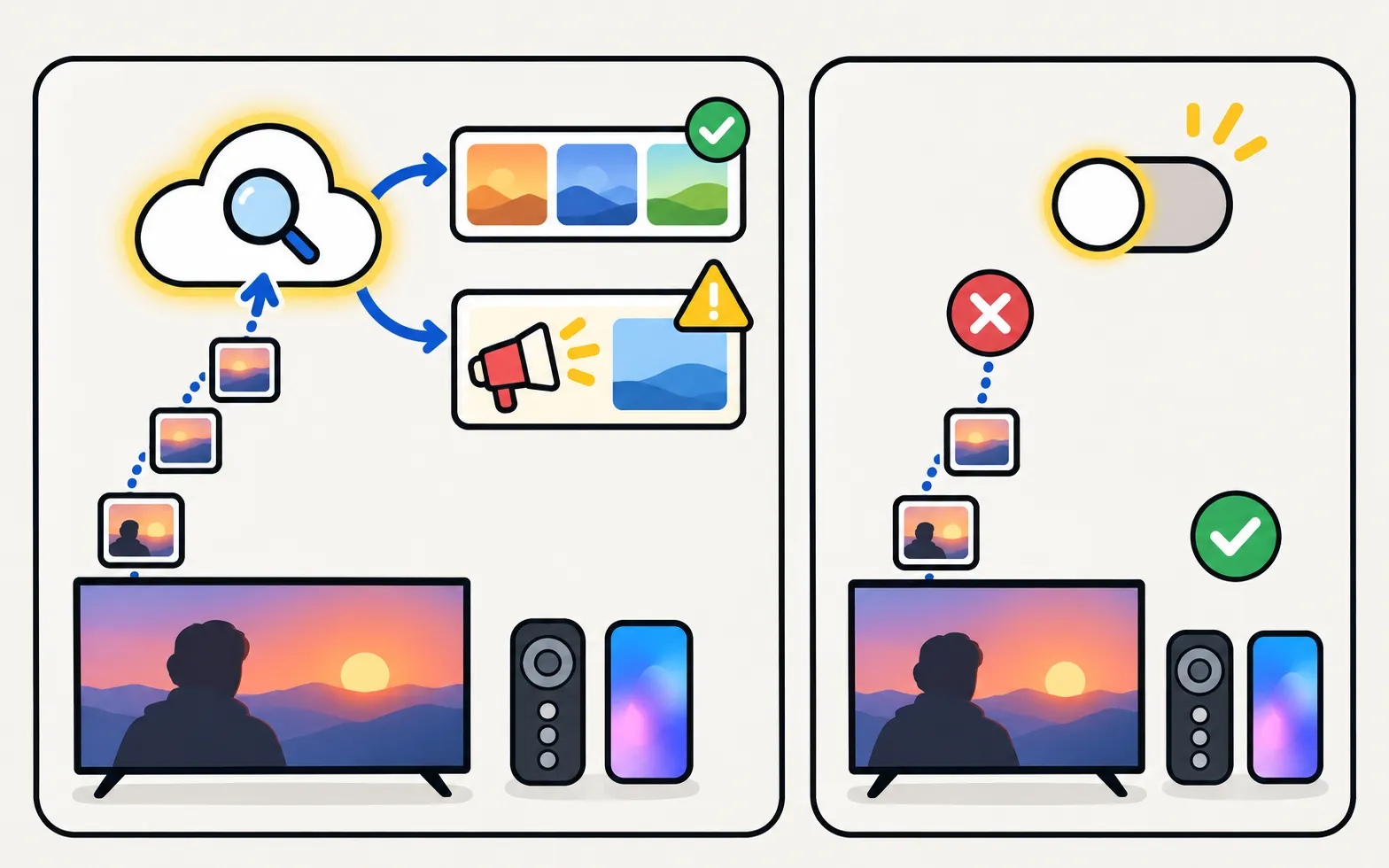
| Setting (names vary) | What it does |
|---|---|
| Viewing Information Services | ACR: recognises what’s on screen to personalise recommendations and ads |
| Interest-Based Advertisement | Uses your activity to tailor adverts |
| Voice Recognition Services | Processes voice commands online |
| Samsung account and Terms | Agreements accepted during setup |
Turn it off
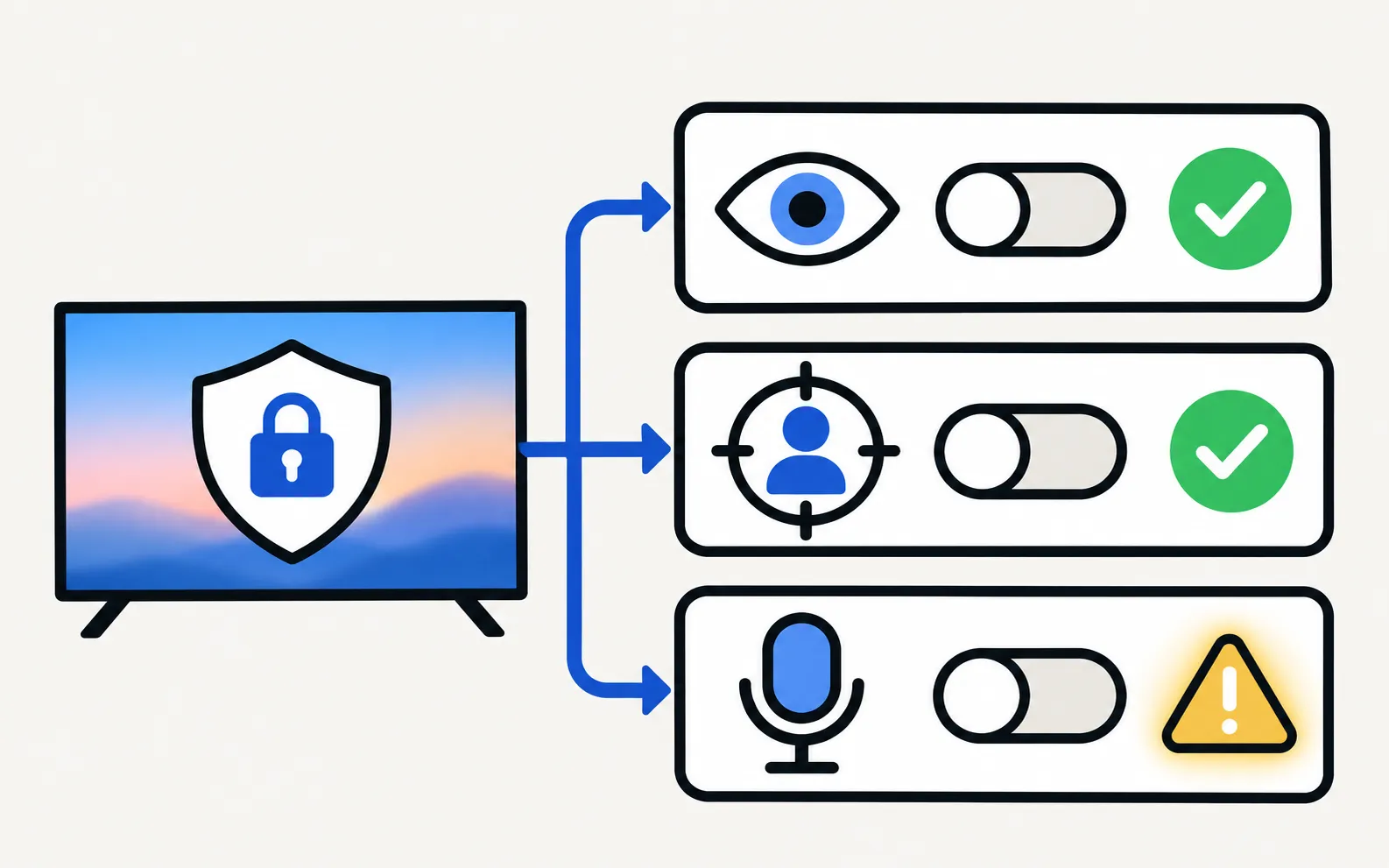
Samsung’s menus vary by year and region; guides such as Tom’s Guide describe this route on recent models:
-
Open the privacy area
Settings → All Settings → General & Privacy → Terms & Privacy (on some models via Support → Terms & Policies). -
Open Privacy Choices
Or the list of terms and policies. -
Switch off Viewing Information Services
Samsung’s ACR setting. Older TVs may label it “SyncPlus and Marketing”. -
Switch off Interest-Based Advertisement
If offered on your model. -
Optional: Voice Recognition Services
If you don’t use voice control.
Software updates or a factory reset can bring the setup agreements back; recheck after either.
The 2026 Texas settlement
In December 2025 the Texas Attorney General sued several TV makers, including Samsung, over ACR data collection. On 26 February 2026 Samsung settled: it agreed to stop collecting or processing ACR viewing data from Texas consumers without express consent and to make its consent screens clear, with no admission of wrongdoing (as reported by Android Authority). Outside Texas, the opt-out settings above remain the way to control it.
Beyond the TV settings
- Router-level blocking of ad domains can reduce some tracking but may break apps; we don’t recommend it for most households.
- Phone remotes: some apps collect data too — check each app’s privacy policy. For our app: The app collects, stores, shares and sells no personal or usage data: no analytics, ads, trackers, accounts or crash reporting. All traffic stays on your local network between phone and TV; the app connects to no internet server.
Frequently asked questions
What is ACR on a Samsung TV?
Automatic content recognition identifies what's playing on the screen — including from HDMI devices — to personalise recommendations and advertising. Samsung calls the setting Viewing Information Services.
Will turning it off break anything?
Your apps and inputs keep working; recommendations may be less personalised.
Does turning off ACR stop all ads?
No. Interest-based ads are a separate setting, and the home screen can still show promotions. See the guide to turning off ads.
What changed with the Texas settlement?
Samsung agreed in February 2026 to stop collecting ACR viewing data from Texas consumers without express consent and to make its disclosures clear, without admitting wrongdoing, according to reports of the settlement.
Sources
- Your Samsung TV is watching you — how to turn off data collection — Tom's Guide · Media · checked November 11, 2026
- Samsung settles Texas lawsuit over smart TV data collection (Feb 2026) — Android Authority · Media · checked November 11, 2026
- Samsung TV Remote product documentation (developer-supplied facts) — Smart App Craft · Developer · checked November 10, 2026
Related guides

How-to
Turn off ads
Cut ads on a Samsung Smart TV: turn off interest-based ads and viewing data, stop TV Plus and apps auto-starting, tidy the home row — and what can't be removed.

Explainer
Samsung account
What a Samsung account does on your TV, which features need one (SmartThings, Bixby, Art Mode uploads, some apps), which don't, and how to sign in or out.

Topic
Ads and privacy
Control what your Samsung TV shows and shares: cut home-screen ads, stop TV Plus auto-starting, turn off ACR viewing data and see if you need an account.

How-to
Alexa and Google Home
Use Alexa or Google Home with a Samsung TV: built-in Alexa on supported models, linking via SmartThings, what voice can control, and the setting power-on needs.
About
Privacy
Samsung TV Remote collects no personal or usage data. How the app works with your TV, each Android permission explained, and what this site stores locally.