
Standby light blinking
Why the red standby light on a Samsung TV blinks, what Samsung says each state means (steady, off, blinking), how to rule out the outlet and when it's a repair.
Topic
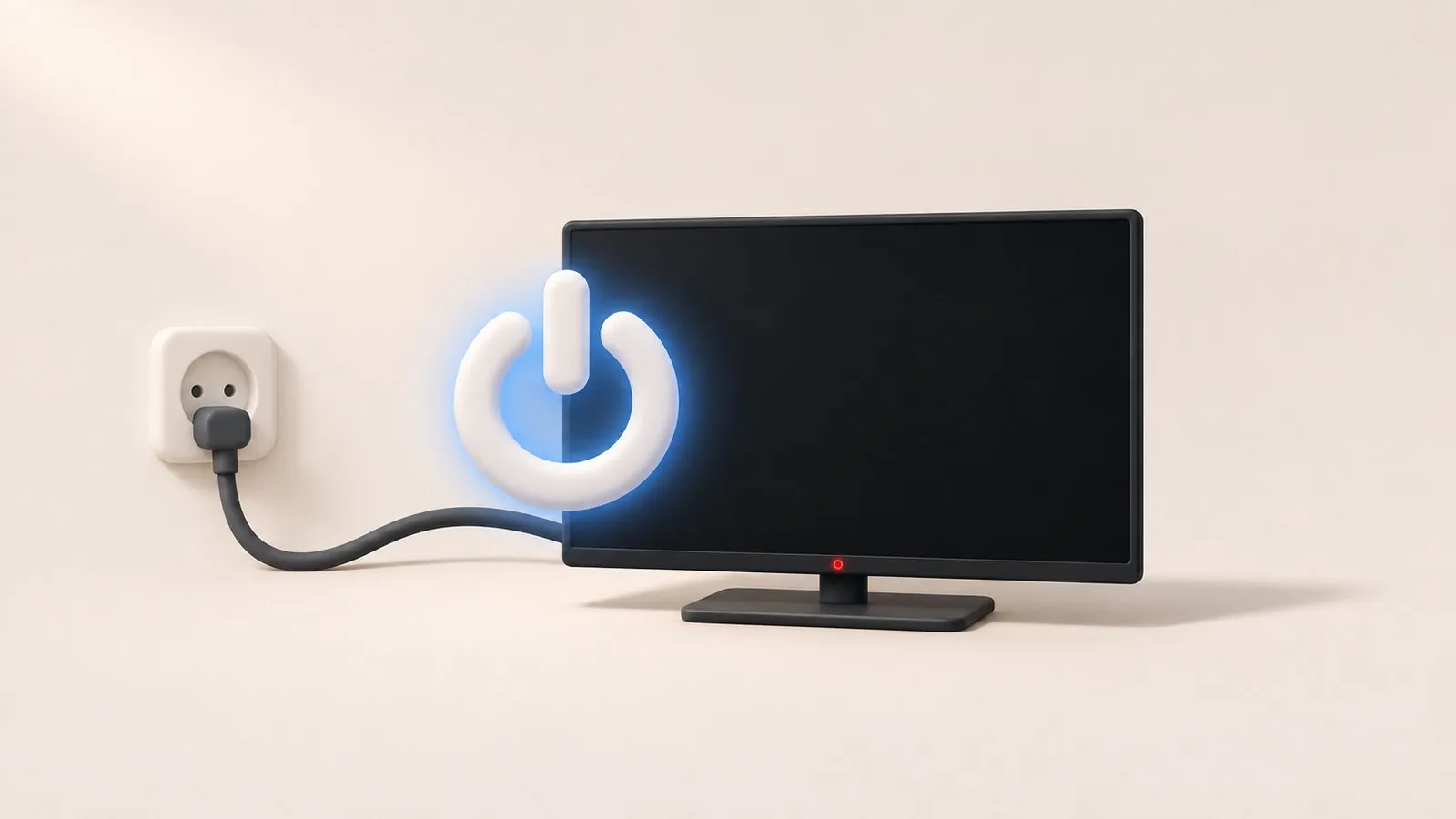
Start with the red standby light. Steady means the TV has power (test the remote and the TV's own button); off means no power or a black screen; blinking means try a 30-second unplug and a direct wall outlet, then service. A TV that switches itself on or off is usually obeying Anynet+, Power On with Mobile or a timer — 2019+ TVs log the reason in Support, About TV.
| What’s happening | Guide |
|---|---|
| Nothing happens when you press power | TV won’t turn on |
| The red light under the screen blinks | Standby light blinking |
| The TV switches on by itself (often at night) | Turns on by itself |
| The TV switches off after a while or right after starting | Turns off by itself |
| It shows the logo and reboots, again and again | Keeps restarting |
Clean power
Unplug the TV and any One Connect box for 30 seconds; plug straight into a wall outlet. Samsung warns that worn surge protectors can stop supplying the right voltage.Disconnect HDMI devices
Consoles, boxes and soundbars can switch the TV on and off through Anynet+ (HDMI-CEC).Rule out the remote
Use the TV’s own power button. If that works, the remote is the problem (remote not working); until it’s fixed, control the TV without a remote or from your phone. Why the red standby light on a Samsung TV blinks, what Samsung says each state means (steady, off, blinking), how to rule out the outlet and when it's a repair.

Samsung TV stuck restarting or rebooting to the logo? Isolate power, HDMI and USB devices, check Anynet+, update or reset safely, and spot a board fault.
Samsung TV switching off on its own? Check Auto Power Saving, the sleep timer, Anynet+, devices, the power cable and software, and why it may shut off at start.

Samsung TV switching itself on at night or in the morning? Read the Event Log's power-on reason, then turn off Anynet+, Power On with Mobile or the trigger.
Samsung TV won't turn on? Read the standby light first — steady, off or blinking each point to a different cause — then follow the fixes for your case.
Restart a Samsung TV properly: hold the remote's power button until it reboots, or unplug it for 30 seconds. Why standby isn't a restart, and when to reset.
How much power a Samsung TV uses: read typical, maximum and standby watts on its spec sheet, see a real example, and save energy with settings by year.
Unplug the TV (and One Connect box) for 30 seconds, then plug it straight into a wall outlet you know works — not a surge protector.
On 2019 and newer Samsung TVs, under Support, then About TV. It records why the TV turned on, which helps with TVs that switch on by themselves.
No. Parts inside can hold a dangerous charge even when unplugged. Leave internal repairs to a qualified technician.