
HDMI no signal
Samsung TV says No Signal or won't detect HDMI? Wake the device, pick the right source, reconnect in Samsung's order, run HDMI Troubleshooting, check 4K 120 Hz.
Topic
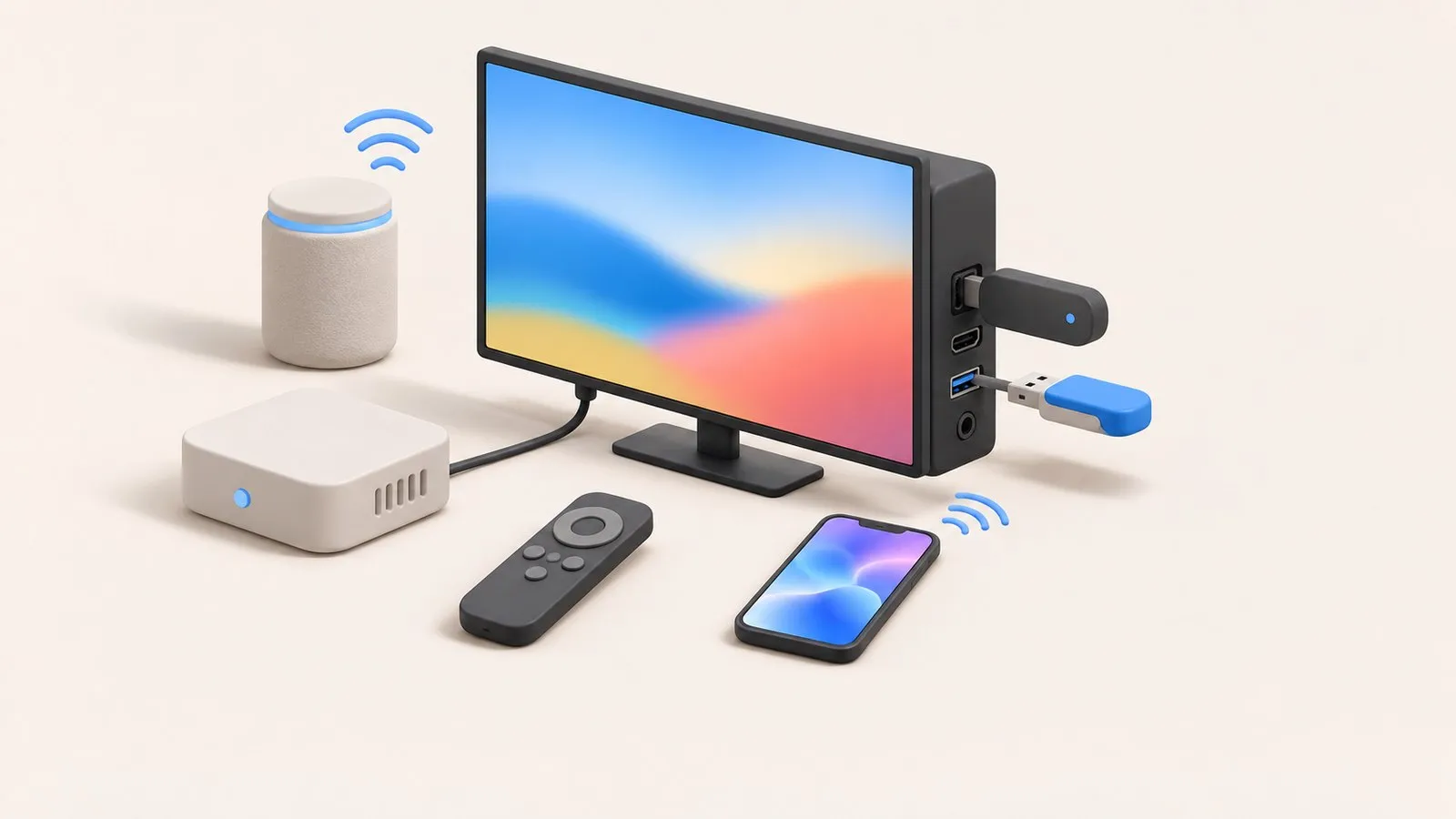
Plug devices into an HDMI port and select that input in the Source list. If you see No Signal, wake the device, reconnect the cable (device end first), try another port and run HDMI Troubleshooting. Anynet+ (HDMI-CEC) lets one remote control everything — and explains many surprises, such as the TV turning on with a console.
| Task or problem | Guide |
|---|---|
| “No signal” on an HDMI input | HDMI no signal |
| Switch between inputs, with or without the remote | Change the input |
| One remote for everything; TV switching on with other devices | Anynet+ (HDMI-CEC) |
| The box that holds the ports on some models | One Connect box |
| Photos and videos from a USB stick | USB playback |
| Cable or satellite receiver | Connect a cable box |
| Fire TV, Roku, Apple TV, Chromecast | Streaming devices |
| Voice control with Alexa or Google | Alexa and Google Home |
| Smart-home automation | Home Assistant |
Soundbars and speakers have their own section: sound, soundbars and Bluetooth audio. Phones, tablets and computers are covered in screen mirroring.
Samsung TV says No Signal or won't detect HDMI? Wake the device, pick the right source, reconnect in Samsung's order, run HDMI Troubleshooting, check 4K 120 Hz.
Use Alexa or Google Home with a Samsung TV: built-in Alexa on supported models, linking via SmartThings, what voice can control, and the setting power-on needs.
Switch HDMI inputs on a Samsung TV: the Source list on the Home screen, the TV's control button, a phone remote, HDMI-CEC from the device, or renamed inputs.
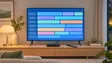
Connect a cable, satellite or IPTV box to a Samsung TV by HDMI, pick the input, use one remote for both (Anynet+ or Universal Remote) and fix signal or sound.

Add a Samsung Smart TV to Home Assistant with the samsungtv integration: discovery, the Allow prompt, Wake-on-LAN power-on, what it controls and the VLAN limit.
What the Samsung One Connect box does, how to connect it, and how to fix no picture, no power or ports not working — including Samsung's test for a faulty box.
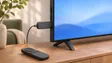
Plug a Fire TV, Roku, Apple TV or Chromecast into a Samsung TV: right HDMI port and power, input, one-remote control via Anynet+, 4K HDR and soundbar audio.
Play videos, photos and music from USB on a Samsung TV: how to open the drive, formats that work, why files won't play and the 4 GB FAT32 limit.

Anynet+ is Samsung's HDMI-CEC: one remote for TV, soundbar and console — and why TVs switch on by themselves. Where to find it by year and when to turn it off.
As many as the TV has HDMI ports — usually three or four. A soundbar or AV receiver with HDMI inputs, or an HDMI switch, adds more.
Use the ARC/eARC port for a soundbar, and the ports that support 4K 120 Hz for a games console on models that have them. Other devices can go in any port.