

Slow or freezing
Speed up a slow or freezing Samsung TV: cold boot, clear app cache in Device Care, delete unused apps, update the software and reset Smart Hub as a last step.
Topic
Samsung moves menus between model years: on 2022 and newer TVs most options live under Settings, All Settings, then General & Privacy or Connection; on 2017–2021 TVs under Settings, General. Updates and diagnostics are always under Support. The default PIN is 0000.
| Task | Guide |
|---|---|
| Install the latest software | Software update |
| Wipe and start over | Factory reset |
| TV talks / reads the menus | Turn off Voice Guide |
| Find any setting by year | Menu path finder |
| Slow, freezing, low storage | Slow or freezing |
| PIN: default, change, forgotten | Samsung TV PIN |
| Subtitles on or off | Subtitles |
| Language, region, time | Language and region |
| Sleep timer, auto power off, screen saver | Sleep timer |
| Lock apps and channels | Parental controls |
| Hotel or store demo mode | Hotel and store mode |
| Two pictures at once | Multi View |
| Self Diagnosis, Device Care, service menu | Diagnostics |
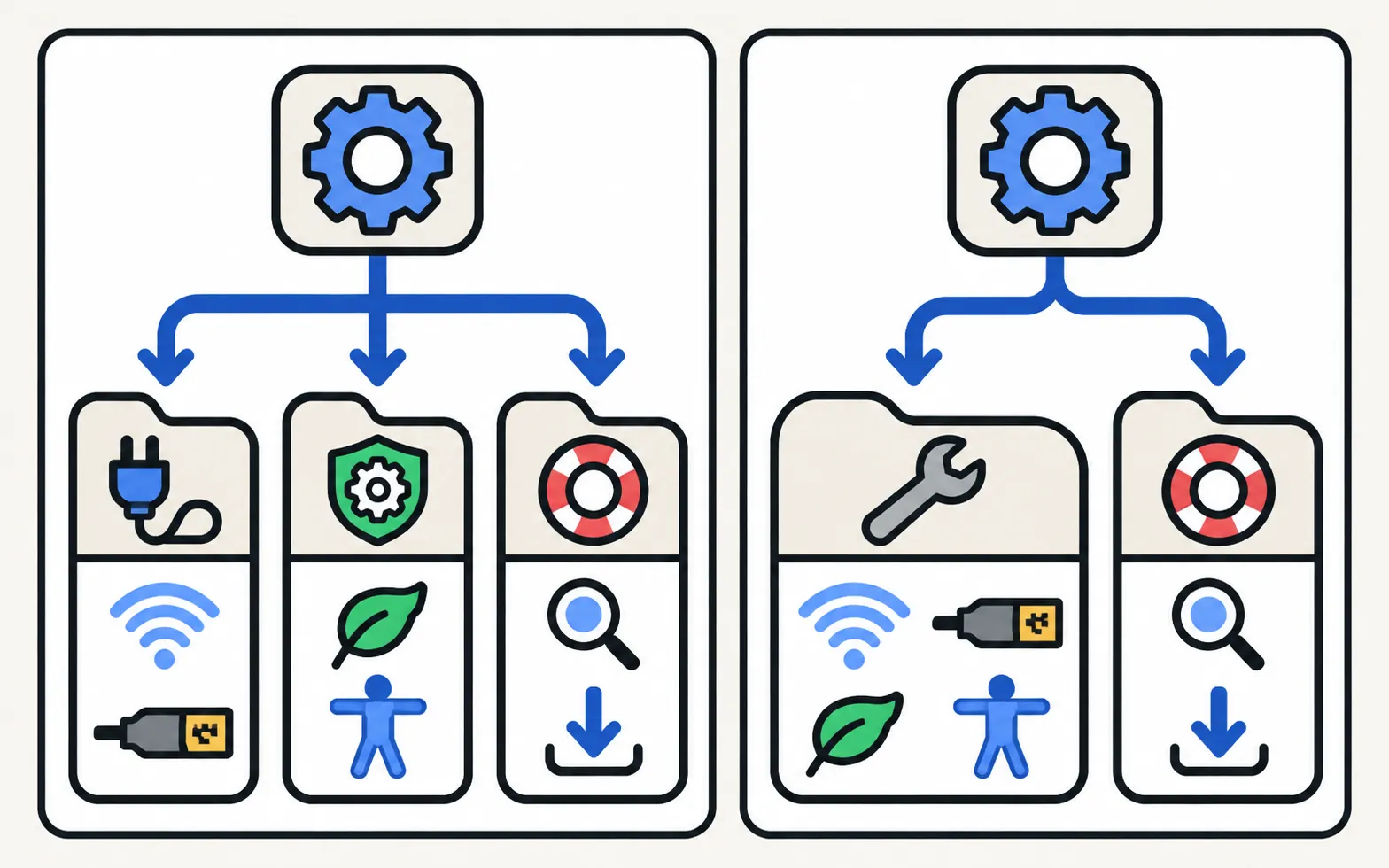
| Area | 2022 and newer | 2017–2021 |
|---|---|---|
| Network, external devices | Connection in All Settings (some items under General & Privacy) | General |
| Power and energy, accessibility, reset | General & Privacy | General |
| Updates, diagnostics, About TV | Support | Support |
Not sure of your TV’s year? Decode your model number.
Speed up a slow or freezing Samsung TV: cold boot, clear app cache in Device Care, delete unused apps, update the software and reset Smart Hub as a last step.

Factory reset a Samsung TV: the menu path for each year since 2013, default PIN 0000, what a reset erases, lighter resets first, and how without a remote.

Wrong menu language on a Samsung TV? Change it back (paths by year since 2013), even if you can't read the menus, plus audio, subtitle language and the clock.

Set up parental controls on a Samsung TV: Programme Rating Lock, App Lock and Channel Lock with paths for 2016–2026 models, the PIN, and what locks can't block.

The default Samsung TV PIN is 0000. Where the PIN is used (resets, app locks, parental controls), how to change it, and what to do if you forgot your own PIN.

Set a sleep timer on a Samsung TV, change or turn off Auto Power Off / Auto Power Saving, and understand the screen saver — with Samsung's menu paths.

Update a Samsung Smart TV: Auto Update, Update Now, or USB with the right file format and folder — plus fixes when the update is greyed out or fails.

Samsung TV looping adverts or resetting its settings? It's in store demo mode: set Usage Mode to Home Mode. What hotel mode is, and why no code is safe.

Turn subtitles or closed captions on or off on a Samsung TV: Caption Settings, the accessibility shortcut, and why apps and set-top boxes have their own.
Samsung TV reading out every menu and button press? Turn off Voice Guide in seconds with the accessibility shortcut (hold the volume button) or in Settings.

What Samsung TV Self Diagnosis and Device Care test (picture, sound, HDMI, signal, storage), where they are by year, and why to avoid the hidden service menu.

Watch two or four things at once on a Samsung TV with Multi View: Samsung's list of supported 2020–2025 models, how to open it, which sources work and sound.

Find a Samsung TV setting for your TV's year: Anynet+, Bluetooth, Game Mode, Power On with Mobile, Picture Test, reset and more, each from Samsung's pages.
0000, unless you changed it.
Under Settings, Support. On newer models Self Diagnosis sits inside Device Care.
Menus change by model year, region and software version. Our guides show paths per year with the Samsung page each comes from; check your TV's year with the model number decoder.