
How-to
Samsung TV hotel mode or store demo mode: how to turn it off
A TV that plays adverts on a loop and forgets your picture settings every time is in store demo mode. One setting puts it back to normal.
Quick answer
Open Settings › All Settings › General & Privacy › System Manager › Usage Mode and choose Home Mode, entering the PIN if asked (0000 by default). Samsung says a TV in retail or demo mode shows advertising videos on a loop or keeps reverting its settings to defaults. Hotel mode is different: it's a configuration of hospitality TVs, managed by the hotel or installer through the service menu, which we don't recommend changing.
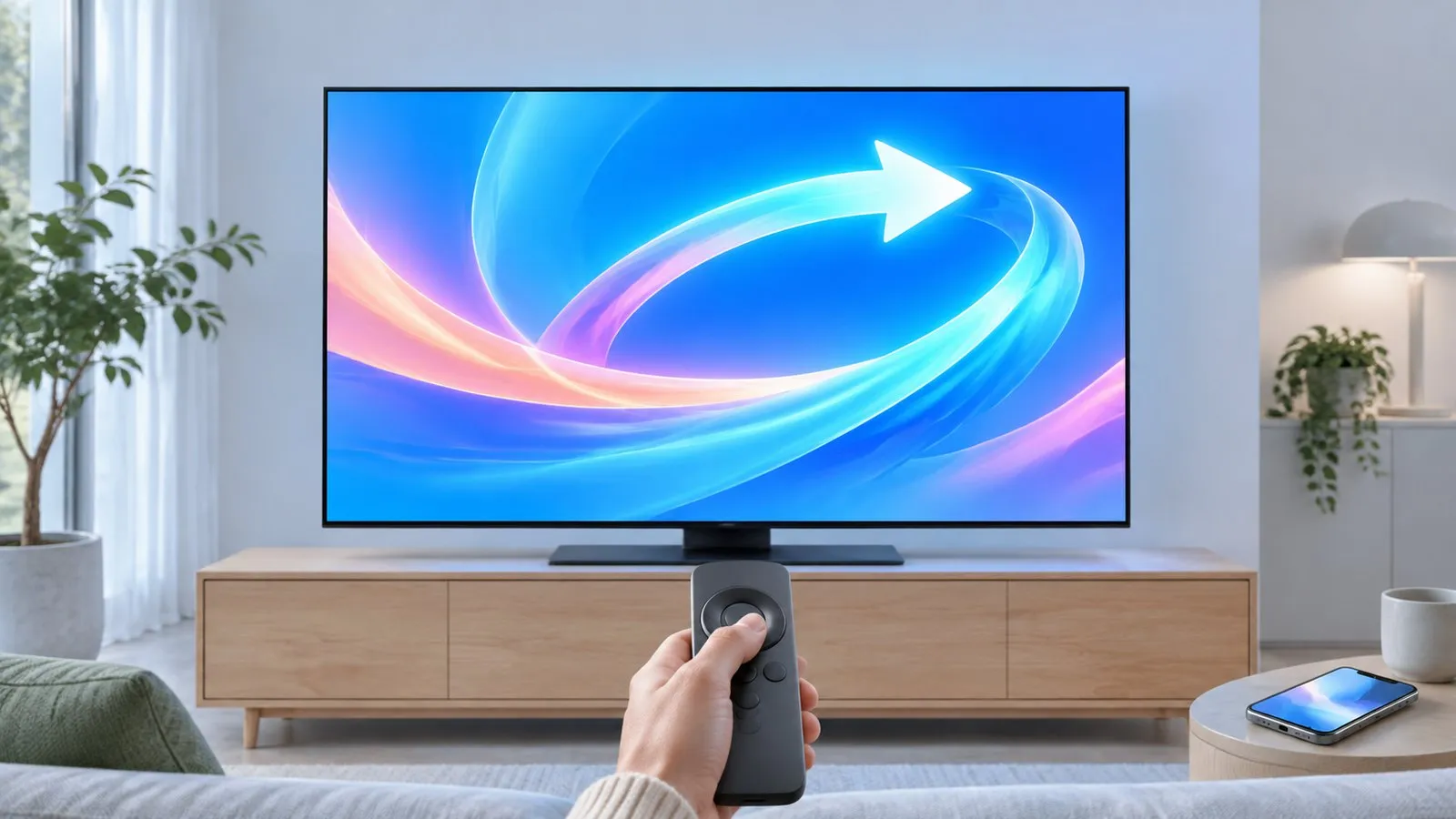
Is your TV in store demo mode?
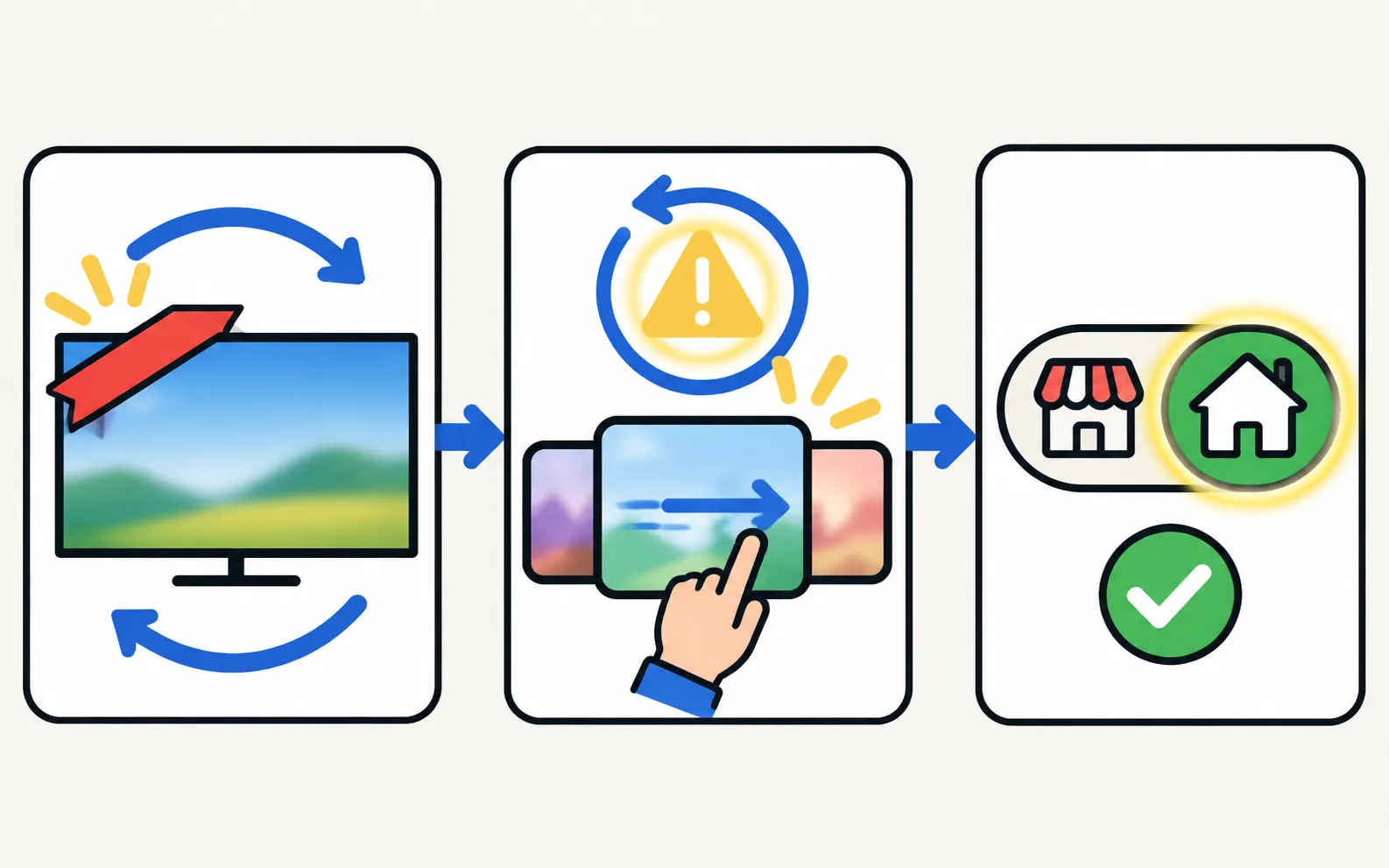
Samsung’s signs of retail (demo) mode:
- The TV plays advertising videos or feature banners on a loop.
- Settings keep reverting to their defaults — usually picture and sound — after a while or a restart.
Store mode exists so shops can show the TV off. At home you want Home Mode.
Switch to Home Mode
Not sure of your TV’s year? The model number decoder tells you in seconds.
TVs from 2022 and newer
TVs from 2017–2021
-
Open Usage Mode
Use the path for your TV’s year above. -
Enter the PIN if asked
Samsung’s default is 0000 (1111 on TVs sold in France and Italy). See Samsung TV PIN. -
Choose Home Mode
The demo stops and your settings stay put.
If your menus look different, Samsung suggests checking your model’s user manual — see find the user manual. Then set the picture up properly: picture settings.
Ex-display or second-hand TV
A shop’s demo unit may carry other store settings too. A factory reset clears them and runs the setup wizard as for a new TV — see factory reset and first-time setup.
Hotel mode is something else
Samsung makes dedicated hospitality TVs for hotels, and those are set up by the hotel’s installer. Restrictions such as a fixed start-up channel, a volume limit or locked menus come from that configuration, which lives in a technician menu rather than in the normal Settings.
We don’t publish service-menu codes: Samsung’s technician menus are meant for trained staff, and wrong values can affect the picture, power and warranty. If you bought a TV that behaves like a hotel TV, ask the seller or Samsung Support. More on what is safe to use: Self Diagnosis and the service menu.
Frequently asked questions
Usage Mode is greyed out. What can I do?
Owners report it can be greyed out while an app is open, so close apps and return to the home screen, then try again. If it stays greyed out, a factory reset runs the setup wizard again, where Home use can be chosen; contact Samsung Support if it persists.
Will switching to Home Mode delete anything?
Samsung's steps don't mention any data loss — the setting changes how the TV behaves, not what's installed.
I bought an ex-display TV. Should I reset it?
It's a good idea: a factory reset clears the store's settings and lets you run first-time setup as a new owner.
Is there a code to turn off hotel mode?
Hotel (hospitality) settings sit in a technician menu. Codes circulate online, but changing values there can affect picture, power and warranty, so we don't publish them. Ask the seller or Samsung Support.
Sources
- Samsung TV is stuck in retail store demo mode — Samsung US · Samsung · checked November 11, 2026
- How to use Parental Settings on a Samsung Smart TV or Smart Monitor — Samsung Singapore · Samsung · checked November 11, 2026
Related guides

Explainer
Diagnostics and service menu
What Samsung TV Self Diagnosis and Device Care test (picture, sound, HDMI, signal, storage), where they are by year, and why to avoid the hidden service menu.
How-to
Factory reset
Factory reset a Samsung TV: the menu path for each year since 2013, default PIN 0000, what a reset erases, lighter resets first, and how without a remote.
How-to
Samsung TV PIN
The default Samsung TV PIN is 0000. Where the PIN is used (resets, app locks, parental controls), how to change it, and what to do if you forgot your own PIN.
How-to
Best picture settings
The Samsung TV picture settings that matter: Movie or Filmmaker Mode, motion smoothing, automatic dimming and brightness for your room, and what to leave alone.
How-to
First-time setup
Set up a new Samsung Smart TV: pair the remote, pick language and network, decide on terms and privacy, scan channels or connect a box, then update.