
Nintendo Switch
Samsung TV shows no signal from a Switch 2 or Switch? Nintendo's checks (cable, AC adapter, direct connection, VRR), plus Game Mode and Input Signal Plus.
Topic
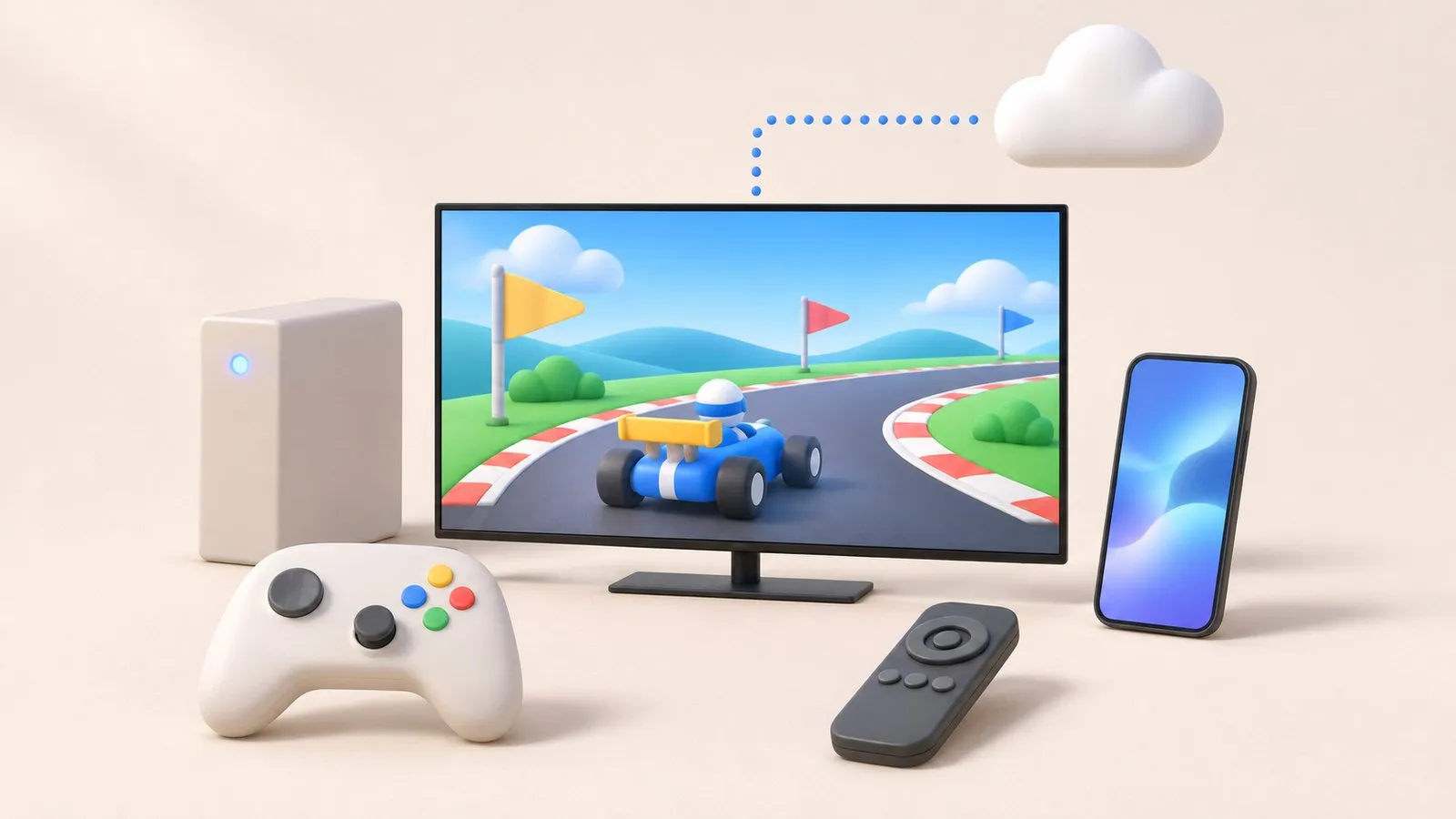
For consoles, turn on Game Mode (or Auto), use an HDMI port that supports your console's output, enable Input Signal Plus for it, and set 120 Hz and VRR on the console if your TV supports them — many entry Samsung TVs are 60 Hz. Without a console, Samsung Gaming Hub streams cloud games on select 2022 and newer TVs with a Bluetooth controller.
| Task or problem | Guide |
|---|---|
| Lower input lag, open the Game Bar | Game Mode |
| 4K 120 Hz, VRR and HDR for PS5 and Xbox | PS5 and Xbox settings |
| Switch shows no signal or looks wrong | Nintendo Switch |
| Play without a console | Samsung Gaming Hub |
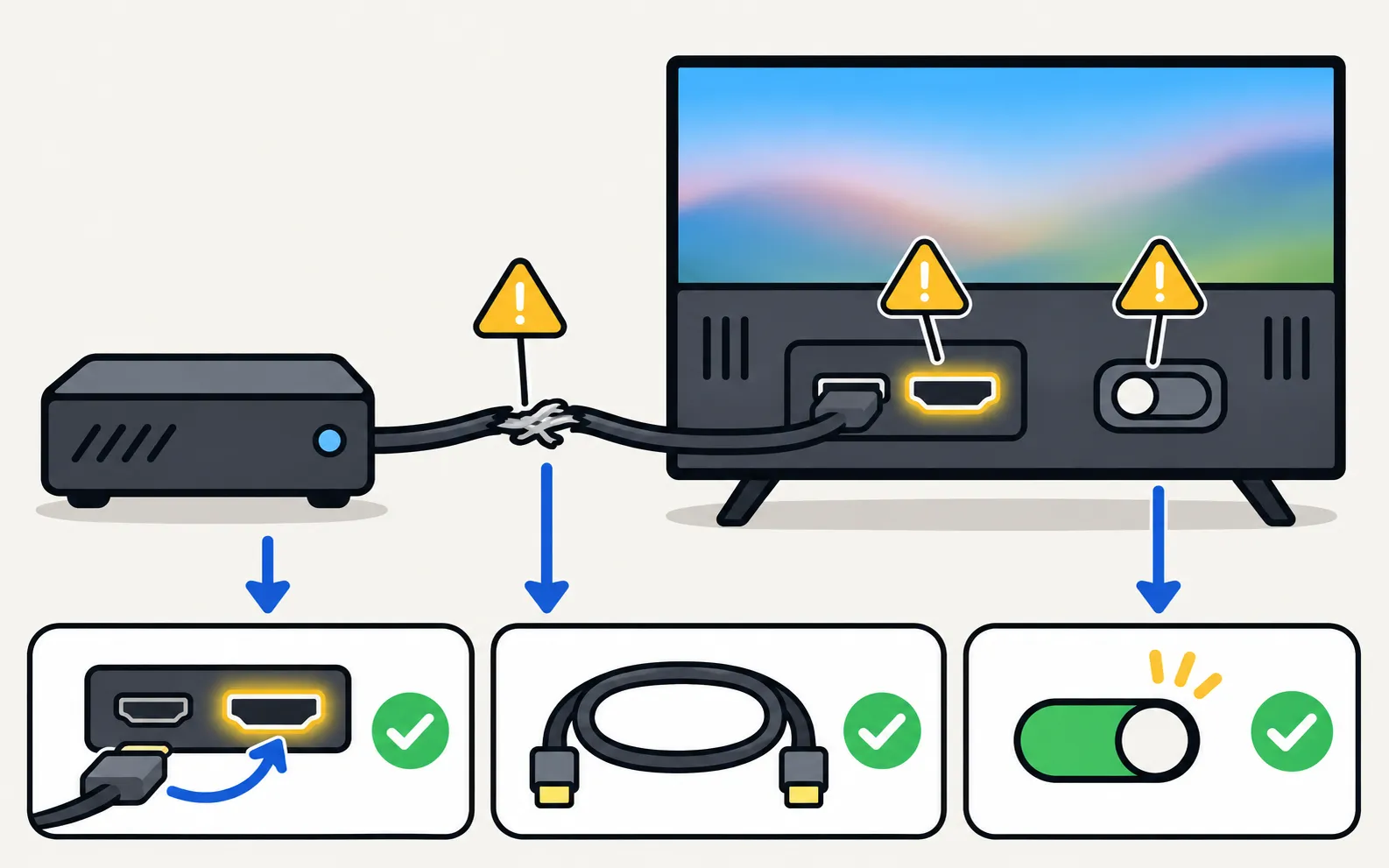
Many “gaming problems” are HDMI problems: the wrong port, an old cable or a disabled Input Signal Plus. Start with HDMI no signal if the picture drops at high refresh rates, and audio out of sync if a soundbar lags behind.
Samsung TV shows no signal from a Switch 2 or Switch? Nintendo's checks (cable, AC adapter, direct connection, VRR), plus Game Mode and Input Signal Plus.
Turn on Game Mode on a Samsung TV (paths 2016–2025), make it switch on automatically, open the Game Bar and cut input lag without ruining the picture.
Set up a PS5 or Xbox Series X|S on a Samsung TV: HDMI port, Game Mode, Input Signal Plus, 4K 120 Hz and VRR on capable models, HDR and audio settings.
What Samsung Gaming Hub is, which TVs have it, what you need (controller, subscription, fast internet) and how to make cloud gaming smooth without a console.
Models with HDMI 2.1, 120 Hz or higher and VRR — typically Neo QLED, OLED and step-up QLED series. Check measured input lag in independent reviews.
Samsung says Game Mode is activated automatically when you connect a console such as Xbox, PlayStation or Nintendo Switch.