
Explainer
Samsung Gaming Hub: Xbox app, GeForce NOW and cloud gaming
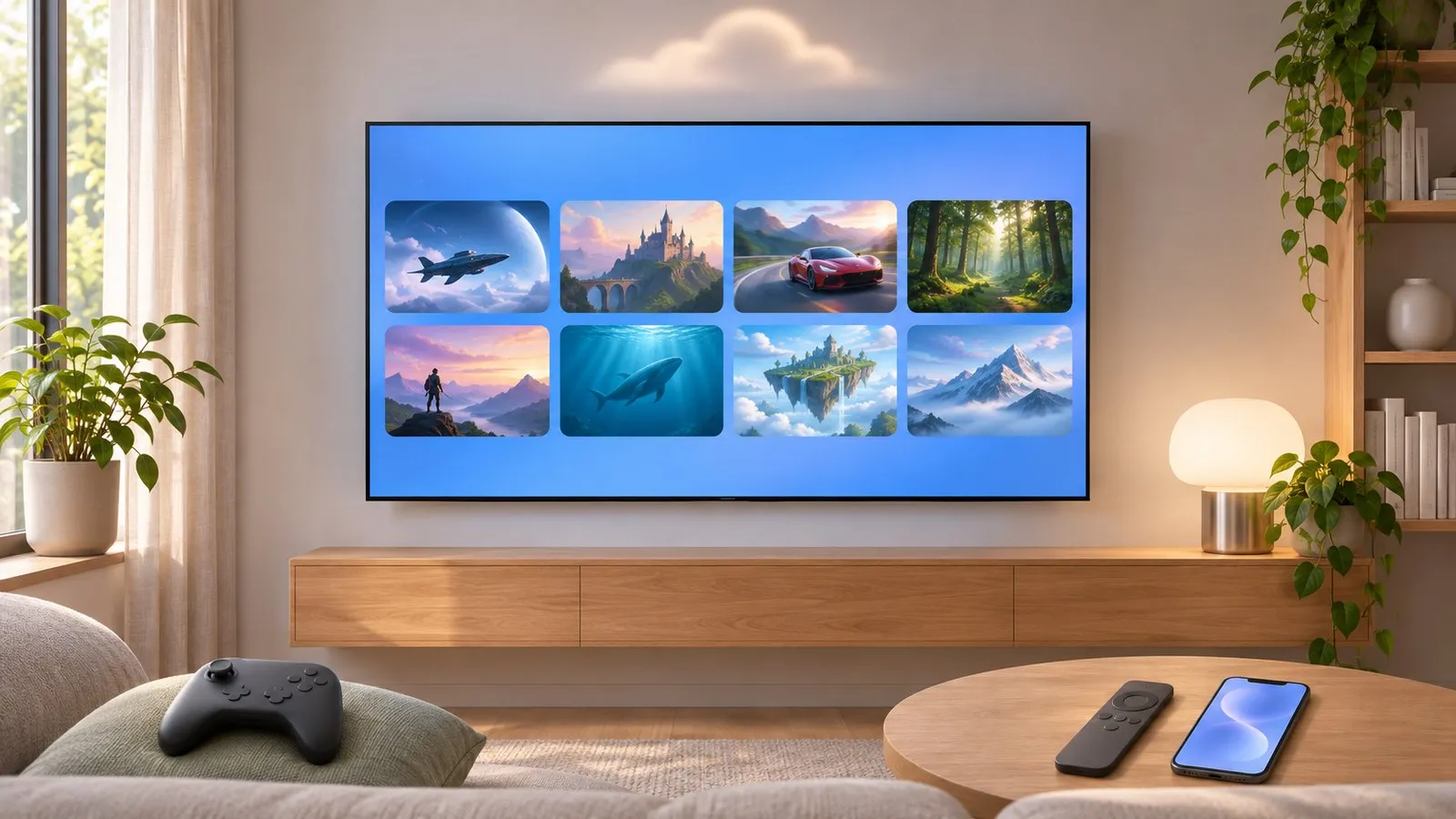
Gaming Hub turns a Samsung TV into a cloud-gaming screen: the games run on servers, and the TV streams them. You need a controller, a subscription and a good connection.
Quick answer
Samsung Gaming Hub gathers cloud-gaming services such as Xbox Cloud Gaming and NVIDIA GeForce NOW on Samsung Smart TVs. Samsung says it's supported on select models released since 2022 (some 2021 models received apps too), with availability varying by country. You need a compatible Bluetooth controller, a subscription to the service, and a fast, stable internet connection — Ethernet or strong 5 GHz Wi-Fi.
What you need
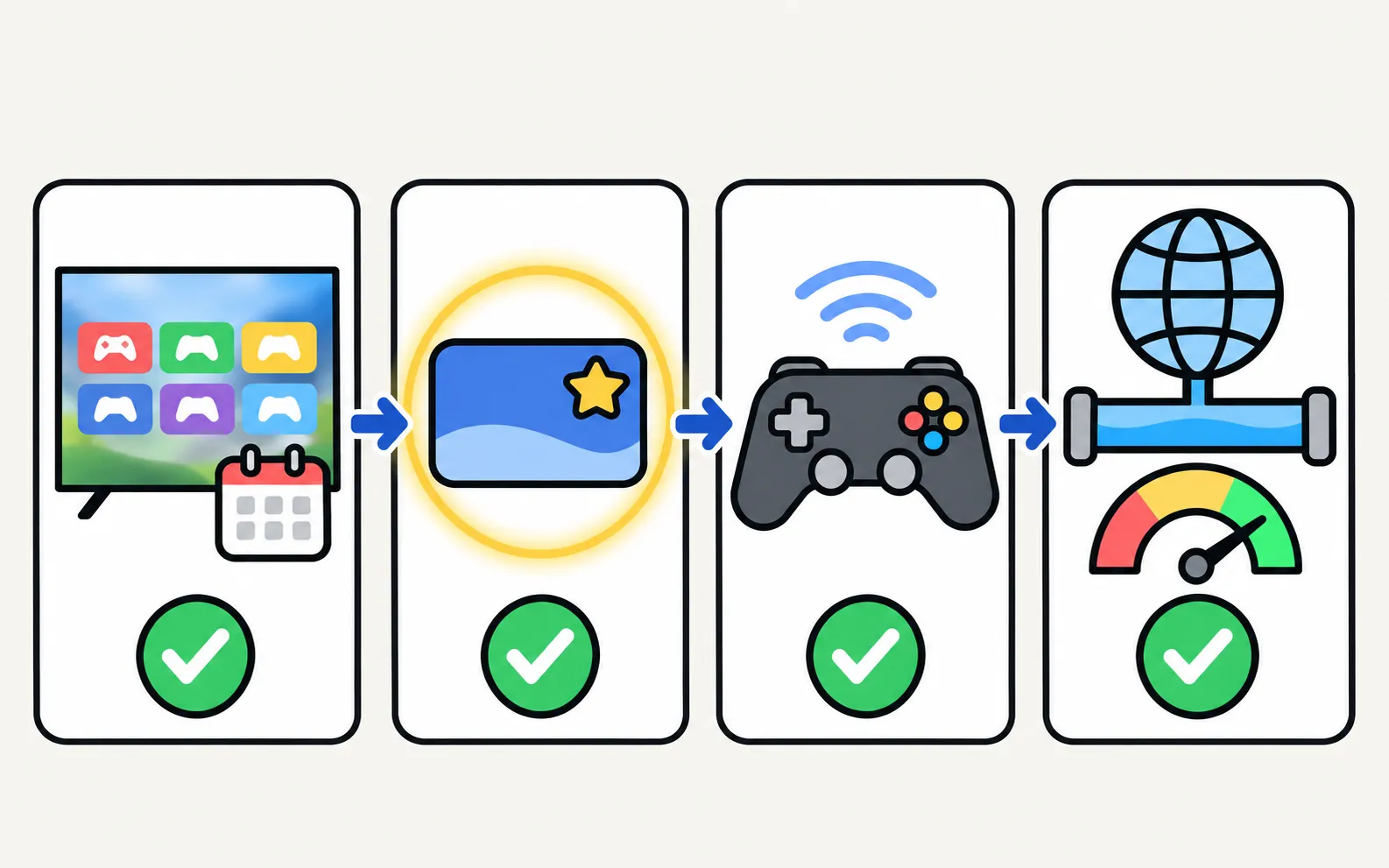
- A Samsung TV with Gaming Hub — Samsung says select Smart TV models released since 2022, with features varying by country and model.
- A subscription to the cloud service you want (each service has its own plans).
- A compatible Bluetooth controller.
- A fast, stable internet connection.
Get started
-
Open Gaming Hub
From the home screen (often a Gaming or Gaming Hub tile). -
Pick a service
Sign in with your account for that service. -
Pair a controller
Put it in pairing mode and add it from the TV’s Bluetooth list (paths by year in keyboard and mouse; no Bluetooth list? see does my TV have Bluetooth). -
Start a game
The TV streams it from the cloud.
Make it smoother
- Wire the TV: Ethernet removes most Wi-Fi jitter (connect to the internet).
- Router close by: if wireless, use 5 GHz and keep the router near.
- Quiet the network: pause big downloads and other streams while playing.
- Controller latency: keep the controller close to the TV.
Cloud gaming vs console
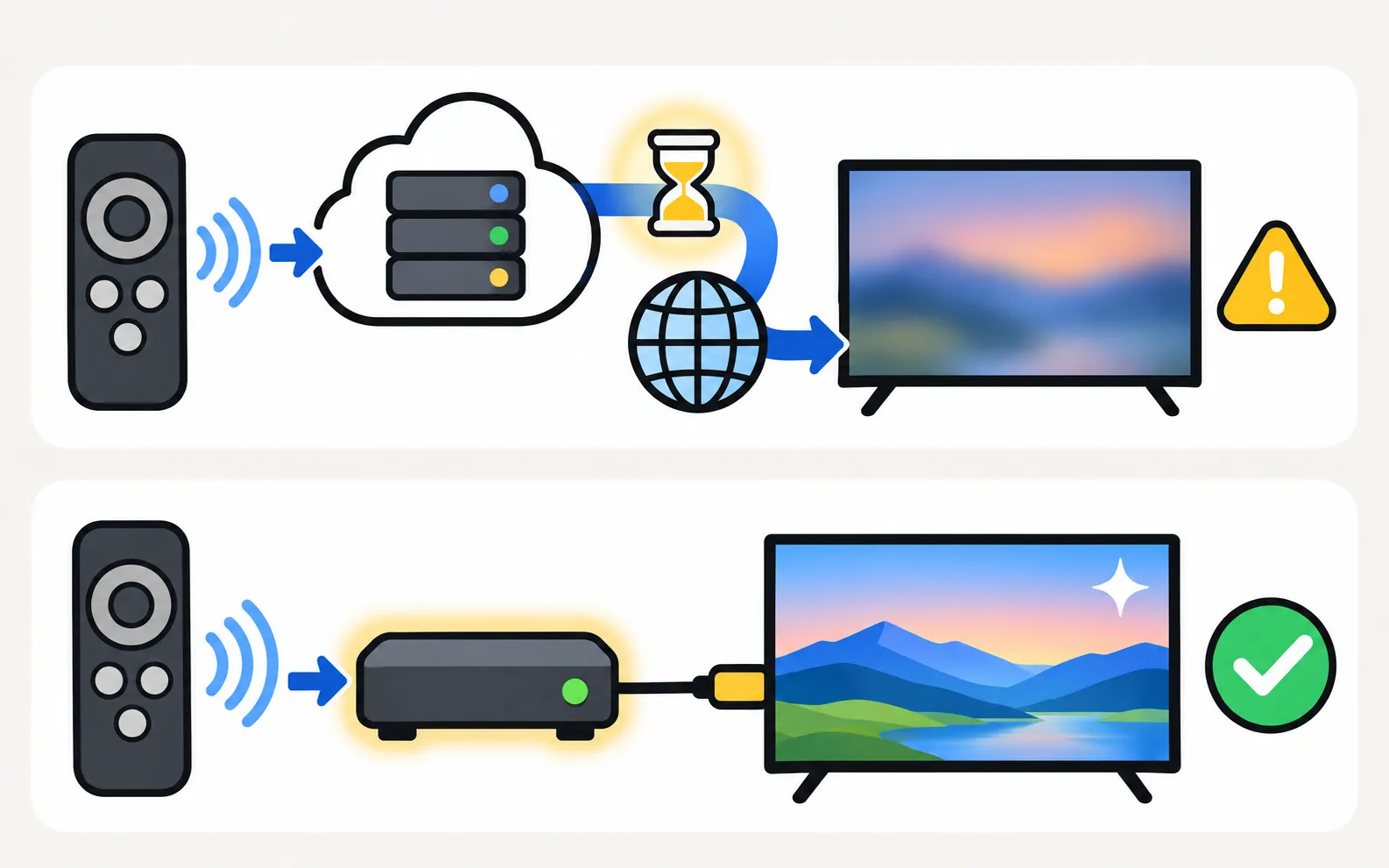
| Gaming Hub (cloud) | Console on HDMI | |
|---|---|---|
| Hardware | Controller only | Console + controller |
| Picture | Compressed stream; depends on internet | Native output, up to 4K 120 Hz on capable TVs |
| Lag | Network-dependent | Low with Game Mode |
| Cost | Subscription | Console + games or subscription |
For consoles: Game Mode and PS5 and Xbox settings. Slow or buffering connections: buffering fixes.
Frequently asked questions
Do I need a console for Gaming Hub?
No — games stream from the cloud. You need a supported controller and the service's subscription.
Which controllers work?
Samsung lists a compatible Bluetooth controller as a requirement; popular console controllers are commonly supported. Pair it in the TV's Bluetooth settings.
Why is cloud gaming laggy?
Cloud gaming is very sensitive to your internet connection. Use Ethernet or strong 5 GHz Wi-Fi, close other heavy downloads and check the service's speed requirements.
Is Gaming Hub on my 2020 TV?
Samsung's current statement covers select models since 2022; some 2021 models received cloud-gaming apps. Check the Gaming Hub area or app store on your TV.
Sources
- Samsung Gaming Hub (requirements and supported models) — Samsung Canada · Samsung · checked November 11, 2026
- Connect a Keyboard & Mouse to your Samsung TV — Samsung Australia · Samsung · checked November 11, 2026
Related guides
How-to
Game Mode
Turn on Game Mode on a Samsung TV (paths 2016–2025), make it switch on automatically, open the Game Bar and cut input lag without ruining the picture.
Topic
Gaming
Gaming on a Samsung TV: Game Mode and Game Bar, PS5 and Xbox settings for 4K 120 Hz and VRR, Nintendo Switch fixes and cloud gaming with Samsung Gaming Hub.
Troubleshooting
Buffering and slow internet
Samsung TV keeps buffering? Check the speed you need (Samsung: 25 Mbps for 4K), test the connection, move to 5 GHz or Ethernet and ease the router's load.

How-to
Bluetooth headphones
Pair Bluetooth headphones, earbuds or AirPods with a Samsung TV: pairing mode, the Bluetooth Speaker List path by year since 2015, two at once, lip-sync fixes.
How-to
Keyboard and mouse on a Samsung TV
Stop typing passwords letter by letter. Use your phone's keyboard, a USB keyboard and mouse, or a Bluetooth keyboard on a Samsung TV — with paths by year.