
Troubleshooting
Samsung TV Bluetooth not showing: does my TV have Bluetooth?
Samsung hides Bluetooth inside Sound Output for headphones and in Connection or External Device Manager for keyboards — and some models don't have Bluetooth at all.
Quick answer
On Samsung TVs, Bluetooth headphones and speakers are found under Sound, Sound Output, Bluetooth Speaker List (2018 and newer; Speaker List on 2017), not in a general Bluetooth menu. Keyboards and mice live under Connection (2023+) or External Device Manager (2017–2022). If neither list exists, your model may not have Bluetooth audio — check its specifications — and a Bluetooth transmitter on the optical port is the workaround.
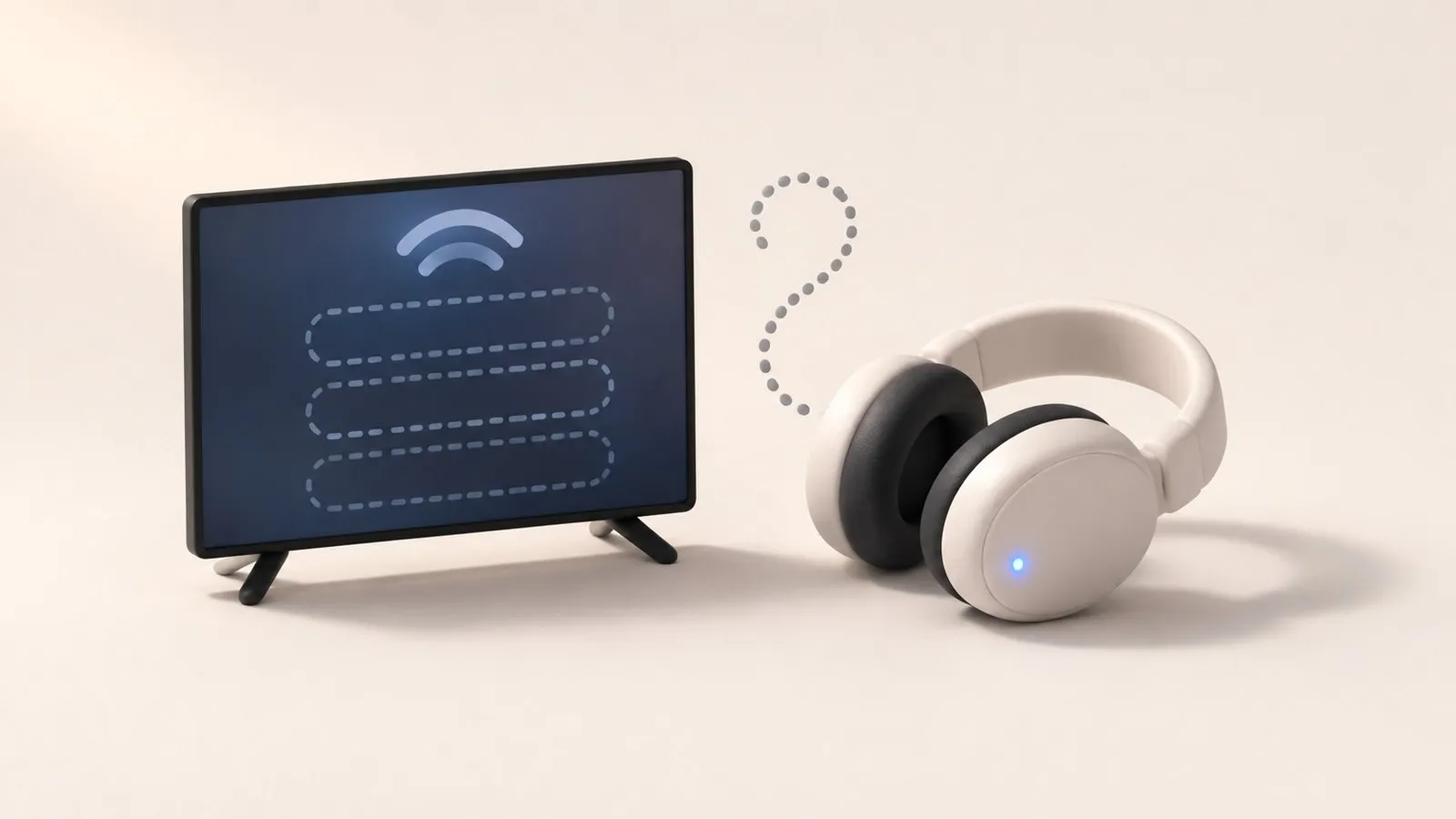
Where Samsung puts Bluetooth
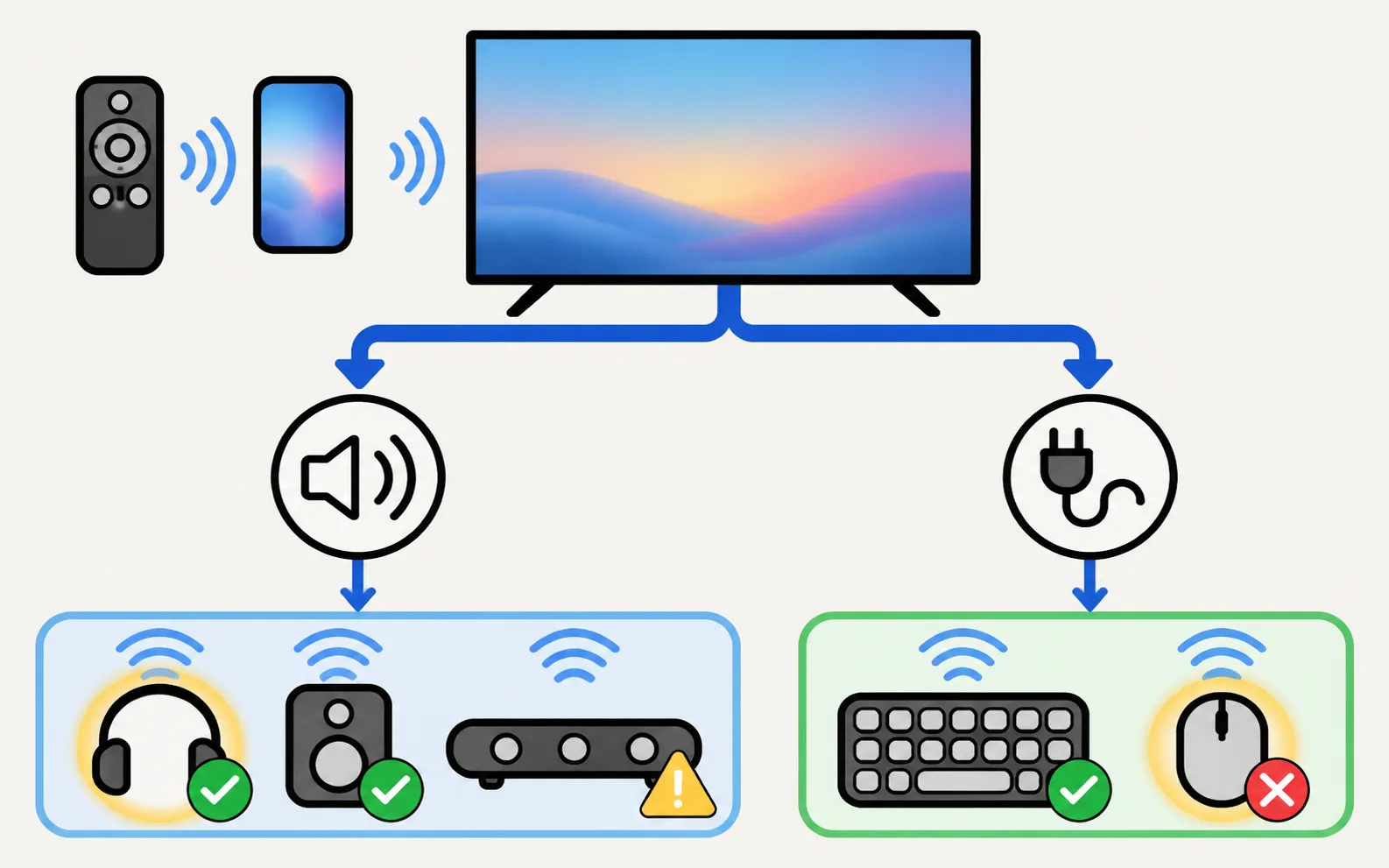
There isn’t one Bluetooth menu. It depends on what you connect:
| Device | Where to look | Source |
|---|---|---|
| Headphones, speakers (2023–2026) | Samsung AU | |
| Headphones, speakers (2018–2021) | Samsung AU | |
| Headphones, speakers (2017) | Samsung AU | |
| Keyboard, mouse (2023–2024) | Samsung AU | |
| Keyboard, mouse (2018–2021) | Samsung AU |
Other years and 2015–2016 paths: Bluetooth headphones and keyboard and mouse.
If the list is missing
-
Confirm the model year
Menus differ by year — decode your model number. -
Check the specifications
Search your exact model code on Samsung’s site and look for Bluetooth. Samsung’s own guide says to check the specs for Bluetooth audio capability. -
Update the software
A missing menu can be a software glitch — software update.
Bluetooth support differs even within a series: RTINGS notes that the 2017 MU6290 Black Friday variant had no Bluetooth, unlike the regular MU6300. Samsung’s spec sheet for the 2021 AU7000 (Caribbean model) lists Bluetooth audio. Features by year are collected in Samsung TV features by year.
No Bluetooth on your TV?
- Bluetooth transmitter: a small adapter on the TV’s optical or headphone output sends sound to Bluetooth headphones.
- Wired headphones: into the headphone jack, if the TV has one.
- Soundbar with headphone or Bluetooth output.
- Streaming stick: some add their own Bluetooth audio for content played through them.
Frequently asked questions
How do I know if my Samsung TV has Bluetooth?
Check the specifications for your exact model code on Samsung's site — look for Bluetooth or Bluetooth Audio. Samsung's own guide says to check the specs to confirm Bluetooth audio capability.
Does every TV in a Samsung series have Bluetooth?
Not always. RTINGS notes, for example, that the 2017 Black Friday MU6290 variant lacked the Bluetooth of the regular MU6300.
My headphones don't appear even though the list exists. Why?
Put them in pairing mode (not just on), move them closer and select Refresh. Samsung notes some headphones made only for mobile devices won't pair with its TVs.
Sources
- Connect Bluetooth Headphones to your Samsung TV (menu paths 2015–2026) — Samsung Australia · Samsung · checked November 11, 2026
- Connect a Keyboard & Mouse to your Samsung TV — Samsung Australia · Samsung · checked November 11, 2026
- Samsung MU6300 review — RTINGS.com · Reference · checked November 11, 2026
- 32-inch LED HD T4300 (UN32T4300APXPA) specifications — Samsung Caribbean · Samsung · checked November 11, 2026
- 55-inch Crystal UHD 4K AU7000 (UN55AU7000PXPA) specifications — Samsung Caribbean · Samsung · checked November 11, 2026
Related guides

How-to
Bluetooth headphones
Pair Bluetooth headphones, earbuds or AirPods with a Samsung TV: pairing mode, the Bluetooth Speaker List path by year since 2015, two at once, lip-sync fixes.
How-to
Connect a soundbar
Four ways to connect a soundbar, receiver or speakers to a Samsung TV (HDMI ARC/eARC, optical, Bluetooth, Wi-Fi), which to choose and how to set Sound Output.
Tool
Features by year
Check which Samsung TV years support AirPlay, Google Cast, Bluetooth audio, eARC, 4K 120 Hz/VRR and Power On with Mobile — every cell sourced, unknowns marked.
Tool
Model code decoder
Type your Samsung TV model code to see its model year, size, series, region and what the Samsung TV Remote app can do on it. Covers 2010–2026 codes.
How-to
Keyboard and mouse on a Samsung TV
Stop typing passwords letter by letter. Use your phone's keyboard, a USB keyboard and mouse, or a Bluetooth keyboard on a Samsung TV — with paths by year.