
How-to
Connect Bluetooth headphones or AirPods to a Samsung TV
Late-night films without waking the house: pair your headphones with the TV in a minute. Here is the path for your TV's year.
Quick answer
Put the headphones in pairing mode, then on the TV open Sound Output and select Bluetooth Speaker List: Settings, All Settings, Sound, Sound Output on 2022–2026 TVs, or Settings, Sound, Sound Output on 2018–2021 TVs. Choose the headphones and select Pair and connect. AirPods pair the same way — hold the case button until the light flashes white. Your TV must have Bluetooth audio.
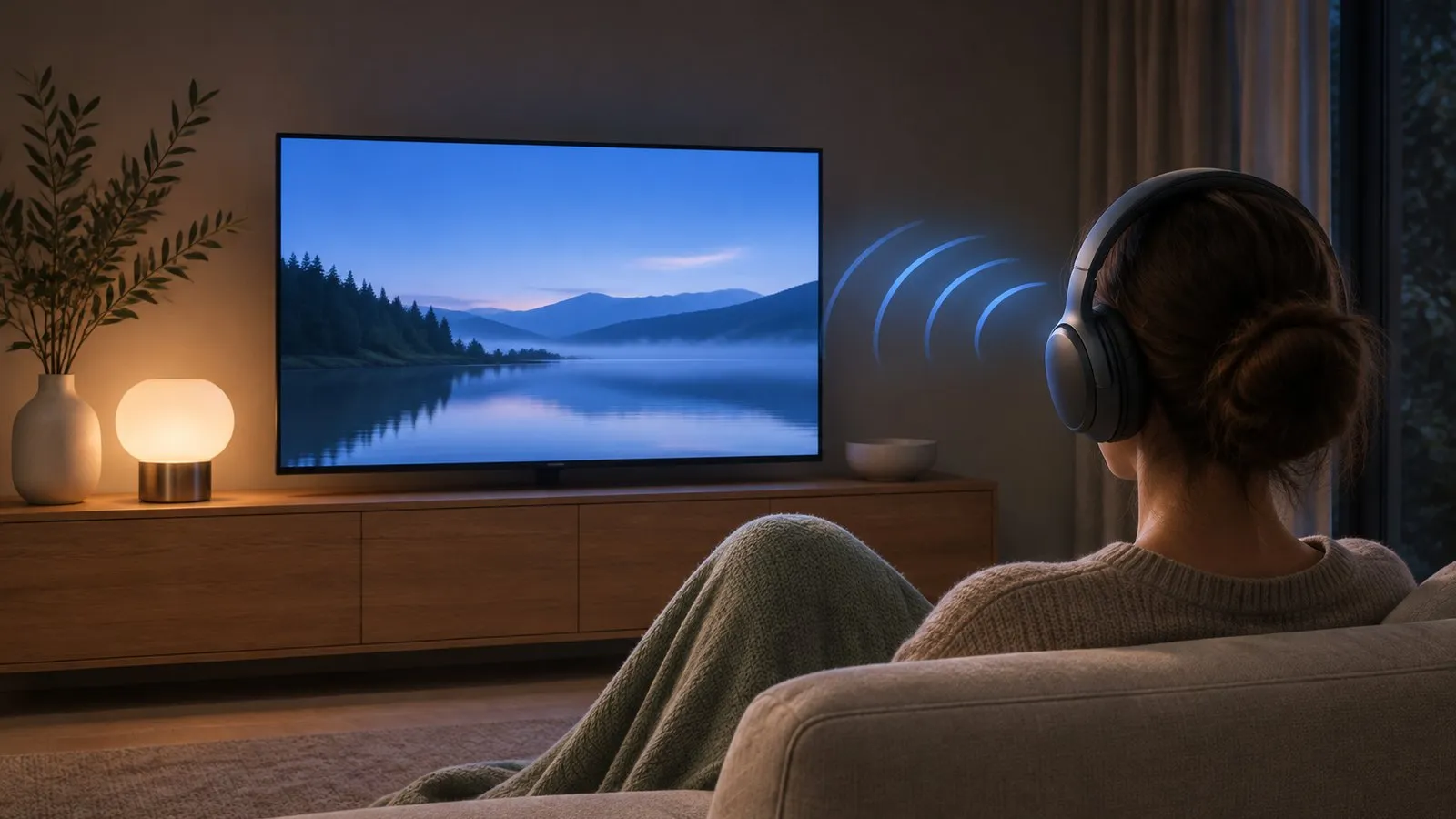
Before you start
- Your TV has Bluetooth audio (check its specifications — see Bluetooth not showing if you can’t find the menu).
- The headphones are charged and in pairing mode, not just switched on.
- The headphones are near the TV and not connected to your phone at the same moment.
Pair the headphones
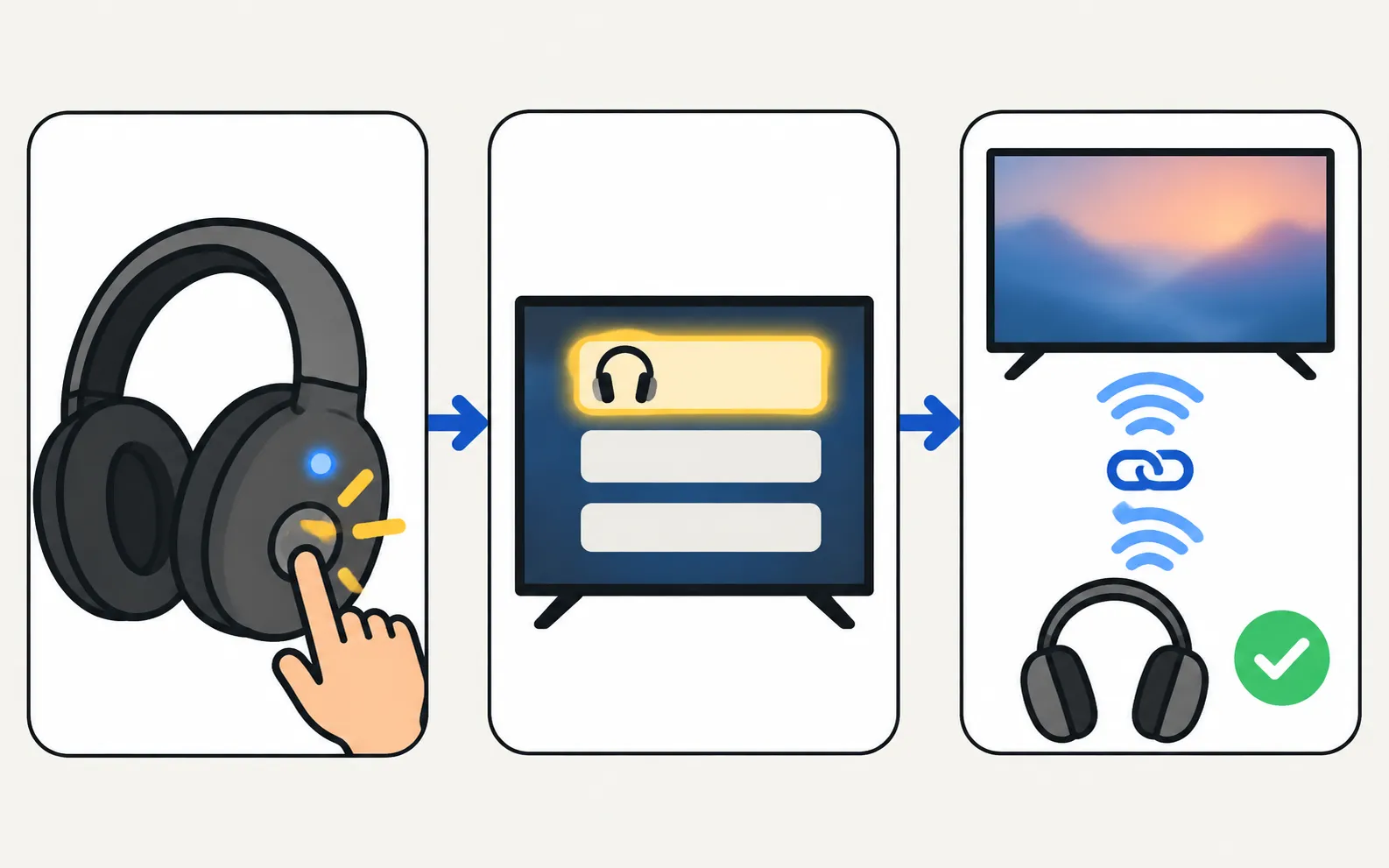
-
Put the headphones in pairing mode
Usually a long press on the power or Bluetooth button until a light flashes. AirPods: open the case lid with the AirPods inside, then press and hold the button on the back of the case until the light flashes white. -
Open the Bluetooth list on the TV
Use the path for your TV’s year below. -
Select the headphones
They appear in the list as needing pairing. Select them, then Pair and connect. -
Play something
Sound now comes from the headphones. Use the TV remote’s volume keys.
Menu names depend on the model year. Not sure which year your TV is? Decode your model number first.
TVs from 2023 and newer
TVs from 2022
TVs from 2018–2021
TVs from 2017
TVs from 2015–2016
- 2016:
- 2015:
Next time, just switch the headphones on: the TV reconnects to the last device and moves the sound over. When the headphones are switched off, the sound returns to the TV speakers.
Two headphones at once
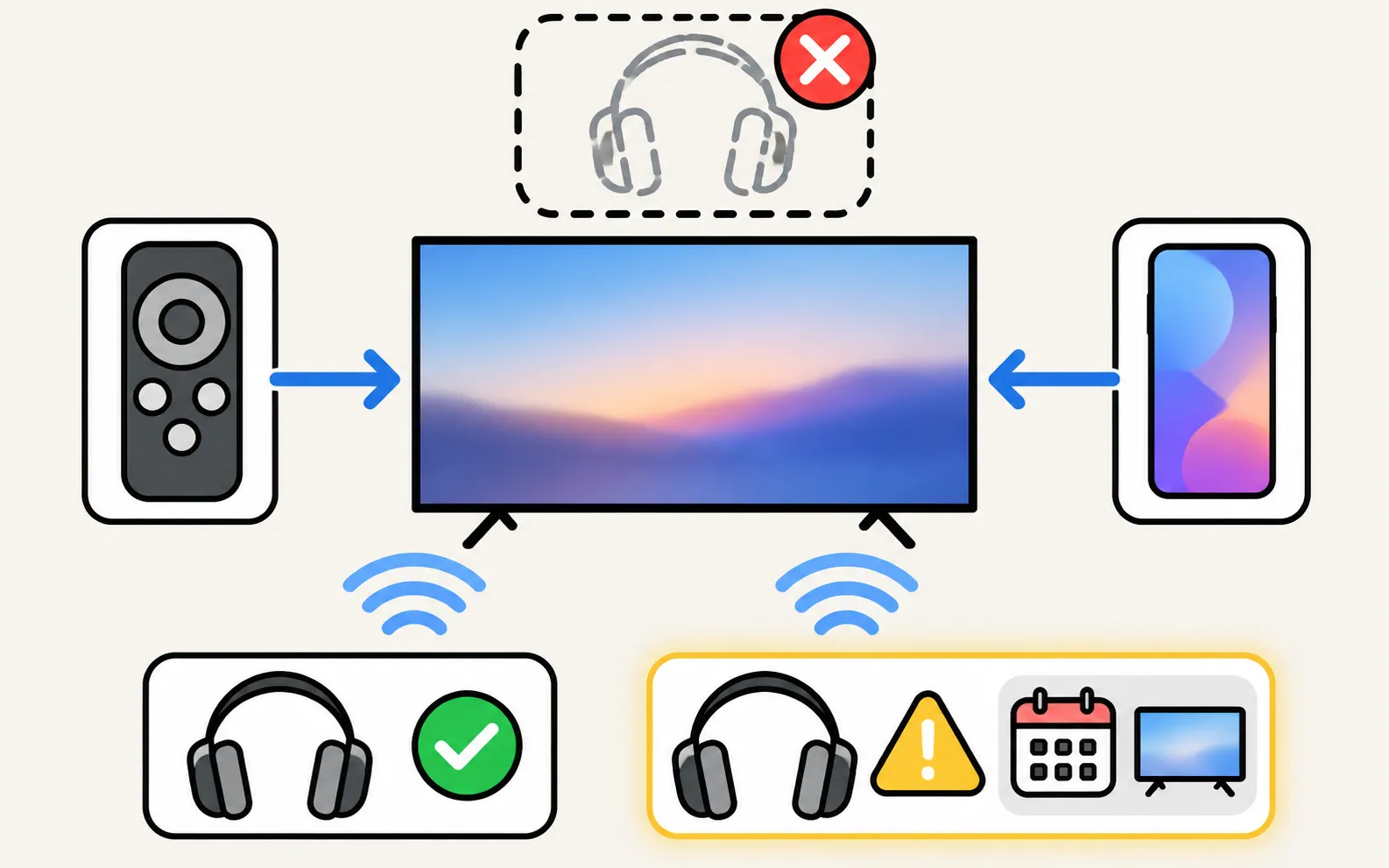
Samsung’s UAE support guide says Smart TVs made from 2022 can connect two Bluetooth audio devices, while its Australian guide still says one device at a time — so it depends on your model and software. Pair the first pair of headphones, then check whether the Bluetooth list offers to add a second device. Older TVs play through one Bluetooth device at a time.
Fix common problems
- Not in the list: bring the headphones closer, put them back in pairing mode and select Refresh. Disconnect them from your phone first.
- Won’t pair at all: Samsung notes that some headphones designed only for mobile devices don’t connect to its TVs.
- Sound drops out: Bluetooth range shrinks through walls and furniture; Samsung warns the connection may drop depending on distance.
- Lip-sync delay: Bluetooth always adds some delay. Look for an audio delay or AV sync option in the TV’s Sound settings, and see audio out of sync.
- No sound after connecting: check that Sound Output shows the headphones, and that the headphones’ own volume is up.
No Bluetooth on your TV?
- Use wired headphones in the TV’s headphone jack, if it has one.
- Add a small Bluetooth transmitter to the TV’s optical or headphone output.
- Plug headphones into a soundbar that supports them.
- Some streaming devices and their apps offer private listening through a phone.
Frequently asked questions
Can I connect two pairs of Bluetooth headphones?
Samsung says its Smart TVs from 2022 can connect two Bluetooth audio devices. Older models connect one at a time.
Why is the sound out of sync with headphones?
Bluetooth adds a delay. Samsung's guide warns that lip-sync errors may occur. Try the TV's audio delay settings, keep the headphones close to the TV, or use headphones with a low-latency mode.
My headphones don't appear in the list. Why?
Make sure they're in pairing mode (not just switched on), move them closer to the TV and select Refresh. Samsung also notes that some headphones made for mobile devices won't pair with a TV.
Can I hear the TV speakers and the headphones at the same time?
Usually not: Sound Output plays through one destination. Some models offer extra options for this; check your TV's Sound Output list.
Does my Samsung TV have Bluetooth?
Most Smart TVs from the last several years do, but not every model, especially entry-level ones. Check your model's specifications for Bluetooth audio, or see the guide on Bluetooth not showing.
Sources
- Connect Bluetooth Headphones to your Samsung TV (menu paths 2015–2026) — Samsung Australia · Samsung · checked November 11, 2026
- How to connect two Bluetooth headphones to a Samsung TV — Samsung UAE · Samsung · checked November 11, 2026
Related guides
Troubleshooting
Bluetooth not showing
Can't find Bluetooth on your Samsung TV? Where the Bluetooth list is for your TV's year, whether your model has Bluetooth audio at all, and what to do if not.

Troubleshooting
Audio delay
Voices out of sync on a Samsung TV? Find out if the source, a soundbar or Bluetooth causes it, then use Audio Delay, the soundbar's sync setting or a cable.

Troubleshooting
No sound
Samsung TV picture but no sound? Check mute and Sound Output, run the built-in Sound Test, rule out Bluetooth and soundbars, reseat HDMI and cold-boot the TV.
How-to
Connect a soundbar
Four ways to connect a soundbar, receiver or speakers to a Samsung TV (HDMI ARC/eARC, optical, Bluetooth, Wi-Fi), which to choose and how to set Sound Output.
Tool
Features by year
Check which Samsung TV years support AirPlay, Google Cast, Bluetooth audio, eARC, 4K 120 Hz/VRR and Power On with Mobile — every cell sourced, unknowns marked.