
Troubleshooting
Samsung TV no sound: fixes when the picture works
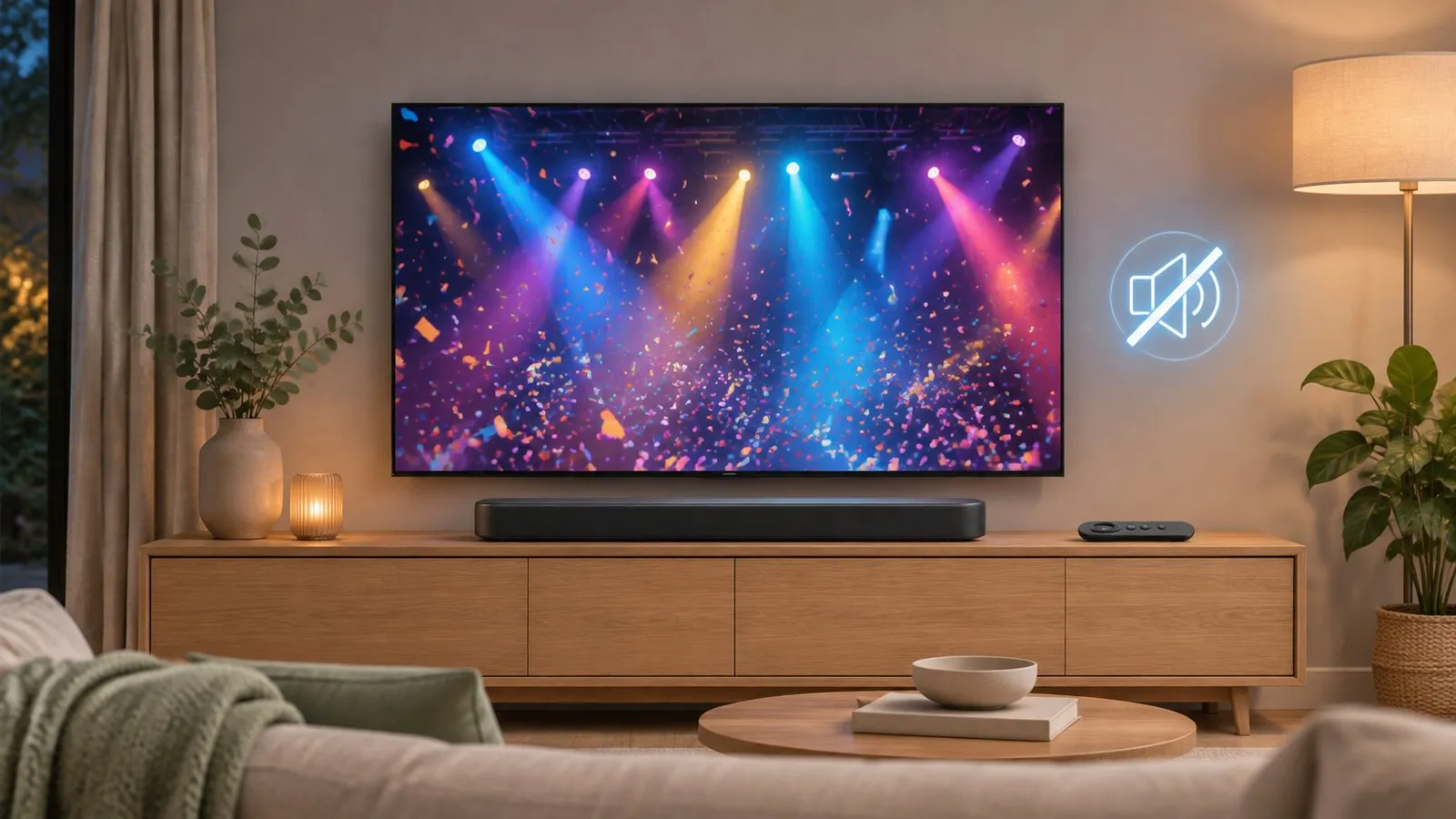
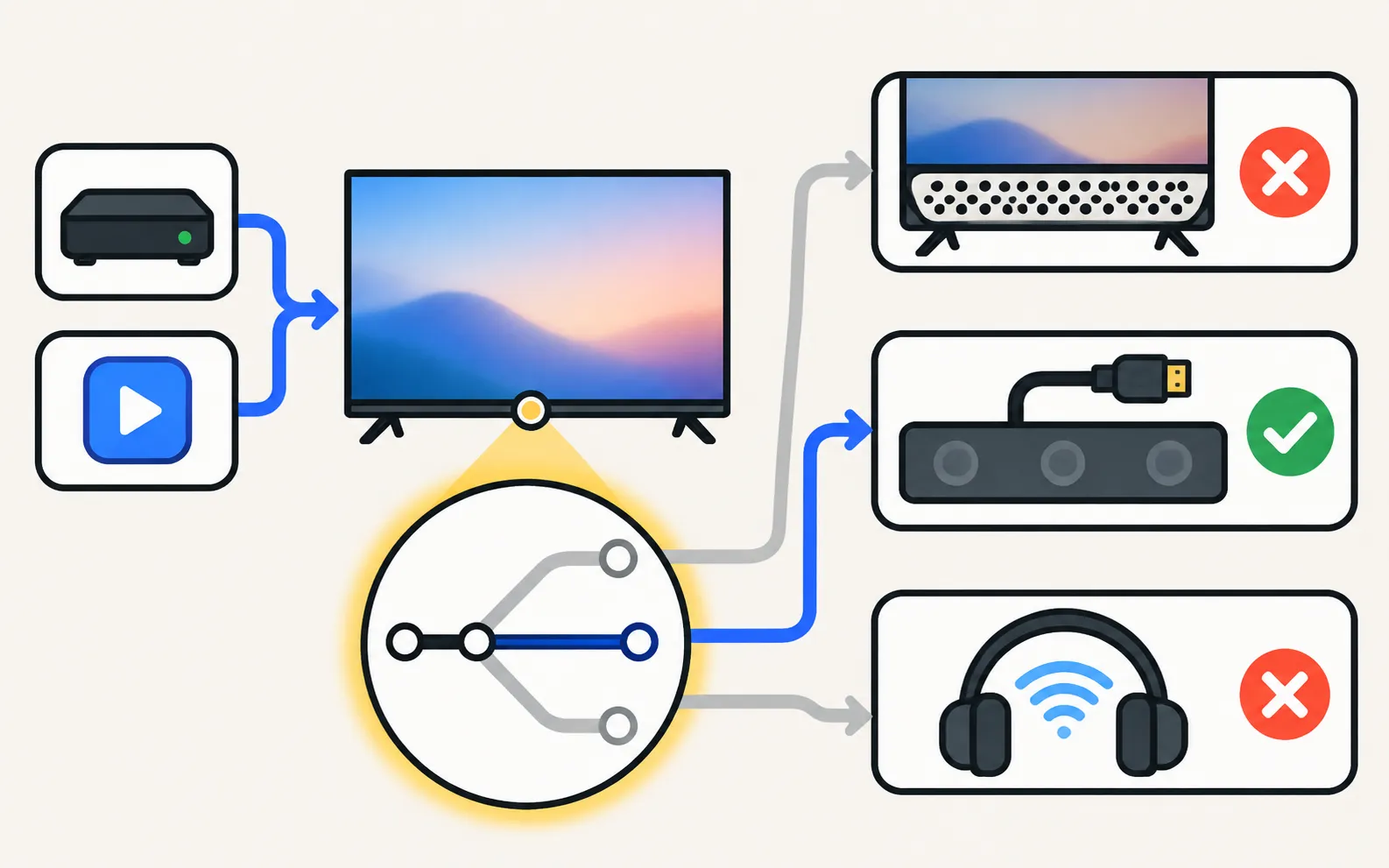
Most silent Samsung TVs are sending their sound somewhere else — to a soundbar, Bluetooth headphones or an HDMI device. Find where it went, then test the speakers.
Quick answer
Check that the TV isn't muted, then open Settings, Sound, Sound Output and select TV Speaker — sound is often going to a soundbar or Bluetooth device. Run the Sound Test (Support, Device Care, Self Diagnosis): if the test tone is silent, the TV needs service; if it plays, the problem is the source, cable or app. Cold-boot the TV by holding the remote's power button until it restarts.
1. The quick checks
- Mute and volume: press volume up and check the screen for a mute symbol. Check the source device’s volume too (cable box, console, streaming stick).
- Another channel or app: if sound is missing only in one programme or app, the problem is that content or app, not the TV.
- Headphones: a wired or Bluetooth headphone connection can take over the sound.
2. Check where the sound goes
Paths changed between model years, so check which year your Samsung TV is before you start.
Samsung TVs send sound to one output: TV speakers, a soundbar, an optical device or Bluetooth headphones. Open Sound Output and select TV Speaker:
TVs from 2022 and newer
TVs from 2017–2021
If the TV switches back to a soundbar or headphones on its own, those devices are turning on through Anynet+ or Bluetooth — switch them off while testing.
3. Run the Sound Test
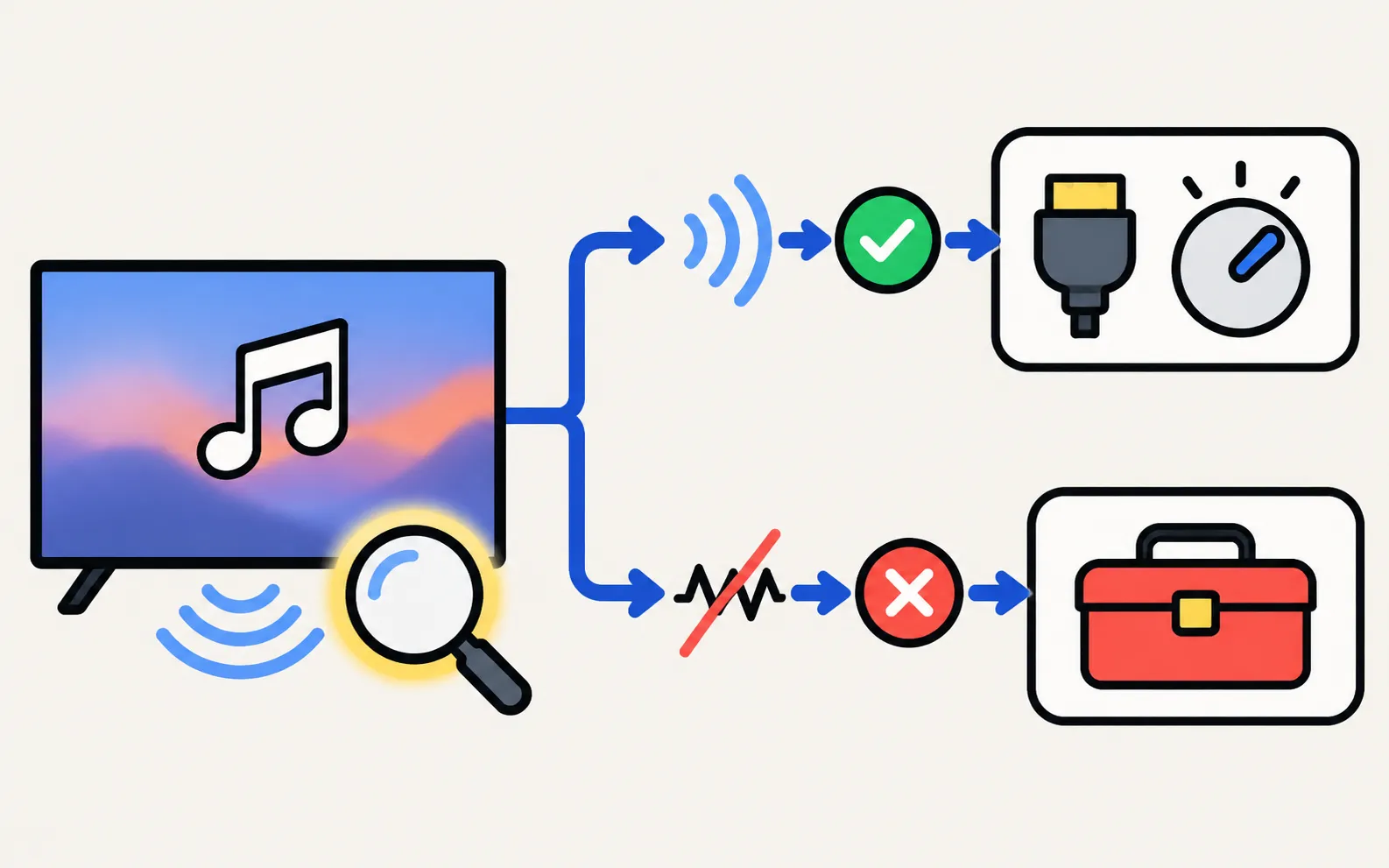
Samsung’s first troubleshooting step is the built-in Sound Test, which plays a tone through the TV speakers:
On older menus Self Diagnosis sits directly under Support.
| Result | Meaning | Next step |
|---|---|---|
| You hear the tone | Speakers and amplifier work | Look at the source, cable and settings (steps 4–6) |
| No tone | A TV fault | Samsung advises requesting service |
4. Cold-boot the TV
With the TV on, press and hold the remote’s Power button until the TV switches off and back on — Samsung’s US guide calls this a cold boot. Or unplug the TV for 30 seconds.
5. Check HDMI devices and cables
If sound is missing only from one device:
-
Reseat the cable
Disconnect and reconnect it at both ends; try a new cable and another HDMI port. -
Run the HDMI cable test
On models that have it: (for cables under about 2 m). -
Try another device
If another device has sound on the same cable and port, the original device is the cause — check its audio output settings (PCM or Auto usually works) or contact its maker; for cable and satellite boxes, your provider.
If a soundbar or receiver is involved, the HDMI ARC/eARC settings matter — see soundbar not working with a Samsung TV.
6. Update the software
Samsung suggests updating the TV (and the external device), especially if the sound disappeared after a previous update: update a Samsung TV.
Related sound problems
- Sound out of sync with the picture: audio delay
- Volume changes by itself, too quiet or crackling: sound problems
- Using headphones: Bluetooth headphones and AirPods
If the Sound Test is silent, or the sound still fails with every device after these steps, request service from Samsung.
Frequently asked questions
Why is there no sound from my TV speakers but a soundbar works?
Sound Output is set to the soundbar or another device. Switch it to TV Speaker — note that most TVs play through one output at a time.
Sound works in apps but not on one HDMI device. Why?
The device's own audio settings, the HDMI cable or the TV's Digital Output Audio Format can be the cause. Try another cable and port, and set the device's audio output to PCM or Auto.
What does the Sound Test prove?
It plays a test tone through the TV speakers. If you hear it, the TV's speakers and amplifier work, so the problem is upstream. If you don't, Samsung advises requesting service.
Can a software update cause no sound?
Occasionally. Samsung suggests updating the TV, especially if the problem started after an earlier update.
Sources
- Samsung TV has very low or no audio (TSG10002215) — Samsung US · Samsung · checked November 11, 2026
- Connect Bluetooth Headphones to your Samsung TV (menu paths 2015–2026) — Samsung Australia · Samsung · checked November 11, 2026
- What is eARC and how to set on Samsung Smart TV (incl. Anynet+ paths 2014–2026) — Samsung Australia · Samsung · checked November 11, 2026
Related guides

Troubleshooting
Soundbar and HDMI ARC
No sound from a soundbar on HDMI ARC or eARC? Use the ARC port, turn on Anynet+, set Sound Output and Digital Output Audio Format, enable eARC and fix dropouts.

How-to
Bluetooth headphones
Pair Bluetooth headphones, earbuds or AirPods with a Samsung TV: pairing mode, the Bluetooth Speaker List path by year since 2015, two at once, lip-sync fixes.

Troubleshooting
Volume and sound problems
Samsung TV volume jumping up or down, too quiet, or crackling? Check the remote, Anynet+ and auto-volume features, run the Sound Test and reset the sound.

Troubleshooting
Audio delay
Voices out of sync on a Samsung TV? Find out if the source, a soundbar or Bluetooth causes it, then use Audio Delay, the soundbar's sync setting or a cable.

Explainer
Anynet+ (HDMI-CEC)
Anynet+ is Samsung's HDMI-CEC: one remote for TV, soundbar and console — and why TVs switch on by themselves. Where to find it by year and when to turn it off.
How-to
Connect a soundbar
Four ways to connect a soundbar, receiver or speakers to a Samsung TV (HDMI ARC/eARC, optical, Bluetooth, Wi-Fi), which to choose and how to set Sound Output.