
Explainer
Anynet+ (HDMI-CEC) on Samsung TVs: what it does and when to turn it off
Anynet+ is behind both the convenience of one remote and many mysteries — a TV that turns on with the console, a soundbar that won't play. Here's how to use it on purpose.
Quick answer
Anynet+ is Samsung's name for HDMI-CEC, the standard that lets HDMI devices control each other: the TV remote can adjust a soundbar, devices can switch the TV on and to their input, and HDMI ARC needs it. Turn it off if devices switch the TV on or off unexpectedly. It's under External Device Manager: General & Privacy on 2025–2026 TVs, Connection on 2023–2024, General & Privacy on 2022, General on 2017–2021.
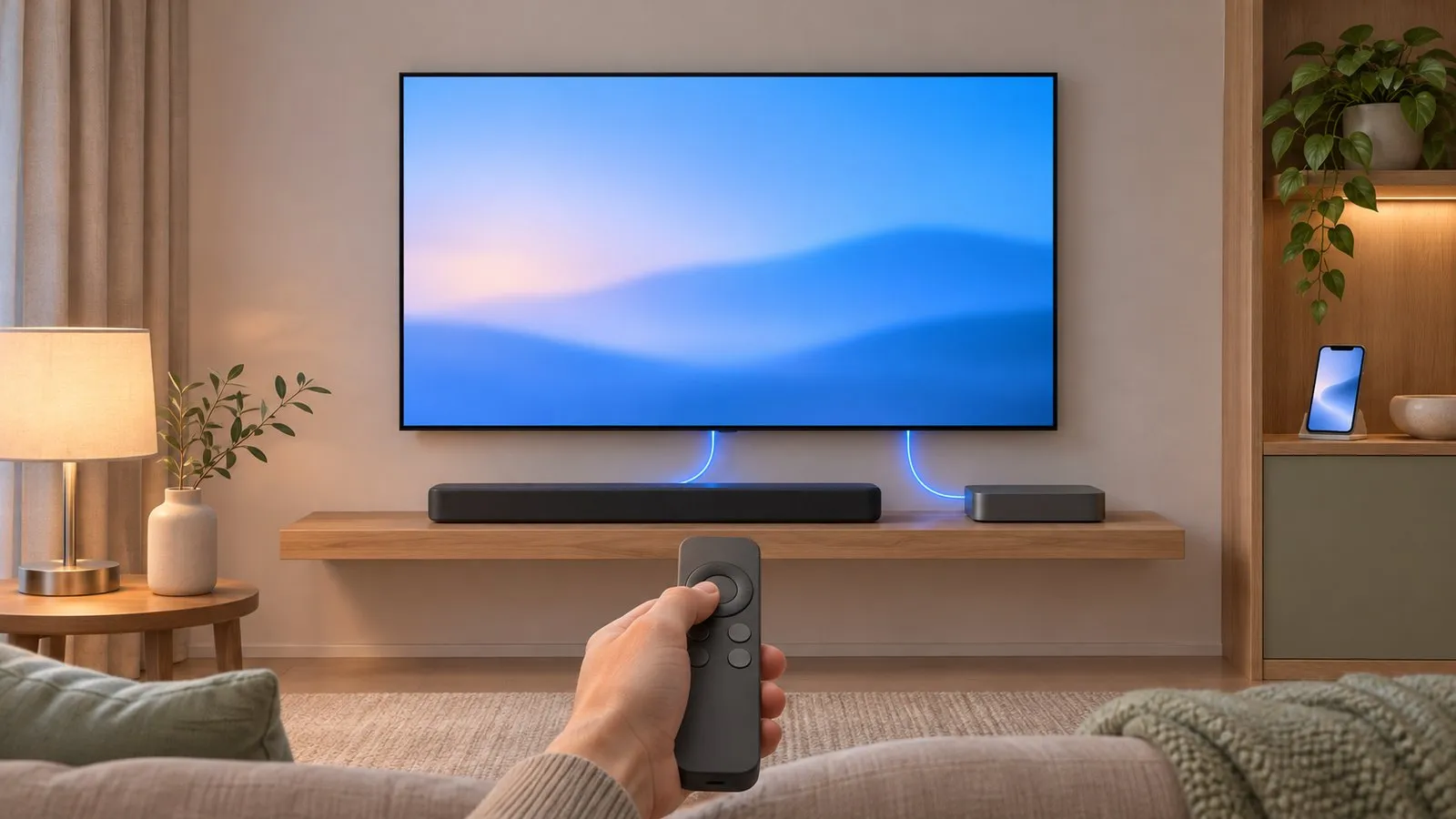
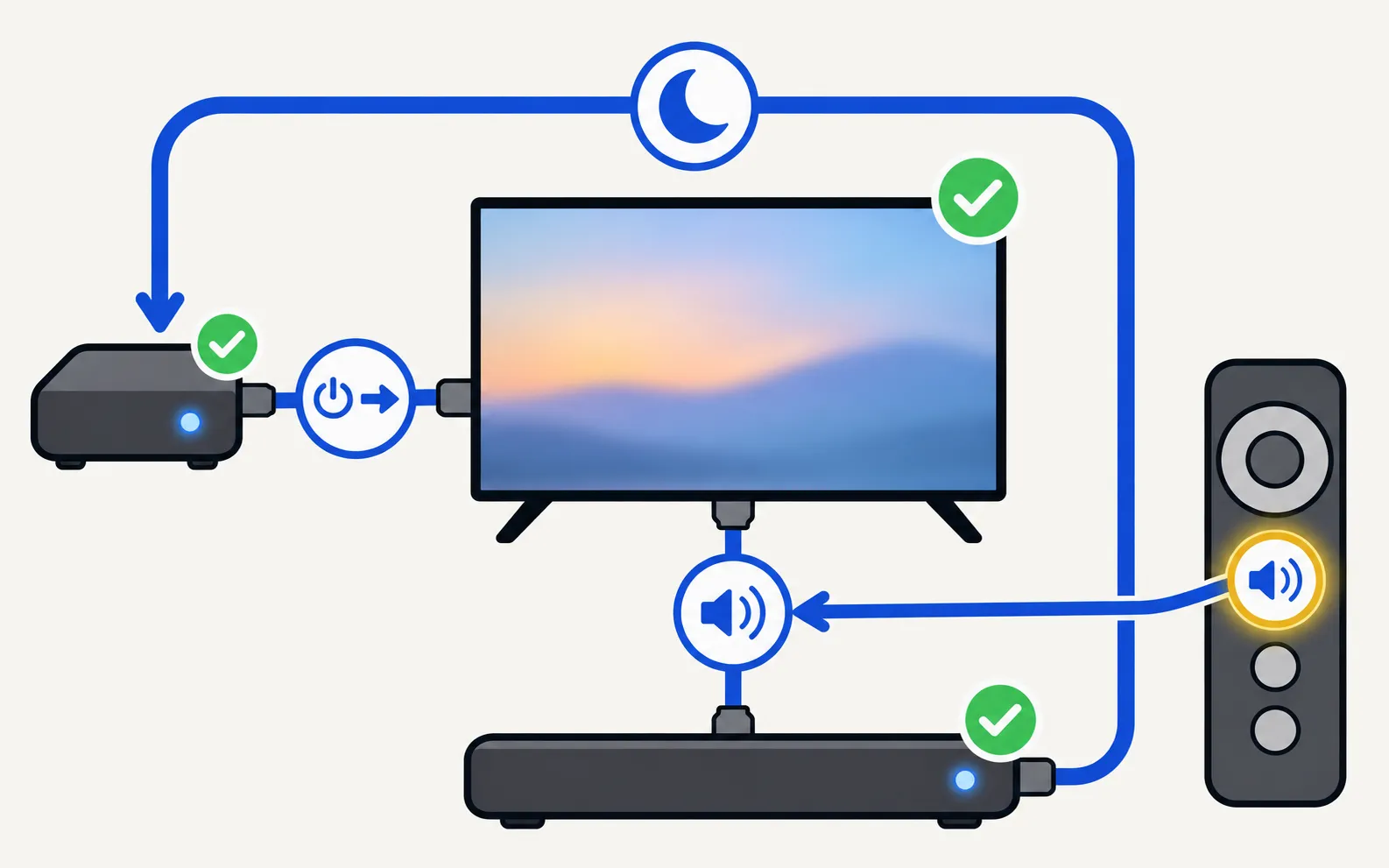
What Anynet+ does
| Feature | Example |
|---|---|
| One remote | The TV remote changes a soundbar’s volume or controls a Blu-ray player |
| One-touch play | Turning on a console or streaming stick wakes the TV and switches to its input |
| System standby | Switching the TV off also switches off connected devices |
| ARC/eARC audio | Sends TV sound to a soundbar over HDMI — Samsung requires Anynet+ for it |
Samsung’s spec sheets list Anynet+ (HDMI-CEC) on its Smart TVs from compact HD models upward.
Where to find it
Menu names depend on the model year. Not sure which year your TV is? Decode your model number first.
TVs from 2025 and newer
TVs from 2023–2024
TVs from 2022
TVs from 2017–2021
TVs from 2014–2016
- 2016:
- 2014–2015:
When to turn it off
| Symptom | Anynet+ involved? | Guide |
|---|---|---|
| The TV turns on when a console or box turns on | Very likely | TV turns on by itself |
| The TV switches off when the soundbar does | Likely | TV turns off by itself |
| The input keeps jumping to one device | Likely | Change the input |
| The TV restarts in a loop with devices connected | Possible | Keeps restarting |
Samsung’s own troubleshooting for power cycling recommends turning Anynet+ off as one step, and its South African guide lists HDMI-CEC commands among the reasons a TV turns on.
A better middle ground
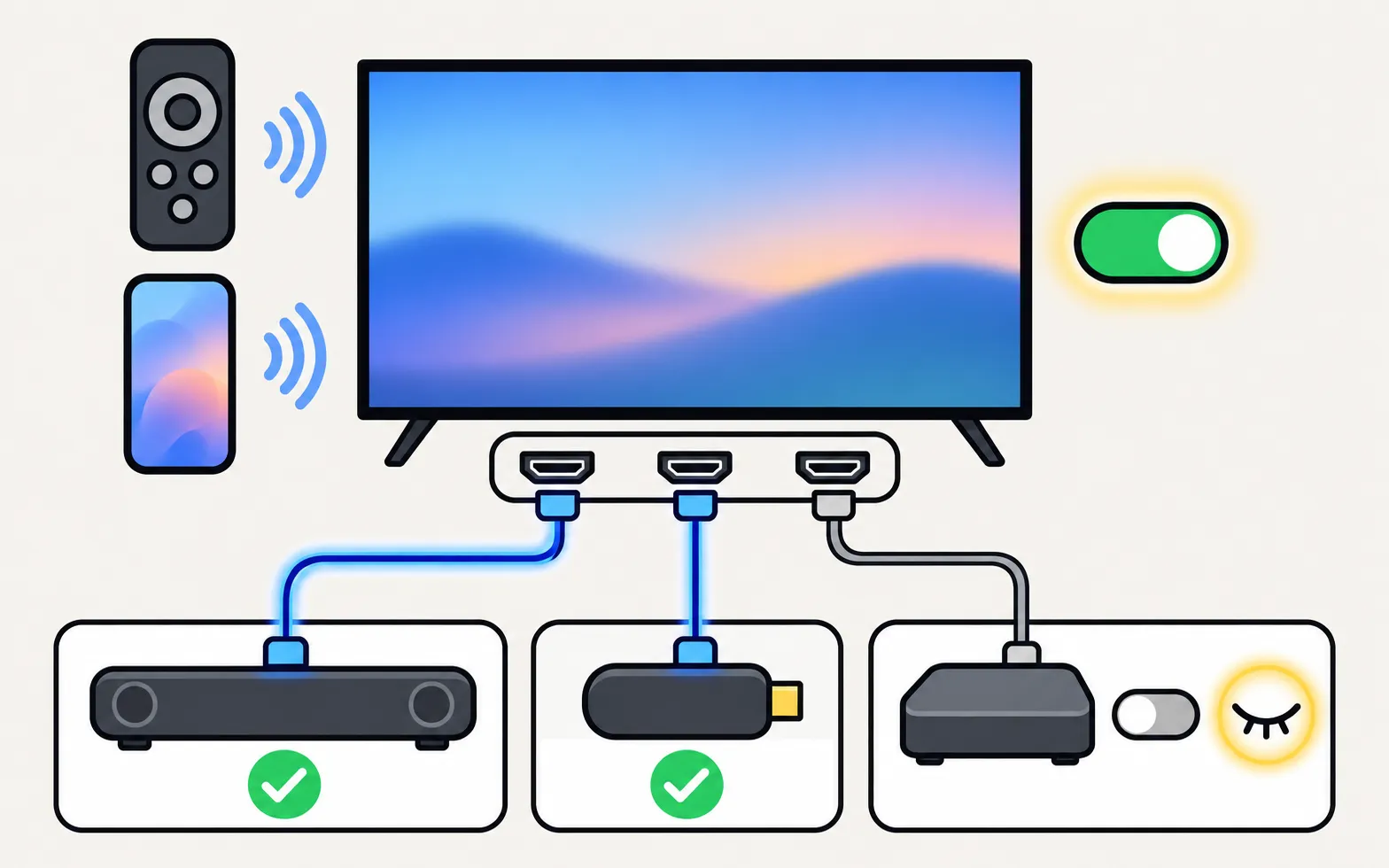
Instead of turning Anynet+ off on the TV, switch off CEC on the one device causing trouble — consoles and streaming sticks each have a setting for it (often called HDMI device link, HDMI-CEC or TV control). The soundbar keeps working with one remote.
When you need it on
- HDMI ARC/eARC soundbars (soundbar not working).
- Controlling a set-top box with the TV remote (cable box).
- Waking the TV from a streaming stick’s remote when the TV remote is lost (without a remote).
Frequently asked questions
Is Anynet+ the same as HDMI-CEC?
Yes. Every TV brand has its own name for HDMI-CEC; Samsung's is Anynet+.
Do I need Anynet+ for a soundbar?
For HDMI ARC and eARC, yes — Samsung says Anynet+ must be on. With an optical cable it isn't needed.
If I turn Anynet+ off, what do I lose?
Samsung notes that devices can no longer turn the TV on, but you also can't control them with the TV remote. HDMI ARC sound to a soundbar may stop working.
Can I keep Anynet+ but stop one device waking the TV?
Often yes: turn off the CEC or 'HDMI device link' option on that one device (console, streaming stick), and leave Anynet+ on for the soundbar.
Sources
- What is eARC and how to set on Samsung Smart TV (incl. Anynet+ paths 2014–2026) — Samsung Australia · Samsung · checked November 11, 2026
- Samsung TV or projector powers on or off by itself (TSG10002365) — Samsung US · Samsung · checked November 11, 2026
- How to troubleshoot the Samsung TV that keeps turning on by itself (Event Log, power-on reason) — Samsung South Africa · Samsung · checked November 11, 2026
- Samsung UAE support: a TV that keeps powering on and off — Samsung UAE · Samsung · checked November 10, 2026
- 32-inch LED HD T4300 (UN32T4300APXPA) specifications — Samsung Caribbean · Samsung · checked November 11, 2026
Related guides

Troubleshooting
TV turns on by itself
Samsung TV switching itself on at night or in the morning? Read the Event Log's power-on reason, then turn off Anynet+, Power On with Mobile or the trigger.

Troubleshooting
Soundbar and HDMI ARC
No sound from a soundbar on HDMI ARC or eARC? Use the ARC port, turn on Anynet+, set Sound Output and Digital Output Audio Format, enable eARC and fix dropouts.

Troubleshooting
TV turns off by itself
Samsung TV switching off on its own? Check Auto Power Saving, the sleep timer, Anynet+, devices, the power cable and software, and why it may shut off at start.

How-to
Change the input
Switch HDMI inputs on a Samsung TV: the Source list on the Home screen, the TV's control button, a phone remote, HDMI-CEC from the device, or renamed inputs.

How-to
Turn the TV on with your phone
Switch a Samsung TV on from your phone: enable Power On with Mobile (menu paths by year), keep the TV in standby, and fix a TV that won't wake over Wi-Fi.

How-to
PS5 and Xbox settings
Set up a PS5 or Xbox Series X|S on a Samsung TV: HDMI port, Game Mode, Input Signal Plus, 4K 120 Hz and VRR on capable models, HDR and audio settings.