
Troubleshooting
Samsung TV keeps restarting (boot loop): fixes
A TV that reboots over and over is either being told to restart — by a device, cable or software — or can't stay powered. This guide separates the two.
Quick answer
Unplug the TV for 30 seconds and plug it straight into a wall outlet. Disconnect every HDMI device and USB drive, then turn the TV on: if it now stays on, reconnect devices one at a time to find the culprit and consider turning off Anynet+. If the TV stays on long enough, update the software. If it still loops with nothing connected, the cause is likely hardware and Samsung advises requesting service.
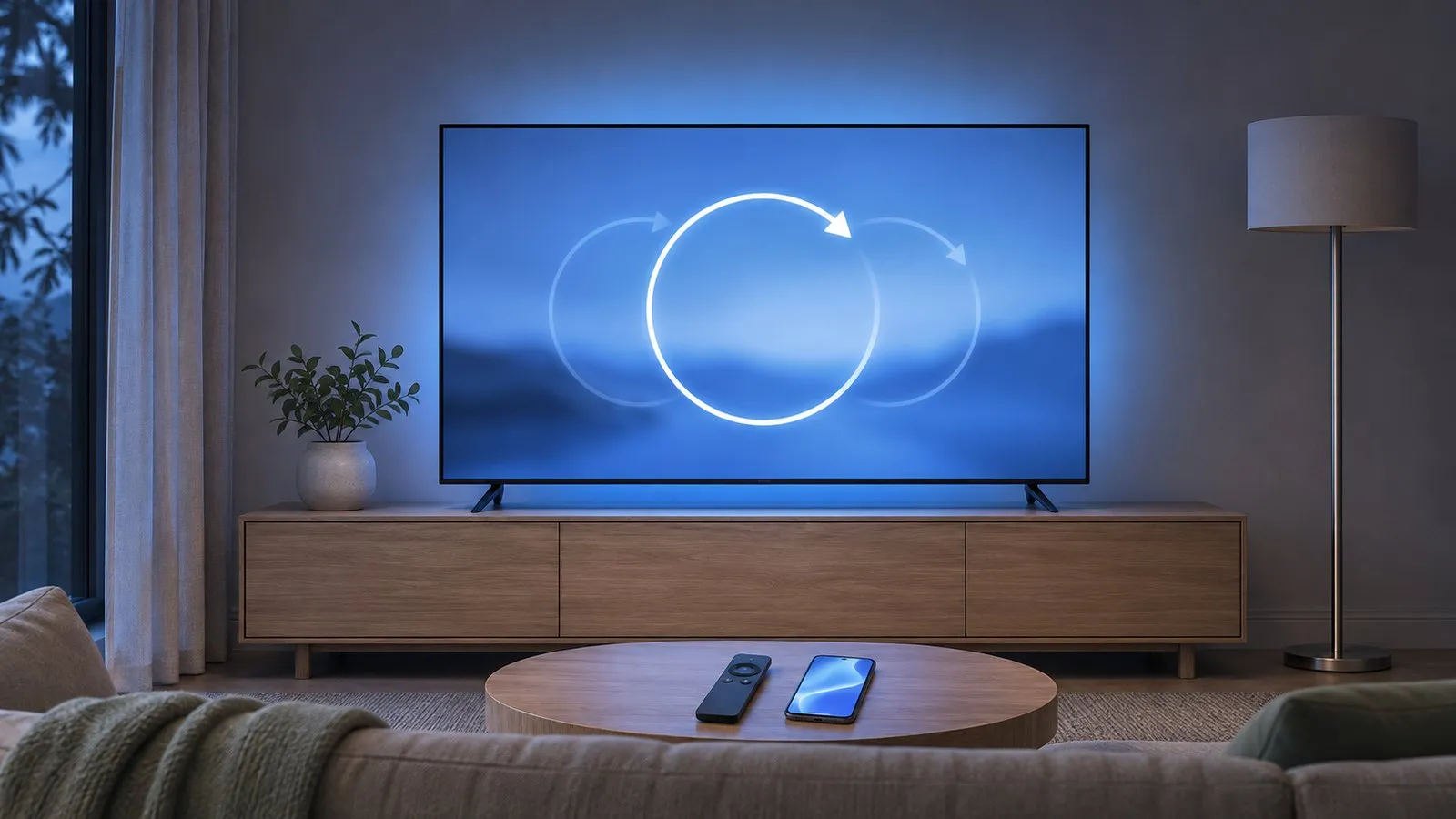
Step 1: a clean restart
-
Unplug for 30 seconds
Include the One Connect box if your TV has one. This clears a stuck state that a standby restart doesn’t. -
Use a wall outlet directly
Samsung advises against surge protectors when troubleshooting power problems, because worn ones can stop supplying the right voltage. -
Check the power cord
Look for damage; Samsung recommends a certified replacement if needed.
Step 2: isolate connected devices
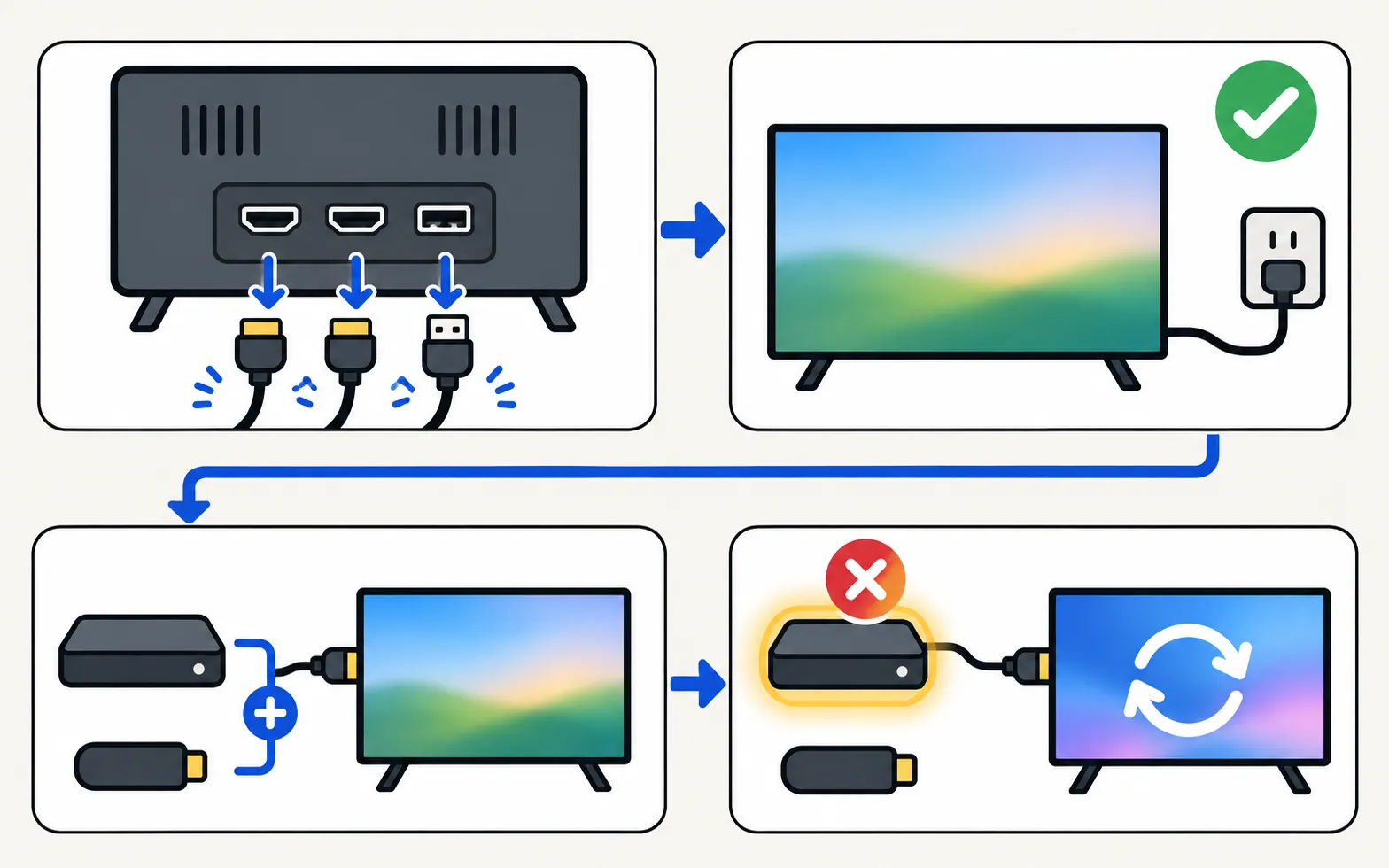
Samsung lists connected devices sending conflicting signals and uncertified HDMI cables among the causes of a TV that switches on and off.
-
Disconnect everything
Unplug all HDMI cables and USB devices (drives, sticks, keyboards, receivers). -
Turn the TV on
Leave it on for longer than it usually takes to restart. -
Reconnect one device at a time
Wait a while after each. When the restarts return, you’ve found the device or cable responsible.
If a device turns out to be the trigger, try a different HDMI cable, update the device, or turn off its HDMI-CEC option. On the TV, turning off Anynet+ stops HDMI devices from switching it on and off (see Anynet+ explained).
Step 3: update the software
If the TV stays on long enough, install the latest software: . If the TV restarts before you can reach the menu, a USB update is an alternative — see update a Samsung TV.
Don’t unplug the TV while an update is installing; it restarts by itself when finished.
Step 4: check the Event Log (2019+)
Samsung TVs from 2019 onwards record power events under Support, then About TV, in the Event Log. If the log names a trigger — an app, a network wake signal, a sensor or a Bluetooth device — follow Samsung TV turns on by itself. Samsung’s South African guide also mentions a “One Invisible connection” entry, which points to the cable between the TV and a One Connect box.
Step 5: reset as a last software step
If the TV stays on long enough to use the menus and nothing above has helped, a factory reset rules out corrupt settings. It erases apps, sign-ins and settings, and phones must be allowed again afterwards. Steps: factory reset a Samsung TV.
When it’s hardware
If the TV keeps restarting with nothing connected, from a good wall outlet, after an update or reset attempt, Samsung’s advice is to request service. Typical culprits are the power supply or main board — repairs for a technician, not DIY (see power board, main board or T-Con). Check your warranty first, and note what you’ve tried; it speeds up the diagnosis.
Related: standby light blinking · TV turns off by itself
Frequently asked questions
My TV restarted once by itself overnight. Is that a problem?
Not necessarily. TVs can restart to install a software update. Worry when it happens repeatedly or while you're watching.
Can a USB stick or hard drive cause restarts?
A faulty USB device or unusual files can crash a TV's media player. Remove all USB devices as part of the isolation test.
Will a factory reset stop the loop?
If the cause is corrupt settings or software, it can. It erases everything, so try the isolation steps and a software update first. You need the TV to stay on long enough to reach the Reset menu.
Is a boot loop always a hardware fault?
No. Devices, cables and software can cause it. When the TV loops with nothing connected, from a good wall outlet and after an update attempt, a power-supply or main-board fault becomes the likely cause.
Sources
- Samsung UAE support: a TV that keeps powering on and off — Samsung UAE · Samsung · checked November 10, 2026
- Samsung TV or projector powers on or off by itself (TSG10002365) — Samsung US · Samsung · checked November 11, 2026
- How to troubleshoot the Samsung TV that keeps turning on by itself (Event Log, power-on reason) — Samsung South Africa · Samsung · checked November 11, 2026
- Samsung TV will not turn on (troubleshooting by standby light, TSG10002218) — Samsung US · Samsung · checked November 11, 2026
Related guides
Troubleshooting
TV turns off by itself
Samsung TV switching off on its own? Check Auto Power Saving, the sleep timer, Anynet+, devices, the power cable and software, and why it may shut off at start.
Troubleshooting
Standby light blinking
Why the red standby light on a Samsung TV blinks, what Samsung says each state means (steady, off, blinking), how to rule out the outlet and when it's a repair.

How-to
Software update
Update a Samsung Smart TV: Auto Update, Update Now, or USB with the right file format and folder — plus fixes when the update is greyed out or fails.

How-to
Factory reset
Factory reset a Samsung TV: the menu path for each year since 2013, default PIN 0000, what a reset erases, lighter resets first, and how without a remote.
Explainer
Anynet+ (HDMI-CEC)
Anynet+ is Samsung's HDMI-CEC: one remote for TV, soundbar and console — and why TVs switch on by themselves. Where to find it by year and when to turn it off.
Explainer
Board and panel symptoms
What a Samsung TV's power board, main board, T-Con board and panel do, which symptoms point where, safe outside checks, and why repairs need a technician.