
How-to
Samsung TV warranty: check it and make a claim
Warranty terms differ by country, but the process is the same everywhere: identify the TV, check the cover on your country's Samsung site, and request service with proof of purchase.
Quick answer
Find the model code and serial number on the label on the back of the TV, or in Settings › All Settings › Support › About the TV on 2023–2026 models. Then use the warranty checker on Samsung's website for your country. In the US, Samsung says you register the product, then open My Page & Products › View Product Details › Request Service. Keep your proof of purchase.
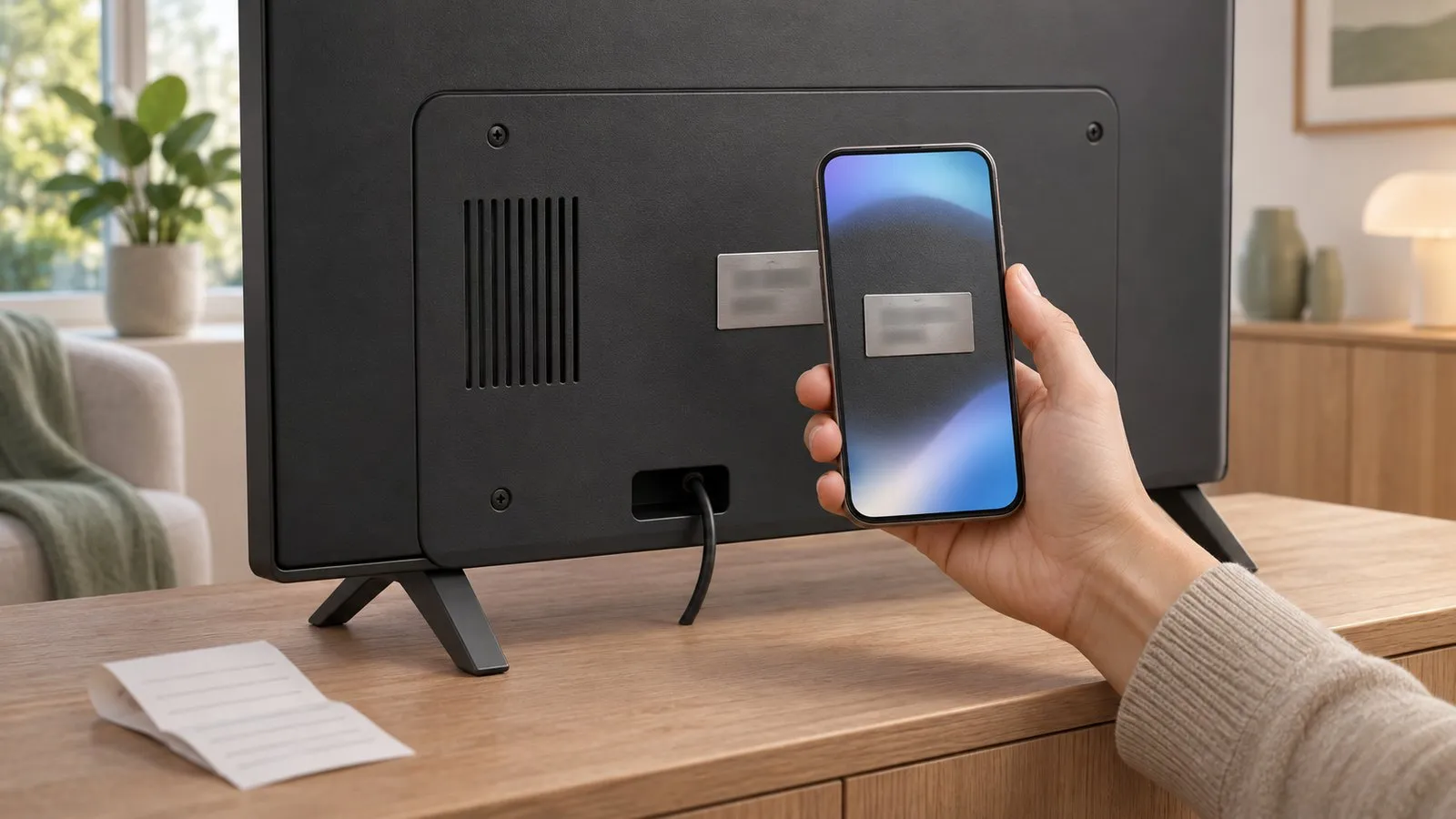
1. Find the model code and serial number
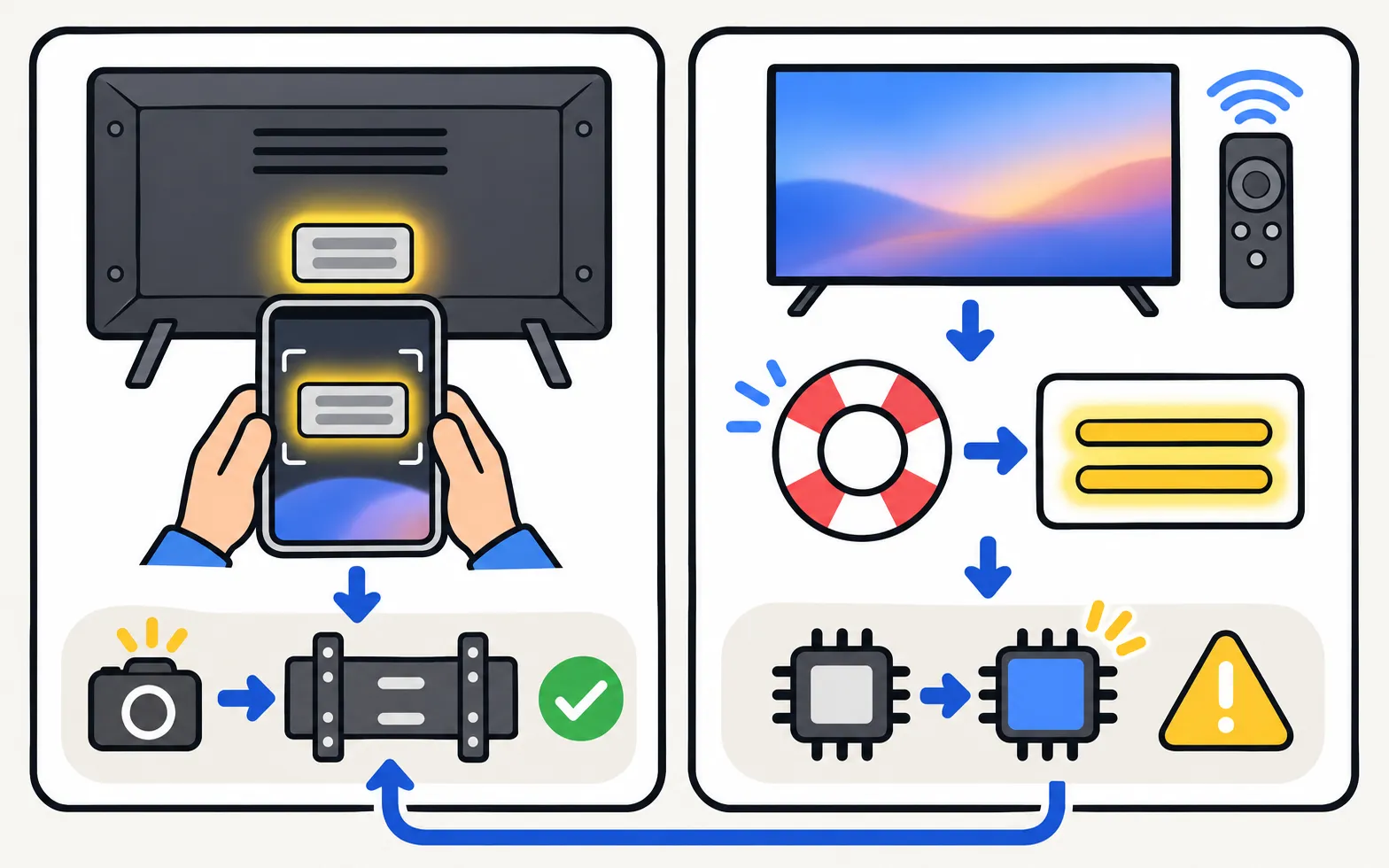
On the TV: a silver label on the back. Photograph it before wall-mounting.
In the menu (Samsung Australia):
| Year | Path |
|---|---|
| 2023–2026 | |
| 2022 | |
| 2017–2021 | |
| 2016 | |
| 2013–2015 |
If the TV has had its main board replaced, Samsung says the serial number may be missing from the menu, so use the label. What the model code means: model number decoder.
2. Check the warranty
Use the warranty checker or warranty page on Samsung’s site for the country where you bought the TV, for example Samsung US warranty or Samsung UK warranty. Other countries: contact Samsung support.
3. Make a claim (US example)
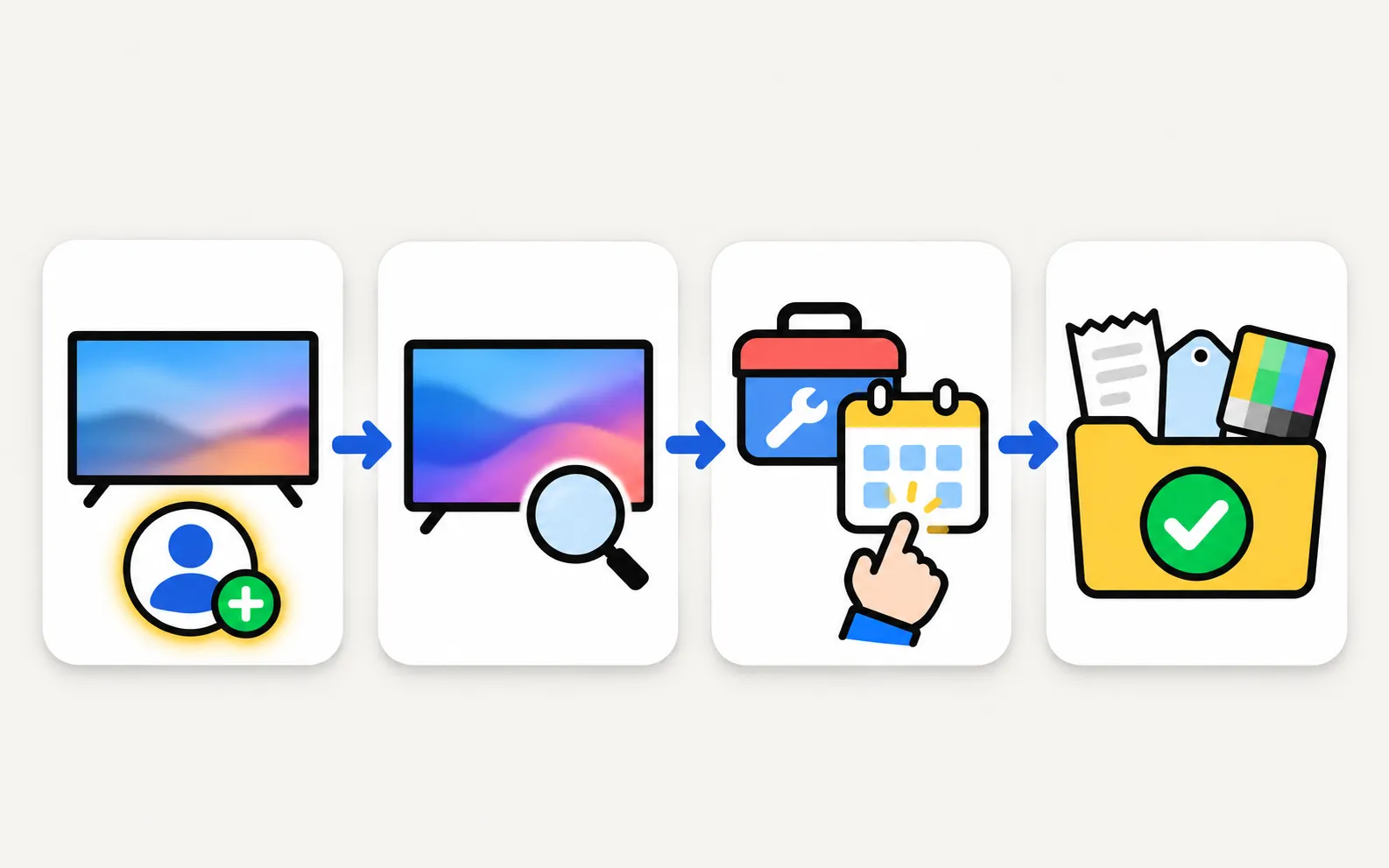
-
Register the TV
Samsung US says registering starts the warranty repair process. -
Open the product
My Page & Products › View Product Details. -
Request service
Select Request Service, or start from Samsung’s Repair Service page. -
Have your documents ready
Proof of purchase, model code, serial number and a clear description. The results of the Picture Test or Sound Test help.
Elsewhere the steps differ, so follow your country’s Samsung support site.
Extended cover
| Plan | Where to claim |
|---|---|
| Samsung Care+ | Samsung Care+ (TV and home electronics section) |
| Retailer extended warranty | The retailer’s own claims page |
Protect your warranty
- Don’t interrupt software updates; see software update.
- Don’t open the TV or let unauthorised repairers work on it during the warranty period.
- Keep the receipt with the model and serial number noted.
Frequently asked questions
How long is the Samsung TV warranty?
It depends on your country and sometimes the model. Your country's Samsung warranty page and your TV's documentation give the period; we don't list a single figure because it isn't the same everywhere.
The warranty end date shown online is wrong.
In the US, Samsung lets you check the date with proof of purchase: My Page & Products › View Product Details › the info icon next to the warranty.
I bought an extended warranty from the shop. Who do I call?
Samsung's US page says claims on retailer extended warranties (for example from Costco or Best Buy) go through that retailer, while Samsung Care+ claims go through Samsung Care+.
What can void the warranty?
Check your country's terms. One example from Samsung: interrupting a USB software update can cause a main-board failure that Samsung Malaysia says isn't covered by the warranty.
Sources
- Samsung Warranty: check your Samsung products — Samsung US · Samsung · checked November 11, 2026
- Finding the serial number and model code of your Samsung TV — Samsung Australia · Samsung · checked November 11, 2026
- Samsung UK warranty information — Samsung UK · Samsung · checked November 11, 2026
- Fix error messages when updating 2020 Samsung TV models (Kant-SU2, Kant-S2) — Samsung Malaysia · Samsung · checked November 11, 2026
- Samsung support contact pages by country (samsung.com/<country>/support/contact/) — Samsung · Samsung · checked November 11, 2026
Related guides

Reference
Contact Samsung support
Samsung TV support pages for the US, UK, Canada, Australia, Ireland, Germany, France, Italy, Spain, Portugal, Brazil, Mexico and India, and what to have ready.
Explainer
Repair or replace?
Repair or replace a faulty Samsung TV? Check the warranty, rule out software, then weigh the fault, the quote against a new TV, the TV's age and update support.
Explainer
Board and panel symptoms
What a Samsung TV's power board, main board, T-Con board and panel do, which symptoms point where, safe outside checks, and why repairs need a technician.
Tool
Model code decoder
Type your Samsung TV model code to see its model year, size, series, region and what the Samsung TV Remote app can do on it. Covers 2010–2026 codes.

Explainer
Diagnostics and service menu
What Samsung TV Self Diagnosis and Device Care test (picture, sound, HDMI, signal, storage), where they are by year, and why to avoid the hidden service menu.