
Reference
Contact Samsung support for your TV, by country
Samsung runs a separate support site in each country, with its own phone numbers, chat and repair booking. Start from the right one and have three things ready.
Quick answer
Use the contact page on Samsung's website for the country where you bought the TV: samsung.com, then your country code, then /support/contact/ (for example samsung.com/uk/support/contact/). It lists the current phone numbers, chat and repair booking. Have the model code, serial number and proof of purchase ready. We don't copy phone numbers here because they change; the official page is always current.
Official Samsung contact pages
| Country | Samsung support contact page |
|---|---|
| United States | samsung.com/us/support/contact |
| United Kingdom | samsung.com/uk/support/contact |
| Canada | samsung.com/ca/support/contact |
| Australia | samsung.com/au/support/contact |
| Ireland | samsung.com/ie/support/contact |
| Germany | samsung.com/de/support/contact |
| France | samsung.com/fr/support/contact |
| Italy | samsung.com/it/support/contact |
| Spain | samsung.com/es/support/contact |
| Portugal | samsung.com/pt/support/contact |
| Brazil | samsung.com/br/support/contact |
| Mexico | samsung.com/mx/support/contact |
| Caribbean (English) | samsung.com/latin_en/support/contact |
| India | samsung.com/in/support/contact |
We checked that each link opened on 11 November 2026. Other countries follow the same pattern, or choose your country at the bottom of samsung.com.
Have these ready
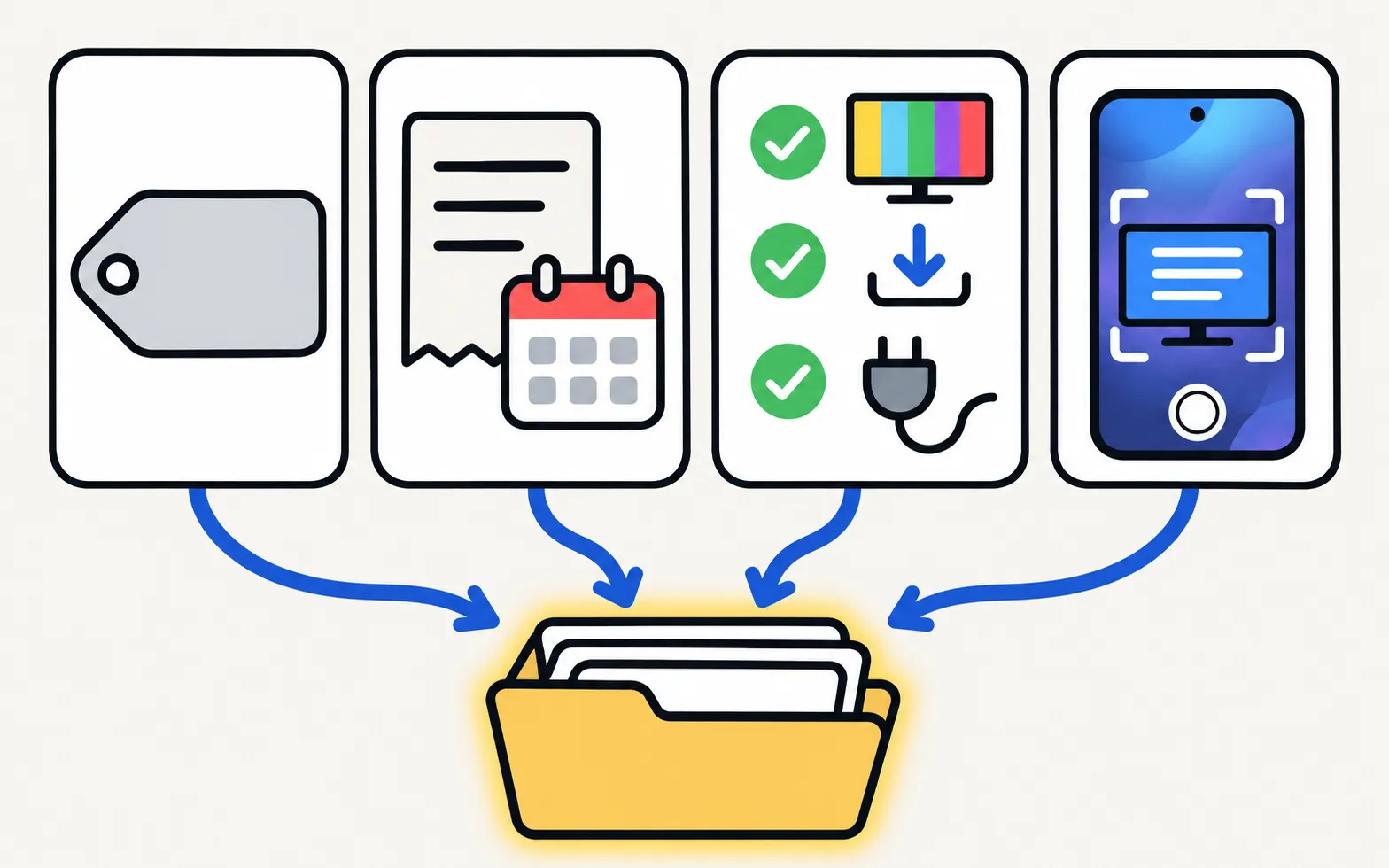
- Model code and serial number: on the label on the back, or in the TV’s Support menu under About This TV. Paths by year are in warranty.
- Proof of purchase: date and shop.
- What you’ve tried: the Picture Test or Sound Test result, a software update, a power cycle.
- Photos or a short video of the fault, if it’s visible on screen.
Before you call
Many problems can be fixed in a few minutes: won’t turn on, no sound, apps not working, remote not working. If it’s a hardware fault, see repair or replace?
Samsung TV Remote is an independent app developed by Smart App Craft. It is not affiliated with, endorsed by or sponsored by Samsung Electronics Co., Ltd.
Frequently asked questions
Why don't you list Samsung's phone numbers?
Numbers and opening hours change by country and over time. Samsung's own contact page for your country is always current, so we link to it instead of copying numbers that could go out of date.
Is this website Samsung support?
No. This is an independent guide and app website, not affiliated with Samsung. For repairs and warranty, contact Samsung through the official pages below.
I moved countries. Where do I get support?
Start with Samsung in the country where you live now, and have your proof of purchase ready. Warranty terms can depend on where the TV was bought.
Can Samsung help remotely?
Your country's contact page shows which options (phone, chat, repair booking) are available where you are.
Sources
- Samsung support contact pages by country (samsung.com/<country>/support/contact/) — Samsung · Samsung · checked November 11, 2026
- Samsung Warranty: check your Samsung products — Samsung US · Samsung · checked November 11, 2026
- Finding the serial number and model code of your Samsung TV — Samsung Australia · Samsung · checked November 11, 2026
Related guides
How-to
Warranty
Check a Samsung TV warranty: find the model and serial number, use Samsung's checker for your country, request service, and what Care+ and retailer plans add.
Topic
Repair and warranty
When a Samsung TV fault is beyond settings: rule out easy fixes, check your warranty, see which part is likely at fault and contact Samsung support locally.
Explainer
Repair or replace?
Repair or replace a faulty Samsung TV? Check the warranty, rule out software, then weigh the fault, the quote against a new TV, the TV's age and update support.

Explainer
Diagnostics and service menu
What Samsung TV Self Diagnosis and Device Care test (picture, sound, HDMI, signal, storage), where they are by year, and why to avoid the hidden service menu.
How-to
User manual (e-Manual)
Find your Samsung TV's manual: open the e-Manual built into the TV, or download the e-Manual and quick guide from Samsung's support site with your model code.