
Explainer
Samsung TV service menu, Self Diagnosis and Device Care explained
Samsung builds a small toolbox into every Smart TV. It answers the key question in most repairs: is it the TV, or what's connected to it?
Quick answer
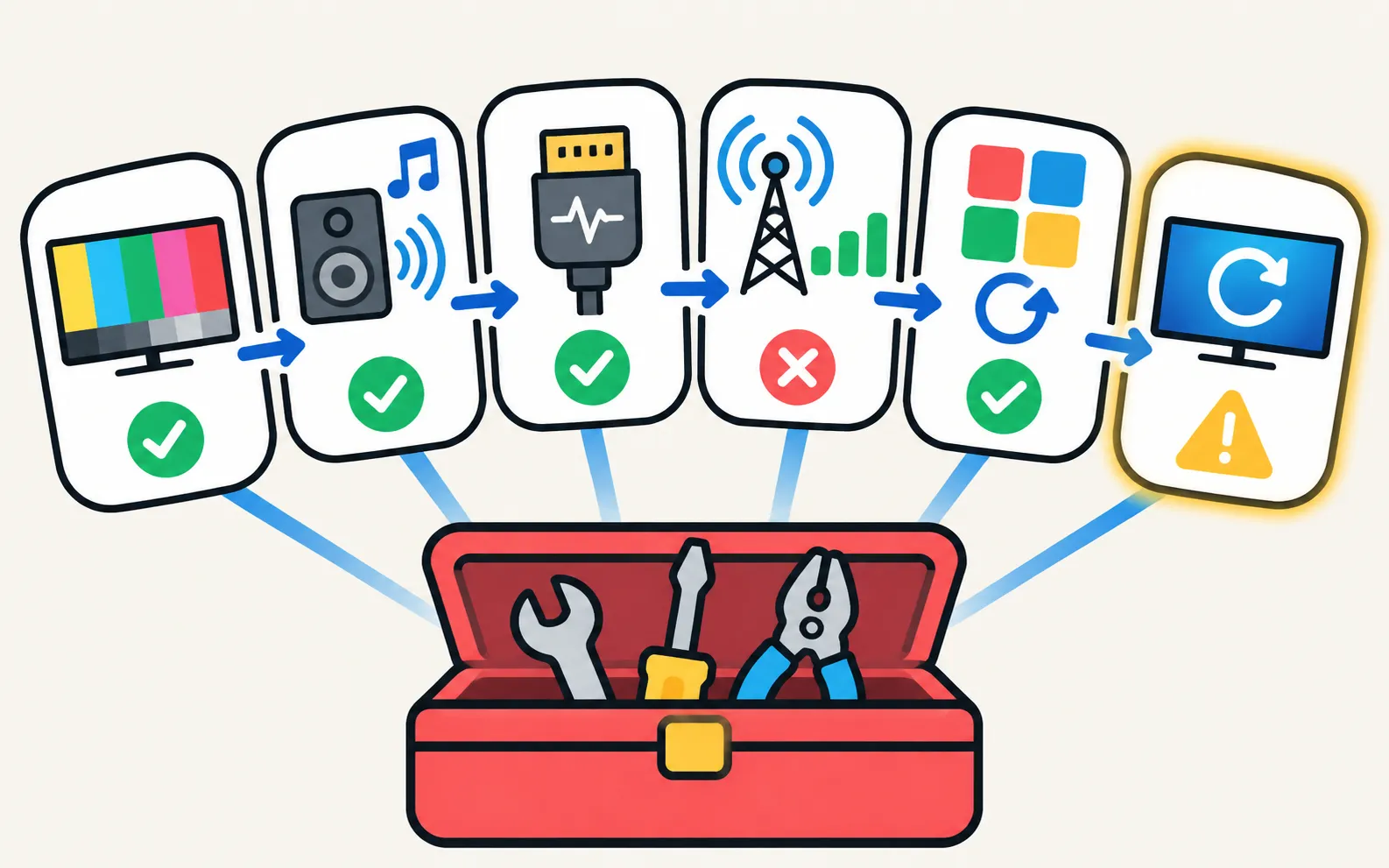
Samsung TVs include Self Diagnosis tools under Support (inside Device Care on newer models): a Picture Test, a Sound Test, HDMI troubleshooting or an HDMI cable test, signal information, Reset Smart Hub and reset options. Device Care also manages storage and app cache. The hidden service (factory) menu is meant for technicians — changing its values can affect picture, power and warranty, so we don't publish instructions for it.
The tools and what they tell you
| Tool | What it does | Guide |
|---|---|---|
| Picture Test | Shows a test image stored in the TV — lines or tints in it mean a TV fault | Lines on the screen |
| Sound Test | Plays a tone through the TV speakers — silence or crackle means a TV fault | No sound, crackling or volume problems |
| HDMI Troubleshooting / HDMI Cable Test | Checks HDMI ports and short cables (Samsung: under ~2 m) | HDMI no signal |
| Signal Information | Shows antenna or cable signal strength on models with a tuner | No channels |
| Reset Smart Hub | Clears app-platform data; signs you out of apps | Apps not working |
| Reset | Factory reset (older menus); PIN 0000 by default | Factory reset |
| Device Care storage | App cache and storage | Slow or freezing |
| Event Log (2019+, About TV) | Records power-on reasons and events | Turns on by itself |
Where to find Self Diagnosis
Samsung’s Picture Test paths show how the menu moved over the years:
| TV year | Path |
|---|---|
| 2026 | |
| 2023–2025 | |
| 2022 | |
| 2016–2021 | |
| 2015 |
Samsung’s US guides also give Self Diagnosis under Device Care on many recent models. If it’s greyed out, close apps running in the background.
About the service menu
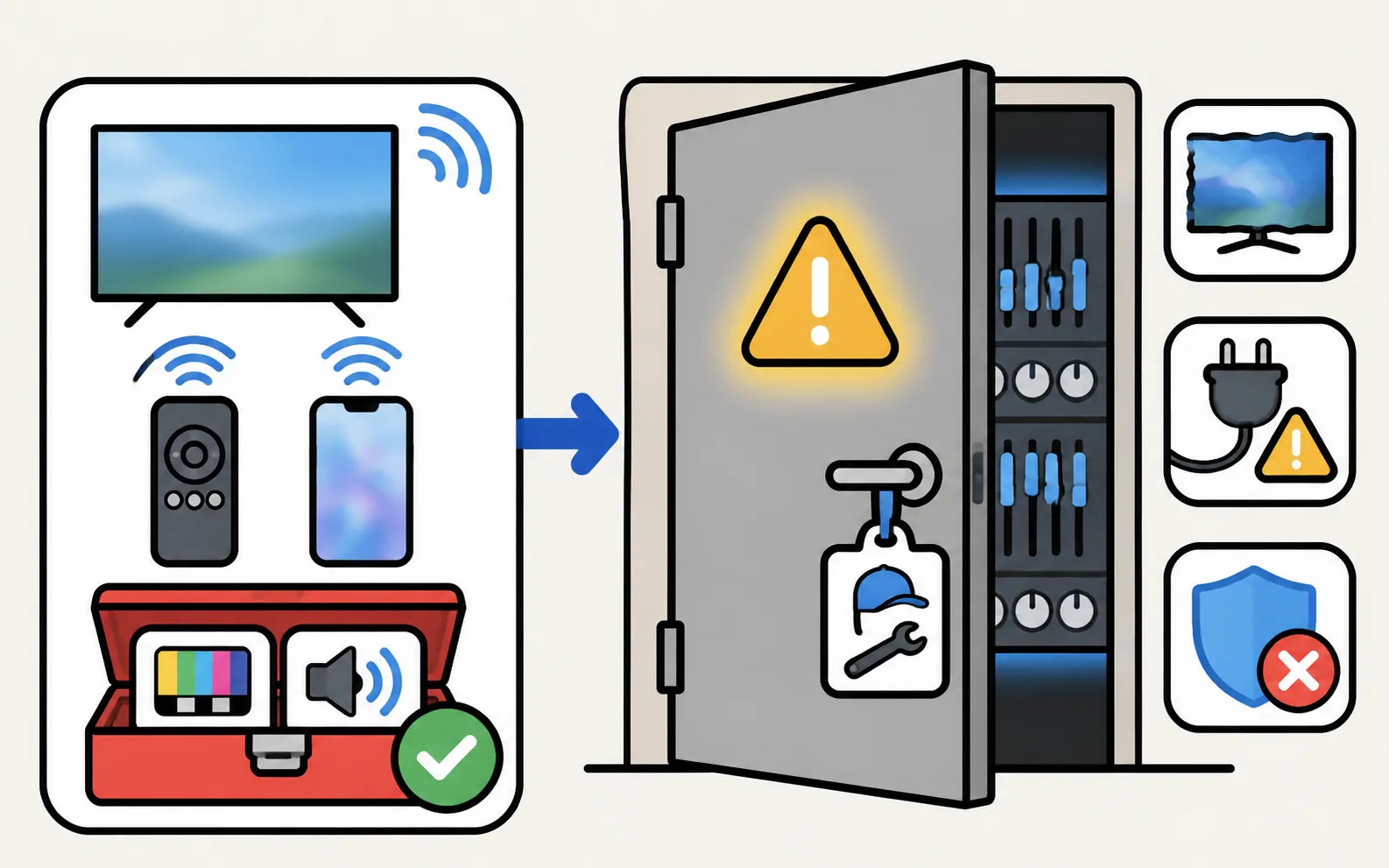
Samsung TVs have a hidden factory menu used by technicians for calibration and repairs. We deliberately don’t publish key sequences for it:
- Values there control panel voltages, white balance and power behaviour; wrong changes can make the picture worse or the TV unstable.
- Settings changed there aren’t undone by a normal factory reset.
- Repairs depending on it belong with Samsung service or a qualified technician (repair and warranty).
Everything a viewer needs — picture, sound, HDMI tests, resets — is in Self Diagnosis and the regular menus.
Frequently asked questions
Where is Self Diagnosis on my Samsung TV?
Under Settings, Support. On newer models it's inside Device Care. Exact paths by year are in the table on this page.
Why is Self Diagnosis greyed out?
Samsung says to close any apps running in the background, then try again.
Should I use the service menu to fix my TV?
No. It's a technician's tool. Wrong values can break picture or power behaviour and may affect warranty. Use Self Diagnosis and Samsung support instead.
What does the Event Log show?
On 2019 and newer TVs, under Support, About TV, it records events such as why the TV turned on.
Sources
- Lines on Samsung TV screen (Picture Test paths 2015–2026) — Samsung Australia · Samsung · checked November 11, 2026
- Samsung TV has very low or no audio (TSG10002215) — Samsung US · Samsung · checked November 11, 2026
- My TV doesn't detect a device connected via HDMI — Samsung UK · Samsung · checked November 11, 2026
- How to reset your Samsung TV (ANS10005248) — Samsung US · Samsung · checked November 11, 2026
- How to Troubleshoot a Slow Samsung TV App? (Device Care, storage and cache) — Samsung UAE · Samsung · checked November 11, 2026
- How to troubleshoot the Samsung TV that keeps turning on by itself (Event Log, power-on reason) — Samsung South Africa · Samsung · checked November 11, 2026
Related guides

Troubleshooting
Lines on the screen
Lines on a Samsung TV screen? Find out in two minutes if it's a cable or a panel fault: see if the lines move, check the TV's own menu and run the Picture Test.
Troubleshooting
No sound
Samsung TV picture but no sound? Check mute and Sound Output, run the built-in Sound Test, rule out Bluetooth and soundbars, reseat HDMI and cold-boot the TV.
Troubleshooting
HDMI no signal
Samsung TV says No Signal or won't detect HDMI? Wake the device, pick the right source, reconnect in Samsung's order, run HDMI Troubleshooting, check 4K 120 Hz.
Troubleshooting
Slow or freezing
Speed up a slow or freezing Samsung TV: cold boot, clear app cache in Device Care, delete unused apps, update the software and reset Smart Hub as a last step.
How-to
Factory reset
Factory reset a Samsung TV: the menu path for each year since 2013, default PIN 0000, what a reset erases, lighter resets first, and how without a remote.
Explainer
Board and panel symptoms
What a Samsung TV's power board, main board, T-Con board and panel do, which symptoms point where, safe outside checks, and why repairs need a technician.