
Troubleshooting
Samsung TV says 'No channels found' after a scan: fixes
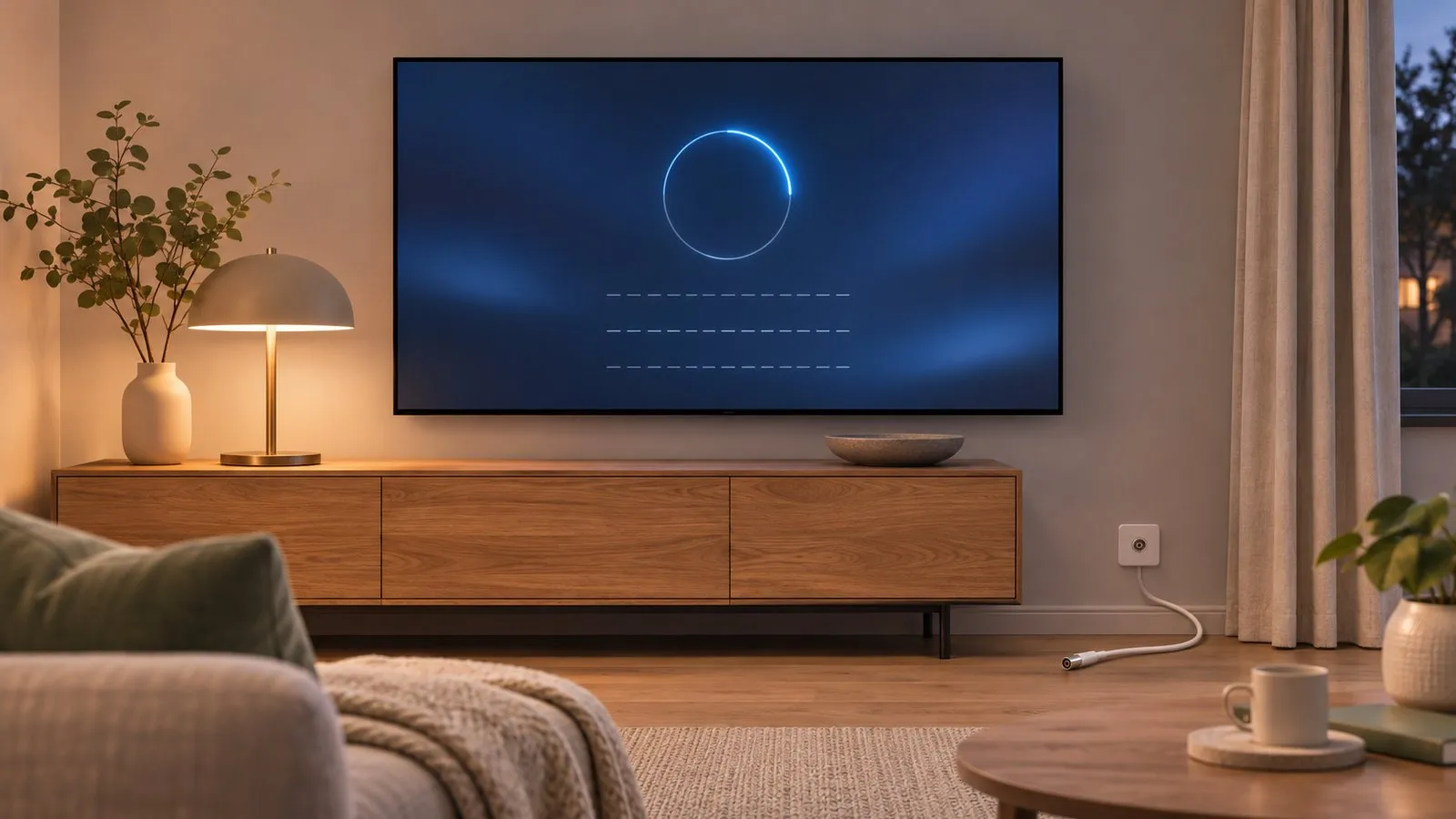
A scan that finds zero channels almost always means no usable signal reaches the tuner — or the TV is set up for the wrong signal.
Quick answer
Check that the antenna cable is firmly in RF/ANT IN and the source is set to TV, then rescan with Auto Program choosing the right signal (Air/Antenna for an aerial). Look at signal strength in Self Diagnosis, Signal Information on models that have it. Make sure the TV isn't in retail/demo mode, which Samsung says wipes settings after a few minutes. If you use a cable or satellite box, don't scan — select the box's HDMI input.
1. Check the basics
-
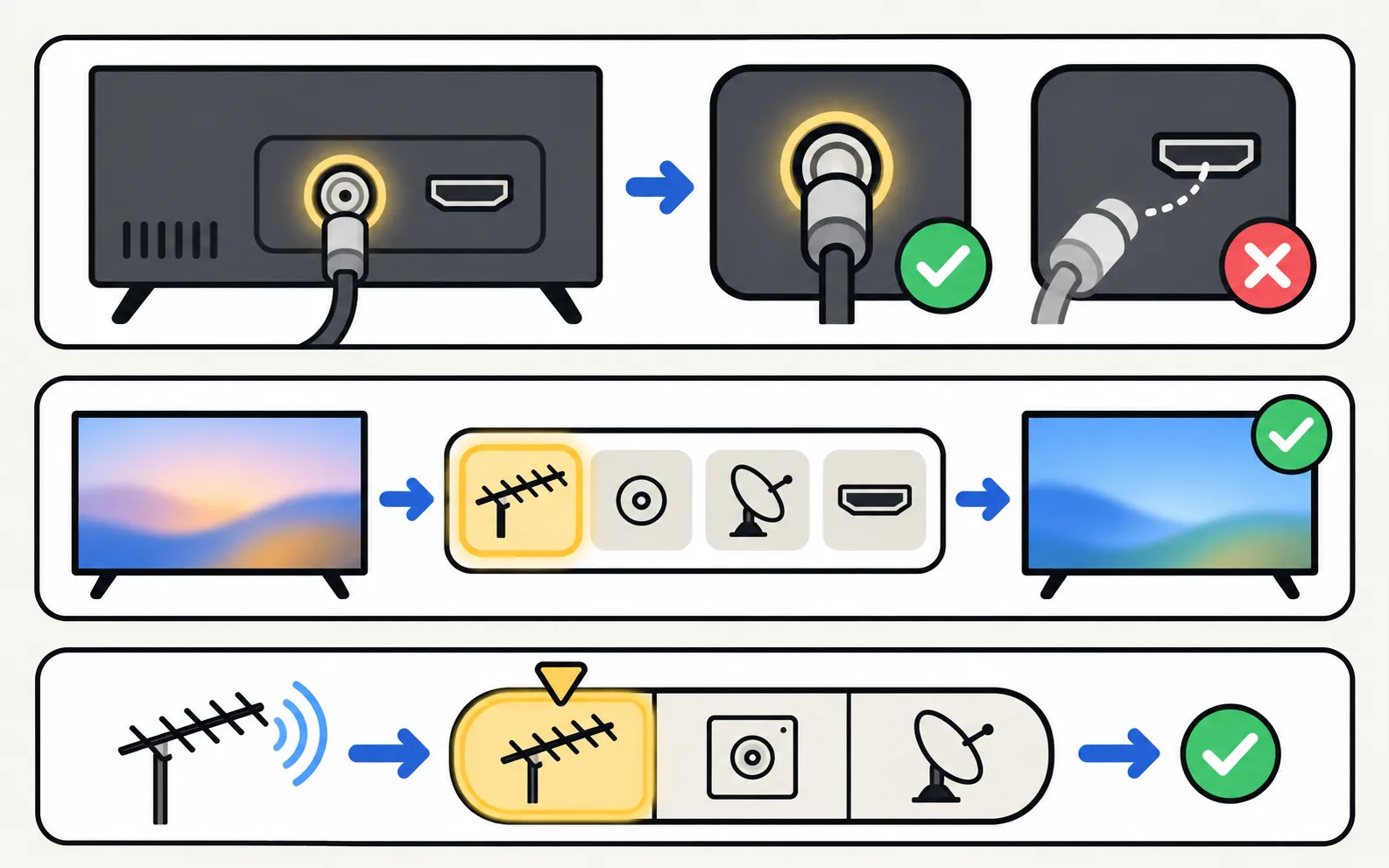
Cable in RF/ANT IN
Firmly connected at the TV (or One Connect box) and at the wall socket or antenna. -
Source set to TV
Samsung says the Broadcasting menu is only available with a coaxial cable connected and the source set to TV. -
Right signal type
In the scan, choose Air/Antenna for an aerial; Cable only if a cable-TV line goes straight into the TV; Satellite for a dish.
2. Rescan
(Auto Tuning in some regions; on older menus Broadcasting sits directly under Settings). Full steps: antenna setup and channel scan.
3. Check the signal
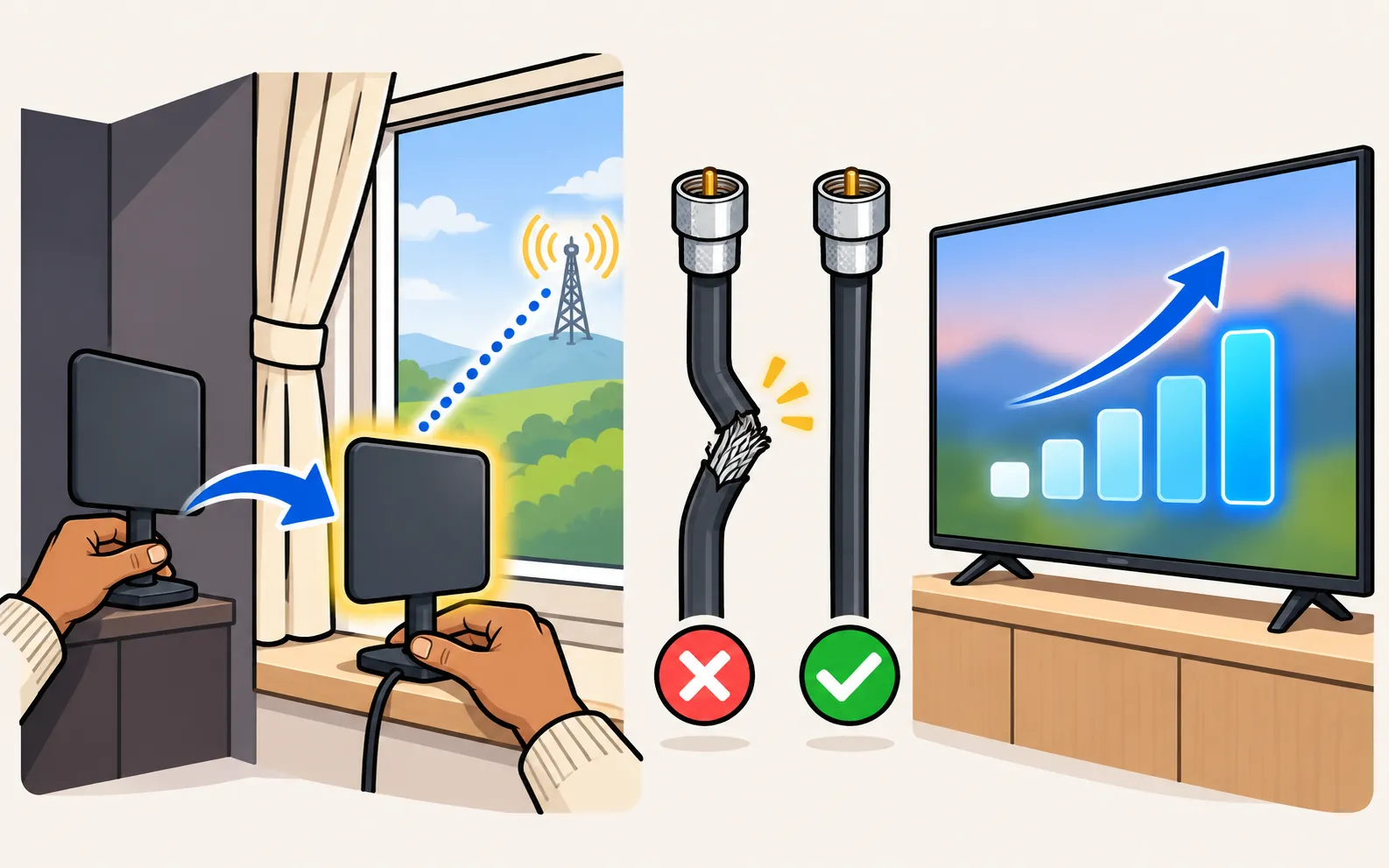
- On models with a tuner, Self Diagnosis includes Signal Information with signal strength (diagnostics).
- Re-aim or raise the antenna; indoor antennas work best near a window facing the transmitter.
- Replace damaged cables and splitters; amplifiers can help on long runs.
4. Rule out retail mode
Samsung notes that a TV in retail/demo mode won’t keep its settings — it wipes them after about five minutes. Switch to Home Use: turn off store demo mode.
5. Using a set-top box?
Samsung advises not to run Auto Program when the TV is connected to a cable or satellite box. Select the box’s HDMI input instead (connect a cable box).
Still nothing
Update the TV’s software, then contact your broadcaster or an aerial installer — in many cases the signal at your address, not the TV, is the problem.
Antenna setup, channel lists and the TV guide: Samsung TV channels.
Frequently asked questions
My channels disappeared after a few minutes. Why?
The TV may be in retail or demo (store) mode, which Samsung says resets settings after about five minutes. Switch it to Home Use.
Some channels are missing but others work. Why?
Those channels come from a different transmitter or frequency, or the signal is weak. Re-aim the antenna, rescan, and check the broadcaster's coverage.
Can I watch channels without an antenna?
Through apps, yes — free streaming channels such as Samsung TV Plus need internet, not an antenna.
Sources
- How to set available channels on your 2025 Samsung Smart TV (Auto Program) — Samsung Malaysia · Samsung · checked November 11, 2026
- How to Set Up Channels on a Samsung TV — Samsung UAE · Samsung · checked November 11, 2026
- [2022] How to troubleshoot your TV if a channel does not appear — Samsung Ireland · Samsung · checked November 11, 2026
- Samsung TV has no picture or shows a black screen (TSG10002233) — Samsung US · Samsung · checked November 11, 2026
Related guides
How-to
Antenna and channel scan
Connect an antenna or aerial to a Samsung TV and run Auto Program to find free channels: the menu path, antenna vs cable settings and what a new scan replaces.
How-to
Edit channels
Open Edit Channels on a Samsung TV to delete, restore, reorder and lock channels, and build up to five Favourites lists — plus why a rescan undoes your changes.
How-to
Connect a cable box
Connect a cable, satellite or IPTV box to a Samsung TV by HDMI, pick the input, use one remote for both (Anynet+ or Universal Remote) and fix signal or sound.
How-to
Store demo and hotel mode
Samsung TV looping adverts or resetting its settings? It's in store demo mode: set Usage Mode to Home Mode. What hotel mode is, and why no code is safe.
Explainer
Diagnostics and service menu
What Samsung TV Self Diagnosis and Device Care test (picture, sound, HDMI, signal, storage), where they are by year, and why to avoid the hidden service menu.