
How-to
Edit, sort and delete channels on a Samsung TV
After a scan, the channel list is long and in the broadcaster's order. A few minutes in Edit Channels turns it into your list.
Quick answer
Press and hold the CH button on the remote for about a second to open the Channel List, then choose Edit Channels (also offered at the bottom of the Channel List and on the Guide's left side). Select channels and press Delete to hide them (Restore brings them back), or Add to put them in a Favourites list — Samsung allows up to five. A new Auto Program scan replaces your edited list.
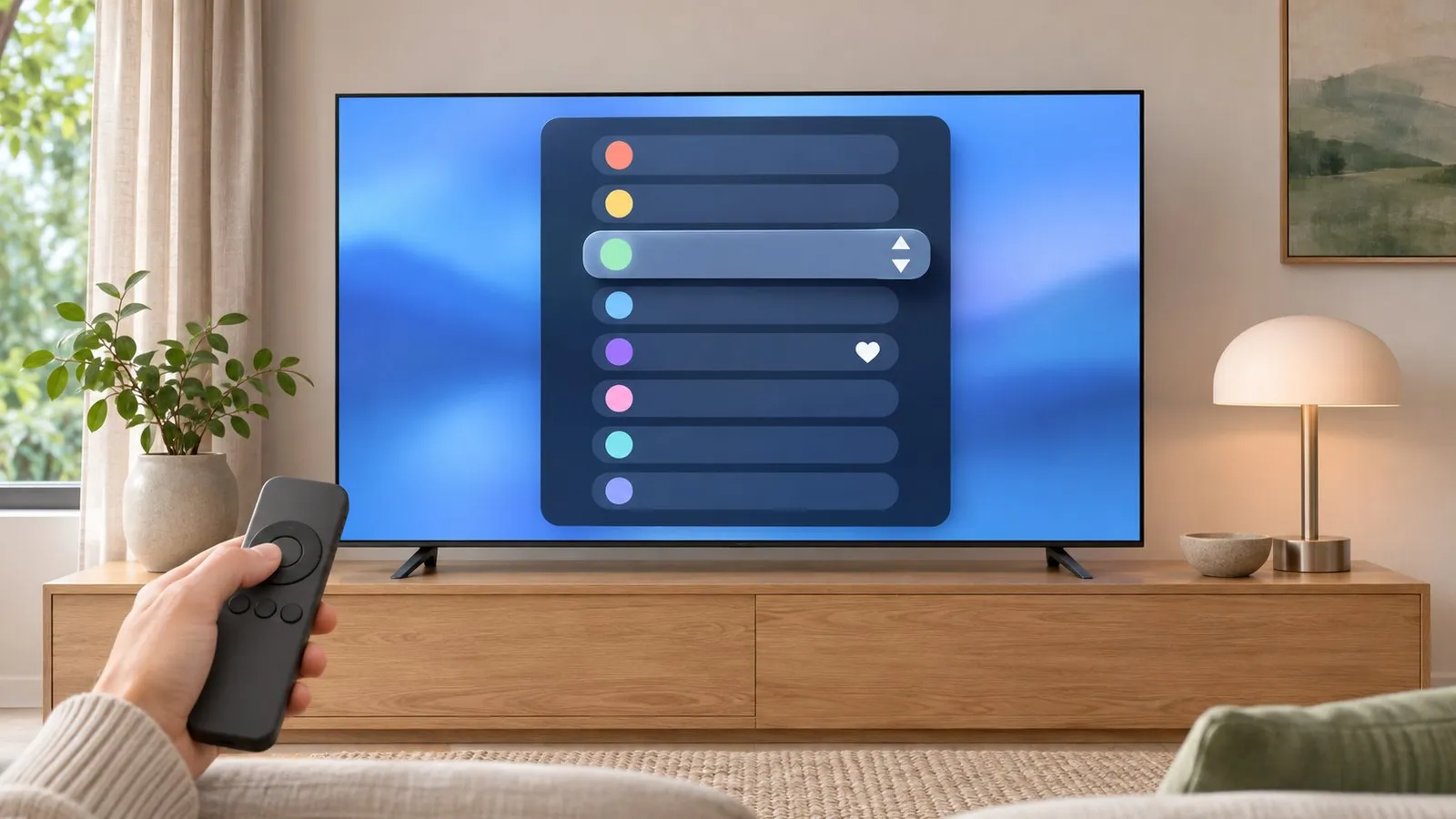
Open Edit Channels
Samsung’s 2022+ guide gives three ways:
- Press and hold CH on the remote for over a second → Channel List → Edit Channels.
- Channel List → Edit Channels at the bottom.
- Guide → Edit Channels on the left side.
Delete and restore
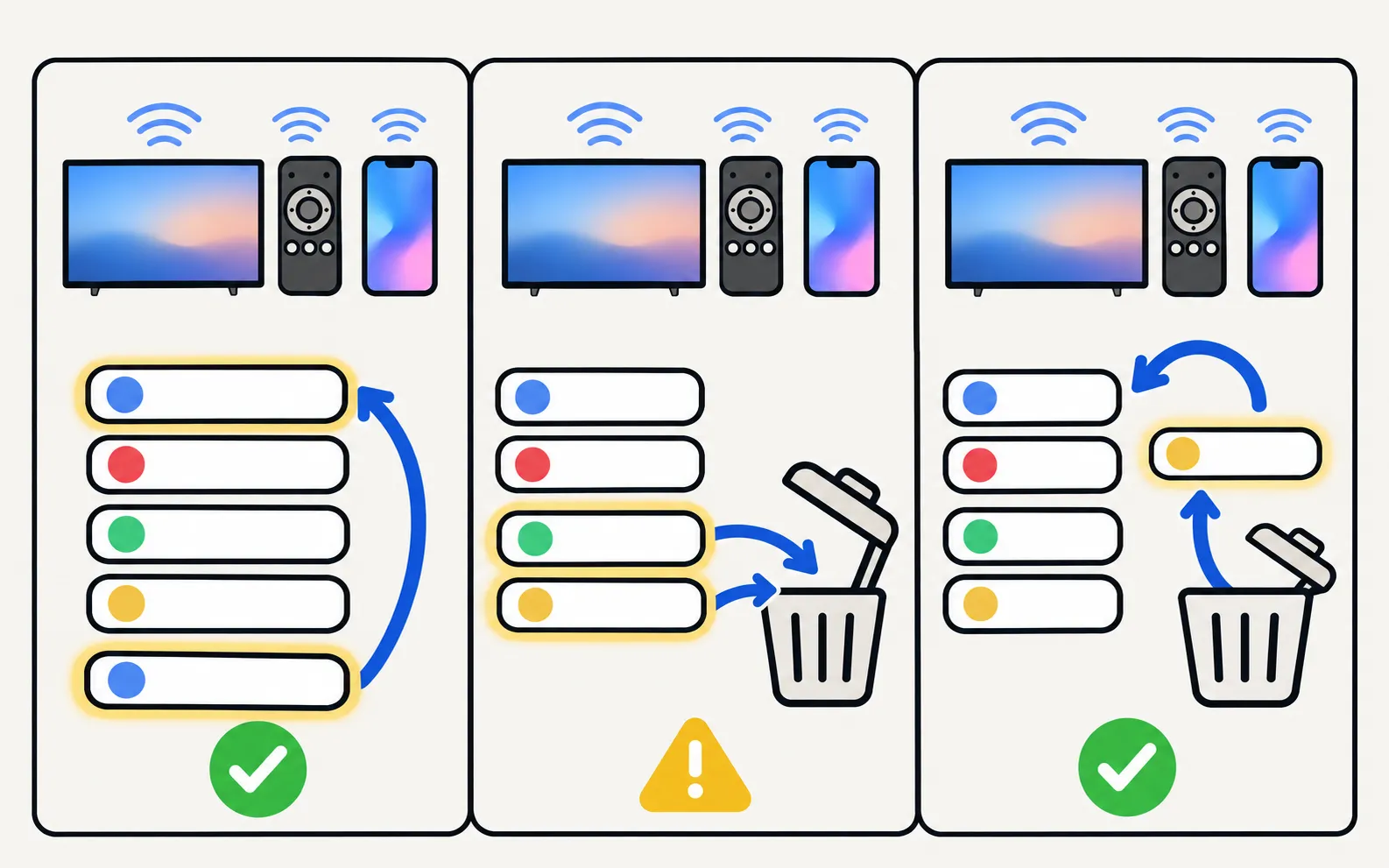
Select a channel and press Delete. Samsung says deleted channels no longer appear in the Channel List and are greyed out in Edit Channels; Restore brings them back.
Favourites
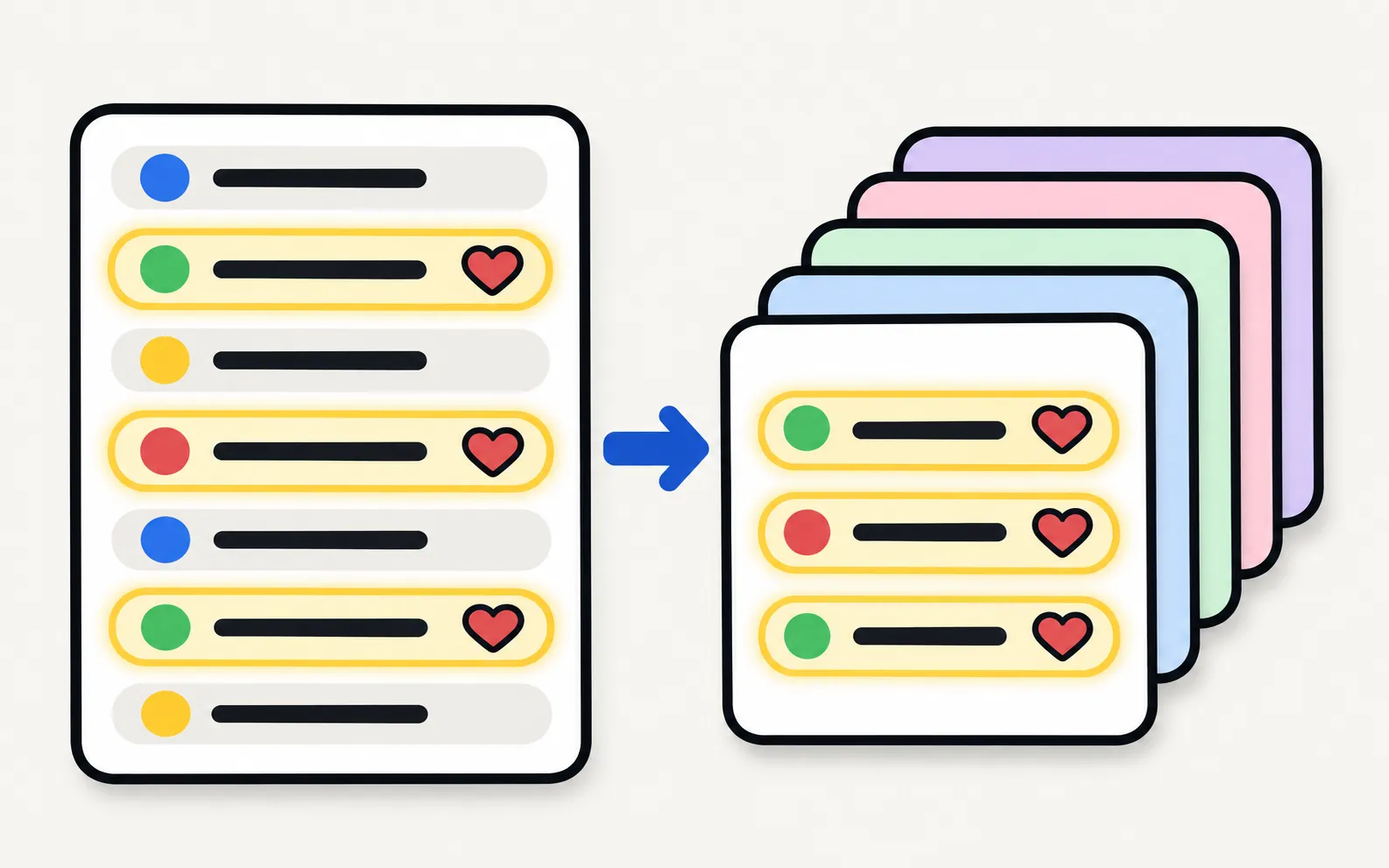
Select channels and press Add to put them in a Favourites list. Samsung allows up to five Favourites lists, and favourite channels show a heart icon. In a Favourites list you can also remove, reorder and rename channels, according to Samsung’s Australian guide.
Keep your edits
- Avoid unnecessary rescans: Samsung notes Auto Program replaces the existing list (channel scan).
- Note your favourites before a factory reset.
Related
- Missing channels: no channels found.
- The programme guide: TV guide (EPG).
- Locks for children: parental controls.
Frequently asked questions
How do I reorder channels?
In Edit Channels or a Favourites list, select a channel and use the move or change-order option where your model offers it. Samsung notes you can remove, change the order and rename channels in a Favourites list.
Why did my channel order reset?
A new Auto Program/Auto Tuning scan deletes the existing list. Some regions also update channel lists automatically.
Can I lock a channel for children?
Yes, with channel or programme rating locks in the parental controls, using the TV's PIN.
Sources
- [2022] How to edit channels on your Samsung TV — Samsung Hong Kong · Samsung · checked November 11, 2026
- Add Channels to your Favourites on your Samsung TV — Samsung Australia · Samsung · checked November 11, 2026
- How to set available channels on your 2025 Samsung Smart TV (Auto Program) — Samsung Malaysia · Samsung · checked November 11, 2026
Related guides
How-to
Antenna and channel scan
Connect an antenna or aerial to a Samsung TV and run Auto Program to find free channels: the menu path, antenna vs cable settings and what a new scan replaces.

Troubleshooting
No channels found
Channel scan finds nothing on a Samsung TV? Check the antenna and source, signal type, retail mode, signal strength and the right scan settings for your region.

How-to
TV guide
Open the programme guide on a Samsung TV with either remote, see where its listings come from, and fix 'No information' by rescanning and checking reception.

How-to
Parental controls
Set up parental controls on a Samsung TV: Programme Rating Lock, App Lock and Channel Lock with paths for 2016–2026 models, the PIN, and what locks can't block.