
How-to
Samsung TV guide (EPG): how to open it and fix missing data
The Guide shows what's on now and next across your channels. Where its listings come from — the broadcast, the internet or your cable provider — explains most gaps.
Quick answer
Samsung says you open the Guide by pressing in on the CH (channel) button of a Samsung Smart Remote, or by pressing GUIDE on a standard remote. For antenna channels, listings typically arrive with the broadcast, so blank 'No information' entries usually mean weak reception or an outdated channel list: rescan with Auto Program and check the signal. Samsung TV Plus channels get their guide over the internet.
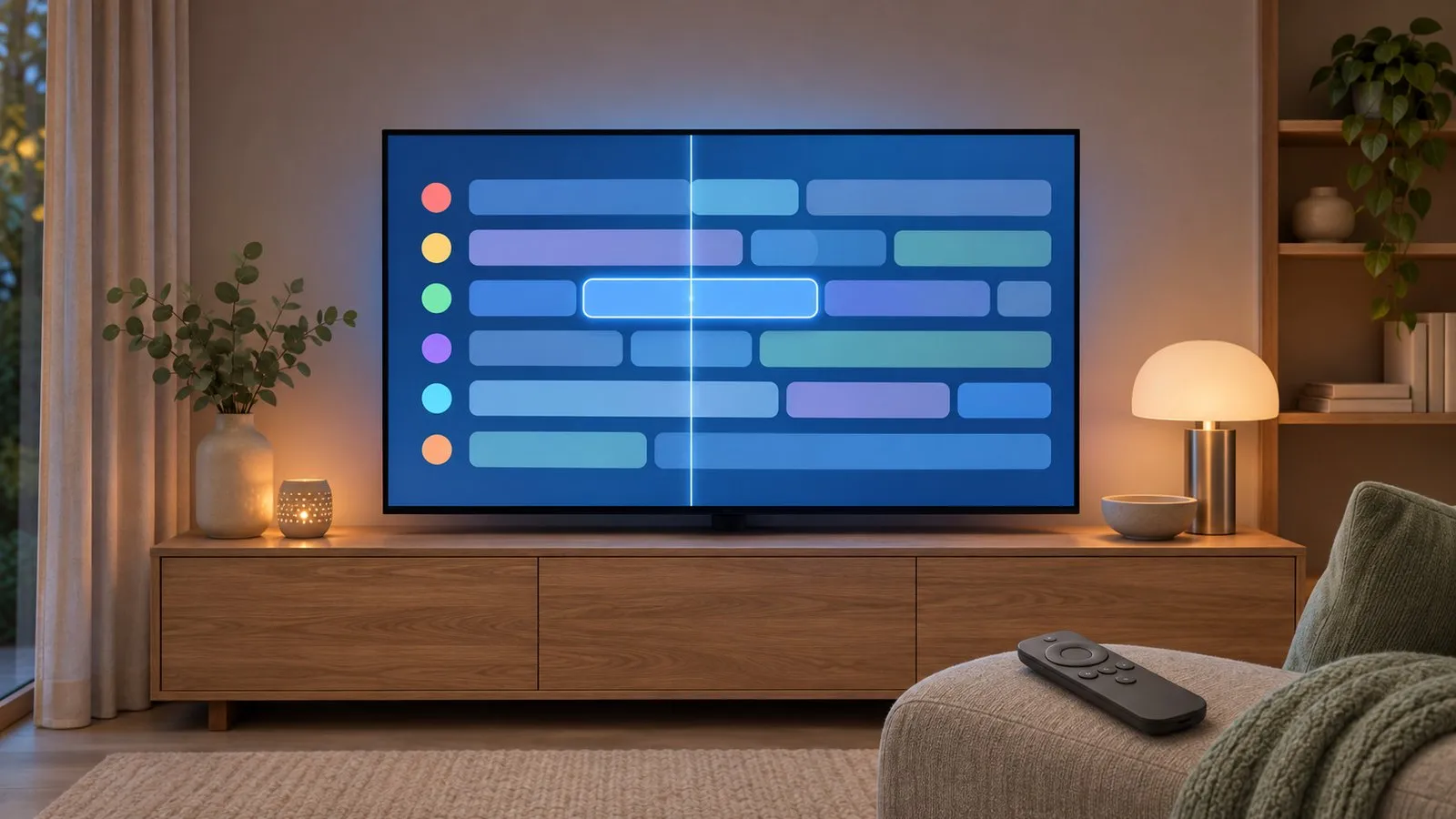
Open the Guide
| Remote | How |
|---|---|
| Samsung Smart Remote | Press in on the CH (channel) button |
| Standard remote | Press GUIDE |
That’s Samsung’s instruction on its Samsung TV Plus page. You need to be watching live TV (or Samsung TV Plus) for the guide to cover your channels.
Where the listings come from
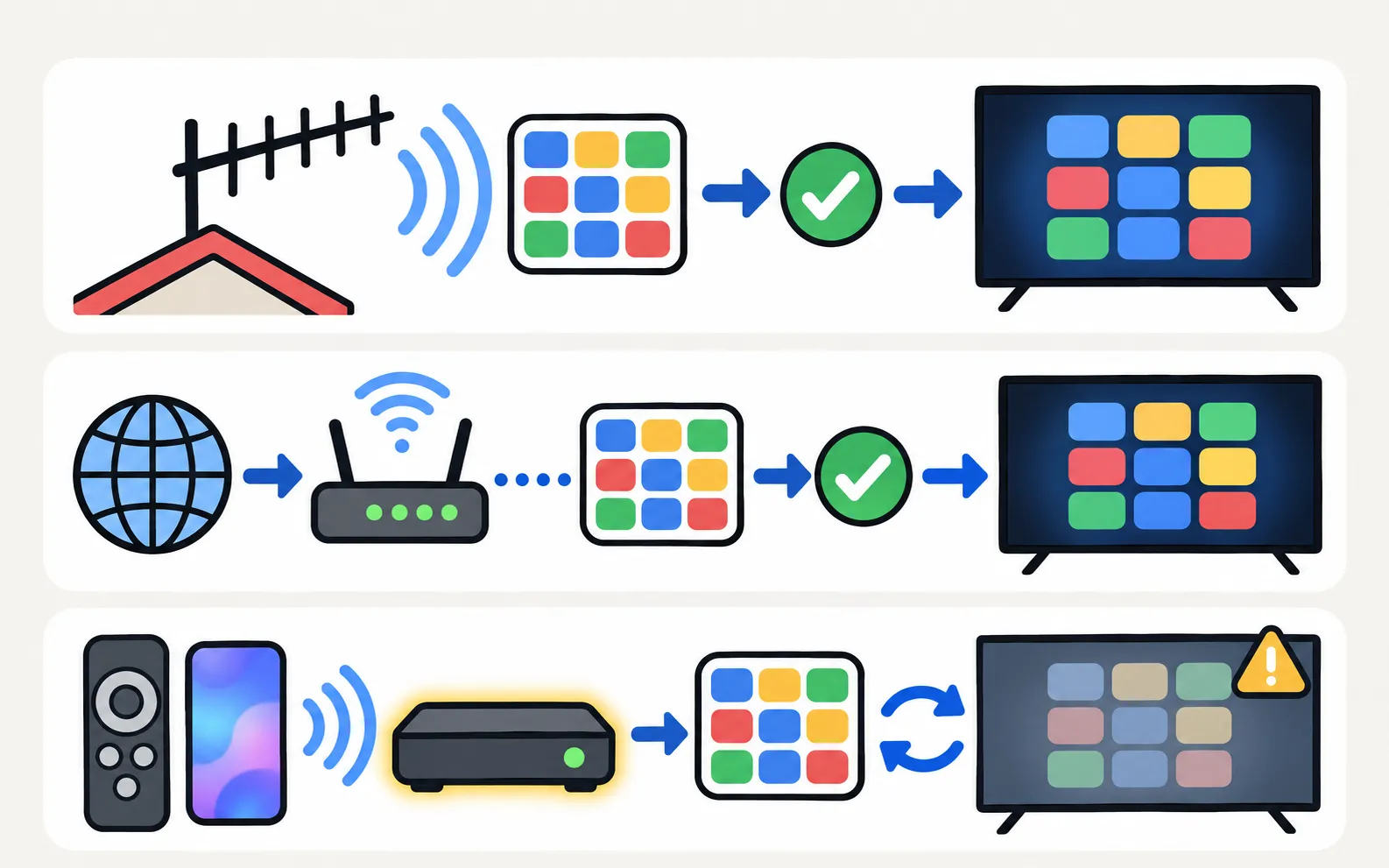
| Channels | Guide data |
|---|---|
| Antenna (aerial) channels | Typically sent with each channel’s broadcast signal |
| Samsung TV Plus | Downloaded over the internet — Samsung says an internet connection is required for Samsung TV Plus |
| Cable or satellite box | The box’s own guide, not the TV’s |
Fix “No information” or a blank guide
-
Check the signal
Weak reception can leave a channel’s listings empty even when the picture still shows. See antenna setup and channel scan. -
Rescan the channels
Run Auto Program: (Auto Tuning in some regions; on older menus Broadcasting sits directly under Settings). -
Remove dead channels
Delete old entries that no longer broadcast — see edit channels. -
Give it time
After a rescan, listings can take a while to appear; tuning to a blank channel for a moment can help. -
Update the TV
See software update.
If channels are missing altogether, start with no channels found.
Samsung TV Plus guide
Samsung TV Plus is Samsung’s free, internet-delivered channel service — Samsung’s US page lists 300+ live channels and availability on 2016–2023 Samsung Smart TVs, among other devices. More: free TV apps.
Record or set a reminder
Where recording is supported, Samsung’s Schedule Manager (123 button on the remote) can add viewings and recordings. Availability depends on model and country — see can a Samsung TV record?.
Frequently asked questions
My remote has no Guide button. How do I open it?
On the Samsung Smart Remote, press in on the CH (channel) button. Some owners also report that holding the channel-list button or saying "Guide" to voice control works on their model.
Why does the guide only show some channels?
The TV builds the guide from the channels in its list. After moving house or a broadcaster change, run Auto Program so the list — and the guide — matches what's on air.
Can I see a guide for my cable box?
The cable box has its own guide. The TV's guide covers channels received by the TV's own tuner, plus Samsung TV Plus.
Can I record from the guide?
On models and regions that support recording, yes — see recording on a Samsung TV.
Sources
- Samsung TV Plus — Samsung US · Samsung · checked November 11, 2026
- How to set available channels on your 2025 Samsung Smart TV (Auto Program) — Samsung Malaysia · Samsung · checked November 11, 2026
- Set up and record live TV — Samsung Australia · Samsung · checked November 11, 2026
Related guides
How-to
Antenna and channel scan
Connect an antenna or aerial to a Samsung TV and run Auto Program to find free channels: the menu path, antenna vs cable settings and what a new scan replaces.

Troubleshooting
No channels found
Channel scan finds nothing on a Samsung TV? Check the antenna and source, signal type, retail mode, signal strength and the right scan settings for your region.
How-to
Edit channels
Open Edit Channels on a Samsung TV to delete, restore, reorder and lock channels, and build up to five Favourites lists — plus why a rescan undoes your changes.
Explainer
Record TV
Recording TV to a USB drive on a Samsung TV depends on model and country (not the US or Canada). How recording, scheduling and Timeshift work where offered.
Explainer
Free TV apps
What Samsung TV Plus is, how it compares with Pluto TV and Tubi, how to find free channels on a Samsung Smart TV, and how to stop TV Plus starting by itself.