
Explainer
Can a Samsung TV record? USB recording and Timeshift by country
Some Samsung TVs can record antenna channels to a USB hard drive; others can't record at all. Your country matters as much as your model.
Quick answer
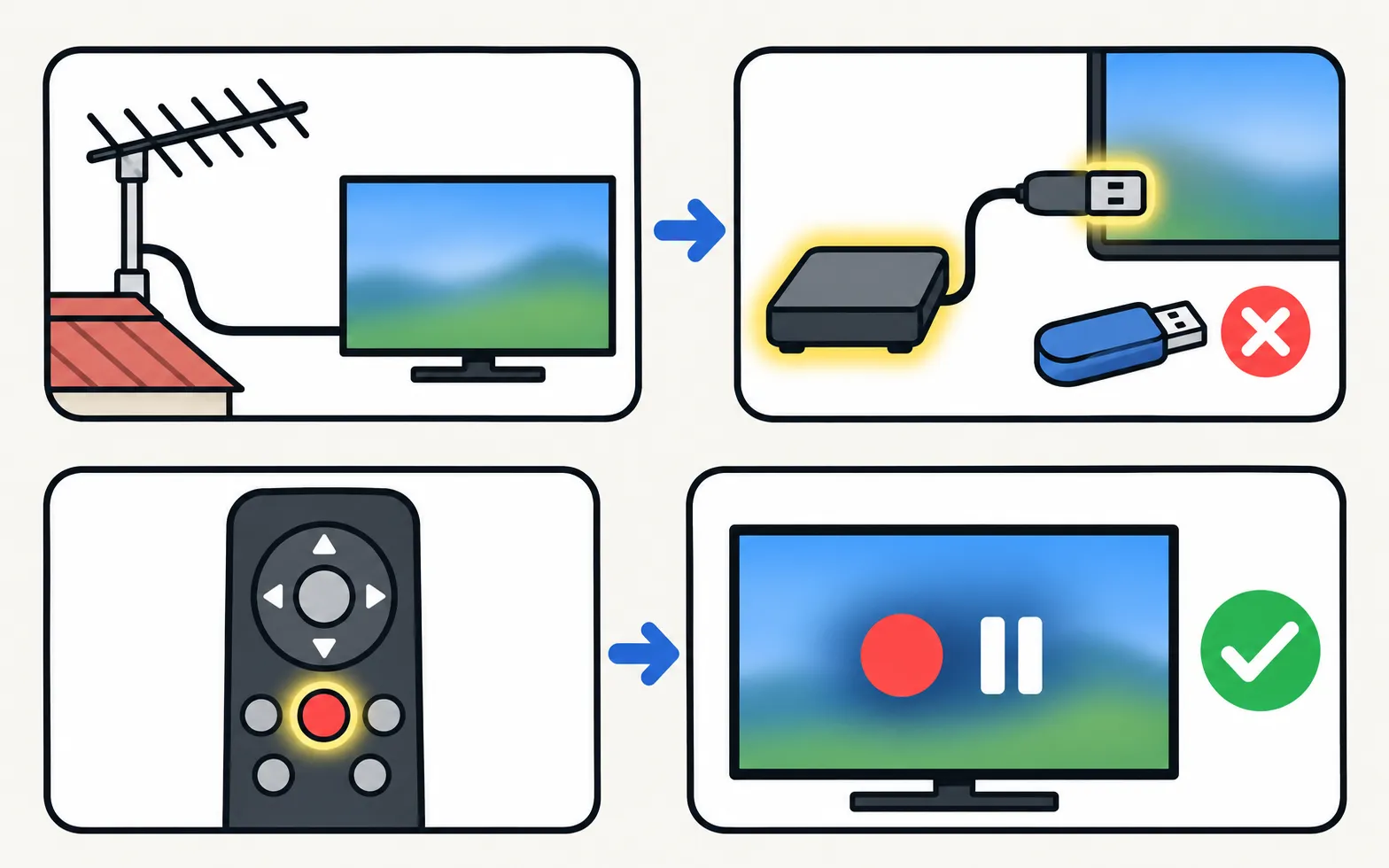
It depends on the model and country. Samsung's e-Manual for 2023–2025 TVs says recording, scheduled recording and Timeshift are not supported in the USA and Canada. Where supported, you plug in a USB hard drive (not a flash drive), press the 123 button while watching a digital antenna channel and choose Record. Recordings only cover digital broadcast channels — not external devices or Samsung TV Plus.
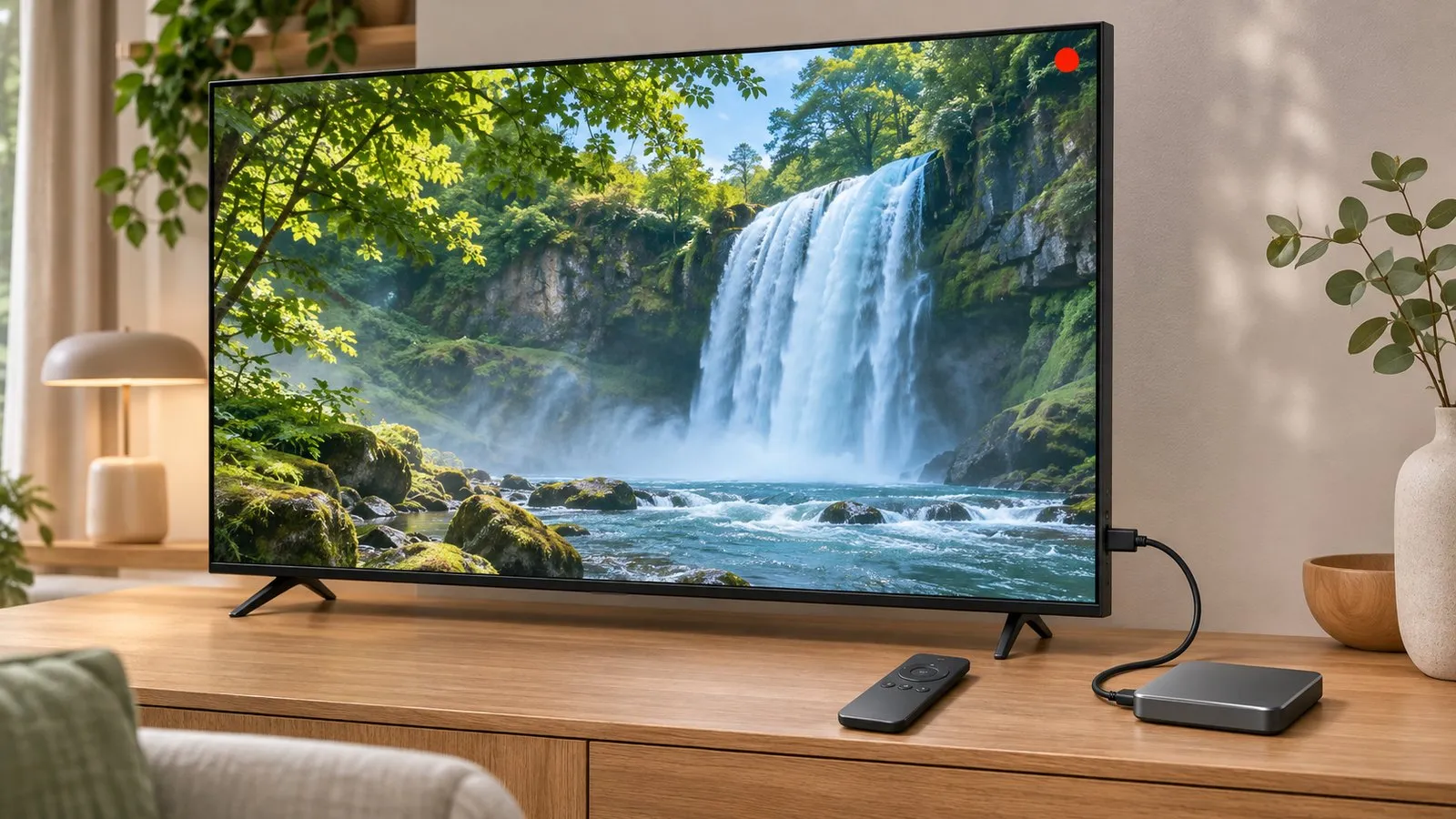
Does your TV support recording?
| Where | What Samsung says |
|---|---|
| USA and Canada | Recording, scheduled recording and Timeshift are not supported (e-Manual for 2023–2025 models) |
| Other markets | Available on select TVs, depending on model and location — check your model’s specifications |
If your TV has the feature, you’ll find Record, Timeshift and Schedule Manager after pressing the 123 button while watching live antenna TV.
What you need
- An antenna (aerial) connection and tuned digital channels — see antenna setup.
- A USB hard drive plugged into the TV or One Connect Box. Samsung’s e-Manual says USB memory and flash drives aren’t supported, nor RAID drives; the TV accepts Mass Storage Class devices only.
- Enough free space — Samsung says the function won’t work without it.
Samsung says the drive must be formatted, which deletes everything on it. Use a drive just for the TV. More on USB: USB on a Samsung TV.
Record, schedule and pause live TV
Samsung Australia’s steps:
-
Record now
While watching a digital channel, press 123 and select Record. -
Schedule a recording
Press 123 › Schedule Manager › Schedules › Add Recording (or Add Viewing for a reminder). Choose the channel and repeat (Everyday, Select Day or Do not repeat). Under Settings you can start recordings early and continue them after the end time. -
Pause live TV (Timeshift)
Press 123 and select Timeshift to pause and jump back and forth.
Limits to know
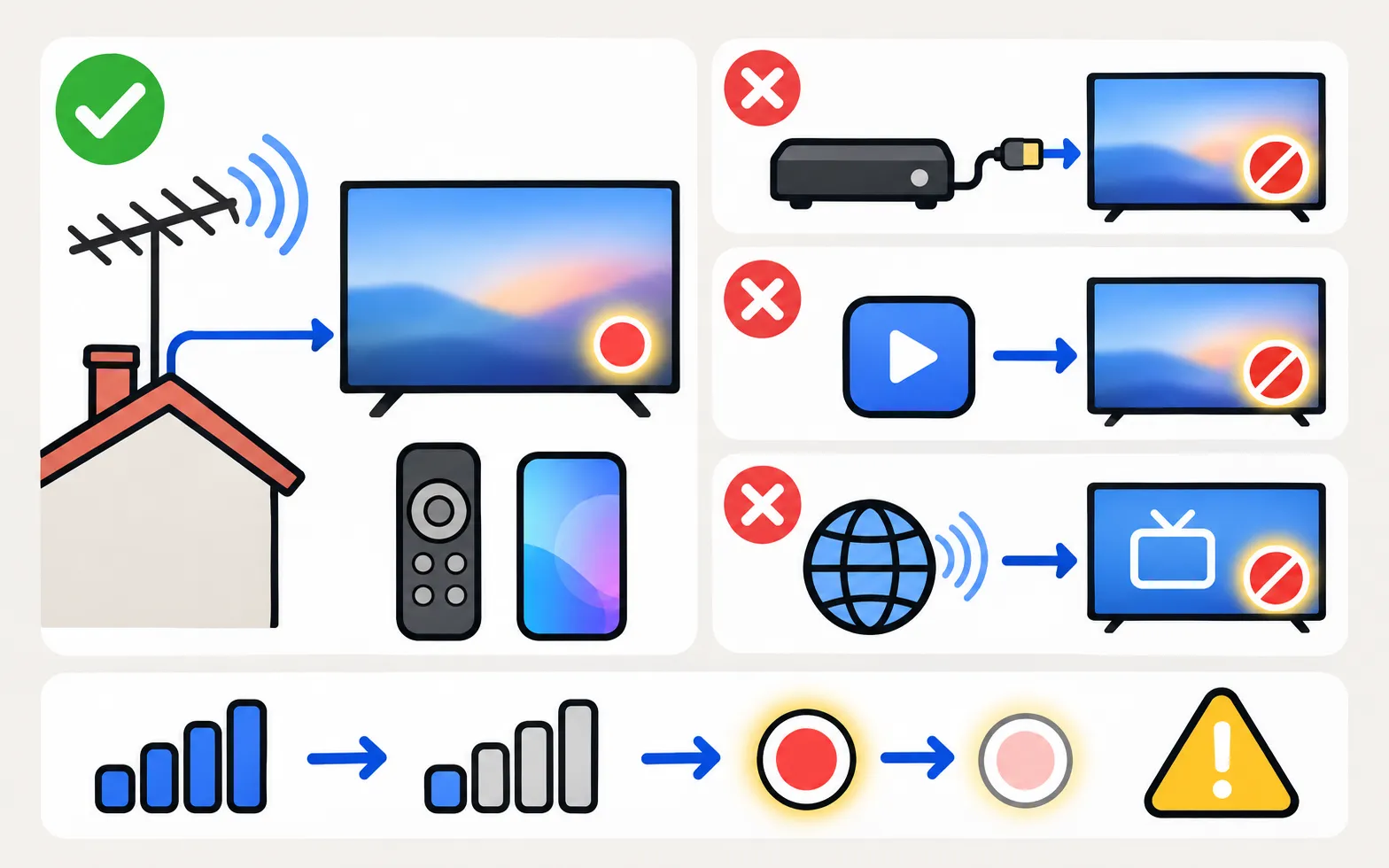
- Only digital broadcast channels received by the TV can be recorded — not HDMI devices, apps or Samsung TV Plus.
- A recording stops if the signal gets too weak.
- Samsung notes menus and availability vary by model and location.
No recording on your TV? A set-top box or recorder with its own storage, or your TV provider’s cloud recording, are the usual alternatives. Find upcoming programmes in the TV guide.
Frequently asked questions
Why is there no Record option on my Samsung TV?
Recording isn't offered on every model or in every country — Samsung's e-Manual excludes the USA and Canada, and Samsung Australia says only select TVs have it. Check your model's specifications for your country.
Can I use a USB stick?
Samsung's e-Manual says USB memory and flash drives aren't supported for recording or Timeshift; use a USB hard drive. RAID drives aren't supported either.
Can I record from my cable box or Samsung TV Plus?
No. Samsung says the recording function only works with digital broadcast channels received by the TV.
Is my Samsung TV recording me?
TV recording here means saving broadcast programmes. Questions about cameras, microphones and viewing data are covered in our privacy guides.
Sources
- Samsung TV e-Manual (2023–2025 models): recording and Timeshift notes — Samsung US · Samsung · checked November 11, 2026
- Set up and record live TV — Samsung Australia · Samsung · checked November 11, 2026
Related guides
How-to
TV guide
Open the programme guide on a Samsung TV with either remote, see where its listings come from, and fix 'No information' by rescanning and checking reception.
How-to
USB playback
Play videos, photos and music from USB on a Samsung TV: how to open the drive, formats that work, why files won't play and the 4 GB FAT32 limit.
How-to
Antenna and channel scan
Connect an antenna or aerial to a Samsung TV and run Auto Program to find free channels: the menu path, antenna vs cable settings and what a new scan replaces.

Topic
Ads and privacy
Control what your Samsung TV shows and shares: cut home-screen ads, stop TV Plus auto-starting, turn off ACR viewing data and see if you need an account.

How-to
Stop TV Plus starting
Samsung TV keeps switching on to TV Plus? Turn off Autorun Samsung TV Plus in Smart Features, start on the last input instead, and fixes if the option is gone.