
How-to
Turn off Samsung TV Plus: stop it starting automatically
Many Samsung TVs open on a TV Plus channel when there's no other source. One switch usually stops it.
Quick answer
On many Samsung TVs, open Settings, General (General & Privacy on newer models), Smart Features and turn off Autorun Samsung TV Plus. While there, check Autorun Last App and Autorun Smart Hub. Restart the TV with a long press of the power button. Some newer models don't offer the option, and updates can switch it back on; removing the TV Plus tile from the home row helps there.
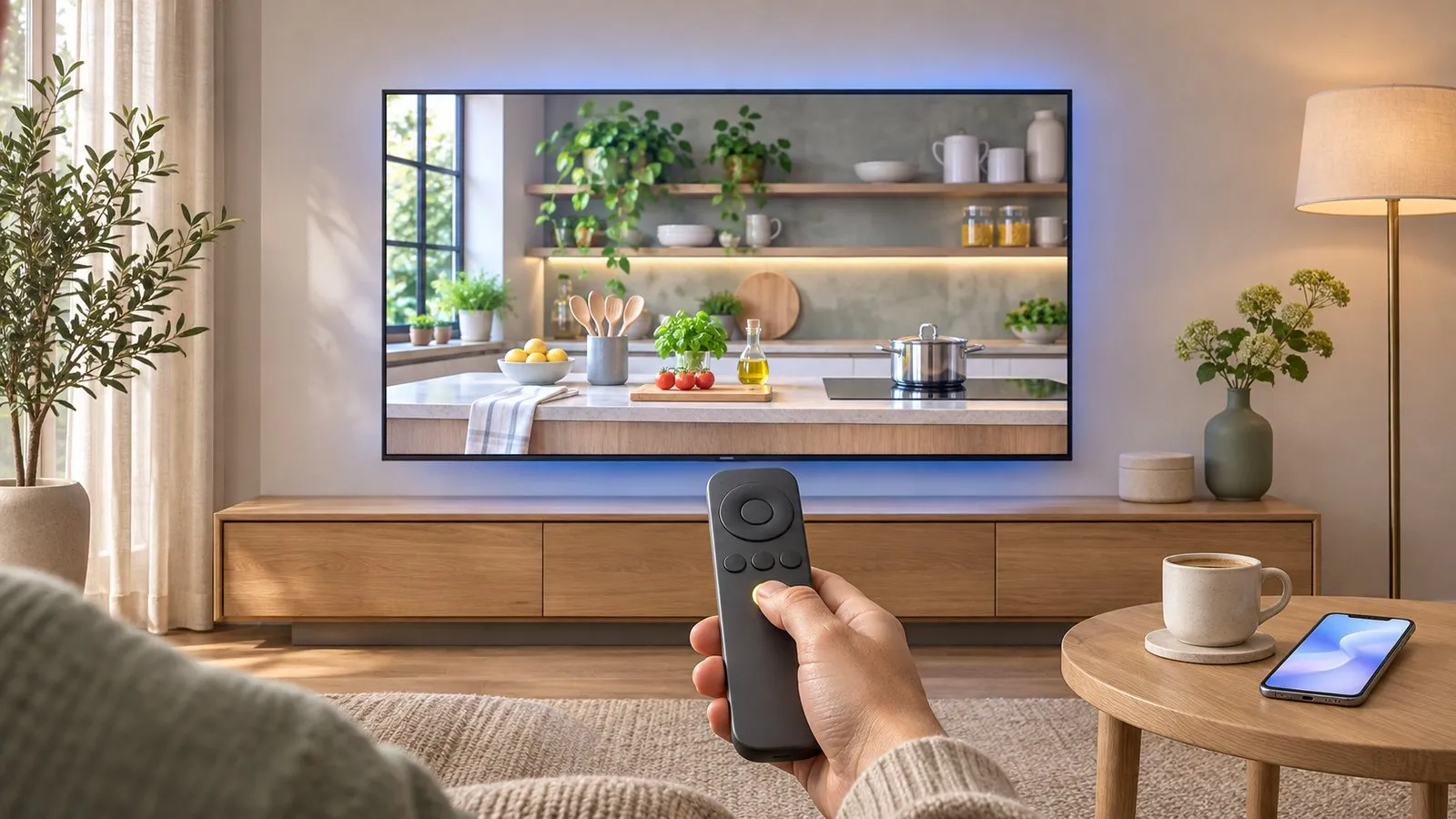
Turn off Autorun Samsung TV Plus
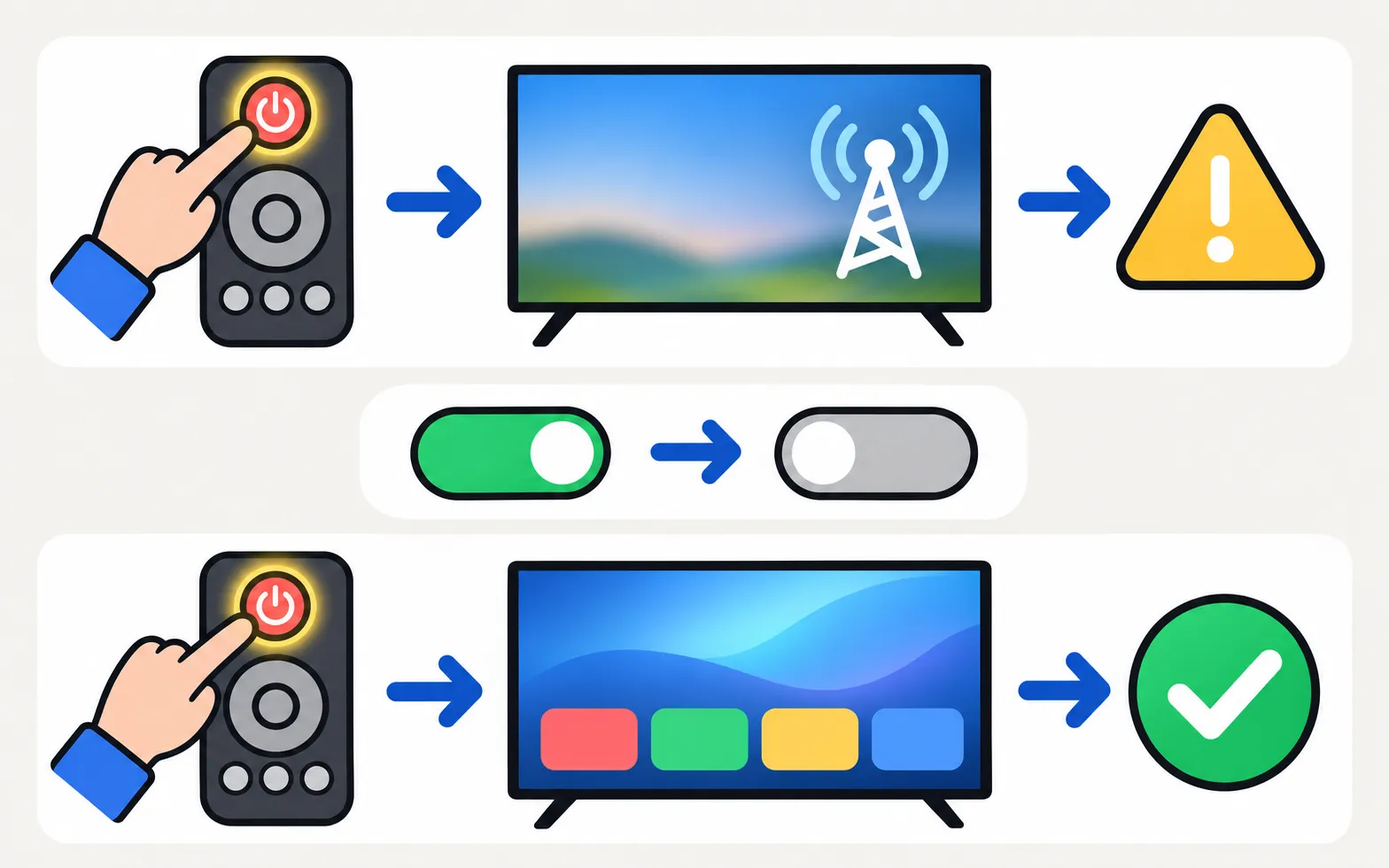
Reported by Tom’s Guide and Samsung community members for many models:
-
Open Smart Features
Settings → General (or General & Privacy) → Smart Features. -
Switch off Autorun Samsung TV Plus
Highlight it and press Select to turn it off. -
Check the neighbours
Autorun Last App and Autorun Smart Hub also control what opens at power-on. -
Restart
Hold the remote’s power button until the TV restarts, then test.
If your model has no such option
- Remove the Samsung TV Plus tile from the home row (organise the home screen).
- Leave the TV on the input you use (for example your set-top box) when switching off; many models resume it.
- Recheck after software updates.
Want TV Plus after all?
It’s a free, ad-supported service with live channels — see free TV on Samsung TVs. If the TV switches itself on (not just to TV Plus), that’s a different problem: TV turns on by itself.
Frequently asked questions
Can I uninstall Samsung TV Plus?
It's part of the TV's built-in services and usually can't be deleted, but you can remove its tile and stop it starting.
The option isn't there on my TV. What now?
Some models don't include it. Make sure the TV starts on a connected source, remove the TV Plus tile, and check after updates.
Why did TV Plus come back after an update?
Updates can reset settings. Recheck Smart Features after each update.
Sources
- You can stop Samsung TV Plus from auto-playing on your TV — here's how — Tom's Guide · Media · checked November 11, 2026
- [2022] How to install apps and manage downloaded apps on your Samsung TV — Samsung UK · Samsung · checked November 11, 2026
Related guides
How-to
Turn off ads
Cut ads on a Samsung Smart TV: turn off interest-based ads and viewing data, stop TV Plus and apps auto-starting, tidy the home row — and what can't be removed.
Explainer
Free TV apps
What Samsung TV Plus is, how it compares with Pluto TV and Tubi, how to find free channels on a Samsung Smart TV, and how to stop TV Plus starting by itself.

Troubleshooting
TV turns on by itself
Samsung TV switching itself on at night or in the morning? Read the Event Log's power-on reason, then turn off Anynet+, Power On with Mobile or the trigger.
Topic
Ads and privacy
Control what your Samsung TV shows and shares: cut home-screen ads, stop TV Plus auto-starting, turn off ACR viewing data and see if you need an account.