
How-to
Turn off ads and promotions on a Samsung TV home screen
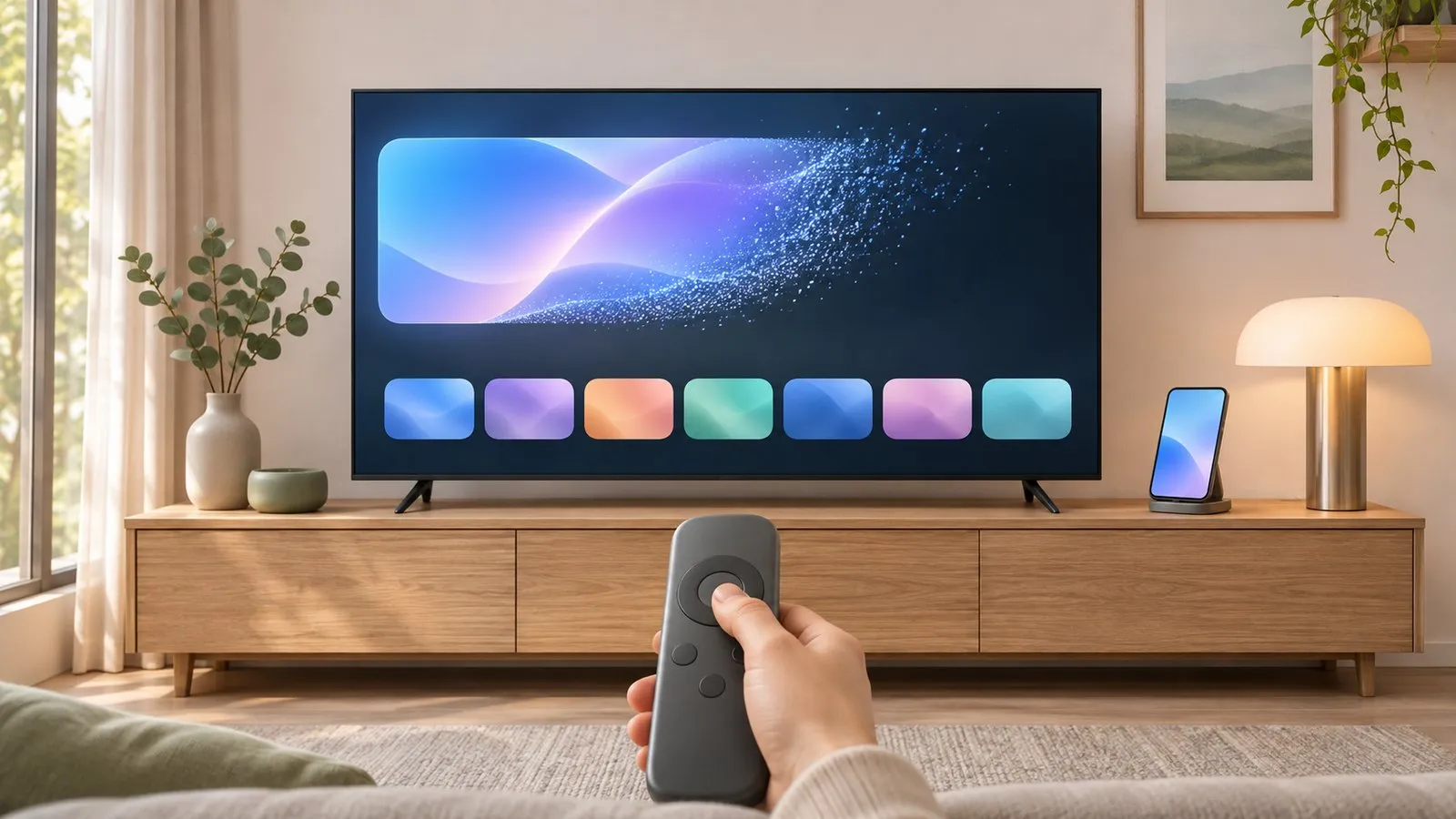
You can't remove every promotion from a Samsung Smart TV, but you can make ads less personal, stop auto-playing content and keep the home row to the apps you use.
Quick answer
Samsung's home screen includes promotional tiles that can't be fully removed. To reduce ads: turn off Interest-Based Advertisement and Viewing Information Services in the privacy settings (Terms & Privacy), switch off Autorun Samsung TV Plus and Autorun Last App in Smart Features where your model has them, and remove unwanted app tiles from the home row.
1. Make ads less personal
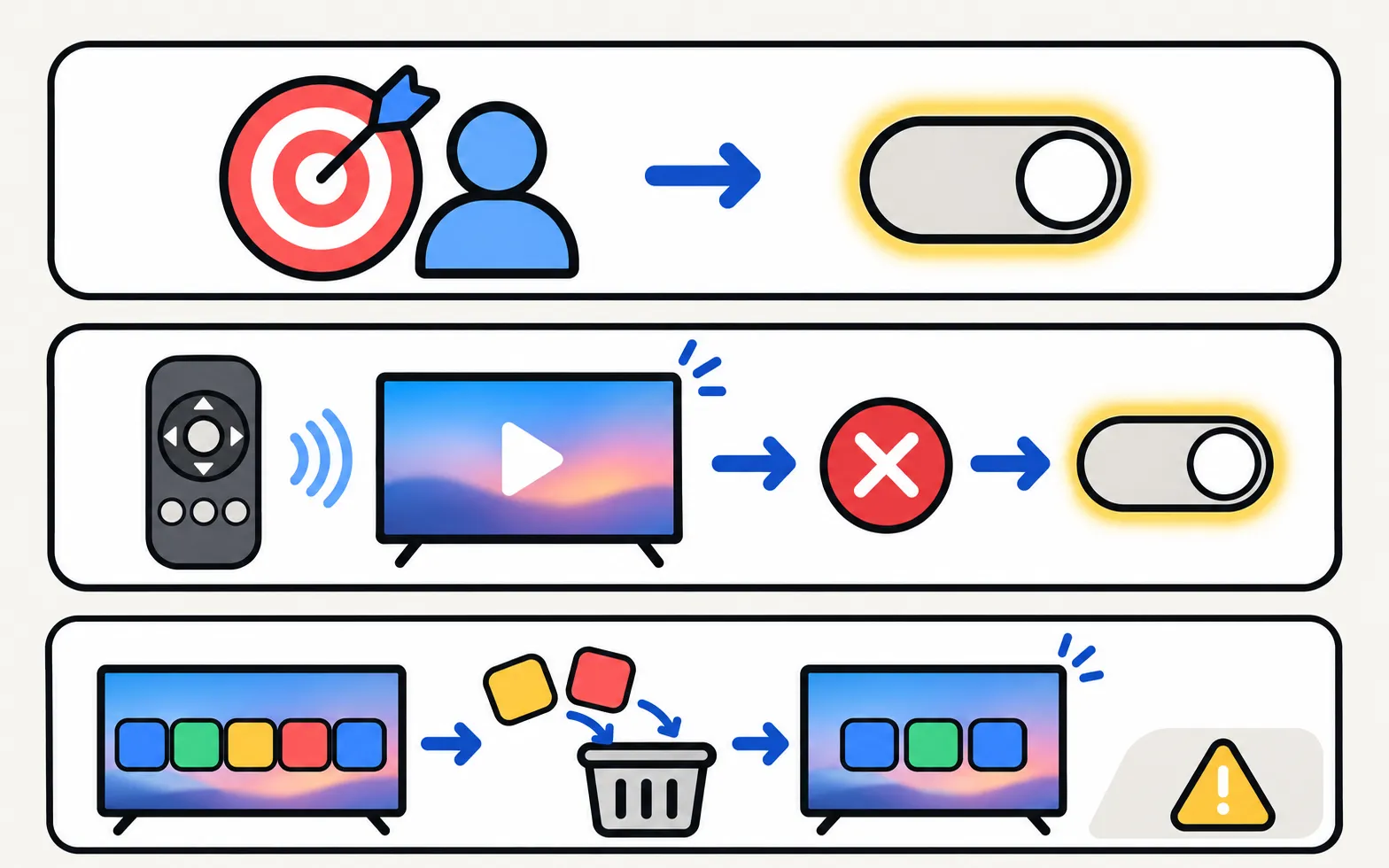
In the TV’s privacy settings (on recent models General & Privacy → Terms & Privacy → Privacy Choices), turn off:
- Interest-Based Advertisement
- Viewing Information Services (ACR)
Step-by-step and background: Samsung TV privacy settings.
2. Stop content starting by itself
Reviewers and Samsung community members point to Smart Features (under General, or General & Privacy) for:
- Autorun Samsung TV Plus — stops TV Plus starting at power-on.
- Autorun Smart Hub and Autorun Last App — stop the home screen or last app opening automatically.
Not every model has these options, and updates can reset them. Details: stop Samsung TV Plus from starting automatically.
3. Tidy the home row
Remove app tiles you don’t use and move favourites to the front — Samsung’s 2022+ guide uses List Edit in Apps (organise the home screen). Fewer tiles means fewer recommendation rows linked to them.
What can’t be turned off
Some banners and sponsored rows are part of Samsung’s home screen and remain even after these changes. If a clean interface matters most, a streaming device as your main source, with the TV set to start on its HDMI input where your model allows, keeps the Samsung home screen out of sight.
Viewing-data collection, Samsung accounts and other privacy settings: Samsung TV privacy, ads and accounts.
Frequently asked questions
Can I remove all ads from a Samsung TV?
No. Some promotional areas are part of the home screen. You can limit personalisation and auto-playing content, and declining optional agreements reduces some features.
Does turning off the internet stop ads?
It stops online ads but also all apps and updates. It's not practical for a smart TV.
Why does a channel start playing when I turn the TV on?
Samsung TV Plus or an Autorun option is starting automatically. See the guide to stopping TV Plus.
Sources
- Your Samsung TV is watching you — how to turn off data collection — Tom's Guide · Media · checked November 11, 2026
- You can stop Samsung TV Plus from auto-playing on your TV — here's how — Tom's Guide · Media · checked November 11, 2026
- [2022] How to install apps and manage downloaded apps on your Samsung TV — Samsung UK · Samsung · checked November 11, 2026
Related guides
How-to
Privacy settings and ACR
Turn off ACR (Viewing Information Services), interest-based ads and voice recognition on a Samsung TV — and what the 2026 Texas settlement changed.

How-to
Stop TV Plus starting
Samsung TV keeps switching on to TV Plus? Turn off Autorun Samsung TV Plus in Smart Features, start on the last input instead, and fixes if the option is gone.
How-to
Organise the home screen
Tidy a Samsung TV home screen: move app tiles with List Edit, remove shortcuts without deleting the app, lock apps, and delete the apps you never use.

Topic
Ads and privacy
Control what your Samsung TV shows and shares: cut home-screen ads, stop TV Plus auto-starting, turn off ACR viewing data and see if you need an account.