
Remote light blinking
Samsung remote light blinks twice, stays on or flashes when you press Power? What each pattern means (low battery, lost pairing, charging) and how to fix it.
Topic
Most Samsung remote problems are power or pairing. Reset the remote, test it with a phone camera, then charge it or change the batteries; a Smart Remote that only half-works needs pairing (hold Return and Play/Pause near the TV). If the remote is lost or broken, the TV's own button or a phone can control the TV until a replacement arrives.
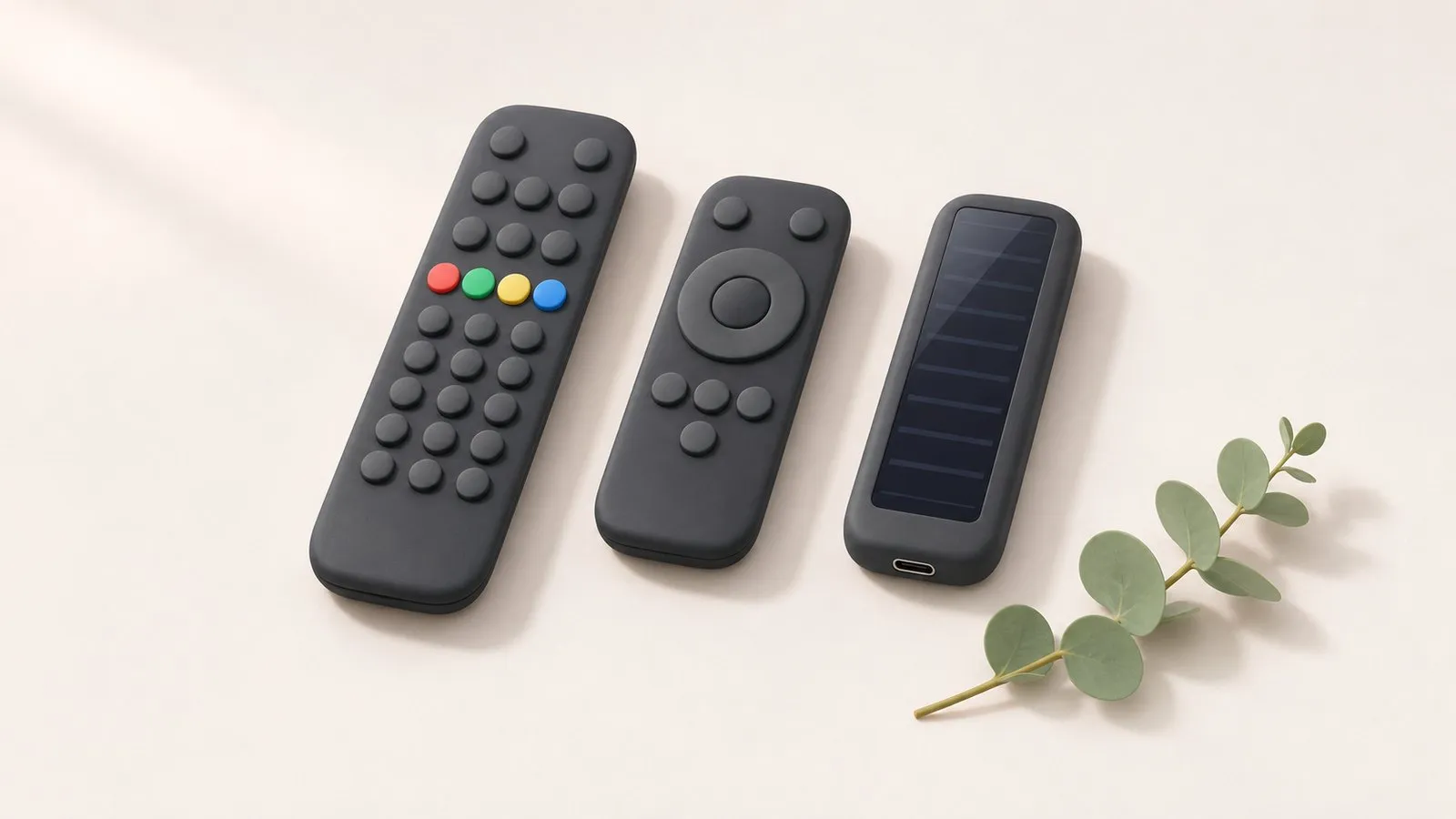
Samsung has shipped three kinds of remote with its TVs, and each fails in its own way. Start with the guide that matches your problem — or use the quick map below.
| Your problem | Start here |
|---|---|
| Nothing works, or only some buttons | Remote not working: fixes by remote type |
| A light on the remote blinks or stays on | What the remote’s light means |
| New remote, TV reset, or smart features stopped | Pair a Smart Remote |
| SolarCell remote dead or won’t charge | SolarCell charging and fixes |
| Remote lost | Lost your remote? What to do now |
| Standard remote | Smart Remote | SolarCell remote | |
|---|---|---|---|
| Looks | Long, number keys | Short, round pad, few keys | Like the Smart Remote, solar panel on the back |
| Talks to the TV by | Infrared | Bluetooth + infrared | Bluetooth + infrared |
| Power | AA/AAA batteries | Batteries | Built-in battery, light or USB-C |
| Needs pairing | No | Yes | Yes |
The TV’s own control button covers the basics, and a phone covers almost everything on a Smart TV that is already on your network. See control a Samsung TV without a remote and use your phone as a Samsung TV remote. Needs a Samsung Smart TV connected to your home network. Non-smart TVs are not supported.
Samsung remote light blinks twice, stays on or flashes when you press Power? What each pattern means (low battery, lost pairing, charging) and how to fix it.
Samsung TV remote not working? Reset it, do the 10-second phone-camera test, change or charge the battery, re-pair a Smart Remote and clear the TV's sensor.
Set up Bixby or Alexa on a Samsung TV, fix a microphone button that does nothing, and why Google Assistant disappeared from Samsung TVs in 2024.
Make an Xfinity, Roku, Fire TV or Apple TV remote turn your Samsung TV on and off and change volume: turn on Anynet+ (HDMI-CEC), then run the device's TV setup.
Pair or re-pair a Samsung Smart Remote or SolarCell remote: hold Return and Play/Pause near the TV. How to reset it first, and what to do when pairing fails.
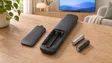
Which batteries a Samsung TV remote takes (AA or AAA by type, none for SolarCell), how to open each battery cover, and what to do if new batteries don't help.
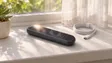
Charge a Samsung SolarCell remote with light or USB-C, check its battery level on the TV, and fix a remote that won't charge, locks up or drains quickly.
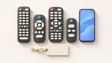
Choose a replacement remote for a Samsung TV: original by part number, compatible remotes, Smart Remote vs infrared, universal remotes and what copies lack.
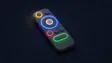
What every button on the Samsung Smart Remote does: 123/colour, Ambient, microphone, Return, Play/Pause, VOL and CH, plus the press-and-hold tricks most miss.
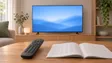
Program a universal remote for a Samsung TV: try the Samsung button or preset first, look up codes from your remote's maker, or run the remote's code search.
Standard remotes are long with number keys and work by infrared. Smart Remotes are short with a round navigation pad and use Bluetooth too. SolarCell remotes look like Smart Remotes but have a solar panel on the back and a USB-C port.
Yes: with the TV's control button, a USB keyboard, or a phone app on a Smart TV that's on your home network.
Samsung's parts shop or authorised service partners in your country sell remotes by part number. Find the part number in your TV's manual or on the old remote's battery cover before ordering.