
Troubleshooting
Samsung remote light blinking: what it means and how to fix it
The small light on a Samsung Smart Remote is a status code. Read the pattern, and you know whether to charge, re-pair or reset.
Quick answer
On Samsung Smart Remotes, a light that blinks twice when you press a button means the Bluetooth link to the TV is lost — pair again by holding Return and Play/Pause for 3–5 seconds near the TV. A light that stays on for 5 seconds or more means the battery is at 10% or less — charge or replace it. A steady light while plugged in means USB charging.
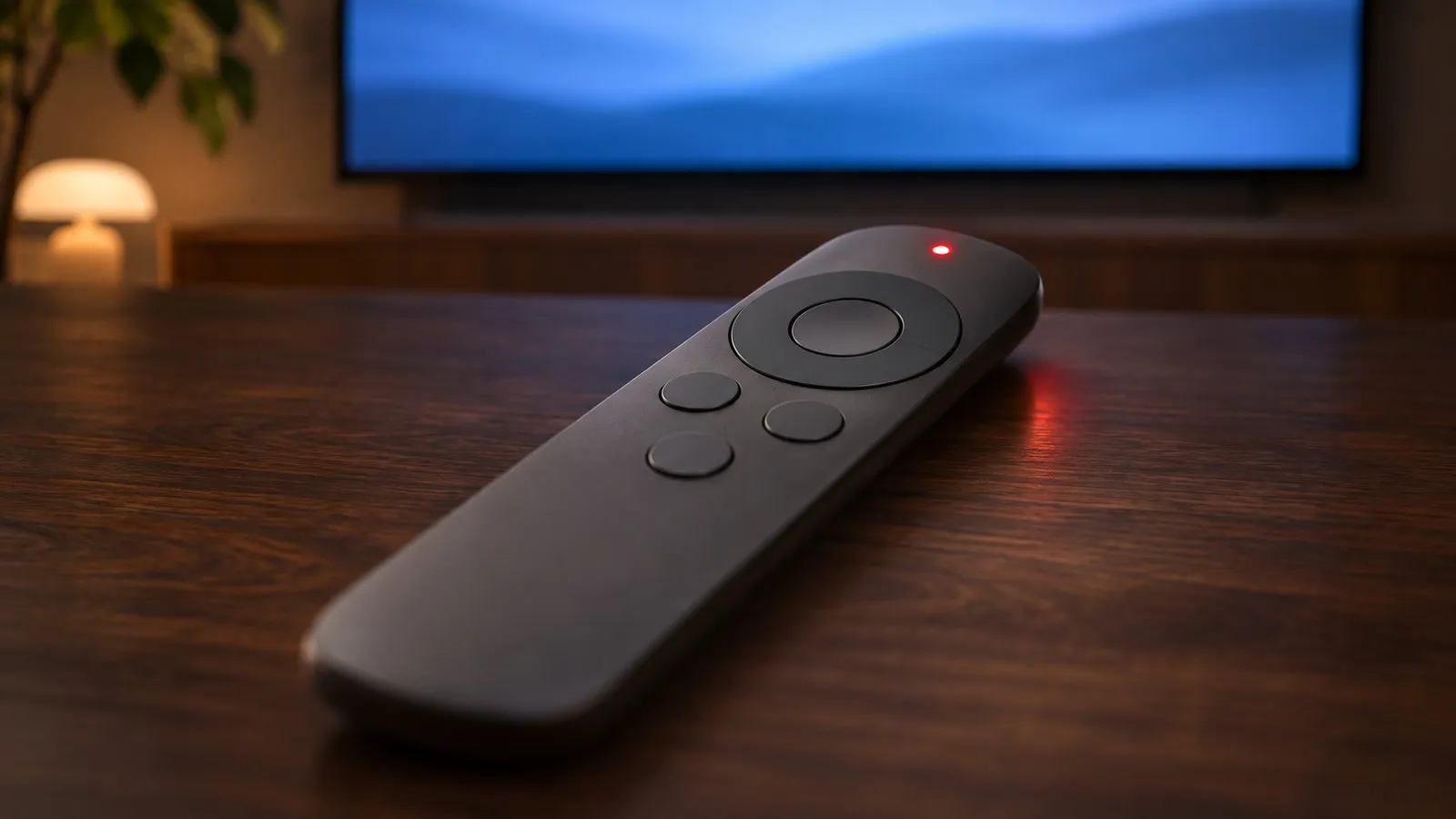
Is the blinking light at the bottom of the TV rather than on the remote? That is the TV’s standby light. Standby light blinking
Read the pattern
Samsung’s LED guide for its Smart Remotes describes four states. The colour varies between remote models, but the patterns are the same:
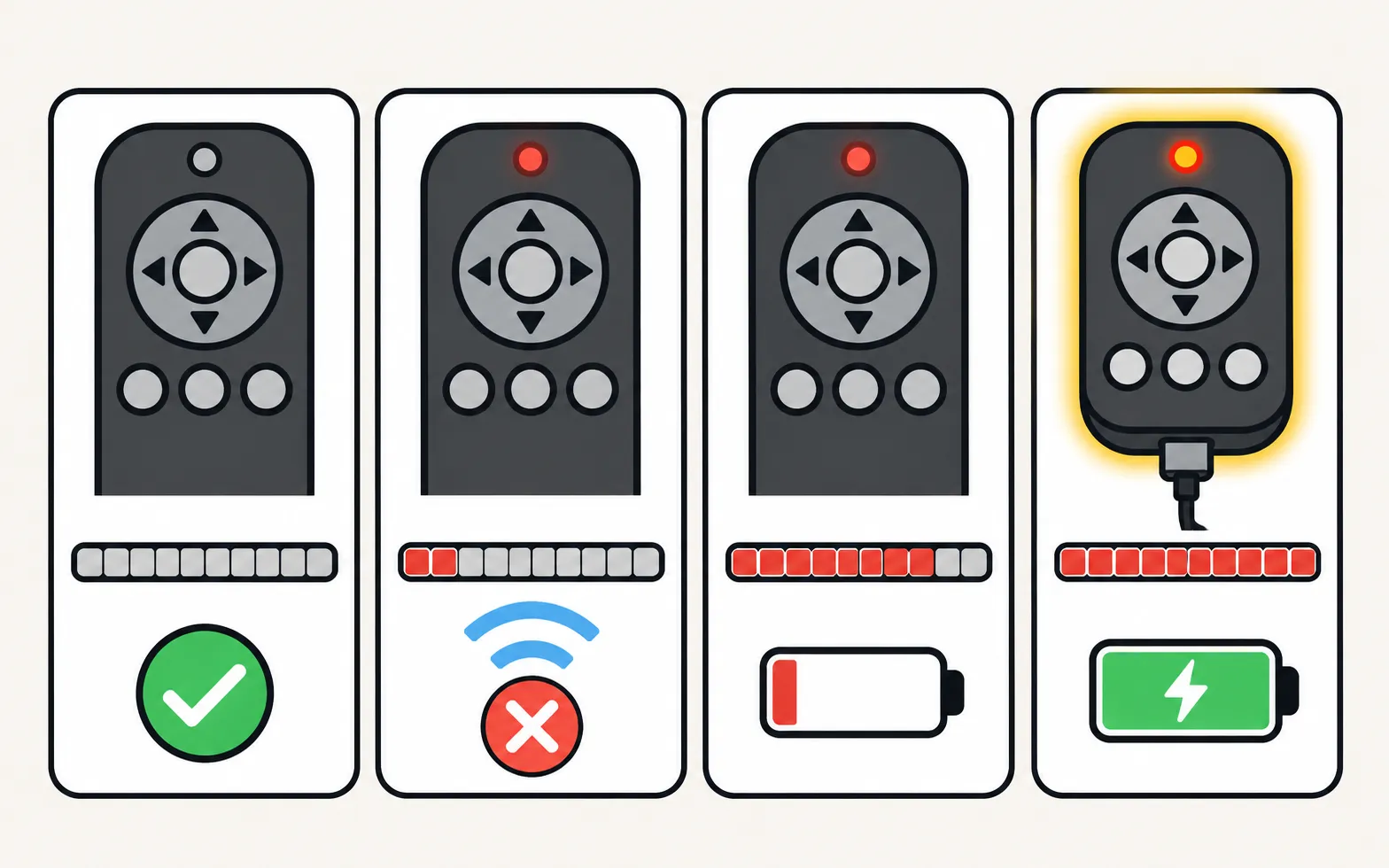
| When you press a button… | What it means | What to do |
|---|---|---|
| No light | The remote is connected to the TV by Bluetooth | Nothing — this is normal |
| The light blinks twice | The Bluetooth connection is lost. Power, volume and channel may still work by infrared, but smart features such as voice don’t | Pair again (below) |
| The light stays on for 5 seconds or more | The battery is at about 10% or less | Charge or change the battery |
| The light stays on while a USB-C cable is connected | Charging; it turns off when charging is complete | Wait, ideally without using the remote |
On SolarCell remotes there is one more signal: when the battery is too low the remote locks, and the light flashes for about 3 seconds when you press Power.
Two blinks: pair the remote again
-
Stand close and point at the TV
Within about 30 cm (1 ft), aimed at the bottom centre or lower right of the TV. -
Hold Return and Play/Pause
Press both together and hold for at least 3–5 seconds, until the TV shows the remote is connected. -
Still blinking?
Unplug the TV for 30 seconds, plug it back in, and pair again.
Full instructions by remote generation: how to pair a Samsung Smart Remote.
Light stays on: charge or change the battery
- SolarCell remote: plug a USB-C cable into the port on the bottom, or leave the remote with its solar panel in bright light. You can check the level on the TV: , then Available Remote Battery (on older menus under General instead of General & Privacy). See SolarCell remote charging.
- Battery Smart Remote: fit two fresh batteries of the type shown in the battery compartment. See Samsung TV remote batteries.
Light flashes and the remote is locked (SolarCell)
A fully drained SolarCell remote locks itself. Charge it for a while, then reset it by holding Return and Enter together for about 10 seconds, and pair it again.
Nothing helps
If the light keeps blinking after charging, resetting and pairing — and the TV has been unplugged for 30 seconds — the remote or the TV’s Bluetooth may be faulty. Work through Samsung TV remote not working to rule out the TV, then see which replacement remote fits your Samsung TV. In the meantime, a phone can stand in on any Smart TV on your home network: use your phone as a Samsung TV remote. The TV’s own button and other stop-gaps are in control a Samsung TV without a remote.
Frequently asked questions
Is the blinking light on my remote or on the TV?
Look closely. The remote's light is on the remote itself, near the top. A red light at the bottom edge of the TV is the TV's standby light — its blinking patterns have different causes and a separate guide.
My remote's light doesn't come on at all when I press buttons. Is it dead?
Not necessarily: on Samsung Smart Remotes, no light during normal use means the remote is connected properly. Use the phone-camera test to check whether it sends a signal.
The light blinks and the remote won't pair. What now?
Charge or replace the batteries first — Samsung names low battery as the main reason pairing fails. Then reset the remote (hold Return and Enter for 10 seconds on SolarCell remotes) and pair again close to the TV.
My older standard remote has a red light that flashes with every press. Is that a fault?
No. On many standard infrared remotes the light simply confirms that a button press is being sent. If the TV doesn't respond, the problem is batteries, the TV's sensor or the TV itself.
Sources
- Samsung Smart TV remote control LED guide — Samsung Canada · Samsung · checked November 11, 2026
- How to charge and use the Samsung SolarCell Remote — Samsung UK · Samsung · checked November 11, 2026
- Samsung US troubleshooting: remote is not working (TSG10002214) — Samsung US · Samsung · checked November 10, 2026
- Pair your Samsung Smart Remote to your Samsung TV — Samsung Canada · Samsung · checked November 11, 2026
Related guides
Troubleshooting
Remote not working
Samsung TV remote not working? Reset it, do the 10-second phone-camera test, change or charge the battery, re-pair a Smart Remote and clear the TV's sensor.
How-to
Pair a Smart Remote
Pair or re-pair a Samsung Smart Remote or SolarCell remote: hold Return and Play/Pause near the TV. How to reset it first, and what to do when pairing fails.
How-to
SolarCell remote charging
Charge a Samsung SolarCell remote with light or USB-C, check its battery level on the TV, and fix a remote that won't charge, locks up or drains quickly.
Troubleshooting
Standby light blinking
Why the red standby light on a Samsung TV blinks, what Samsung says each state means (steady, off, blinking), how to rule out the outlet and when it's a repair.
How-to
Remote batteries
Which batteries a Samsung TV remote takes (AA or AAA by type, none for SolarCell), how to open each battery cover, and what to do if new batteries don't help.