
Frame turns on by itself
The Frame waking up, switching off or leaving Art Mode on its own? Adjust Motion Detector, Night Mode and Sleep After, then check HDMI-CEC and phone wake-ups.
Topic
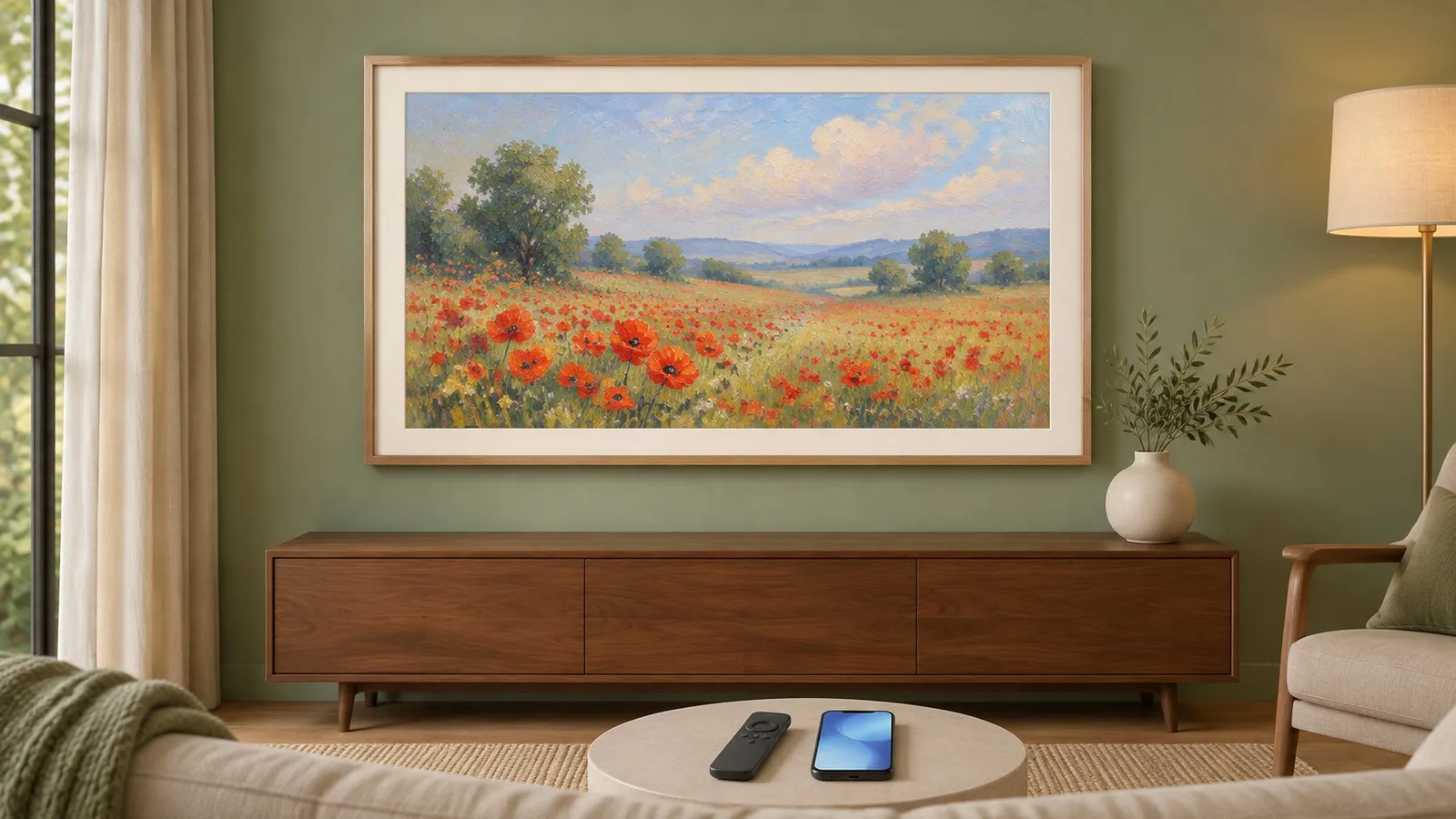
The Frame is Samsung's lifestyle TV designed to hang flat like a picture and show artwork in Art Mode when you're not watching. Its model codes contain LS03 (for example LS03A for 2021, LS03D for 2024, LS03F for 2025). Art Mode can show your own photos or Samsung Art Store artwork; a motion sensor decides when the screen sleeps.
| Task or problem | Guide |
|---|---|
| Show your photos or the Art Store | Art Mode |
| Turns on by itself, wakes at night | The Frame turns on by itself |
| Wall mount, One Connect, bezels | Install and bezels |
| No picture through the box | One Connect box |
| Year | Series code | Notes |
|---|---|---|
| 2017 | LS003 | The first Frame |
| 2019 | LS03R | Year letter at the end from 2019 |
| 2020 | LS03T | — |
| 2021 | LS03A | — |
| 2022 | LS03B | — |
| 2023 | LS03C | Includes a 32-inch Full HD model |
| 2024 | LS03D | — |
| 2025 | LS03F, Frame Pro LS03FW | — |
| 2026 | LS03H, LS03HW | — |
Developer-tested Frame codes are listed on the year pages and the compatibility page.
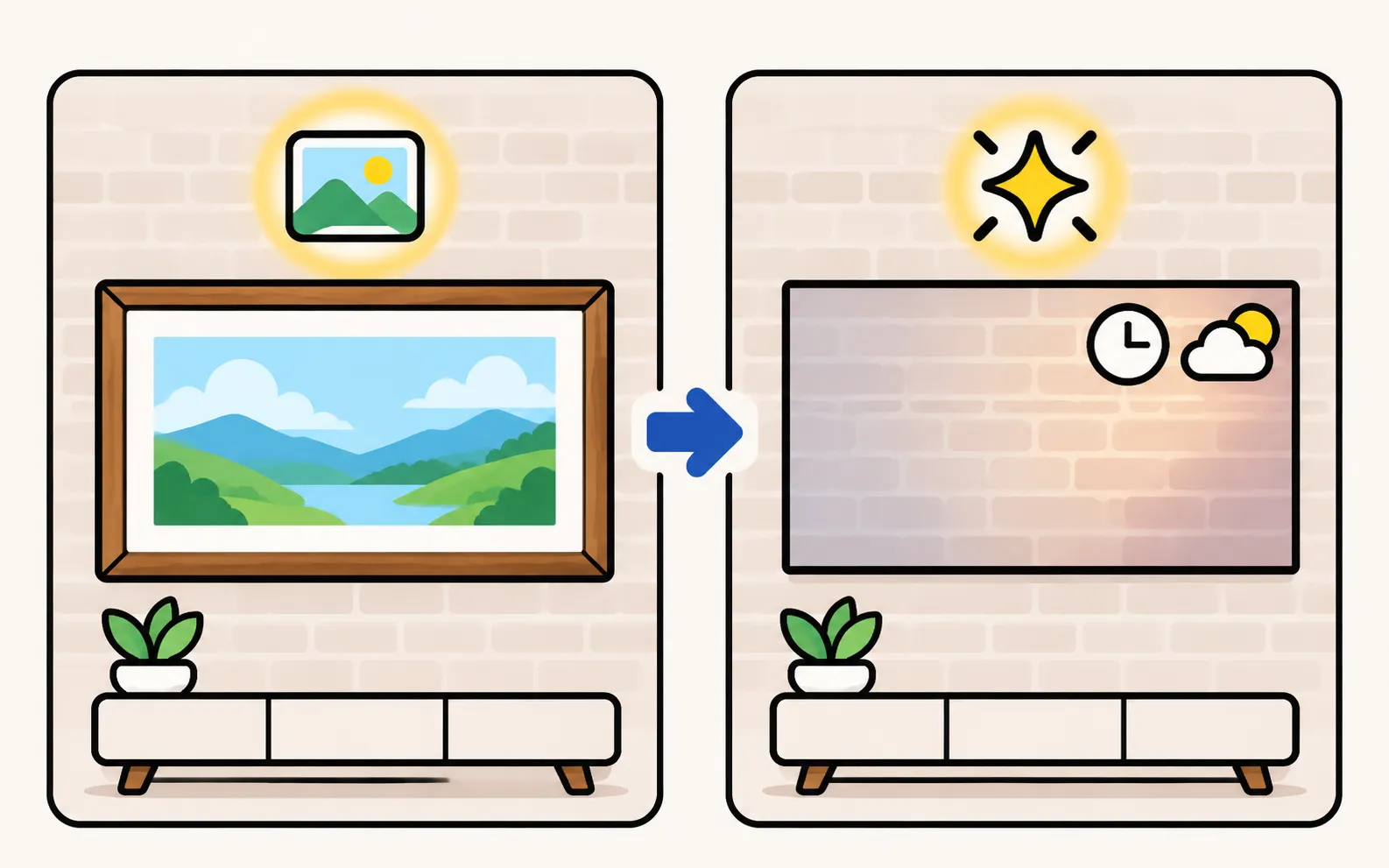
Some Samsung TVs (notably QLED models) have Ambient Mode, which shows decorative content, information or a wall-matching pattern instead of a black screen. Samsung’s manual notes a dedicated Ambient Mode button on some Smart Remotes, and that pressing it when the TV is off can start the TV in that mode. Ambient Mode’s brightness sensor can also wake the TV — see TV turns on by itself.
The Frame waking up, switching off or leaving Art Mode on its own? Adjust Motion Detector, Night Mode and Sleep After, then check HDMI-CEC and phone wake-ups.
Switch The Frame to Art Mode, show your own photos via SmartThings or USB, use the Samsung Art Store, and adjust brightness, mats and the motion sensor.
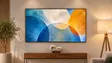
Mount The Frame flush on the wall: the slim wall mount, routing the One Connect cable, placing the box, attaching magnetic bezels, plus safety tips.
The letter after LS03 is the year: R 2019, T 2020, A 2021, B 2022, C 2023, D 2024, F 2025, H 2026. Our model number decoder reads the full code.
Art Mode is The Frame's gallery feature. Ambient Mode is a similar decorative mode on some other Samsung TVs (mainly QLED models), with its own button on some remotes.
Yes, The Frame uses a One Connect box for its inputs on most sizes, linked by one thin cable.