
Network error codes
Samsung TV error 107, 202, 102, 105 or 012? What owners report each code means, why a reset rarely helps, and the network fixes Samsung recommends, in order.
Topic
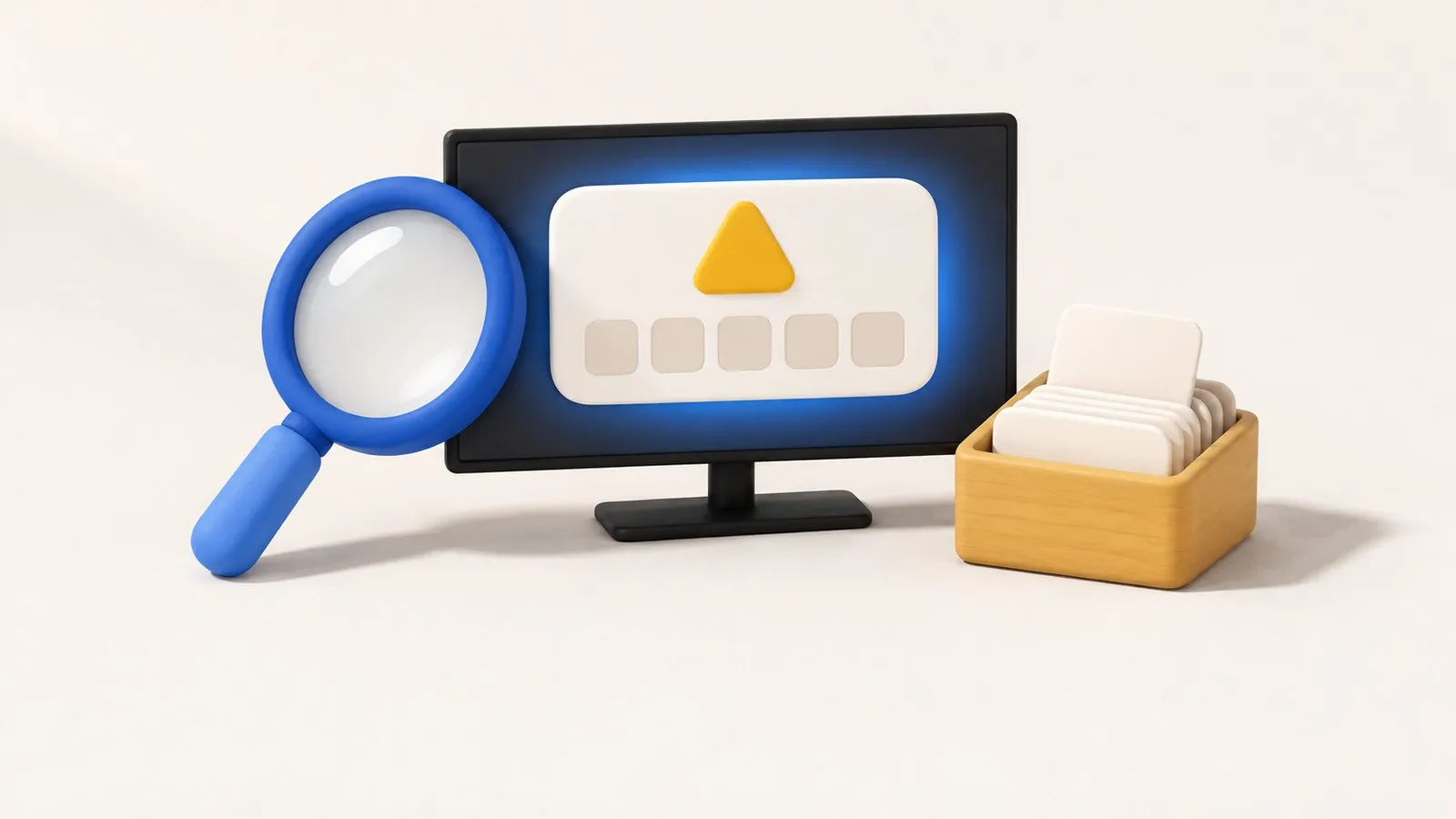
Samsung doesn't publish one master list of TV error codes. Network codes such as 012, 102, 105, 107 and 202 all point to the TV failing to reach the internet or Samsung's servers — work through the network fixes, and check whether Samsung's servers are down before resetting anything. A few codes do have official Samsung pages: ERROR_SEEDKEY_101/102/109, BBC iPlayer errors 2100 and 3100 on 2020 TVs, and the USB error icon during updates.
| Code or message | What it means | Confidence | Go to |
|---|---|---|---|
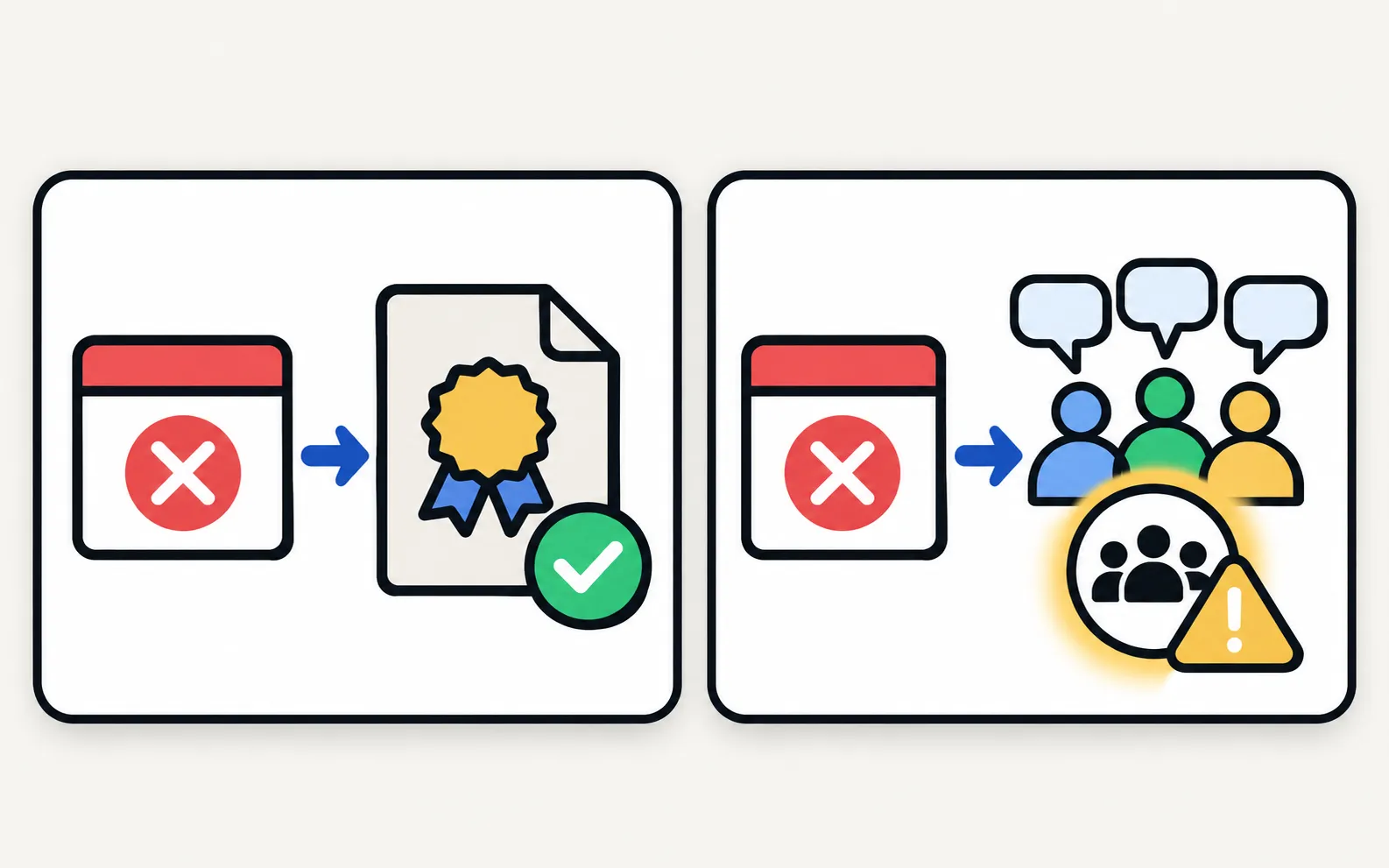
| 012, 102, 105, 107 | The TV or Smart Hub can’t reach the internet or Samsung’s servers | Community-reported | Network error codes |
| 202 (“ISP blocking service”) | Smart Hub can’t connect; owners in many countries reported it at once on 1 August 2025, pointing to a server-side problem | Community-reported | Network error codes |
| ERROR_SEEDKEY_101 / 102 / 109 | Invalid Smart Hub configuration; Samsung Malaysia’s fix is to contact service | Samsung page | Apps not working |
| Error 2100 / 3100 in BBC iPlayer | On 2020 T-range TVs, Samsung UK’s fix is a Flash Reset | Samsung page | Apps not working |
| USB error icon during a USB update | On 2020 Kant-S2 / Kant-SU2 TVs, the stick was removed or power cut before the second reboot; reinsert the stick | Samsung page | Software update |
| Smart Hub not working (no code) | Samsung NZ: reset Smart Hub, then update the firmware | Samsung page | Apps not working |
| Red standby light blinking | Not an error code, but a power or hardware signal | — | Standby light blinking |
| Remote light blinking | Remote battery or pairing | — | Remote light blinking |
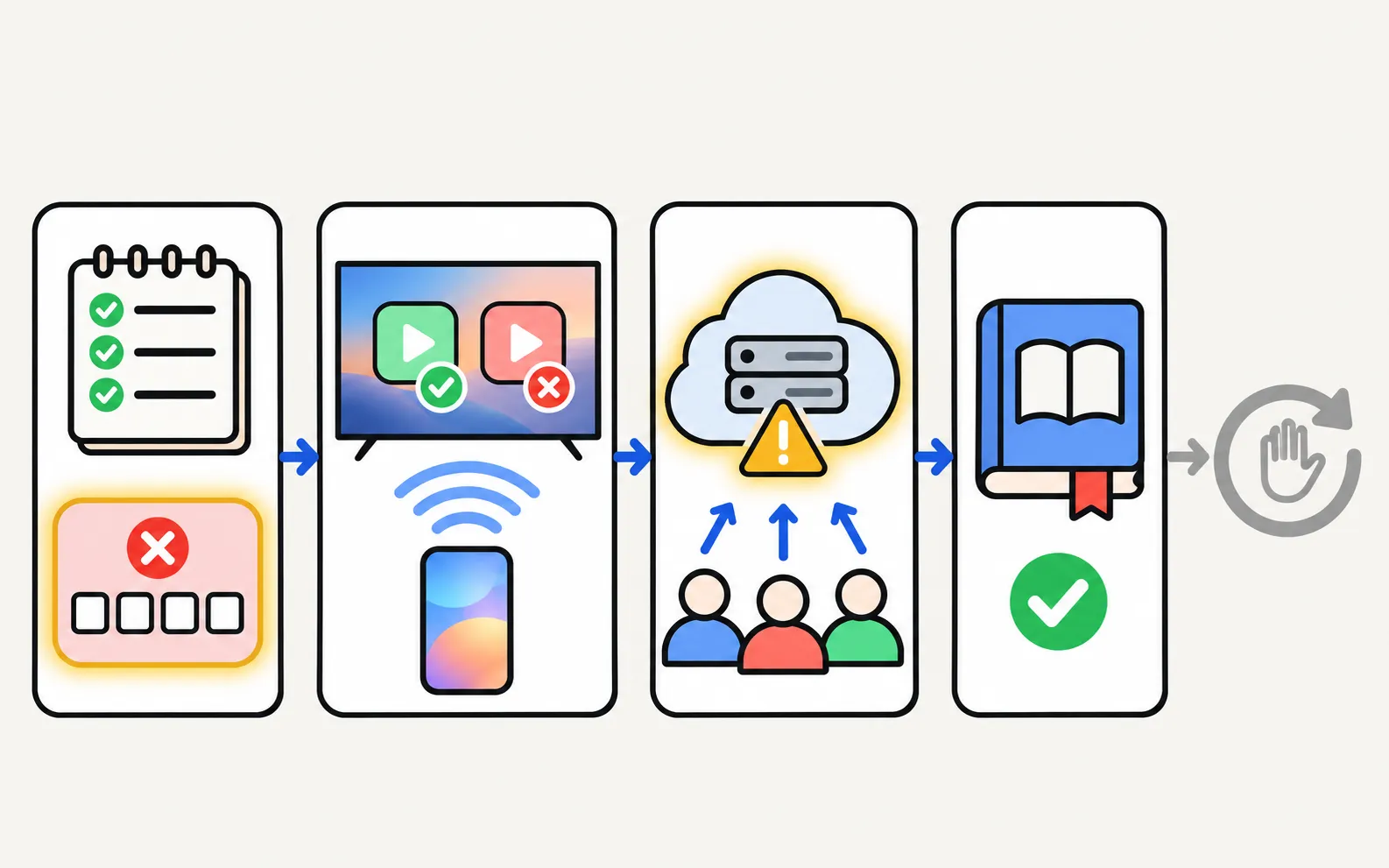
Using your phone as a remote while you troubleshoot: Phone and TV must be on the same home network (not a guest network). The phone uses Wi-Fi; the TV can use Wi-Fi or Ethernet. No internet is needed, and mobile data can't be used.
Samsung TV error 107, 202, 102, 105 or 012? What owners report each code means, why a reset rarely helps, and the network fixes Samsung recommends, in order.
Samsung doesn't publish a public master list. Where Samsung documents a specific code, we cite that page; other meanings come from Samsung Community reports and are marked as such.
Not first. Network errors are often caused by the router, the internet provider or Samsung's servers — a reset won't fix those and signs you out of every app. During a widespread 202 outage in August 2025, owners reported that factory resets didn't help.