
Reference
Samsung TV network error codes 012, 102, 105, 107 and 202: fixes
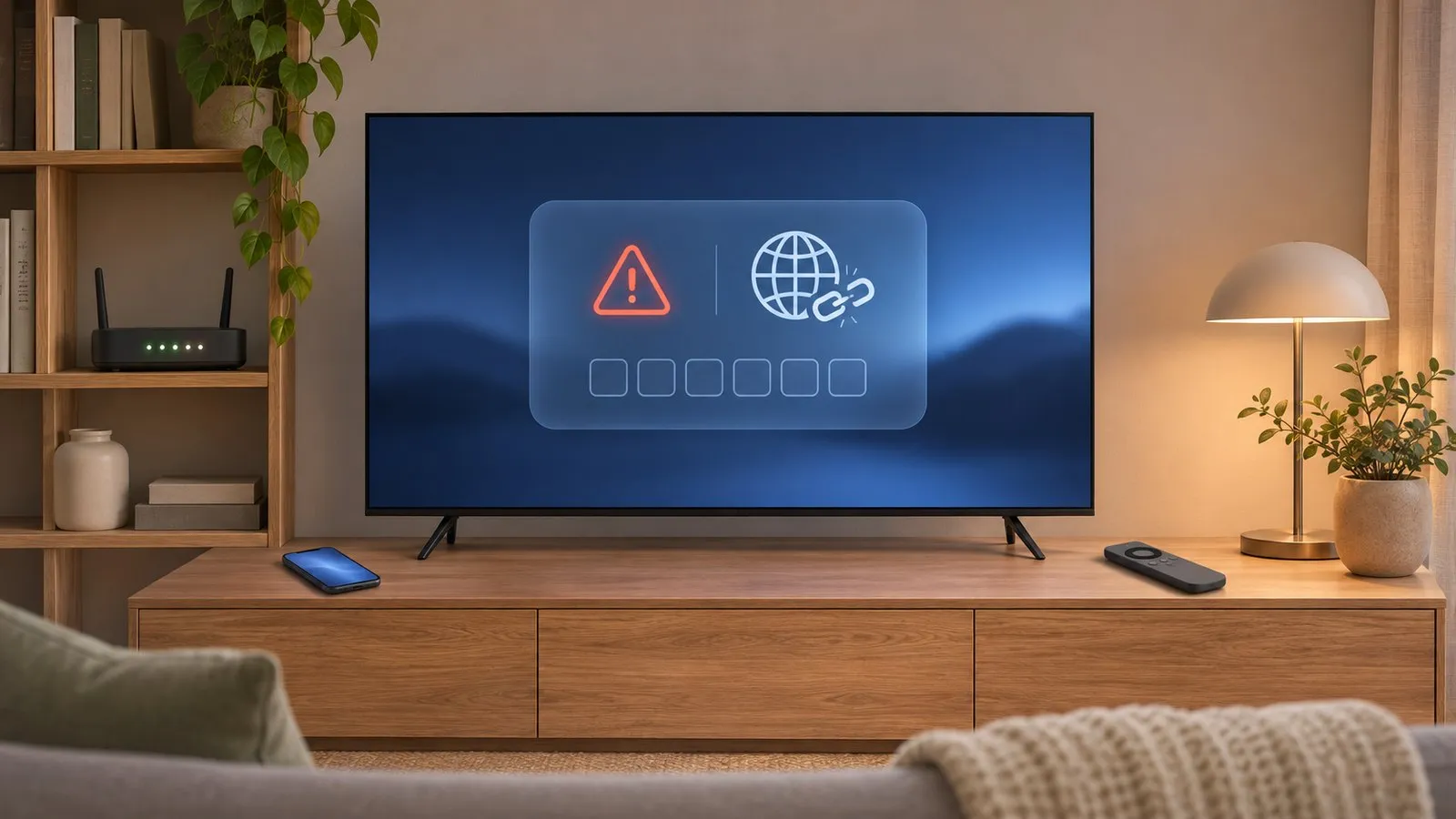
Samsung doesn't publish official meanings for these codes, but they share one story: the TV can't reach the internet or Samsung's servers. The fix follows the connection, step by step.
Quick answer
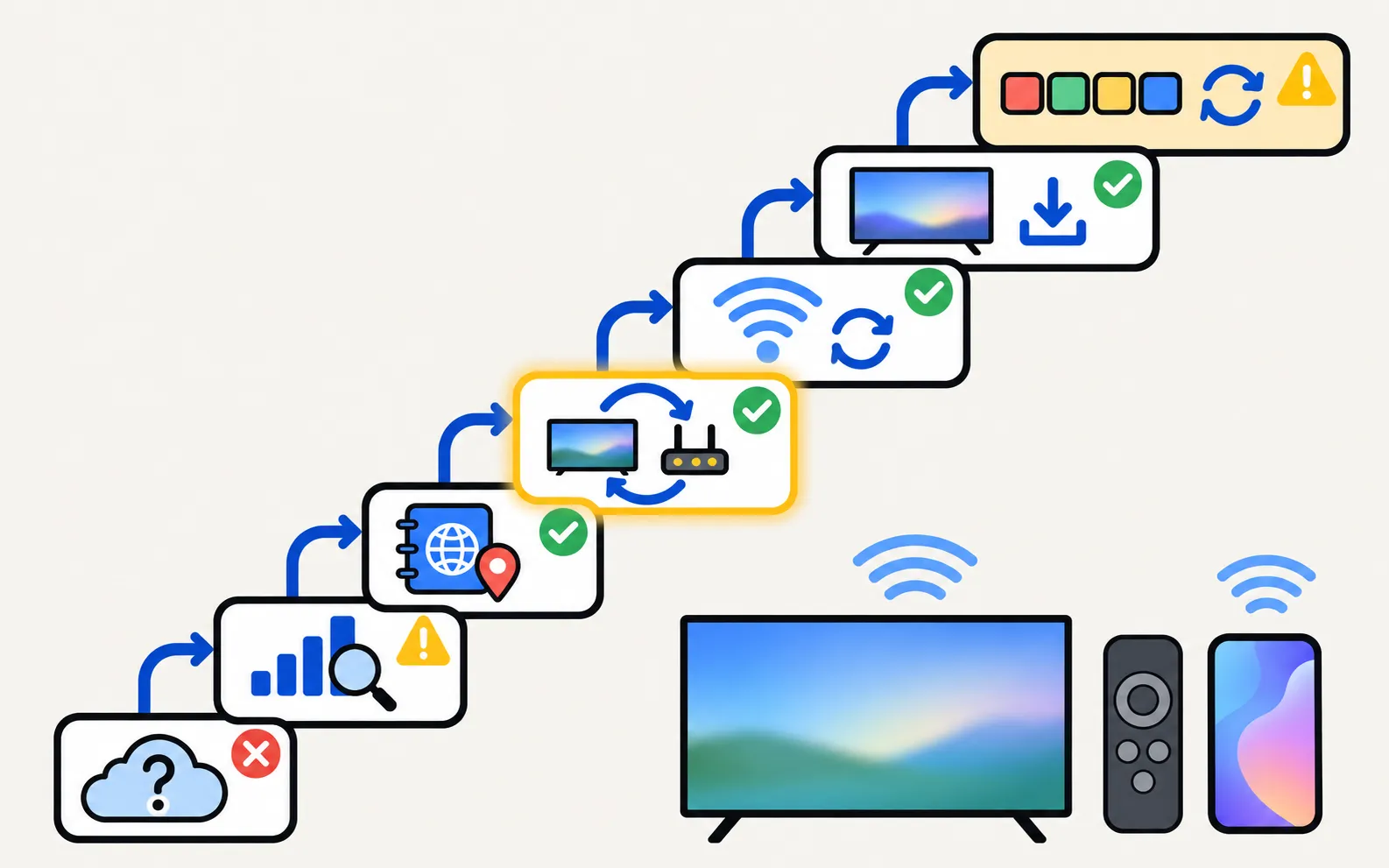
Codes 012, 102, 105, 107 and 202 are reported by Samsung Community members as network or Smart Hub connection failures. First check whether other devices are online and whether Samsung's servers are down. Then run Network Status, set the DNS manually to 8.8.8.8 (Samsung's own suggestion for connected-but-no-internet cases), restart the TV and router, reset the network and update the TV. Leave Reset Smart Hub and factory reset for last.
What owners report each code means
| Code | Reported meaning | Source and confidence |
|---|---|---|
| 012 | Wi-Fi or Smart Hub connection failed | Samsung Community reply — community-reported |
| 102, 105 | Network detected, but no internet | Samsung Community reply — community-reported |
| 107 | Internet problem that stops Smart Hub working | Samsung Community replies — community-reported |
| 202 (“ISP blocking service”) | Smart Hub can’t connect; mass reports on 1 August 2025 pointed to Samsung’s servers | Samsung Community thread — community-reported |
Samsung’s support pages don’t define these codes. The meanings above are owner reports we found consistent; the fixes below come from Samsung’s official network guidance.
Fix it, step by step
-
Rule out an outage
If every app fails and other Samsung owners report the same code at the same time, wait — resets won’t help a server problem. -
Check Network Status
Open Network Status: . It shows whether the TV reaches the router and the internet. -
Set DNS manually
From Network Status open IP Settings, set DNS Setting to Enter Manually and type 8.8.8.8 — Samsung’s suggestion when the TV is connected but has no internet. Details: connected but no internet. -
Restart TV and router
Power both off, wait, and power them back on. -
Reset the network
Samsung: , then reconnect. -
Update the TV
— or by USB if the TV can’t get online. See software update. -
Reset Smart Hub (last)
Samsung NZ: , then enter the PIN. Downloaded apps are reset and you’ll sign in again.
Narrow it down
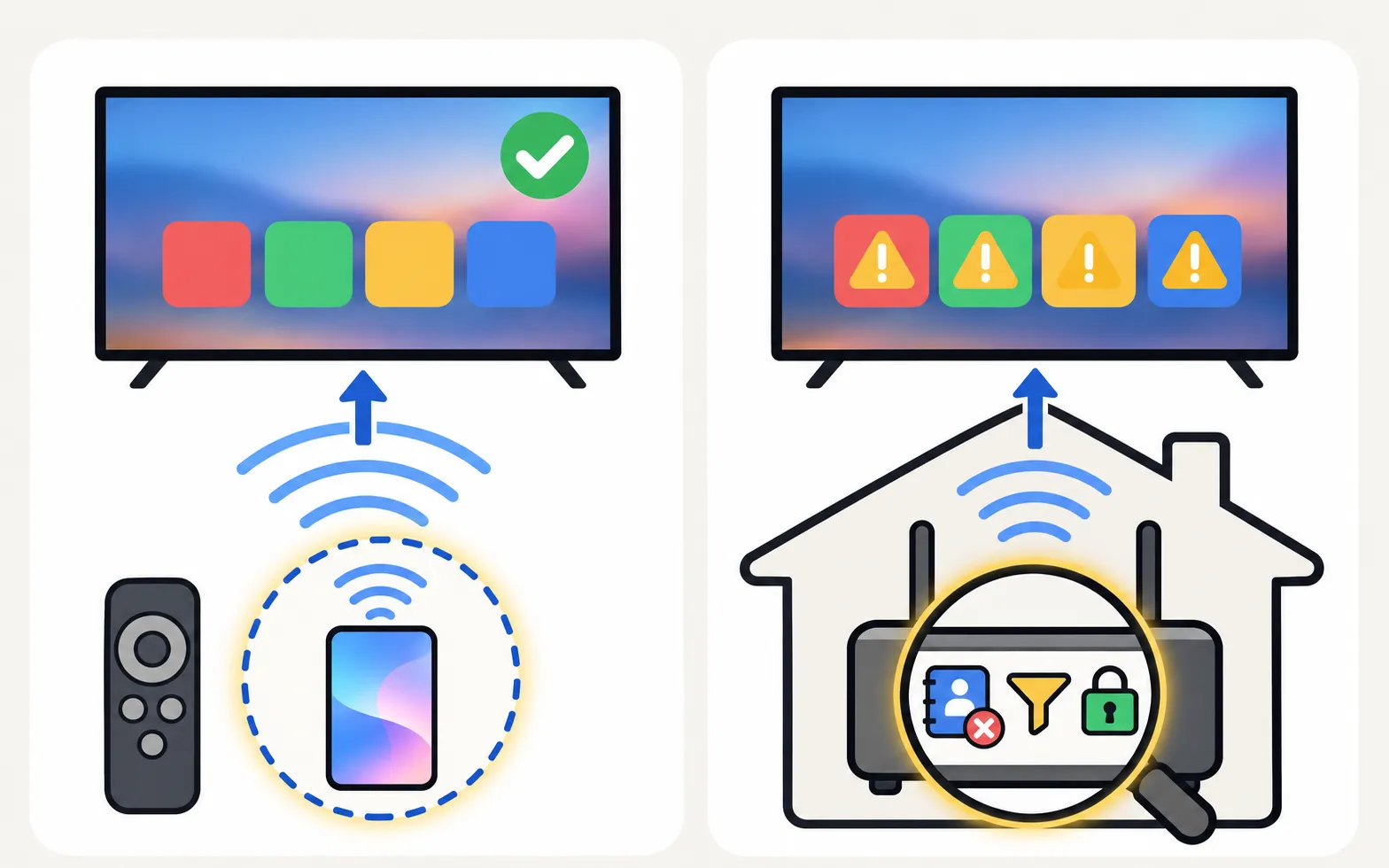
- Hotspot test: connect the TV to your phone’s hotspot for a minute. If apps work, the home network is the problem — router filters, DNS, a router VPN or parental filtering at the provider.
- Only one app fails: it isn’t a network code problem — see apps not working.
- TV won’t join Wi-Fi at all: see won’t connect to Wi-Fi; drops out repeatedly: keeps disconnecting.
Other codes: Samsung TV error codes.
Frequently asked questions
What does error 107 mean on a Samsung TV?
Samsung hasn't published a definition. Samsung Community replies describe it as an internet problem that stops Smart Hub working. Treat it as a network error and follow the steps on this page.
Error 202 says my ISP is blocking the service. Is it really my provider?
Not necessarily. On 1 August 2025, owners in many countries and on many providers reported error 202 at the same time, and community members pointed to a Samsung server problem. Check other owners' reports before calling your provider.
Will a factory reset fix a network error?
Rarely, if the cause is the network or Samsung's servers — and it signs you out of every app. Owners in the 2025 error-202 thread reported resets didn't help.
My TV works on my phone's hotspot but not on home Wi-Fi.
Then the TV is fine and something on the home network is blocking it — DNS, router filters, a router VPN or firewall. Start with the DNS step.
Sources
- Network errors on Samsung TV (community thread) — Samsung Community (EU) · Reference · checked November 11, 2026
- Error code 107 (community thread) — Samsung Community (EU) · Reference · checked November 11, 2026
- Samsung TV Error code 202 ISP blocking service (thread started 1 August 2025) — Samsung Community (UK) · Reference · checked November 11, 2026
- Samsung TV won't connect to Wi-Fi (TSG10002209) — Samsung US · Samsung · checked November 11, 2026
- Samsung TV not connecting to WiFi or internet — Samsung UK · Samsung · checked November 11, 2026
- What you need to do if you encounter Smart Hub error — Samsung New Zealand · Samsung · checked November 11, 2026
Related guides
Troubleshooting
Connected but no internet
Samsung TV connected but apps say no internet? Run Network Status, set DNS to 8.8.8.8 in IP Settings, check date and time, restart the router, update the TV.
Troubleshooting
Won't connect to Wi-Fi
Samsung TV won't connect to Wi-Fi or can't find your network? Check signal and band, run Network Status, reset the network, set DNS, restart the router, update.
Troubleshooting
Wi-Fi keeps disconnecting
Samsung TV dropping Wi-Fi every few minutes or after standby? Improve the signal, fix band steering and address changes, reset the network, or use a cable.

Troubleshooting
Apps not working
Samsung TV apps won't open, crash or keep loading? Power-cycle, check the internet, update the TV, reinstall the app, then reset Smart Hub — in Samsung's order.
Topic
Error codes
Look up a Samsung TV error code: network codes 012, 102, 105, 107 and 202, Smart Hub SEEDKEY, BBC iPlayer 2100/3100 and USB update errors, each with its source.