
Troubleshooting
Samsung TV Wi-Fi keeps disconnecting: fixes
A TV that connects and then drops usually has a marginal signal or a router that keeps changing the rules. Fix the signal first, then the router.
Quick answer
Check the signal at the TV (one or two bars is too weak for steady streaming) and move the router, add a mesh node or use Ethernet. If the TV drops after standby, reserve its IP address in the router and keep the router's firmware updated. On mesh or dual-band routers, try a separate 2.4 GHz or 5 GHz network name for the TV. Then use Reset Network and update the TV's software.
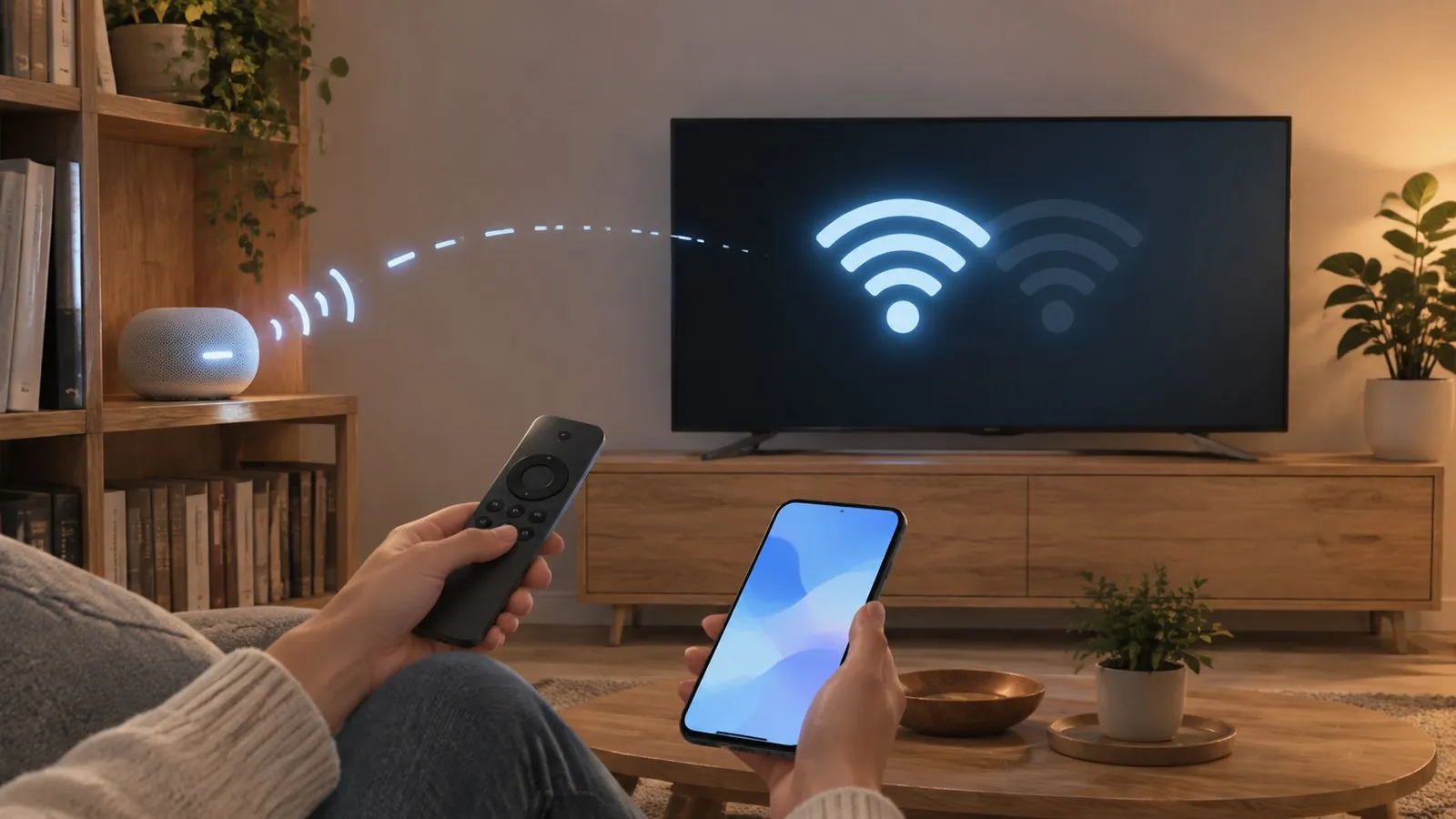
1. Measure the signal where the TV is
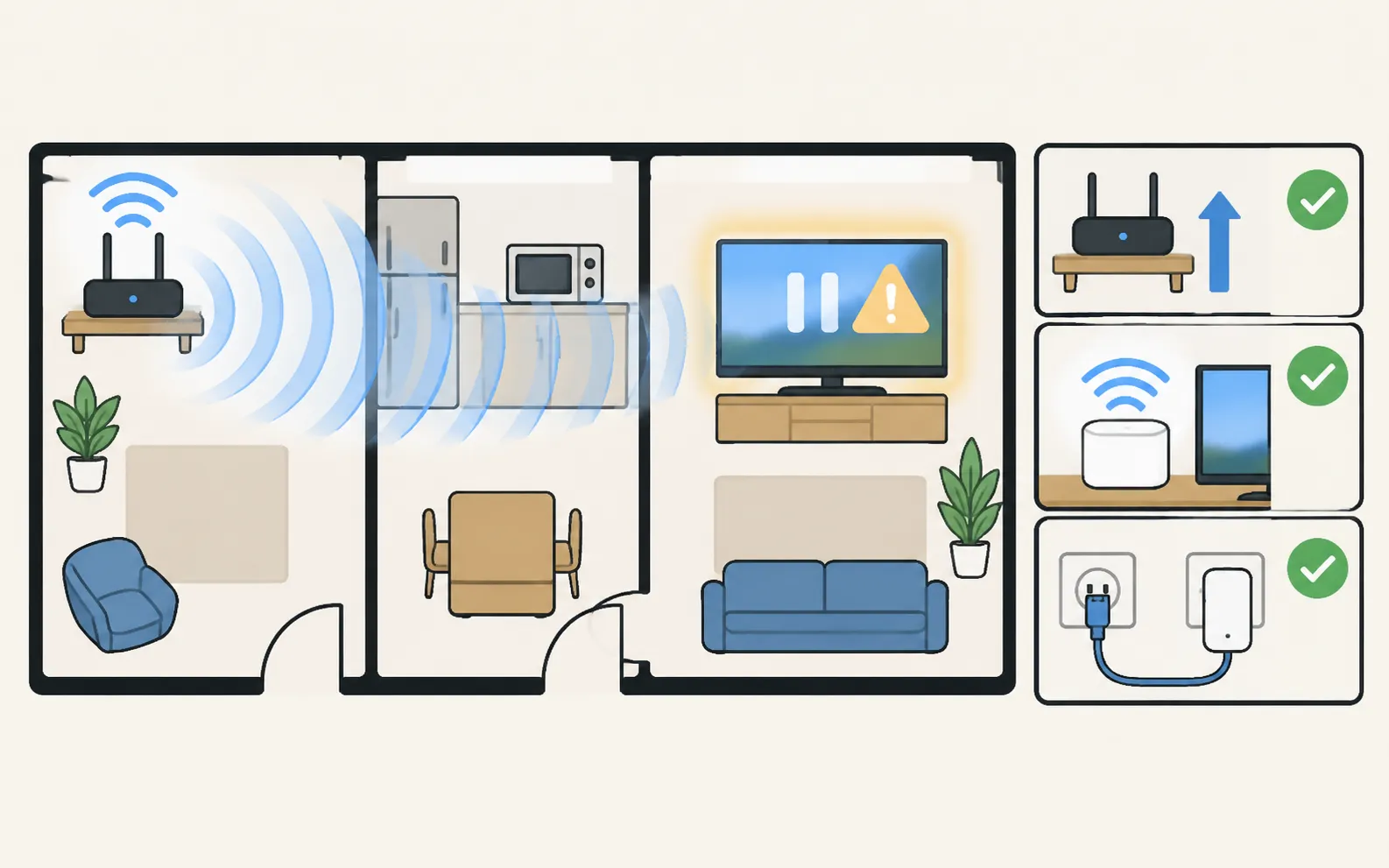
Samsung’s guide: look at the bars in the TV’s Wi-Fi list — one or two bars may be too weak for a steady connection. Fixes, from cheapest:
- Move the router higher and away from the TV’s back, metal furniture and the microwave.
- Add a mesh node or access point near the TV.
- Use an Ethernet cable or powerline adapters — the most reliable cure.
2. Tame the router
| Problem | Fix |
|---|---|
| The TV drops after standby or overnight | Reserve a fixed IP address for the TV in the router (DHCP reservation) |
| Mesh or dual-band “smart connect” moves the TV between bands | Give the TV its own 2.4 GHz or 5 GHz network name, or turn off band steering for testing |
| Router reboots or updates at night | Update the router firmware; check its schedule |
| Many devices on a basic router | Restart the router; consider a router or mesh system built for more devices |
The TV’s IP address is shown in Network Status, under IP Settings (find your TV’s IP and MAC address).
3. Reset the TV’s network and update
-
Reset Network
Samsung: (under General on 2017–2021 TVs). Then reconnect. -
Update the software
An update can fix Wi-Fi bugs — software update. -
Restart everything in order
Modem, router, then TV — Samsung recommends powering devices back on starting where the internet enters the home.
4. If it still drops
Test with a phone hotspot next to the TV. If the TV stays connected to the hotspot, the home network is the cause — contact your internet provider or router maker. If it drops even on the hotspot, contact Samsung support.
Phone remotes and casting also depend on a steady network: Phone and TV must be on the same home network (not a guest network). The phone uses Wi-Fi; the TV can use Wi-Fi or Ethernet. No internet is needed, and mobile data can't be used. If your phone loses the TV often, the same fixes help.
Frequently asked questions
Why does my TV lose Wi-Fi when it comes out of standby?
Often the router assigned the TV a new address or dropped it while the TV slept. A fixed (reserved) IP address for the TV in the router settings usually helps.
Is 2.4 GHz or 5 GHz better for a TV?
5 GHz is faster but has shorter range; 2.4 GHz reaches further through walls. Some 2018 models only support 2.4 GHz, according to Samsung.
Will Ethernet fix it?
If the TV is near the router or a mesh node with a LAN port, a cable removes Wi-Fi from the equation entirely. Powerline adapters are another option.
Sources
- Samsung TV won't connect to Wi-Fi (TSG10002209) — Samsung US · Samsung · checked November 11, 2026
- How to verify network status on your Samsung TV (IP and DNS settings) — Samsung Canada · Samsung · checked November 11, 2026
Related guides
Troubleshooting
Won't connect to Wi-Fi
Samsung TV won't connect to Wi-Fi or can't find your network? Check signal and band, run Network Status, reset the network, set DNS, restart the router, update.
Troubleshooting
Connected but no internet
Samsung TV connected but apps say no internet? Run Network Status, set DNS to 8.8.8.8 in IP Settings, check date and time, restart the router, update the TV.
Troubleshooting
Buffering and slow internet
Samsung TV keeps buffering? Check the speed you need (Samsung: 25 Mbps for 4K), test the connection, move to 5 GHz or Ethernet and ease the router's load.
How-to
Connect to the internet
How to connect a Samsung Smart TV to the internet: Wi-Fi step by step, a wired Ethernet connection, or a phone hotspot — plus how to check the connection works.
Troubleshooting
TV not showing up on your phone
Phone can't find your Samsung TV? Turn the TV fully on, put both on the same home Wi-Fi, switch off VPN and guest networks, and allow local network access.