
Troubleshooting
Samsung TV connected to Wi-Fi but no internet: DNS and other fixes
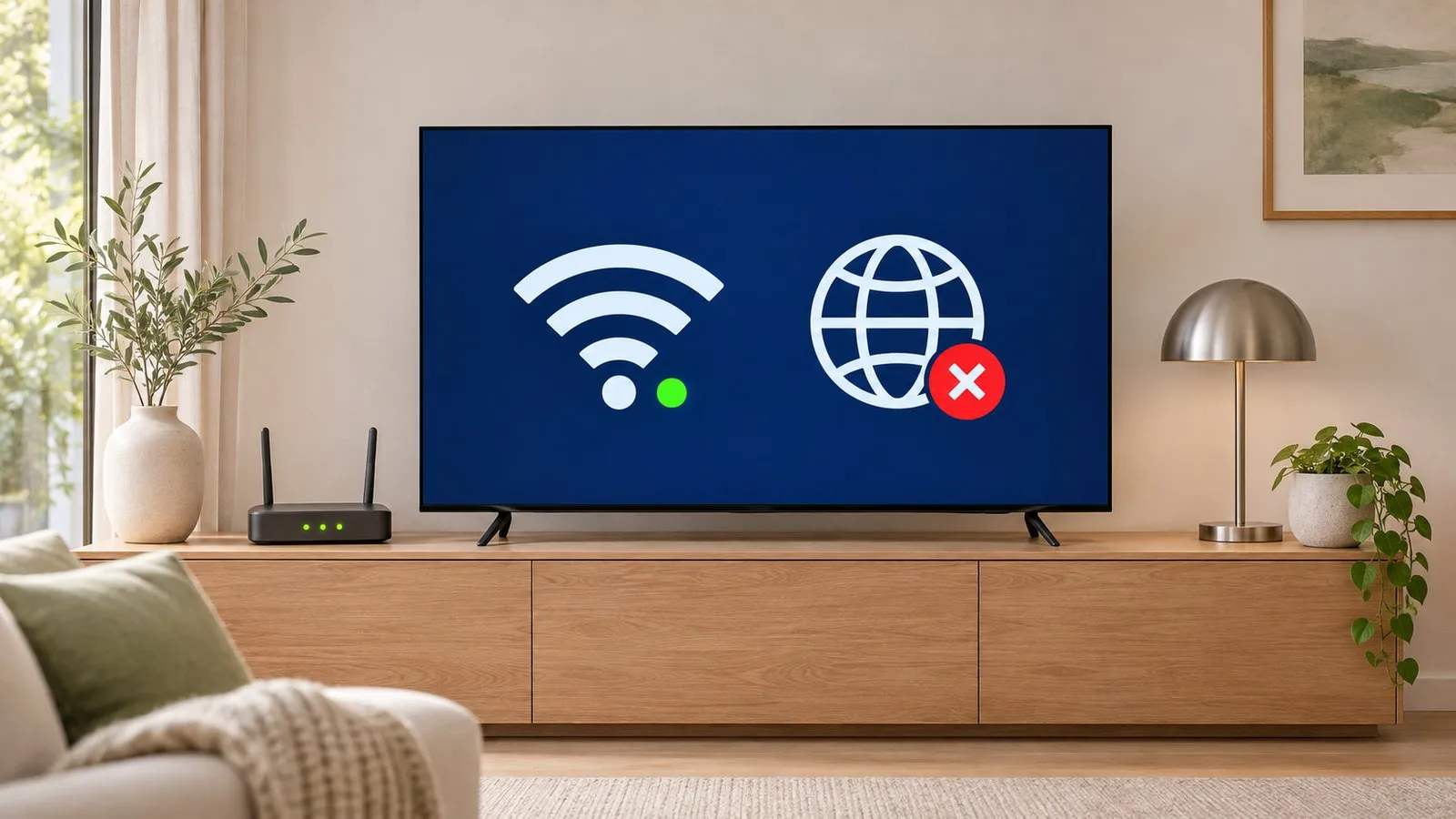
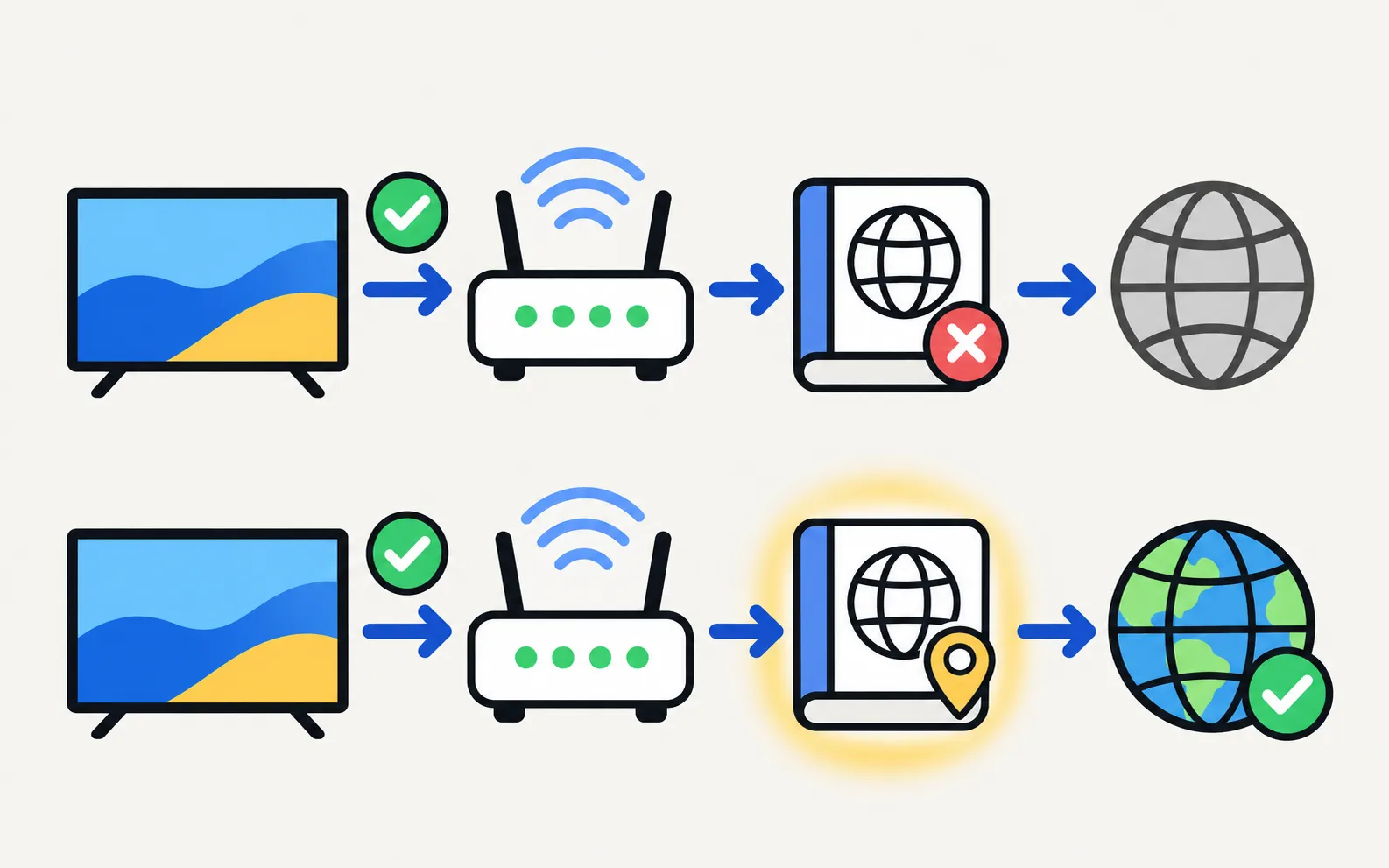
When the TV reaches your router but not the internet, the usual culprit is name lookup (DNS). Changing one setting fixes most cases.
Quick answer
Run Network Status to confirm the TV reaches the router but not the internet. Then open IP Settings from Network Status, set DNS Setting to Enter Manually and type 8.8.8.8 (Samsung's suggestion), and test again. If that doesn't help, restart the modem and router, check the TV's date and time, reset the network and update the TV's software.
1. Confirm where it breaks
Open Network Status (; under General on 2017–2021 TVs). It shows whether the TV reaches the router and the internet. Samsung’s Canadian guide notes it’s also where you view the TV’s IP and DNS settings.
- TV to router fails: that’s a Wi-Fi problem — won’t connect to Wi-Fi.
- Router to internet fails: continue below.
2. Set the DNS manually
Samsung’s US guide:
-
Open IP Settings
From Network Status, select IP Settings. -
Change DNS Setting
Set it to Enter Manually. -
Enter 8.8.8.8
Then confirm and try connecting again.
3. Other causes
- Internet actually down: check on a phone using the same Wi-Fi (with mobile data off).
- Date and time wrong: secure connections can fail when the TV’s clock is far off. Set time to automatic (language, region and time).
- Router blocks: parental controls, firewall or DNS filtering on the router can block TV services.
- Captive portals: hotel and campus networks often need a browser sign-in the TV can’t complete.
4. Restart and reset
-
Restart in order
Modem, then router, then TV — Samsung recommends starting where the internet enters your home. -
Reset Network
In the same Network menu, then reconnect. -
Update the TV
By USB if needed — software update.
Network error codes such as 012, 102, 105 or 107 are covered in Samsung TV network error codes.
Frequently asked questions
What is DNS and why does changing it help?
DNS turns names like youtube.com into internet addresses. If your provider's DNS server doesn't answer the TV properly, apps fail even though Wi-Fi is fine. A public DNS server such as 8.8.8.8 is a common workaround.
Is it safe to use 8.8.8.8?
It's Google's public DNS service and widely used. You can switch back to automatic DNS at any time.
Only some apps fail. Is it still the network?
Possibly not — a single failing app is usually the app. See the guide to apps not working.
Sources
- Samsung TV won't connect to Wi-Fi (TSG10002209) — Samsung US · Samsung · checked November 11, 2026
- How to verify network status on your Samsung TV (IP and DNS settings) — Samsung Canada · Samsung · checked November 11, 2026
Related guides
Troubleshooting
Won't connect to Wi-Fi
Samsung TV won't connect to Wi-Fi or can't find your network? Check signal and band, run Network Status, reset the network, set DNS, restart the router, update.
Troubleshooting
Wi-Fi keeps disconnecting
Samsung TV dropping Wi-Fi every few minutes or after standby? Improve the signal, fix band steering and address changes, reset the network, or use a cable.

Troubleshooting
Apps not working
Samsung TV apps won't open, crash or keep loading? Power-cycle, check the internet, update the TV, reinstall the app, then reset Smart Hub — in Samsung's order.
Troubleshooting
Buffering and slow internet
Samsung TV keeps buffering? Check the speed you need (Samsung: 25 Mbps for 4K), test the connection, move to 5 GHz or Ethernet and ease the router's load.

Reference
Network error codes
Samsung TV error 107, 202, 102, 105 or 012? What owners report each code means, why a reset rarely helps, and the network fixes Samsung recommends, in order.