

Audio delay
Voices out of sync on a Samsung TV? Find out if the source, a soundbar or Bluetooth causes it, then use Audio Delay, the soundbar's sync setting or a cable.
Topic
When a Samsung TV goes silent, check Sound Output first — the sound is often going to a soundbar or headphones. Run the built-in Sound Test to tell a TV fault from a source problem. Soundbars on HDMI need the ARC/eARC port and Anynet+ switched on; Bluetooth headphones pair from the Bluetooth Speaker List under Sound Output.

| Problem or task | Guide |
|---|---|
| No sound at all | No sound on a Samsung TV |
| Soundbar silent, ARC/eARC not working | Soundbar and HDMI ARC |
| Pair headphones or AirPods | Bluetooth headphones |
| Volume changes by itself, too quiet, crackling | Sound problems |
| Lips and voices out of sync | Audio delay |
| Bluetooth menu missing | Bluetooth not showing |
| Choose a connection for a soundbar or speakers | Connect a soundbar or speakers |
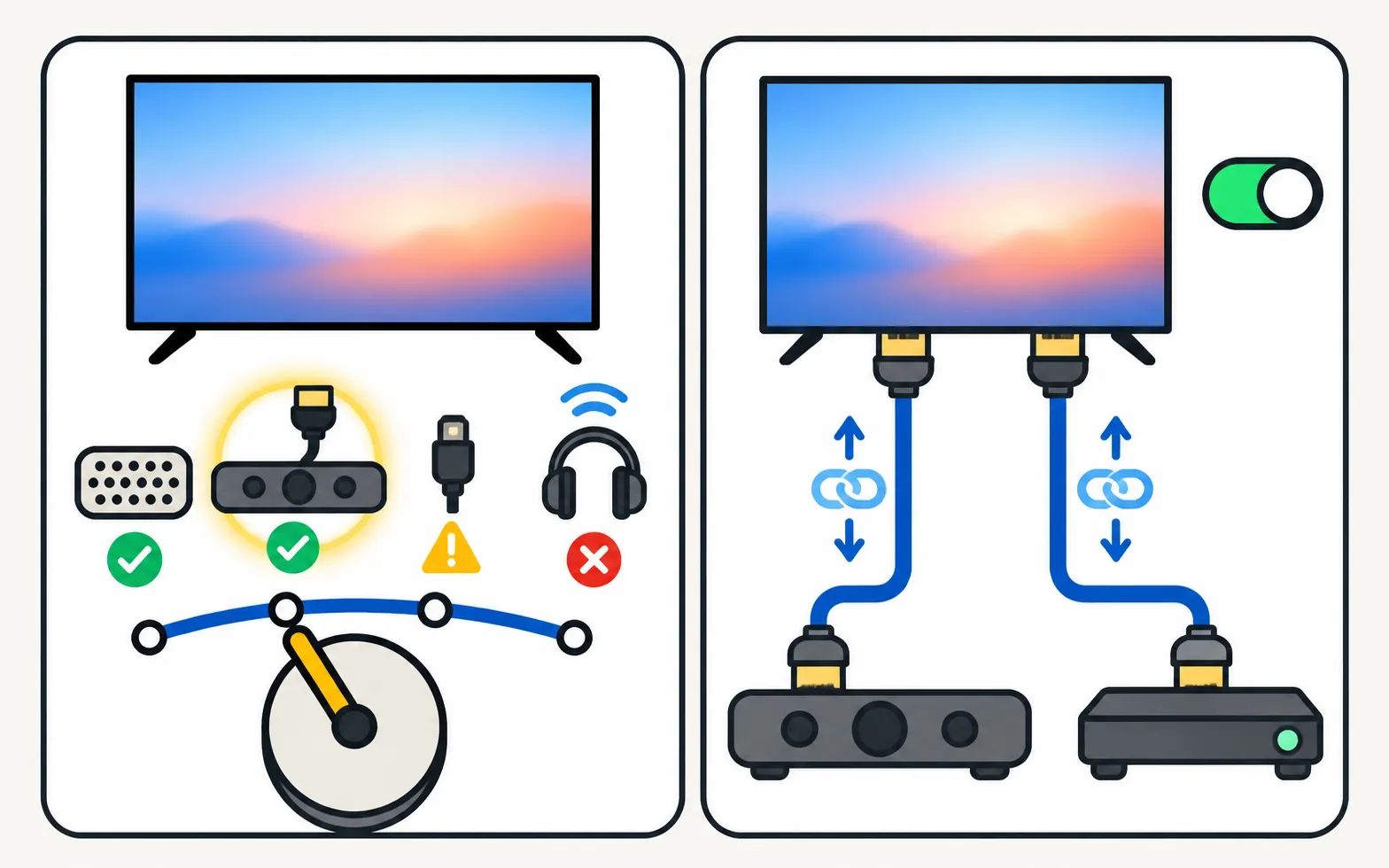
Voices out of sync on a Samsung TV? Find out if the source, a soundbar or Bluetooth causes it, then use Audio Delay, the soundbar's sync setting or a cable.

Can't find Bluetooth on your Samsung TV? Where the Bluetooth list is for your TV's year, whether your model has Bluetooth audio at all, and what to do if not.

Samsung TV picture but no sound? Check mute and Sound Output, run the built-in Sound Test, rule out Bluetooth and soundbars, reseat HDMI and cold-boot the TV.

No sound from a soundbar on HDMI ARC or eARC? Use the ARC port, turn on Anynet+, set Sound Output and Digital Output Audio Format, enable eARC and fix dropouts.

Samsung TV volume jumping up or down, too quiet, or crackling? Check the remote, Anynet+ and auto-volume features, run the Sound Test and reset the sound.

Pair Bluetooth headphones, earbuds or AirPods with a Samsung TV: pairing mode, the Bluetooth Speaker List path by year since 2015, two at once, lip-sync fixes.

Four ways to connect a soundbar, receiver or speakers to a Samsung TV (HDMI ARC/eARC, optical, Bluetooth, Wi-Fi), which to choose and how to set Sound Output.
Under Support, Device Care, Self Diagnosis, Sound Test on recent models (Support, Self Diagnosis on older ones). It plays a tone through the TV speakers.
HDMI ARC/eARC — it carries more formats and lets the TV remote control the soundbar. Optical is a dependable fallback.
Usually the TV plays through one output at a time. Samsung says some 2022 and newer TVs can connect two Bluetooth audio devices.