
AirPlay not working
Samsung TV not showing in AirPlay, asking for a code every time or dropping out? Check support and the AirPlay switch, Wi-Fi, the code setting and updates.
Topic
Most Samsung Smart TVs can show a phone or computer wirelessly when both are on the same Wi-Fi. Galaxy phones use the built-in Smart View button, iPhones and Macs use AirPlay on 2018 and newer Samsung TVs, other Android phones use a mirroring app, and Windows PCs use Cast/Miracast or an HDMI cable. For photos and videos, casting the file usually looks better than mirroring the whole screen.
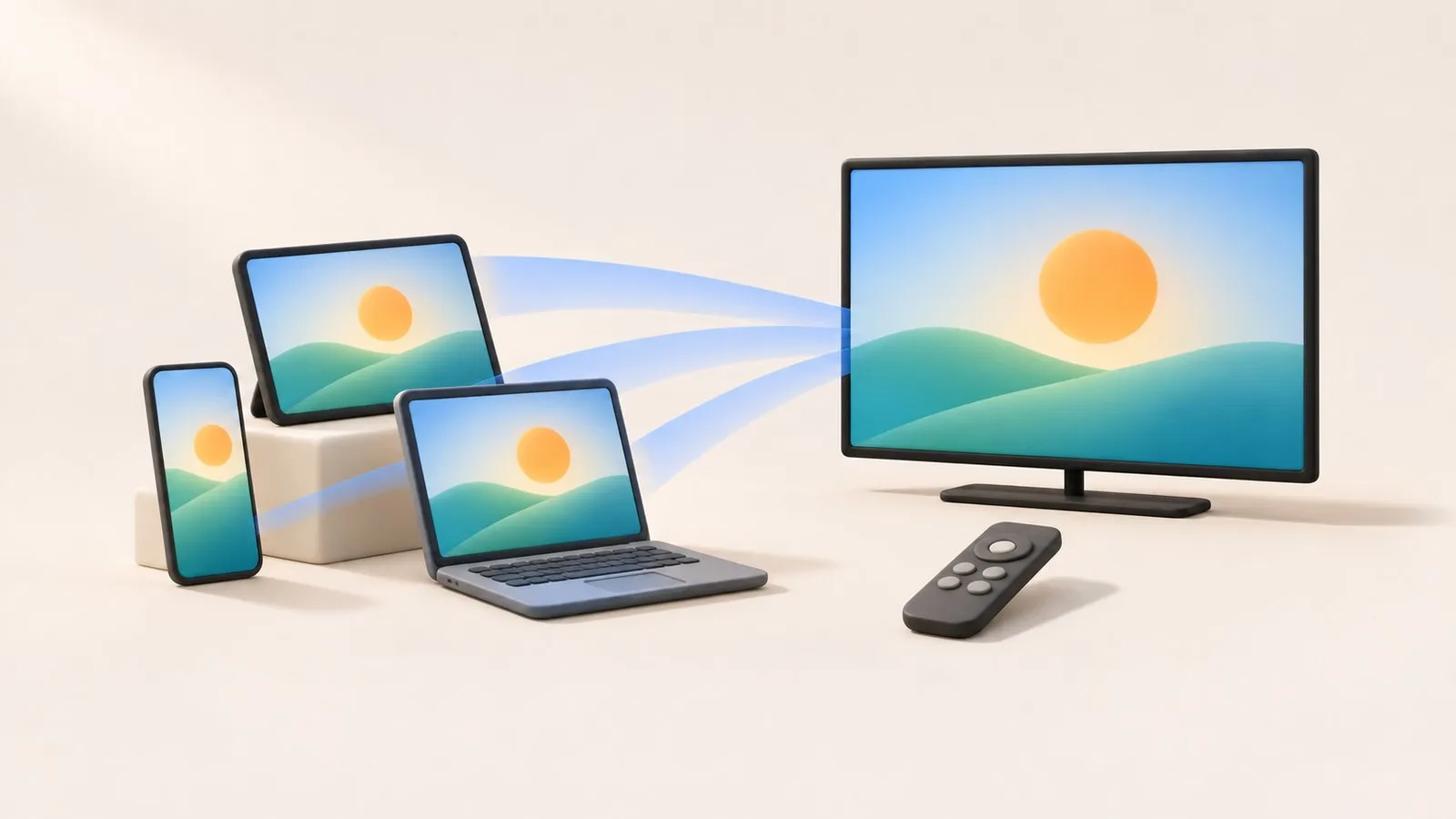
Pick your device to find the right guide:
| Your device | Best method | Guide |
|---|---|---|
| Samsung Galaxy phone or tablet | Smart View (built in) | Mirror Android to a Samsung TV |
| Other Android phone | A mirroring app, or Cast where an app supports it | Mirror Android to a Samsung TV |
| iPhone or iPad | AirPlay (2018 and newer Samsung TVs) | Mirror an iPhone to a Samsung TV |
| Windows laptop | Cast / Miracast, or HDMI | Connect a Windows laptop |
| Mac | AirPlay, or HDMI | Mirror or extend a Mac |
| Photos and videos from Android | Casting | Cast photos and videos |
| Screen mirroring | Casting | |
|---|---|---|
| What reaches the TV | Everything on your screen | One photo, video or stream |
| Delay | Noticeable (often 1–3 seconds with app-based mirroring) | Not an issue — the TV plays the file |
| Quality | Limited by the screen capture | Original file quality where the TV supports the format |
| Your phone | Must stay on the same screen | Free for other things |
| Protected apps (Netflix, banking) | Black screen | Use the TV’s own app |
Casting from apps like YouTube works through Google Cast on TVs that have it; does your Samsung TV have Chromecast built in? explains how to check.
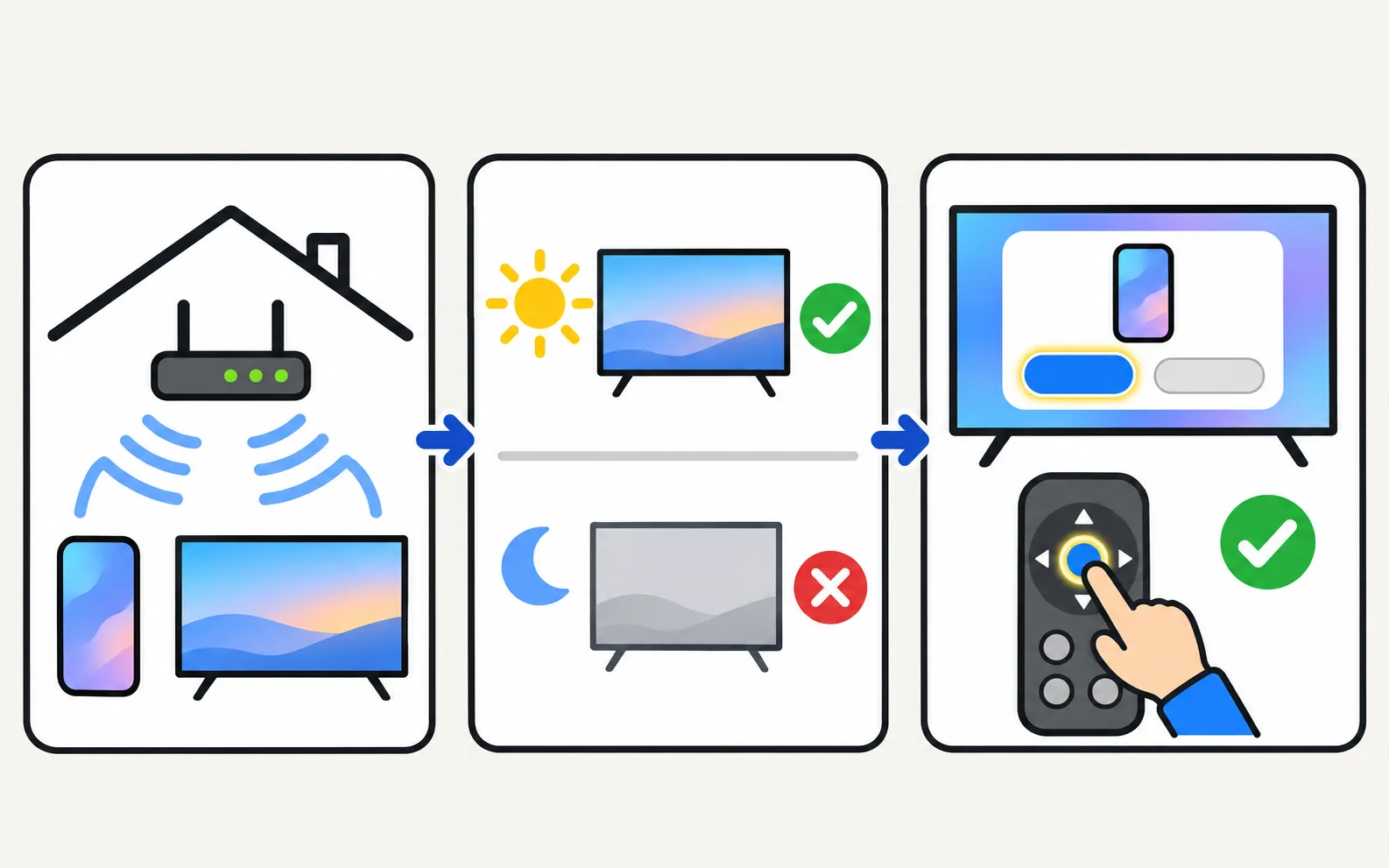
Wireless mirroring and casting need the phone (or computer) and the TV on the same Wi-Fi network, with the TV fully on. The TV asks you to Allow a new device the first time. If nothing connects, follow screen mirroring not working.
Screen mirroring with sound, using the TV's own media player — nothing is installed on the TV.
Samsung TV not showing in AirPlay, asking for a code every time or dropping out? Check support and the AirPlay switch, Wi-Fi, the code setting and updates.
Samsung TV not showing up for screen mirroring, connection drops, black screen or no sound? Fixes for Smart View, AirPlay and mirroring apps, by symptom.

Show phone photos and videos on a Samsung TV at full quality: cast from an app, use Smart View, a casting app or a USB stick — and fix videos that won't play.
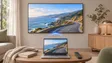
Show a Mac on a Samsung TV with AirPlay (2018 and newer TVs) or HDMI: mirror or use the TV as a second display, and fix the code prompt, sound and resolution.
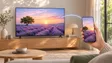
Mirror or stream an iPhone or iPad to a Samsung TV with AirPlay: which TVs support it, how to turn it on, the on-screen code, and what to do on older TVs.
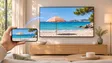
Mirror an Android phone to a Samsung TV: Smart View on Galaxy, Cast or Wireless display on other brands, a mirroring app with sound, or a USB-C to HDMI cable.
No Wi-Fi? Show your phone on a Samsung TV with a USB-C or Lightning to HDMI adapter, a phone hotspot or direct wireless mirroring — what works and what doesn't.
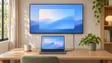
Show a Windows laptop on a Samsung TV: an HDMI cable for the best result, or wireless with Windows Cast (Miracast), plus resolution, sound and a second screen.
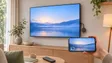
Do Samsung TVs support Google Cast? 2026 models list it, some older ones are getting it by update, others don't. How to check yours and cast without it.
Mirroring copies your whole screen to the TV, including notifications, with a short delay. Casting sends a single photo, video or stream for the TV to play itself, usually at higher quality, and leaves your phone free.
Wireless mirroring needs the phone and TV on the same network. Without Wi-Fi, a cable (USB-C to HDMI or Lightning to HDMI adapter) is the dependable option.
Streaming and banking apps block screen capture, so mirroring shows black. Open those apps on the TV itself instead.