
Explainer
Does a Samsung TV have Chromecast (Google Cast)?
For years the answer was no. In 2026 that changed: Samsung's new TVs list Google Cast, and some older models are receiving it by software update.
Quick answer
Samsung's 2026 TVs list Google Cast in their US specifications (reported by SamMobile, March 2026), and Samsung began adding it to some older models through a One UI Tizen update (reported by 9to5Google, April 2026). There's no official list of older models yet. Without Google Cast, many apps such as YouTube still cast to Samsung TVs, Galaxy phones use Smart View, and a Chromecast plugged into HDMI adds full Google Cast.
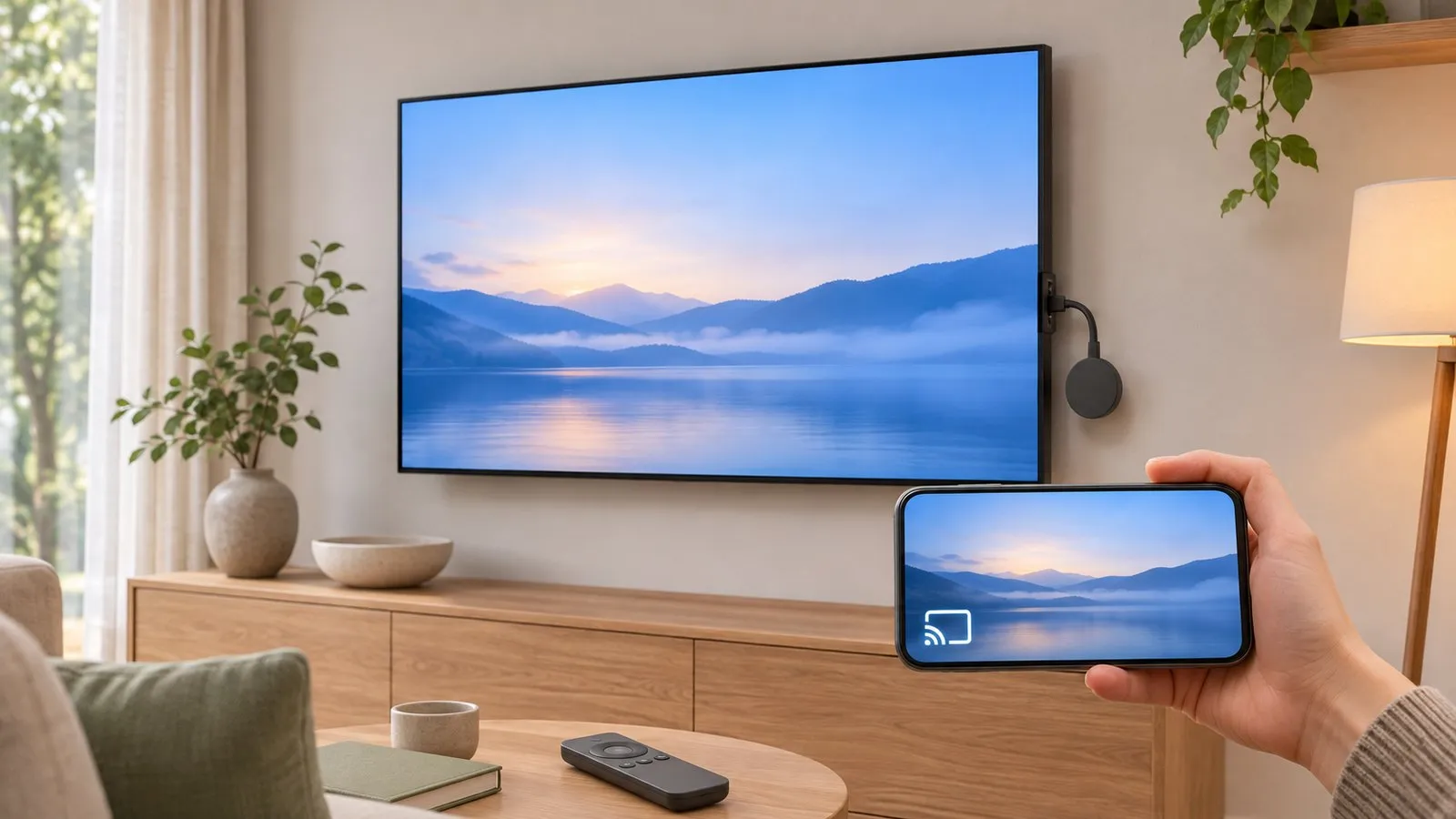
The short history
Samsung TVs long relied on their own technologies — Smart View for Galaxy phones and AirPlay for Apple devices — rather than Google Cast. In 2026 that changed:
- 2026 models: SamMobile reported on 24 March 2026 that Samsung’s US product specifications list Google Cast for its 2026 TVs, naming Crystal UHD (U8000H), the M series (M70H) and Neo QLED (QN70H) examples. It also noted Google Cast had earlier been limited to Samsung’s commercial TVs.
- Older models: 9to5Google reported on 2 April 2026 that Samsung is adding Cast to at least some older models through the latest One UI on Tizen update, citing an S90D owner. Samsung hasn’t published a full list.
This page will be updated as Samsung confirms more models.
Check your TV
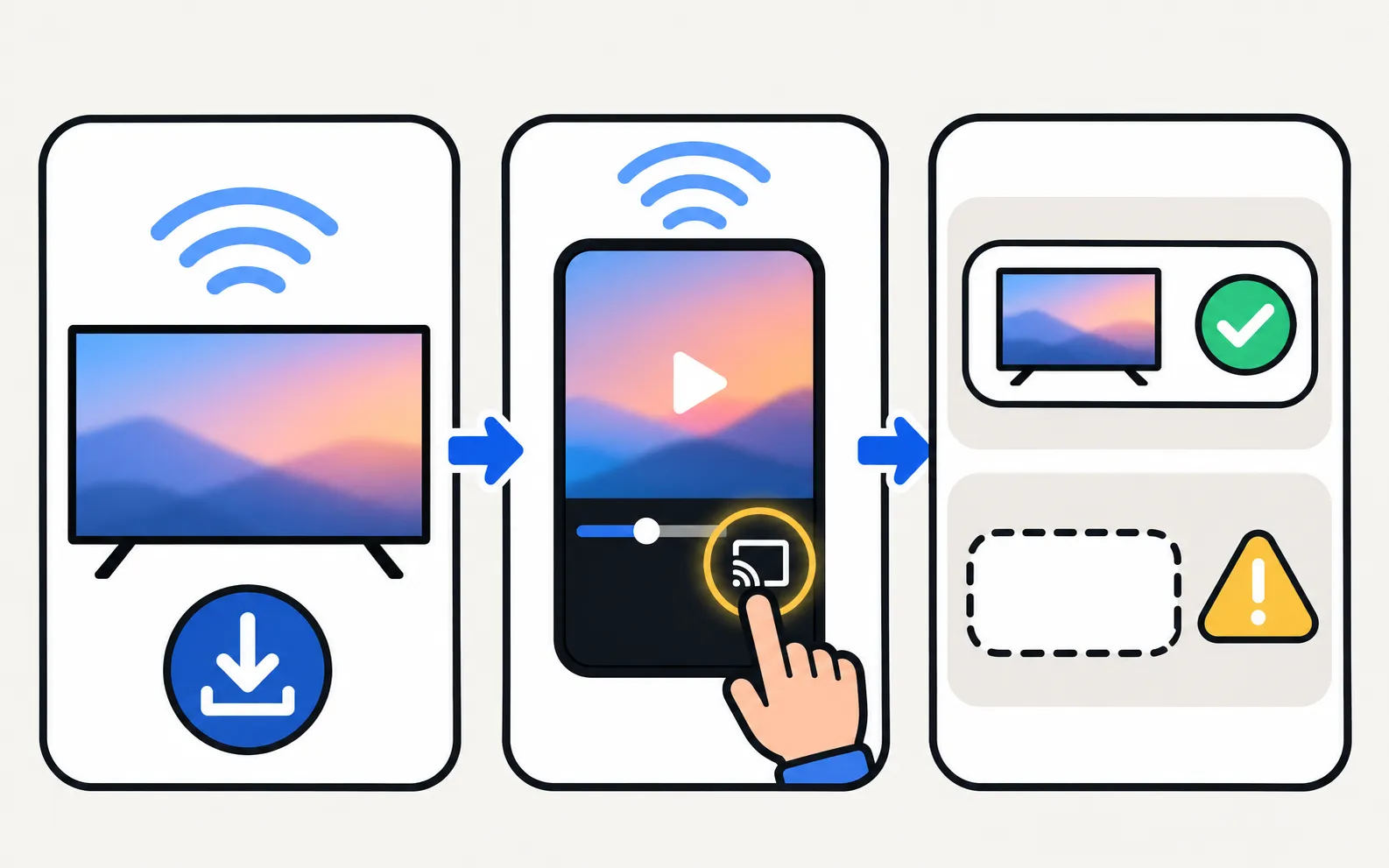
-
Update the TV
Settings, Support, Software Update (software update). -
Open a Cast-enabled app on your phone
On the same Wi-Fi as the TV. -
Tap the cast icon
If your Samsung TV is listed as a cast target, Google Cast works on it.
No Google Cast? Your options
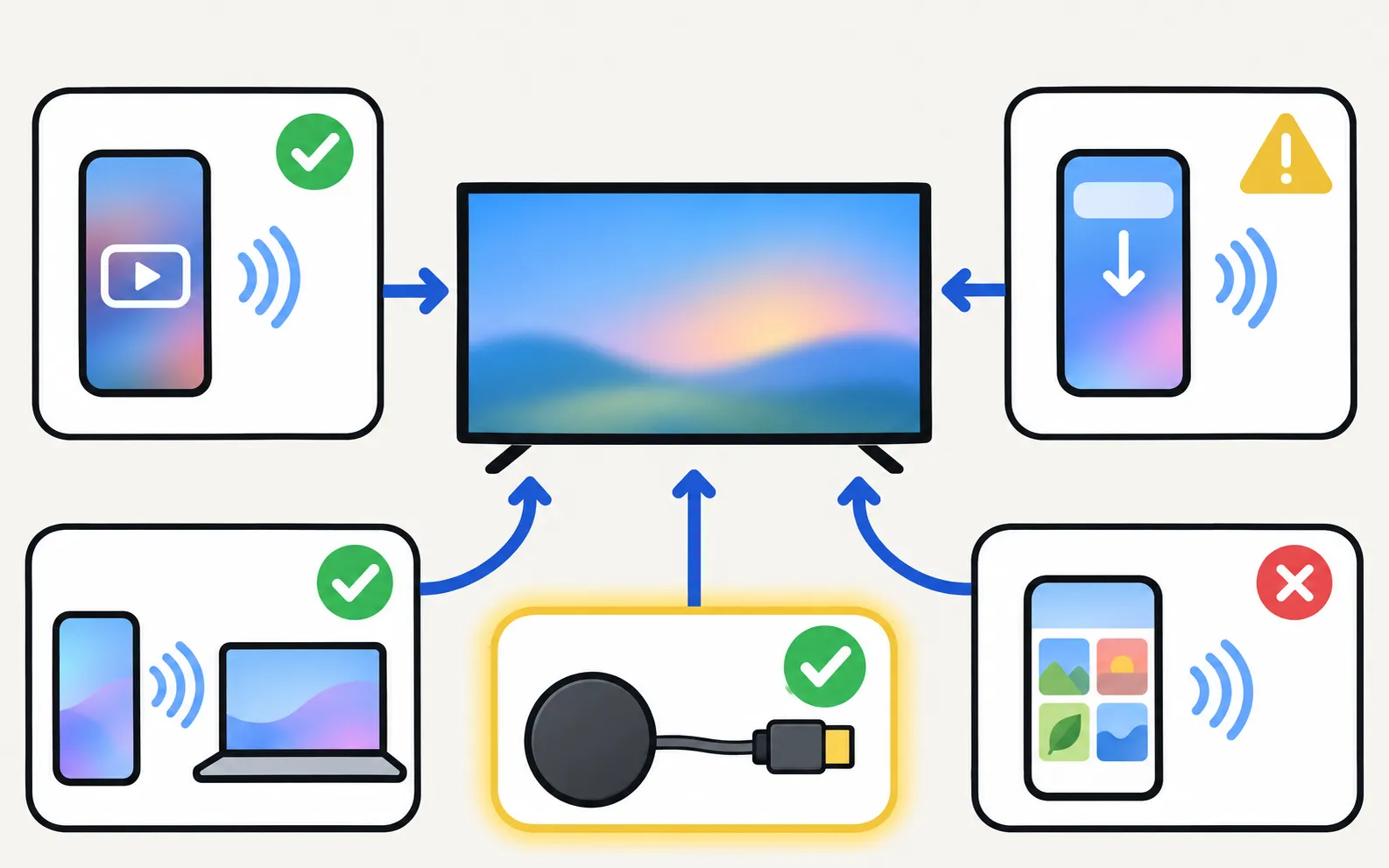
| Want to… | Use |
|---|---|
| Watch a YouTube video from your phone | YouTube’s own cast button — works with many Samsung TVs running YouTube (YouTube app problems) |
| Mirror a Galaxy phone | Smart View in Quick Settings (mirror Android) |
| Mirror an iPhone or Mac | AirPlay on 2018+ Samsung TVs (iPhone) |
| Show phone photos and videos | A casting app (cast photos and videos) |
| Get full Google Cast | A Chromecast or Google TV streaming device on HDMI (streaming devices) |
Casting without Google Cast, from Android
Cast photos and videos picked in Android's photo picker; videos play with sound and can be paused and seeked. No Chromecast, HDMI cable, extra hardware, SmartThings or Samsung account is needed.
For mirroring the whole screen: Screen mirroring with sound, using the TV's own media player — nothing is installed on the TV.
Frequently asked questions
How do I check if my Samsung TV has Google Cast?
Update the TV's software, then open a Cast-enabled app on your phone on the same Wi-Fi and tap its cast icon. If your TV appears as a Google Cast device, it's supported. Some owners report seeing Cast mentioned in the update notes.
Is Google Cast the same as Smart View?
No. Smart View is Samsung's screen-mirroring feature for Galaxy phones, built around Miracast and Samsung's own protocol. Google Cast lets apps send a stream for the TV to play itself.
Can YouTube cast to my Samsung TV without Google Cast?
Yes. The YouTube app's cast button can find a Samsung TV running YouTube on the same network, even on many models without Google Cast.
Should I buy a Chromecast for my Samsung TV?
If your TV doesn't get Google Cast and you rely on casting from many apps, a Google TV streaming device on HDMI adds it.
Sources
- All new Samsung TVs feature Google Cast! (24 Mar 2026; based on Samsung US spec sheets) — SamMobile · Media · checked November 11, 2026
- Google Cast support rolling out to Samsung TVs, and not just the newest ones (2 Apr 2026) — 9to5Google · Media · checked November 11, 2026
- How to fix Smart View connection and casting issues — Samsung UAE · Samsung · checked November 11, 2026
- Samsung TV Remote product documentation (developer-supplied facts) — Smart App Craft · Developer · checked November 10, 2026
Related guides
How-to
Mirror Android
Mirror an Android phone to a Samsung TV: Smart View on Galaxy, Cast or Wireless display on other brands, a mirroring app with sound, or a USB-C to HDMI cable.

How-to
Cast photos and videos
Show phone photos and videos on a Samsung TV at full quality: cast from an app, use Smart View, a casting app or a USB stick — and fix videos that won't play.
Topic
Mirroring and casting
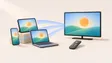
Show your phone, tablet or computer on a Samsung TV: Android, Galaxy Smart View, iPhone AirPlay, Windows and Mac — and when casting beats mirroring.
How-to
Streaming devices
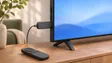
Plug a Fire TV, Roku, Apple TV or Chromecast into a Samsung TV: right HDMI port and power, input, one-remote control via Anynet+, 4K HDR and soundbar audio.
Troubleshooting
App not available
Can't find an app in your Samsung TV's store? Why apps depend on your country and TV year, what you can safely change, and workarounds that actually work.