
Troubleshooting
YouTube not working on a Samsung TV: fixes
When YouTube fails on a Samsung TV, it's usually the app's data, the network or the TV's software — not your account.
Quick answer
Unplug the TV for 30 seconds and open YouTube again. Check that other apps stream (if not, fix the internet), that the TV's date and time are correct, and that the TV software is up to date. Then reinstall YouTube from Apps, Settings — choose Reinstall if Delete is greyed out, since YouTube is often pre-installed. As a last resort, reset Smart Hub (it signs you out of all apps).
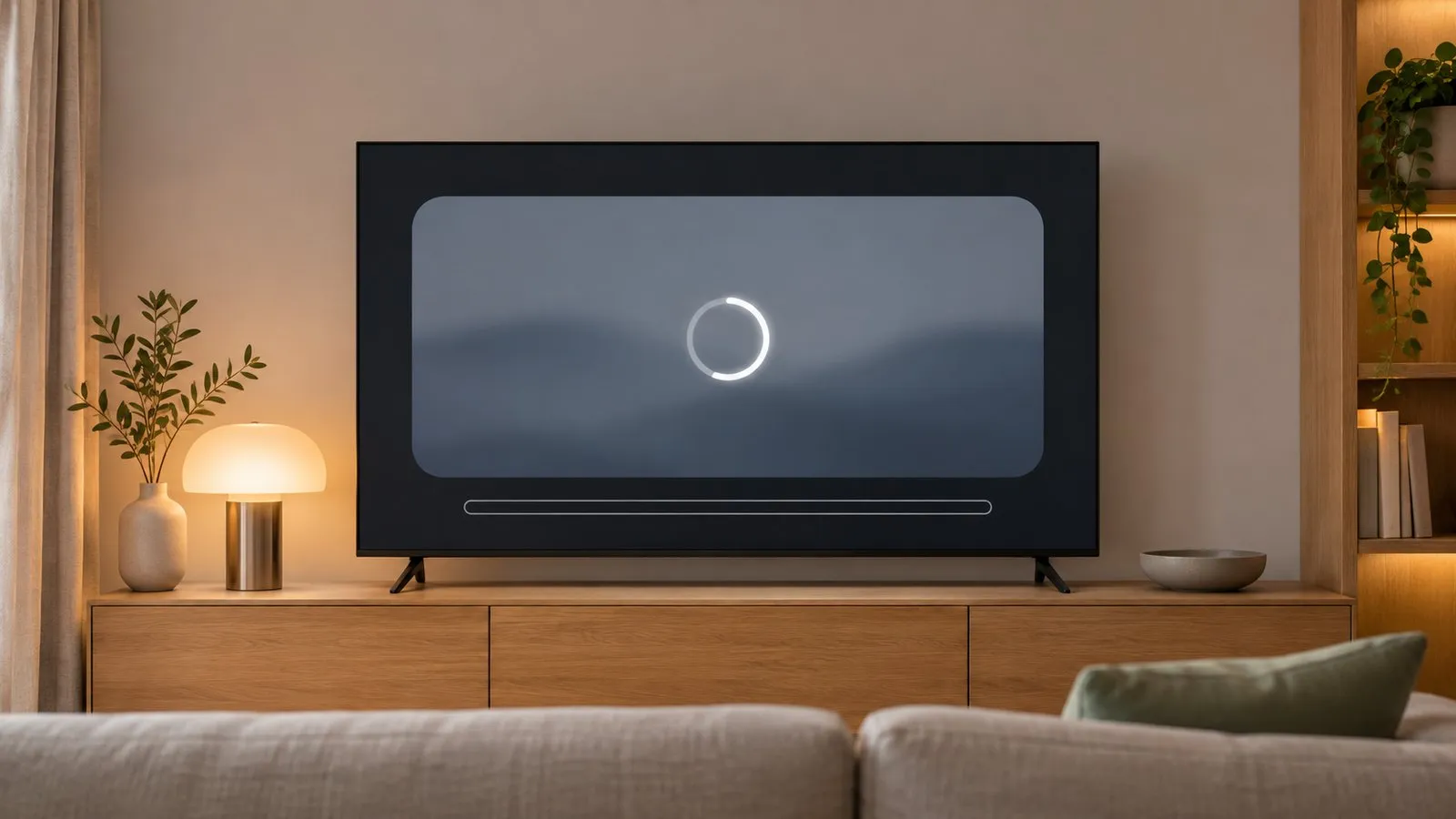
1. Restart properly
Unplug the TV (and One Connect box) for 30 seconds — Samsung’s first step for apps that won’t open. Standby doesn’t clear a stuck app (restart a Samsung TV).
2. Is it only YouTube?
- Other apps also fail: the internet connection is the problem — connected but no internet.
- Only YouTube fails: continue.
3. Check date, time and software
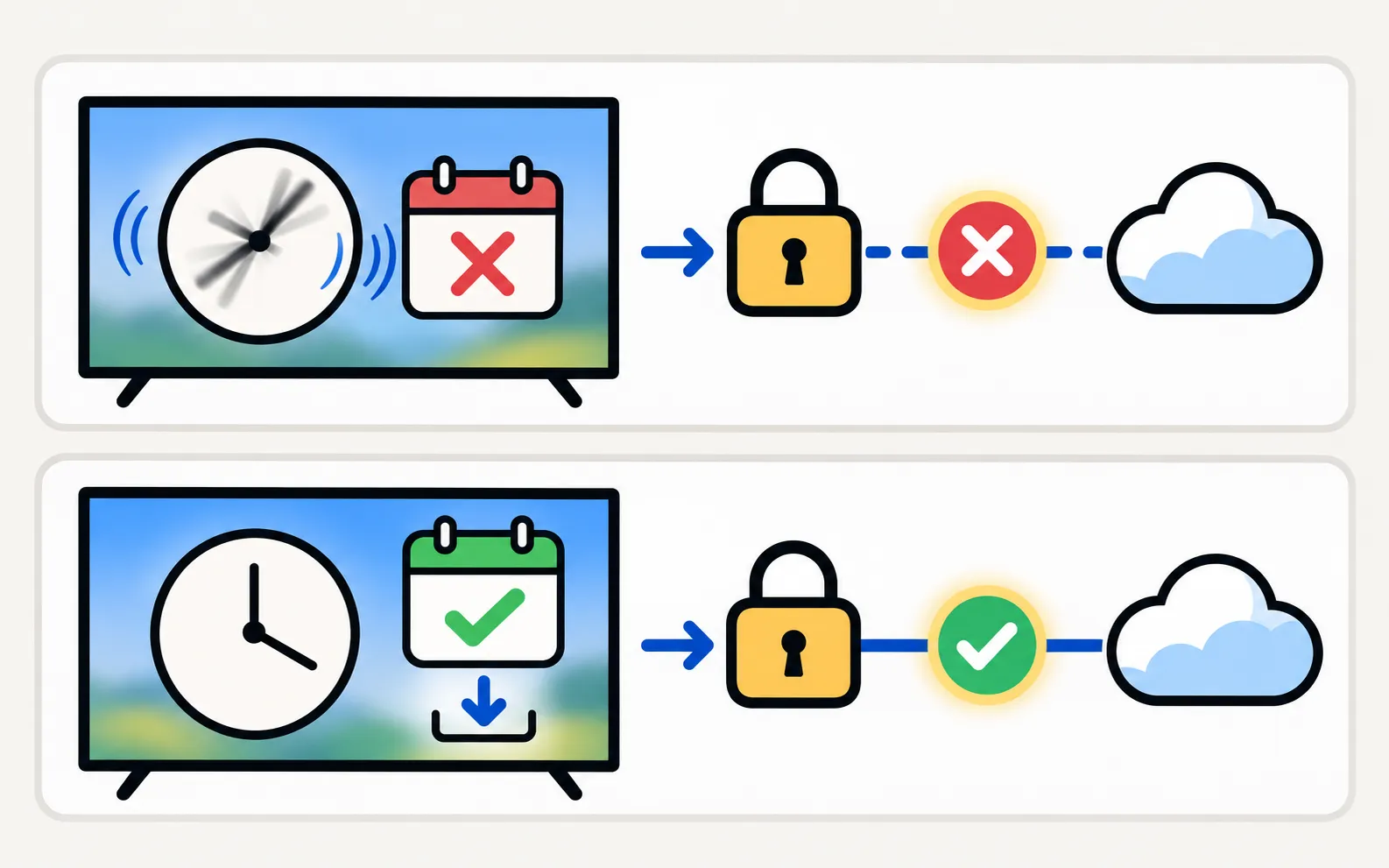
- Date and time: a wrong clock can break secure connections; set time to automatic (language, region and time).
- Software: (software update).
4. Reinstall YouTube
-
Open Apps, then Settings (gear)
Select YouTube. -
Delete or Reinstall
YouTube is pre-installed on many Samsung TVs; Samsung notes pre-installed apps can’t be deleted, so choose Reinstall. -
Sign in again
Use the TV code sign-in or a phone keyboard.
5. Reset Smart Hub (last resort)
(inside Device Care on newer menus). PIN 0000 unless changed. Samsung warns it signs you out of every app.
Still failing?
- Check YouTube’s own help pages for current service issues and TV-specific notes.
- On older TVs, YouTube may stop supporting the TV’s software; a streaming stick restores it (connect a streaming device).
- Cast from your phone in the meantime: the YouTube app’s cast button plays the video on the TV.
General app troubleshooting: apps not working.
Frequently asked questions
YouTube says my TV is no longer supported. Can I fix it?
No. When YouTube ends support for an older TV platform, the fix is a streaming device on HDMI or casting from your phone.
YouTube works on my phone but not on the TV. Why?
The TV's app data, software or network settings are the usual cause. Work through the steps in order.
Can I cast YouTube from my phone to a Samsung TV?
Yes — the YouTube app's cast button can find a Samsung TV that runs YouTube on the same Wi-Fi, and the TV then plays the video itself.
How do I sign in to YouTube on the TV without typing?
YouTube offers sign-in with a code or your phone on TV apps. Typing passwords is also easier with a phone keyboard or USB keyboard.
Sources
- Samsung UK support: TV apps won't open — Samsung UK · Samsung · checked November 10, 2026
- [2022] How to install apps and manage downloaded apps on your Samsung TV — Samsung UK · Samsung · checked November 11, 2026
- Samsung TV won't connect to Wi-Fi (TSG10002209) — Samsung US · Samsung · checked November 11, 2026
- YouTube Help: troubleshoot YouTube on TVs — Google · Reference · checked November 11, 2026
Related guides
Troubleshooting
Apps not working
Samsung TV apps won't open, crash or keep loading? Power-cycle, check the internet, update the TV, reinstall the app, then reset Smart Hub — in Samsung's order.
Troubleshooting
Netflix not working
Netflix won't open, shows an error or black screen, or buffers on a Samsung TV? Read the code, restart, update, reinstall Netflix and, last, reset Smart Hub.
Troubleshooting
Connected but no internet
Samsung TV connected but apps say no internet? Run Network Status, set DNS to 8.8.8.8 in IP Settings, check date and time, restart the router, update the TV.
How-to
Install and delete apps
How to download apps on a Samsung Smart TV, keep them updated, delete or reinstall them, and what to do when Delete is greyed out — with Samsung's own steps.
How-to
Language, region and time
Wrong menu language on a Samsung TV? Change it back (paths by year since 2013), even if you can't read the menus, plus audio, subtitle language and the clock.