
Troubleshooting
Netflix not working on a Samsung TV: fixes
Netflix shows an error code for most failures — and that code points straight at the fix. Here's the order to work in.
Quick answer
Note any error code and look it up in Netflix's Help Center. Then unplug the TV for 30 seconds, check that other apps stream, and update the TV's software. Reinstall Netflix from Apps, Settings (choose Reinstall if Delete is greyed out — Netflix is often pre-installed). As a last resort, reset Smart Hub. Mirroring Netflix from a phone shows black because Netflix blocks screen capture.
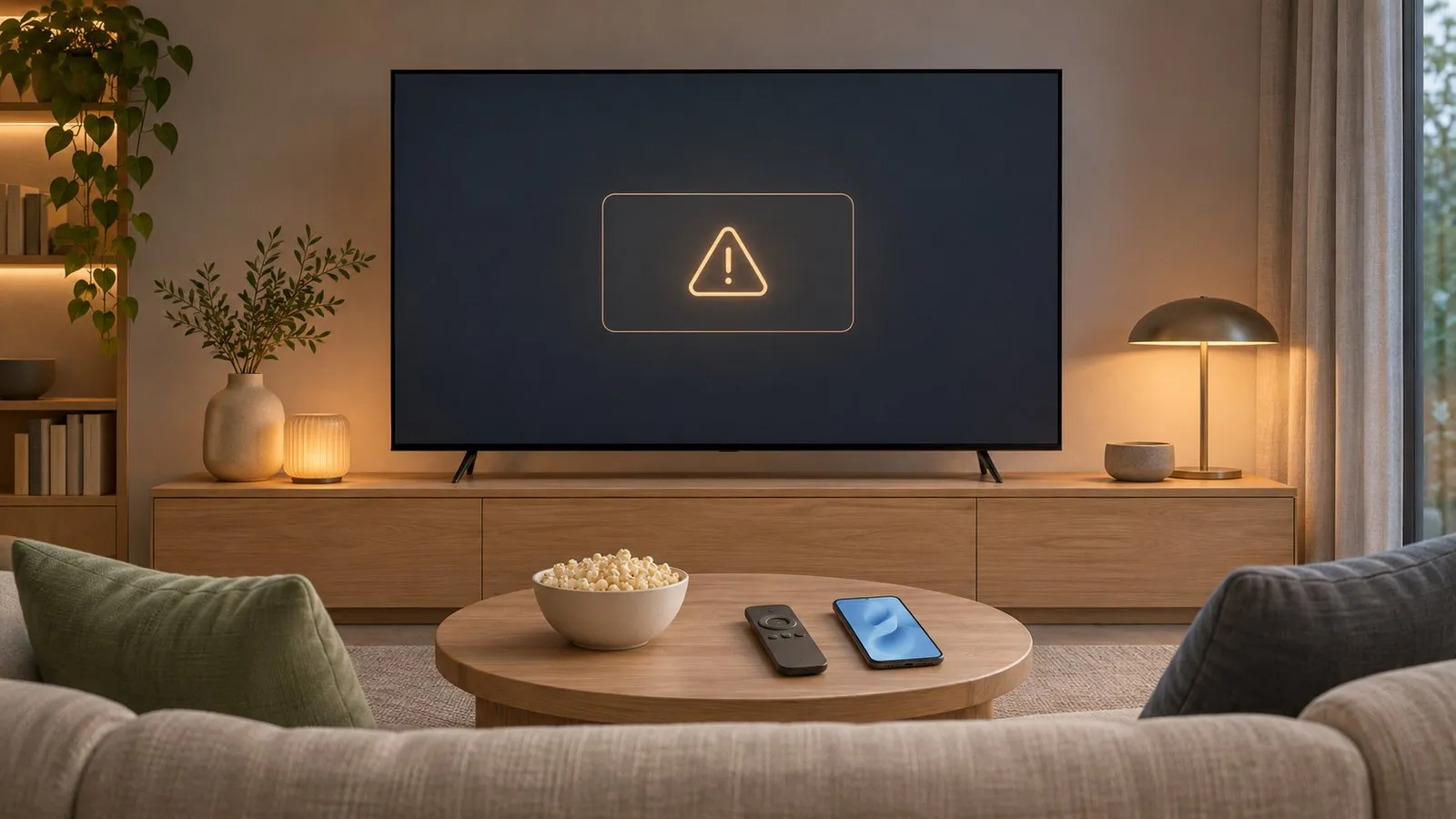
1. Read the error code
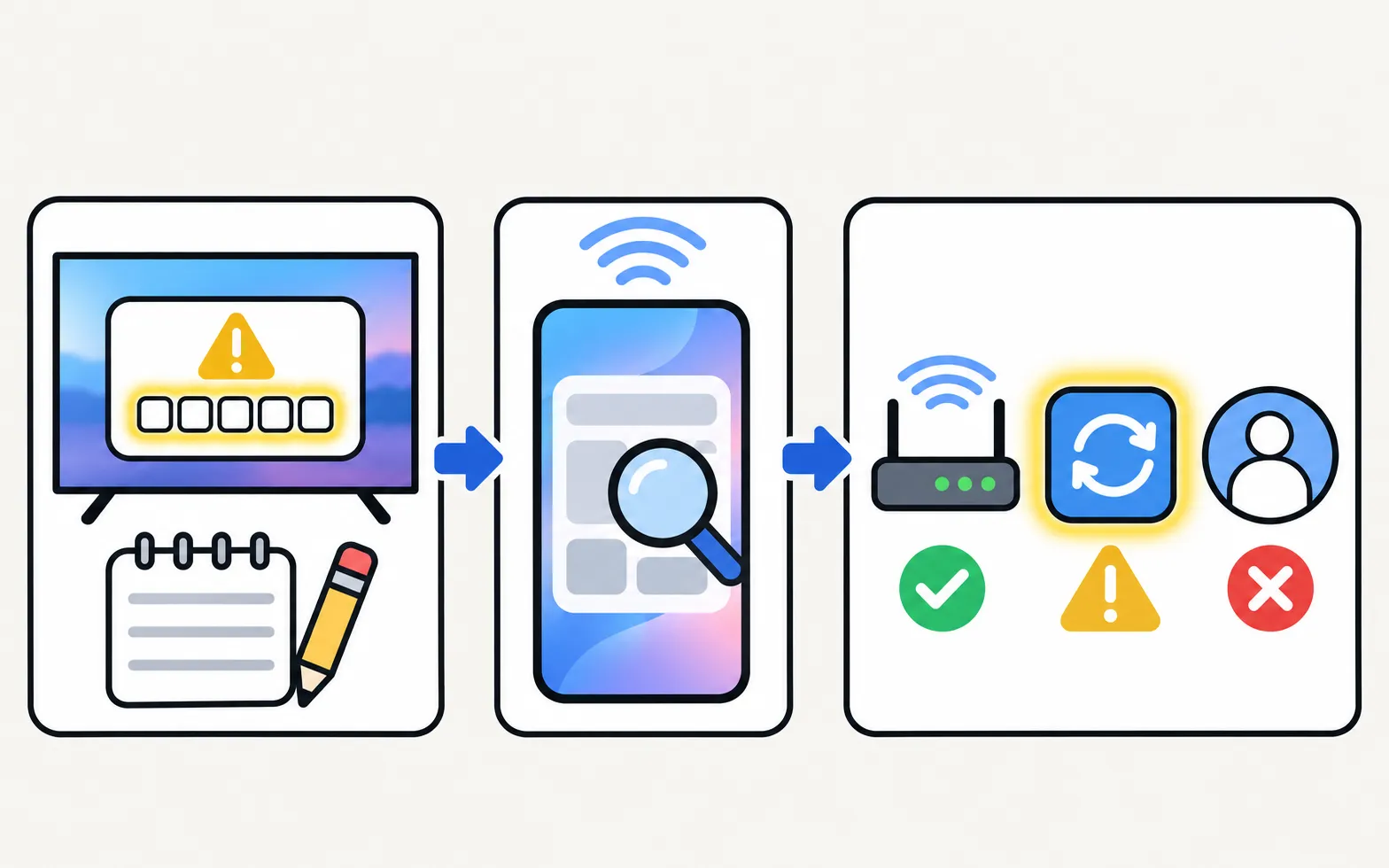
Netflix shows codes such as letters and numbers when something fails. Search the exact code in Netflix’s Help Center — Netflix maintains device-specific steps for each code. Network-type codes point to the internet connection; codes mentioning the app or device point to the TV.
2. Restart and test the network
-
Unplug for 30 seconds
Samsung’s first step for apps that won’t open (restart). -
Check another streaming app
If YouTube or others fail too, fix the connection — connected but no internet. -
Check the date and time
Wrong clocks break secure connections (language, region and time).
3. Update and reinstall
- Update the TV: . If the update is greyed out or fails, see update a Samsung TV’s software.
- Reinstall Netflix: Apps → Settings (gear) → Netflix. Samsung notes pre-installed apps can’t be deleted, so choose Reinstall if Delete is greyed out. Sign in again afterwards.
4. Reset Smart Hub (last resort)
(inside Device Care on newer menus; PIN 0000 by default). It signs you out of all apps.
Specific symptoms
| Symptom | Likely cause | Fix |
|---|---|---|
| Black screen when mirrored from a phone | Netflix blocks screen capture | Use the TV app or the Netflix app’s cast button |
| Constant buffering or low quality | Slow or unstable connection | Buffering fixes |
| Can’t type password with phone keyboard | Netflix draws its own keyboard | Use Netflix’s sign-in code or phone sign-in |
| Audio but no picture, or no audio | Device or HDMI path | No sound, black screen |
More general fixes: apps not working.
Frequently asked questions
Why does Netflix show black when I mirror my phone?
Netflix protects its content against screen capture, so mirroring shows a black screen. Use the Netflix app on the TV or the cast button inside the Netflix phone app.
Why can't I type in Netflix with my phone keyboard?
The phone keyboard doesn't reach apps that draw their own keyboard (for example Netflix on many TVs).
Netflix says my TV is no longer supported. What now?
Netflix ends support for some older TV platforms. A streaming device on HDMI restores Netflix.
How do I sign out of Netflix on the TV?
Use Get Help or Settings inside the Netflix app, or sign out of all devices from your Netflix account on a phone or computer.
Sources
- Samsung UK support: TV apps won't open — Samsung UK · Samsung · checked November 10, 2026
- [2022] How to install apps and manage downloaded apps on your Samsung TV — Samsung UK · Samsung · checked November 11, 2026
- Netflix Help Center (search the error code shown on your TV) — Netflix · Reference · checked November 11, 2026
- Samsung TV Remote product documentation (developer-supplied facts) — Smart App Craft · Developer · checked November 10, 2026
Related guides
Troubleshooting
Apps not working
Samsung TV apps won't open, crash or keep loading? Power-cycle, check the internet, update the TV, reinstall the app, then reset Smart Hub — in Samsung's order.
Troubleshooting
YouTube not working
YouTube won't open, keeps loading, shows a black screen or won't sign in on a Samsung TV? Restart, check network and date, update, reinstall, reset Smart Hub.
Troubleshooting
Connected but no internet
Samsung TV connected but apps say no internet? Run Network Status, set DNS to 8.8.8.8 in IP Settings, check date and time, restart the router, update the TV.
Troubleshooting
Mirroring not working
Samsung TV not showing up for screen mirroring, connection drops, black screen or no sound? Fixes for Smart View, AirPlay and mirroring apps, by symptom.
How-to
Keyboard and mouse on a Samsung TV
Stop typing passwords letter by letter. Use your phone's keyboard, a USB keyboard and mouse, or a Bluetooth keyboard on a Samsung TV — with paths by year.