
Troubleshooting
Samsung TV black screen (with or without sound): fixes
A black screen is three different problems: the wrong input, a source device that sends nothing, or a TV that can't light its panel. Two quick tests tell them apart.
Quick answer
Press Home on the remote. If the menu appears, the TV works: switch to the right input, check the device is on, reseat or replace the HDMI cable and try another port. If no menu appears but you hear sound, shine a torch close to the screen: a faint image means the backlight has failed and the TV needs service. If there's no sound and the standby light is on or blinking, it's a power problem.
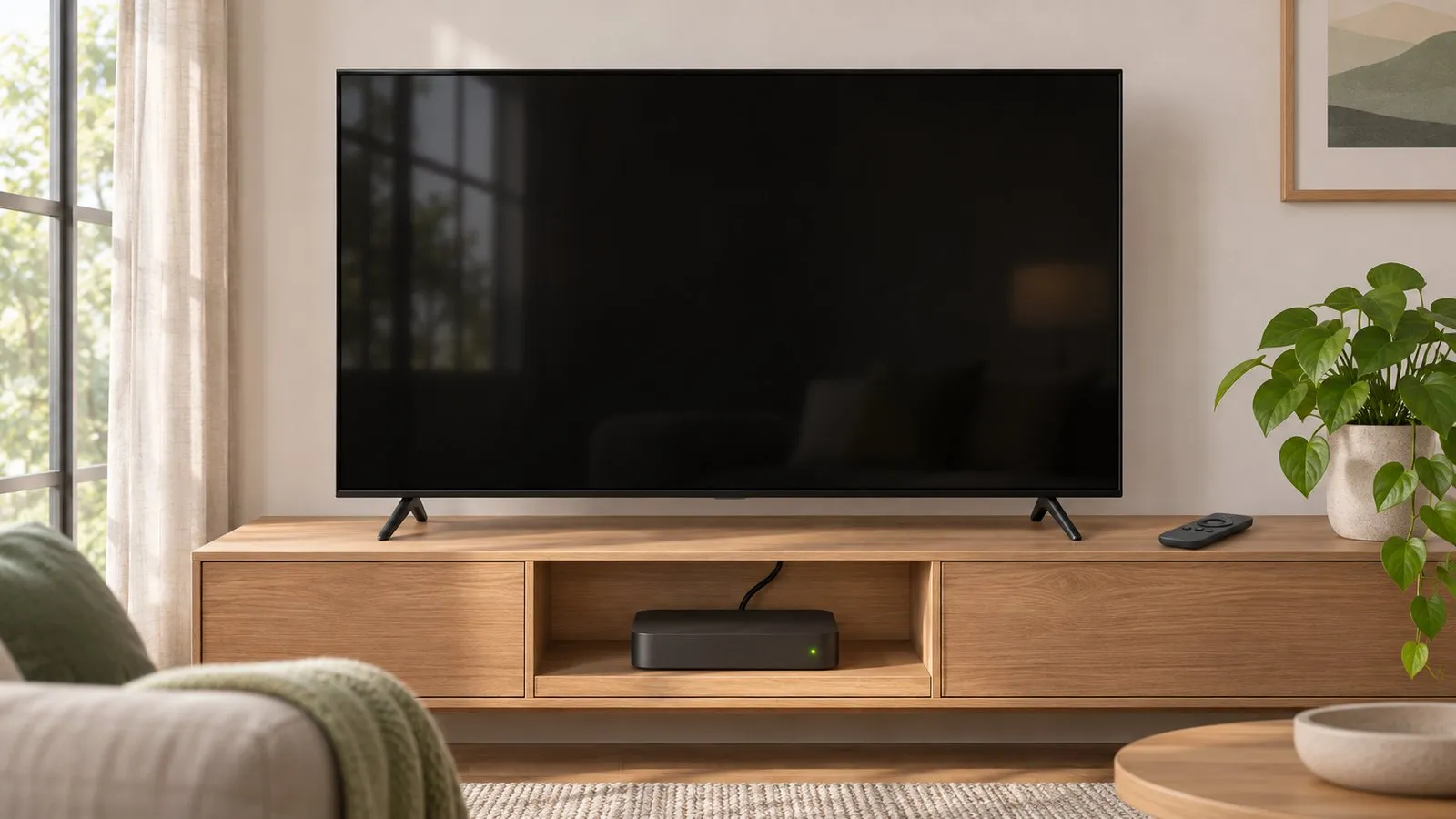
First: is the TV on?
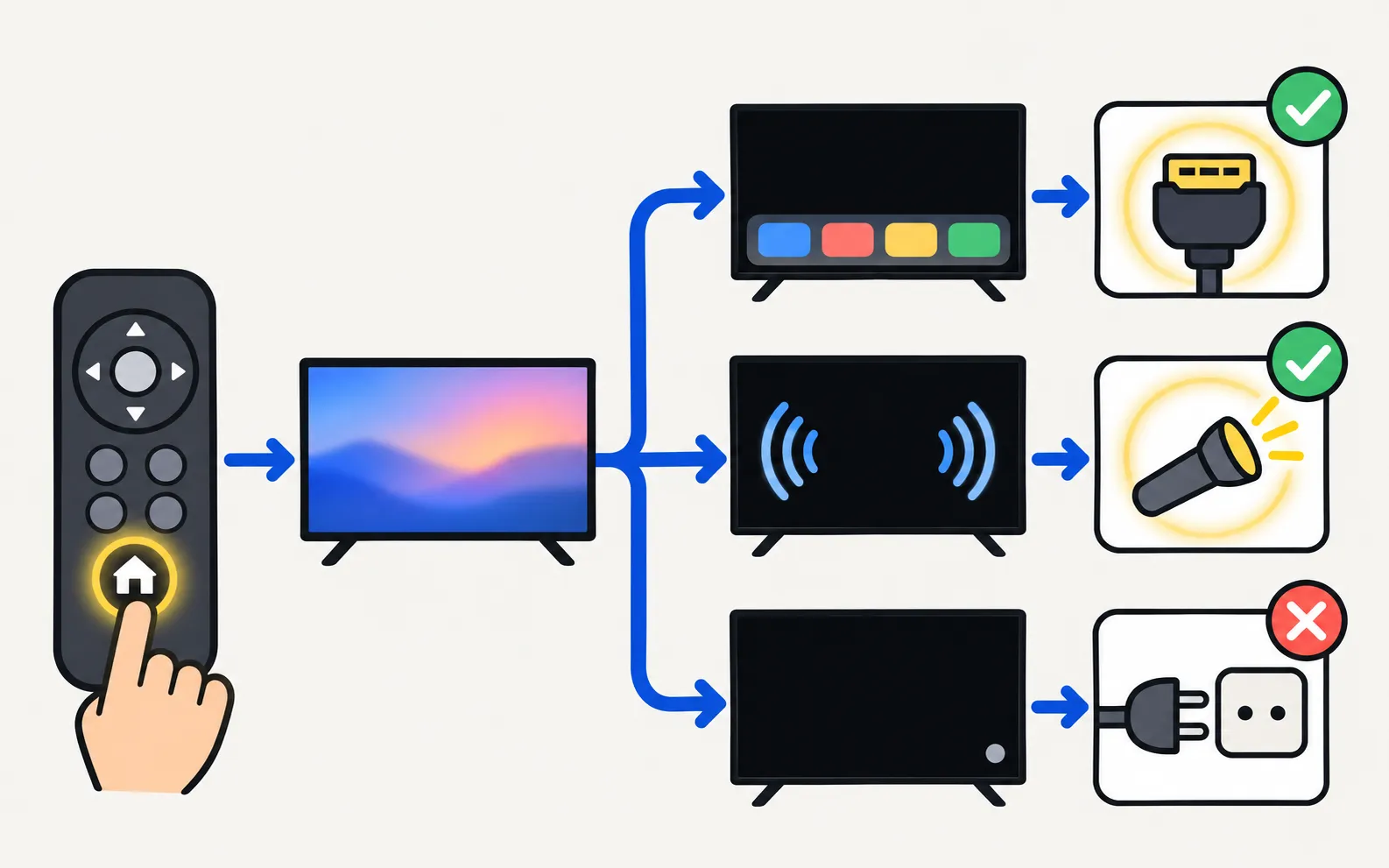
Press Home (or Menu) on the remote. This one test splits the problem in two, exactly as Samsung’s own troubleshooting does:
| What you see | What it means | Go to |
|---|---|---|
| The home screen or menu appears | The TV works; the source sends nothing | The menu appears |
| Nothing appears, but there’s sound | The panel isn’t lit | Sound but no picture |
| Nothing at all, standby light on or blinking | The TV isn’t really on | Samsung TV won’t turn on |
The menu appears: source or cable
-
Pick the right input
Select the input your device is connected to (for example HDMI 2). See change the input. -
Make sure the device is on
Cable boxes, consoles and streaming sticks may be asleep. Power-cycle the device itself. -
Reseat the cables
Unplug and firmly reconnect each cable at both ends, one at a time. Replace any damaged cable. -
Run the HDMI cable test
On models that have it: . Samsung notes the test is designed for short cables (under about 2 m / 6 ft). -
Swap things around
Try another HDMI port, another cable, another device. If anything else gives a picture, the TV isn’t the cause.
“No signal” messages have their own guide: Samsung TV HDMI no signal.
Sound but no picture (and no menu)
-
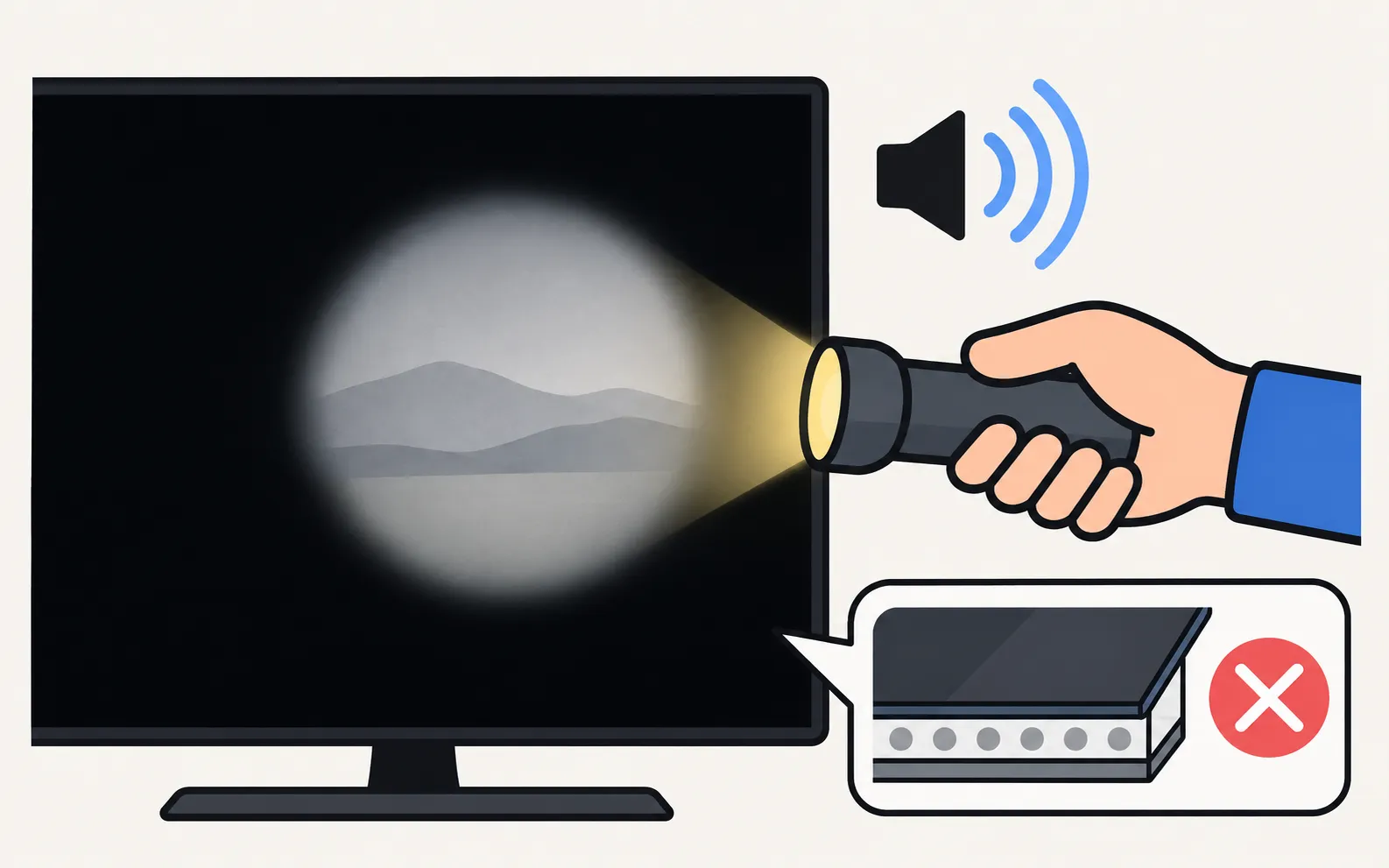
Do the torch test
In a darkened room, shine a torch (or your phone’s light) at the screen from a few centimetres away while sound plays. If you can make out a faint image or menu, the panel works but its backlight isn’t lighting it. -
Power-cycle once
Unplug the TV for 30 seconds and plug it straight into a wall outlet, then test again. -
If the image is still only visible with a torch
The backlight or its power supply has failed. That’s a repair for a technician — Samsung advises requesting service.
OLED TVs have no backlight, so the torch test doesn’t apply to them; an OLED with sound and no picture also needs service.
Settings that can blank or darken the screen
- Picture off / screen off: some models can switch the screen off while audio plays (useful for music). Press a button on the remote, or look for the option in the picture or sound settings.
- Energy saving: heavy energy-saving settings can make the picture so dark it looks black in a bright room. See Samsung TV picture too dark.
- Ambient or Art Mode: on TVs with Ambient Mode or The Frame’s Art Mode, a dim artwork or “screen off” state can look black — press the power button once to return to TV.
One Connect box TVs
Samsung’s guide adds steps for TVs with a One Connect box:
-
Reseat the One Connect cable
Disconnect and firmly reconnect it at both ends; replace it if it’s bent, kinked or pinched. -
Isolate the box
Unplug the box’s power or One Connect cable. If a message or picture then appears on the TV, Samsung says the box needs replacing.
More in One Connect box setup and problems.
When to call for service
If the menu never appears, the torch test shows a faint image, or the TV stays black with every input and a clean power supply, request service. Check the warranty first; is a Samsung TV worth repairing? helps you weigh the cost.
Other picture faults and settings are collected in Samsung TV picture problems.
Frequently asked questions
My Samsung TV has sound but no picture. What does that mean?
If the TV's menu doesn't appear either, the panel isn't lit — often a backlight or power-supply fault. The torch test confirms it. If the menu does appear, the problem is the source or the cable.
The screen goes black only in one app or input. Why?
Then the TV is fine. The app or the connected device isn't sending a picture, or the content is protected (HDCP) and the cable or device doesn't support it. Try another cable, another port and restarting the device.
Can a setting make the screen go black while sound plays?
Yes. Some TVs have a 'screen off' or picture-off option for listening to music, and some energy settings dim the picture heavily. Pressing a remote button usually brings the picture back.
Is a black screen worth repairing?
Backlight and power-board faults are often repairable, but cost varies with the TV's size and age. Check the warranty first.
Sources
- Samsung TV has no picture or shows a black screen (TSG10002233) — Samsung US · Samsung · checked November 11, 2026
- Samsung TV will not turn on (troubleshooting by standby light, TSG10002218) — Samsung US · Samsung · checked November 11, 2026
- How to troubleshoot if the screen brightness of your Samsung TV changes automatically or is too dark — Samsung Hong Kong · Samsung · checked November 11, 2026
Related guides
Troubleshooting
TV won't turn on
Samsung TV won't turn on? Read the standby light first — steady, off or blinking each point to a different cause — then follow the fixes for your case.
Troubleshooting
HDMI no signal
Samsung TV says No Signal or won't detect HDMI? Wake the device, pick the right source, reconnect in Samsung's order, run HDMI Troubleshooting, check 4K 120 Hz.
Troubleshooting
Picture too dark
Samsung TV too dark or dimming on its own? Turn off Brightness Optimization, Energy Saving Solution, Motion Lighting, Contrast Enhancer and Adaptive Picture.
How-to
One Connect box
What the Samsung One Connect box does, how to connect it, and how to fix no picture, no power or ports not working — including Samsung's test for a faulty box.
Explainer
Board and panel symptoms
What a Samsung TV's power board, main board, T-Con board and panel do, which symptoms point where, safe outside checks, and why repairs need a technician.

Troubleshooting
Lines on the screen
Lines on a Samsung TV screen? Find out in two minutes if it's a cable or a panel fault: see if the lines move, check the TV's own menu and run the Picture Test.