
Explainer
Is a Samsung TV worth repairing? Faults and the factors that decide
Repair prices depend on the country, the model and the part, so any single figure online is a guess. A clear process gets you to the right answer for your TV.
Quick answer
First check the warranty: a covered fault costs you nothing to repair. Next rule out software and settings with a power cycle, an update and the Picture Test. Then get a written quote from Samsung or an authorised repairer and compare it with the price of a comparable new TV.
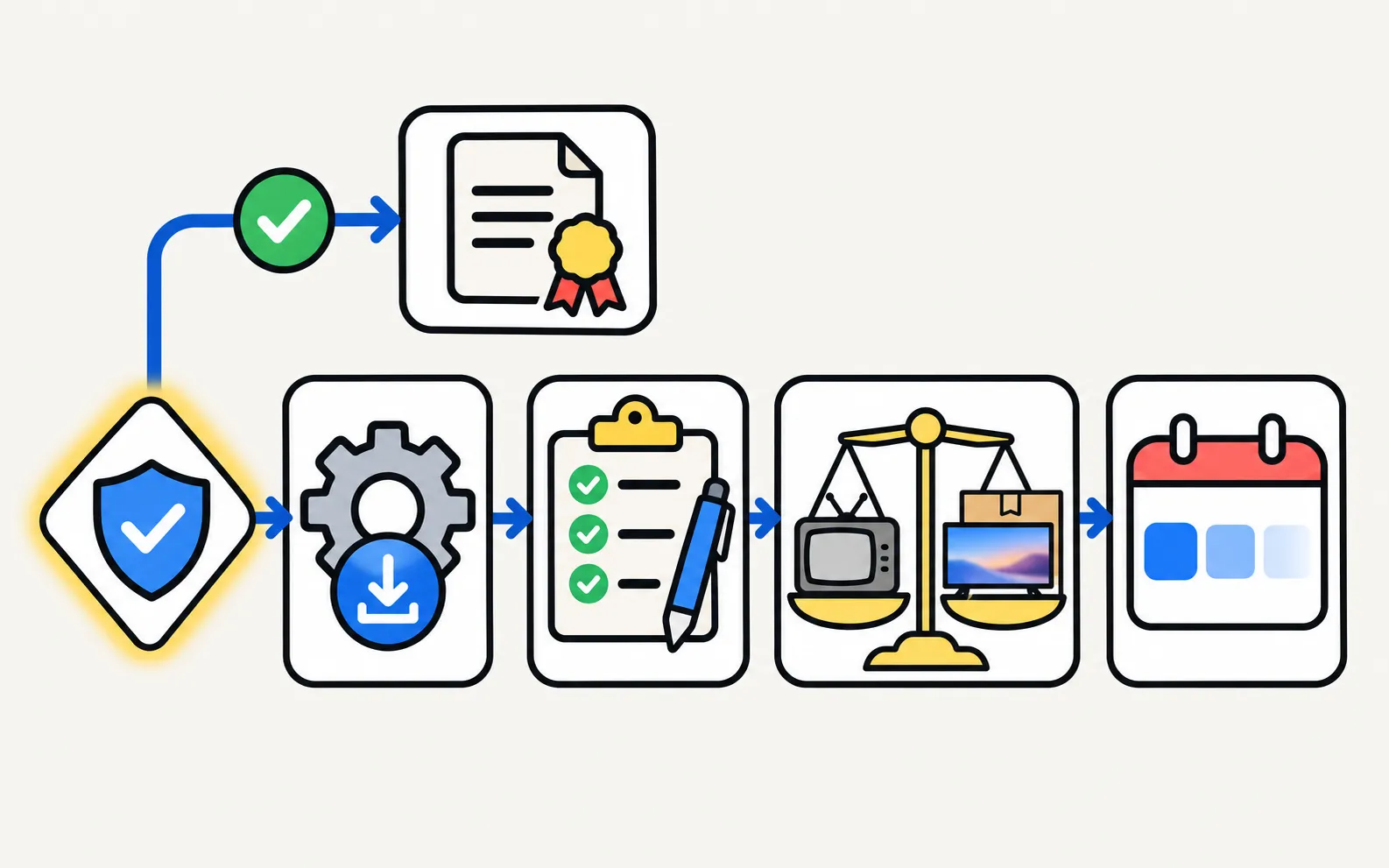
1. Is it under warranty?
Check before anything else. A third-party repair or opening the TV during the warranty can complicate a claim. See warranty. Samsung Care+ or a retailer’s extended warranty may also cover it.
2. Is it really hardware?
- Power cycle: unplug for a minute, then plug straight into the wall.
- Update the software (software update). Samsung lists corrupted firmware among causes of screen faults.
- Run the Picture Test (Self Diagnosis): a fault that disappears in the test isn’t the screen.
3. What kind of fault?
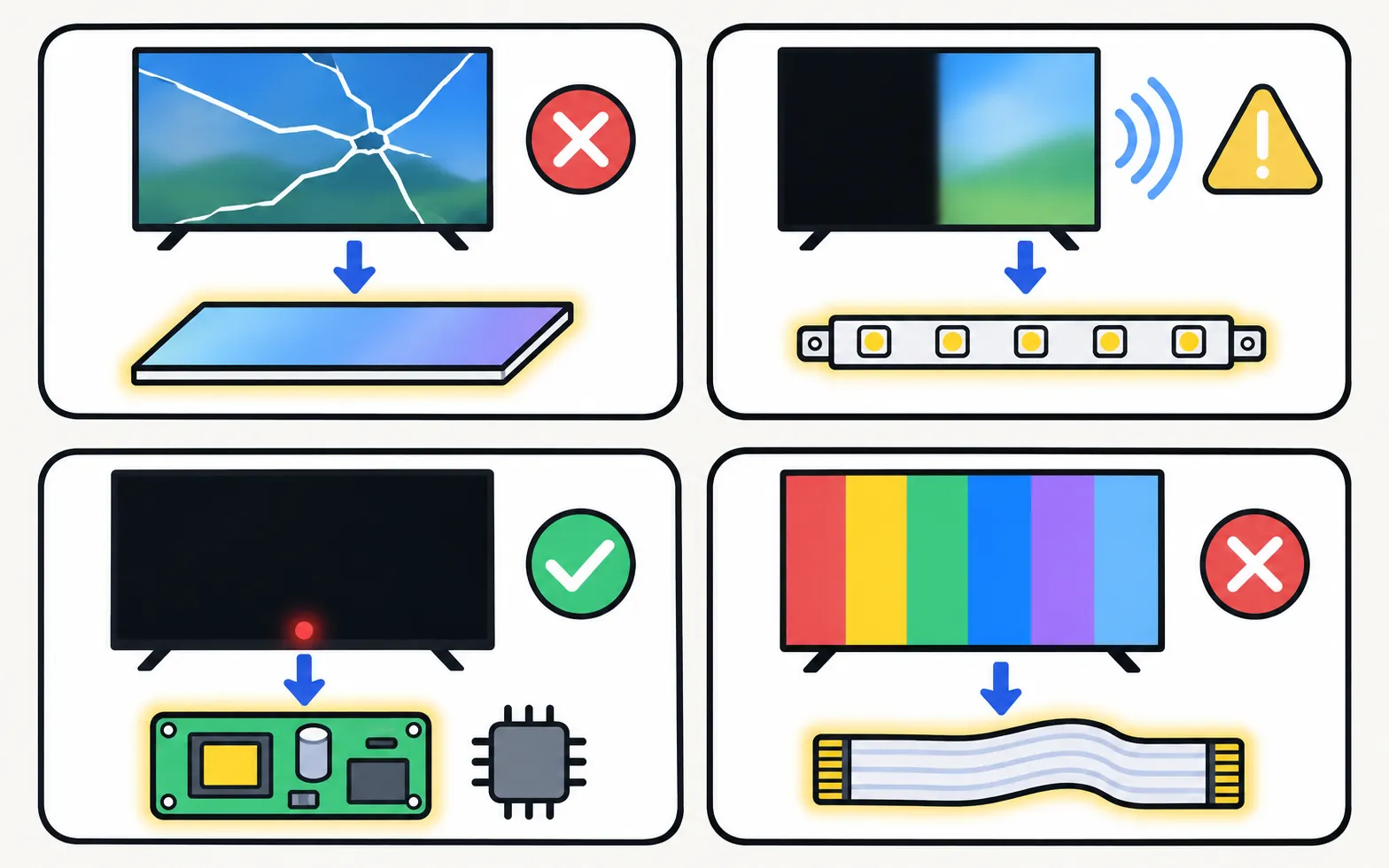
| Fault | What it usually involves |
|---|---|
| Cracked or pressure-damaged screen | Panel replacement |
| Dark half, dark patches, no picture with sound | Backlight or panel; Samsung names both for a half-dark screen |
| No power, blinking standby, restarts | Power supply or main board |
| Lines in the Picture Test | Panel or its timing (T-Con) connection |
More detail: board and panel symptoms.
4. Get a quote and compare
Ask Samsung support or an authorised repairer for a written quote that includes parts, labour, any diagnosis fee and the warranty on the repair. Compare it with the price of a comparable new TV in your country today.
5. Weigh age and support
- Apps and updates: newer Samsung TVs get longer software support. Samsung announced seven years of Tizen OS upgrades for supported models (Tizen versions); older TVs may have lost apps.
- Features you’d gain: compare what a newer model adds (features by year).
If you replace it
Recycle the old TV through your retailer or local scheme. Before you hand it on, factory reset it to remove your accounts.
Frequently asked questions
How much does a Samsung TV repair cost?
It varies by country, model, part and labour, so we don't quote figures. Get a written quote from Samsung support or an authorised repairer. Ask whether a diagnosis fee applies.
Can a cracked screen be repaired?
It means replacing the panel. Ask for a quote and compare it with a new TV.
Is it worth repairing an old Samsung TV?
Consider whether it still gets the apps and updates you need. Samsung announced seven years of Tizen upgrades for supported newer models; much older TVs may have lost support for some apps.
What if it's still under warranty?
Then contact Samsung first, before any third-party repair; see the warranty guide.
Sources
- Samsung Warranty: check your Samsung products — Samsung US · Samsung · checked November 11, 2026
- Why is one side of my Samsung TV screen darker? — Samsung Gulf · Samsung · checked November 11, 2026
Related guides
Explainer
Board and panel symptoms
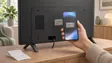
What a Samsung TV's power board, main board, T-Con board and panel do, which symptoms point where, safe outside checks, and why repairs need a technician.
How-to
Warranty
Check a Samsung TV warranty: find the model and serial number, use Samsung's checker for your country, request service, and what Care+ and retailer plans add.

Reference
Contact Samsung support
Samsung TV support pages for the US, UK, Canada, Australia, Ireland, Germany, France, Italy, Spain, Portugal, Brazil, Mexico and India, and what to have ready.
Troubleshooting
Dark patches and half-dark screen
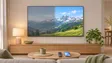
Half the Samsung TV screen darker, dark spots or stuck pixels? Use the Picture Test to tell a source problem from a panel or backlight fault, then fix it.

Reference
Tizen versions and updates
Which Tizen version your Samsung TV runs, how to check its software, how long Samsung updates TVs (the 2024 seven-year promise) and what One UI Tizen is.