
Explainer
Samsung TV power board, main board or panel? Fault symptoms
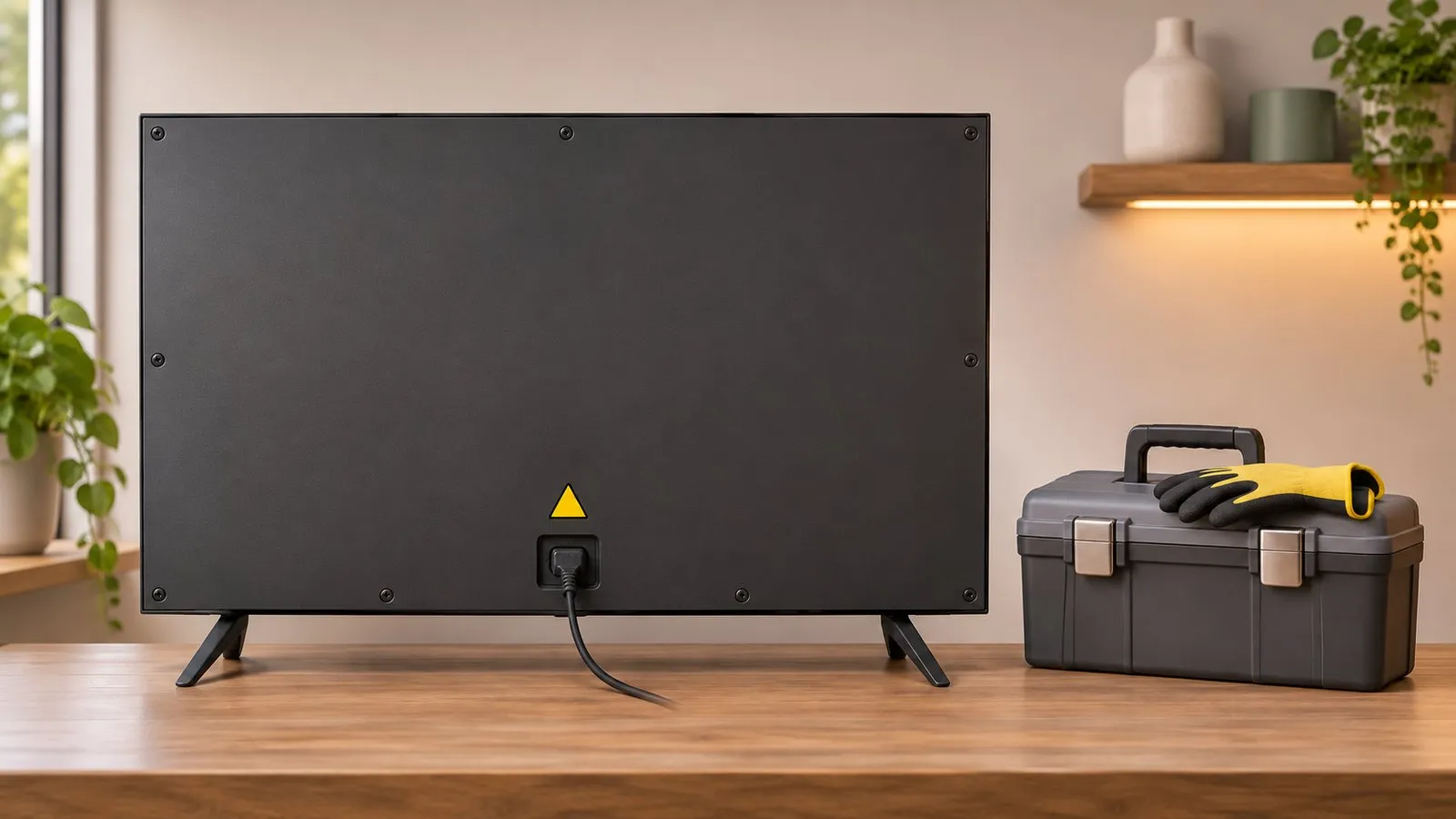
Symptoms give clues about which part has failed, but they don't prove it. Do the outside checks, then let a technician confirm. Opening a TV exposes mains voltage.
Quick answer
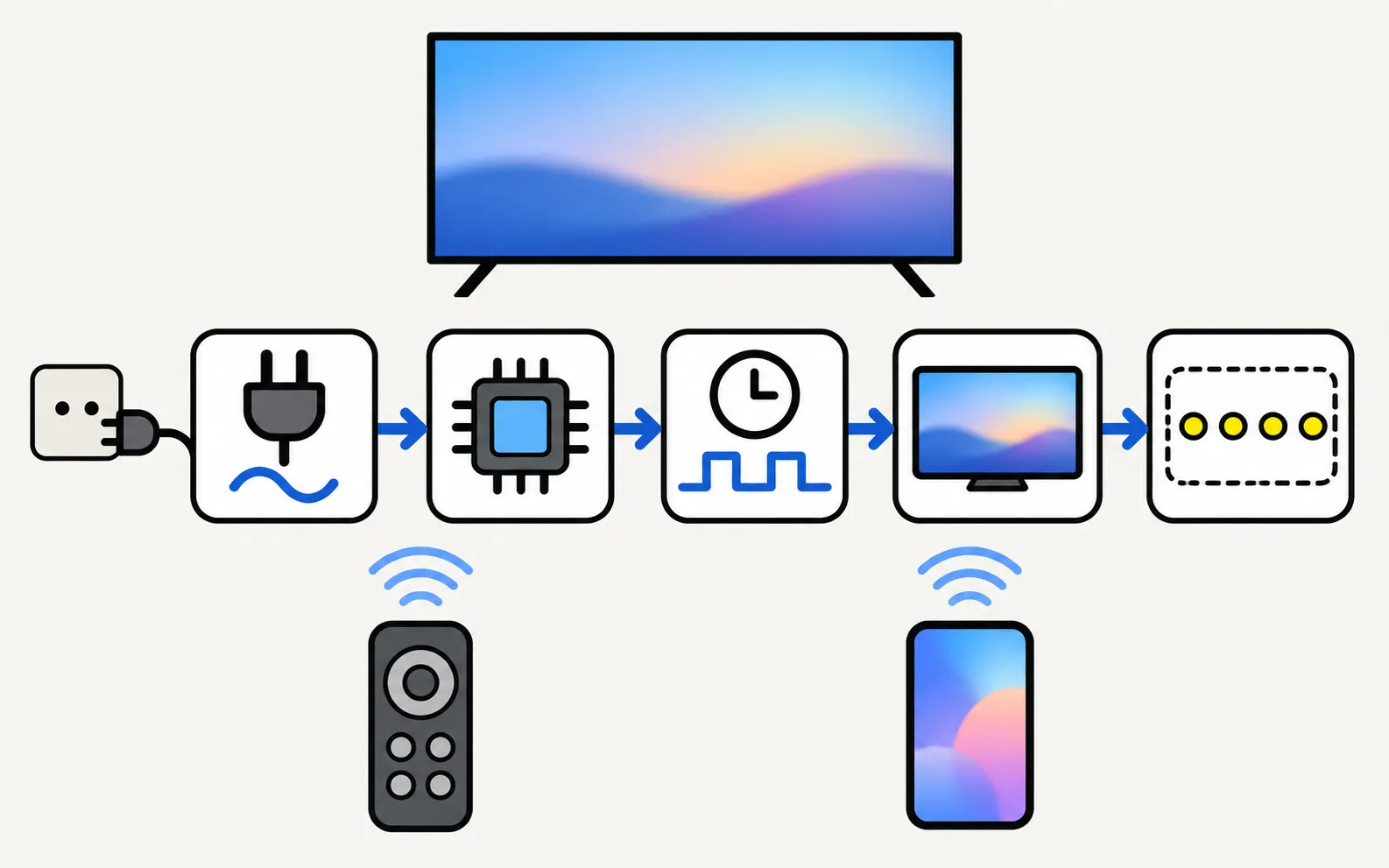
A TV has a power supply board, a main board (processing, inputs, software), a timing (T-Con) board that drives the panel, and the panel with its backlight. No power or a blinking standby light points towards power; sound with no picture or a dark half points towards backlight or panel; lines in the Picture Test point towards the panel or T-Con; faults only on some inputs or apps point towards the main board or software. Only a technician should confirm and replace parts.
What each part does
| Part | Role |
|---|---|
| Power supply board | Turns mains power into the voltages the TV uses |
| Main board | Runs the software, inputs (HDMI, tuner, Wi-Fi) and picture processing |
| T-Con (timing control) board | Converts the picture signal into signals that drive the panel |
| Panel and backlight | Shows the picture; LCD-based TVs (LED, QLED, Neo QLED) have a backlight, OLED panels light their own pixels |
Symptoms and where they point
| Symptom | Points towards | Check first |
|---|---|---|
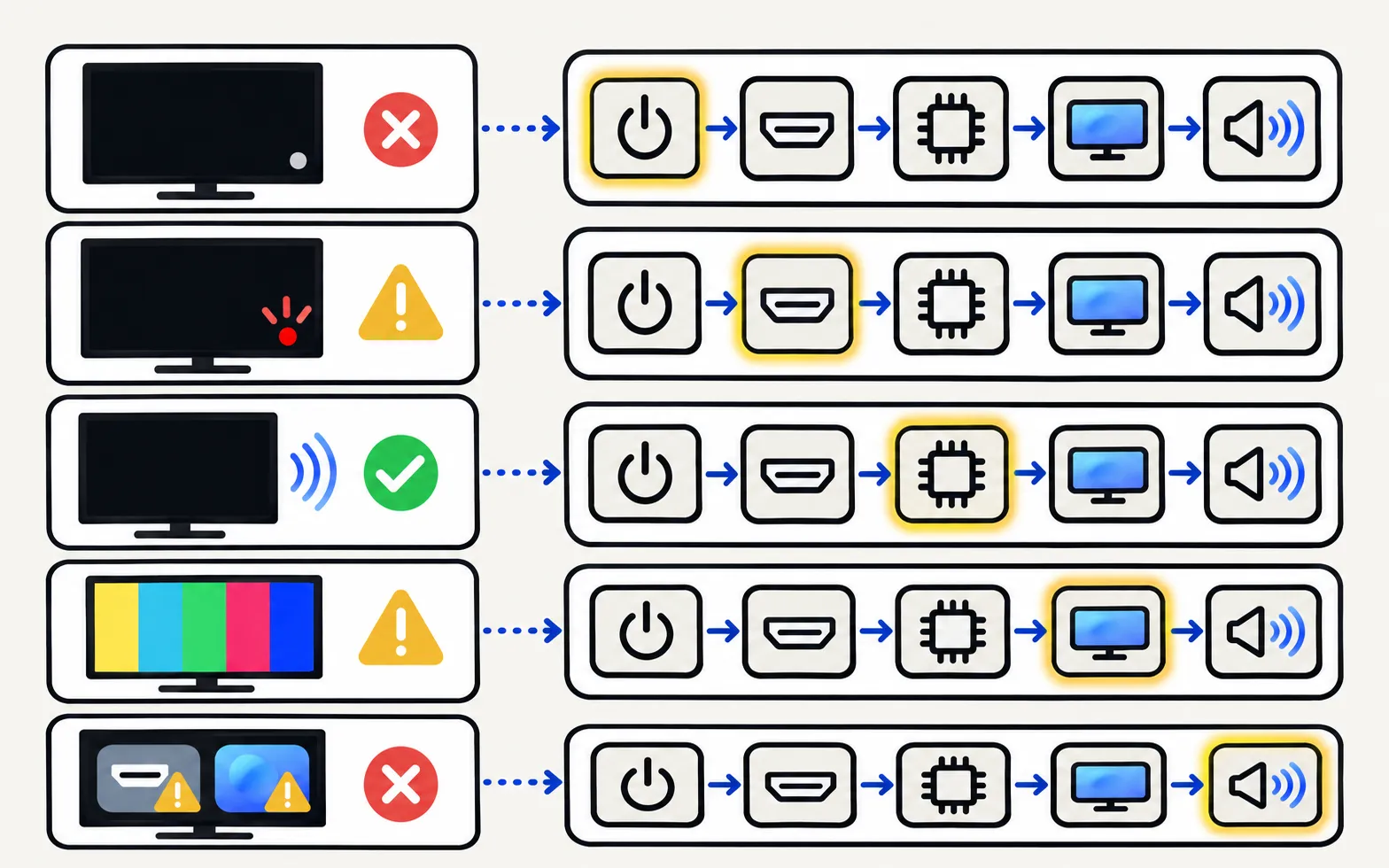
| No power, no standby light | Power supply, or simply the socket or cable | Won’t turn on |
| Standby light blinking, no start | Power or main board | Standby light blinking |
| Sound but no picture, or a dark half | Backlight or panel. Samsung names a faulty backlight or damaged panel for a half-dark screen | Black screen · dark patches |
| Lines or bands that also show in the Picture Test | Panel or its connection (T-Con) | Lines on screen |
| Fault only on some inputs or apps, restarts, freezes | Main board or software | Keeps restarting · slow or freezing |
These are tendencies, not diagnoses. The same symptom can have more than one cause.
Checks you can do safely
-
Power cycle
Unplug the TV for a minute, then try again with the TV plugged straight into a wall socket. -
Run the Picture Test
In Self Diagnosis; it separates source faults from screen faults. See Self Diagnosis. -
Update the software
Samsung lists corrupted firmware among causes of screen problems; see software update. -
Note what you see
Standby light behaviour, sounds, whether the picture flashes briefly. A short video helps the technician.
Then decide: repair or replace?, warranty, contact Samsung support.
Frequently asked questions
Can I replace the power board myself?
We don't give instructions for it. Power supply boards carry mains voltage and can hold a charge after unplugging; opening the TV can also affect your warranty. Use a qualified repairer.
Can a software problem look like a board failure?
Yes. Samsung lists corrupted firmware or display driver errors among causes of screen faults, so update the TV and do a power cycle before assuming hardware.
What can damage the main board?
One case Samsung names: interrupting a USB software update (pulling the stick or the power) can cause a firmware error or main-board failure, which Samsung Malaysia says isn't covered by the warranty.
Is a cracked or pressure-damaged screen a board problem?
No, that's panel damage. Ask for a repair quote and see repair or replace before deciding.
Sources
- Why is one side of my Samsung TV screen darker? — Samsung Gulf · Samsung · checked November 11, 2026
- Lines on Samsung TV screen (Picture Test paths 2015–2026) — Samsung Australia · Samsung · checked November 11, 2026
- Samsung TV will not turn on (troubleshooting by standby light, TSG10002218) — Samsung US · Samsung · checked November 11, 2026
- Fix error messages when updating 2020 Samsung TV models (Kant-SU2, Kant-S2) — Samsung Malaysia · Samsung · checked November 11, 2026
Related guides
Explainer
Repair or replace?
Repair or replace a faulty Samsung TV? Check the warranty, rule out software, then weigh the fault, the quote against a new TV, the TV's age and update support.
How-to
Warranty
Check a Samsung TV warranty: find the model and serial number, use Samsung's checker for your country, request service, and what Care+ and retailer plans add.
Troubleshooting
TV won't turn on
Samsung TV won't turn on? Read the standby light first — steady, off or blinking each point to a different cause — then follow the fixes for your case.
Troubleshooting
Standby light blinking
Why the red standby light on a Samsung TV blinks, what Samsung says each state means (steady, off, blinking), how to rule out the outlet and when it's a repair.
Troubleshooting
Lines on the screen
Lines on a Samsung TV screen? Find out in two minutes if it's a cable or a panel fault: see if the lines move, check the TV's own menu and run the Picture Test.