
First-time setup
Set up a new Samsung Smart TV: pair the remote, pick language and network, decide on terms and privacy, scan channels or connect a box, then update.
Topic
Attach the stand or wall-mount the TV first, connect the antenna, set-top box or soundbar, then run the setup wizard: pair the remote, choose language and network, decide on privacy options and a Samsung account, and find channels. Afterwards update the software and set up the picture — and your phone as a remote.
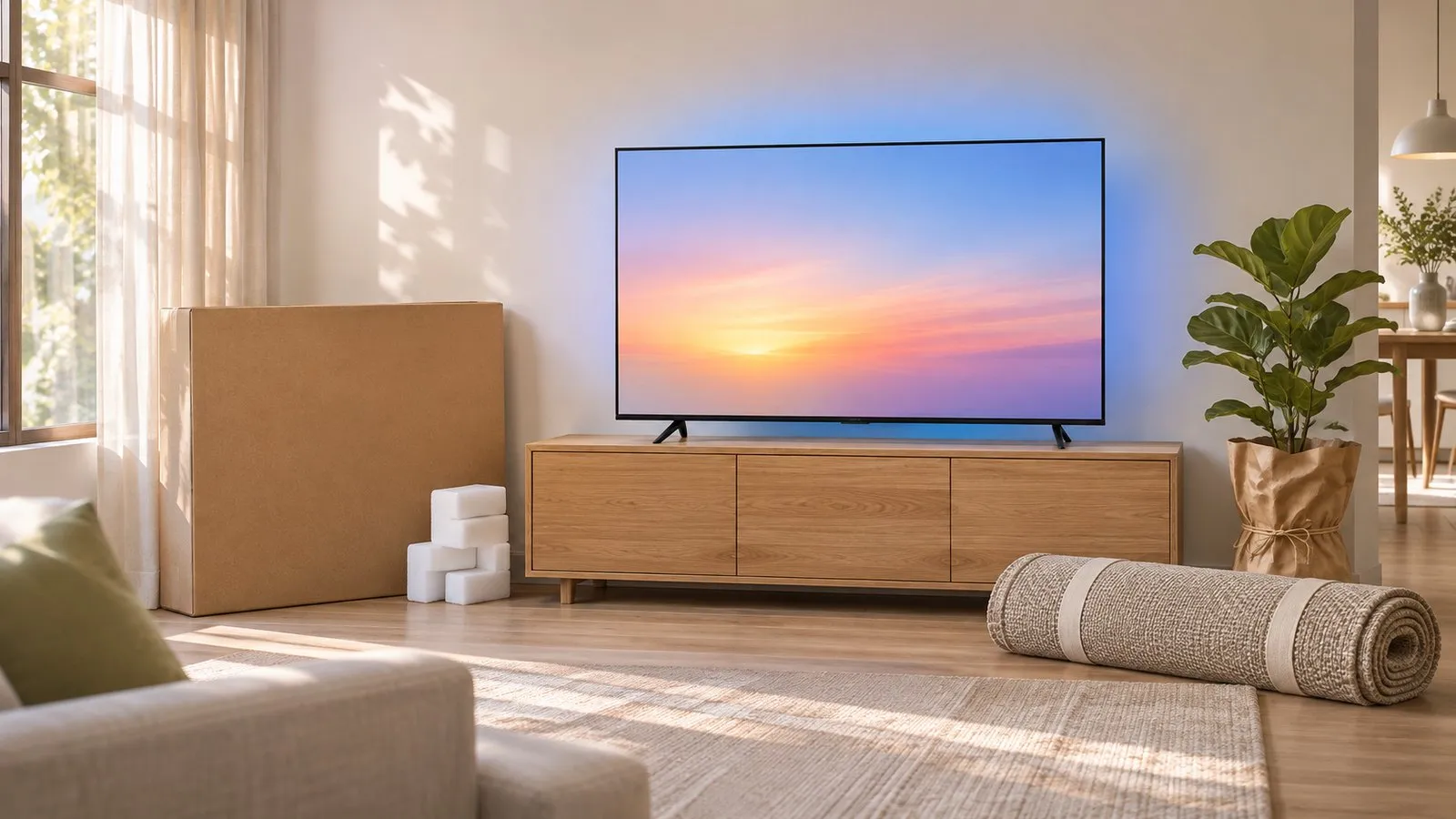
| Step | Guide |
|---|---|
| Attach the stand or feet | Stand and feet |
| Hang it on the wall | Wall mounting |
| Run the setup wizard | First-time setup |
| Connect to the internet | Wi-Fi, Ethernet or hotspot |
| Find TV channels | Antenna and channel scan |
| Connect a soundbar | Connect a soundbar or speakers |
| Use your phone as a remote | Phone as a remote |
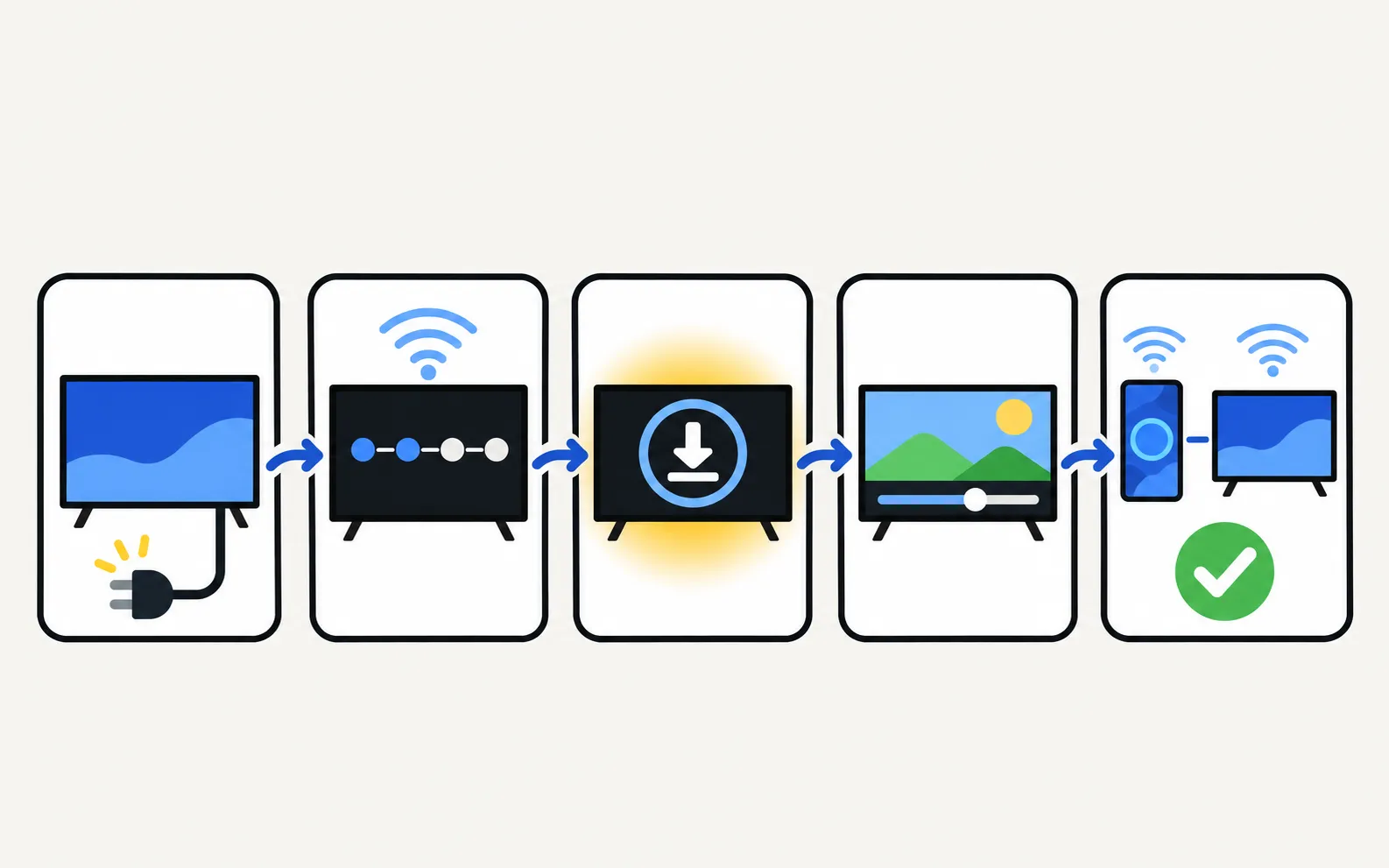
Set up a new Samsung Smart TV: pair the remote, pick language and network, decide on terms and privacy, scan channels or connect a box, then update.
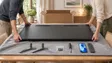
Fit the stand or feet to a new Samsung TV safely: screen face down on a covered table, follow the Quick Setup Guide, screws from the top, the 75-inch rule.
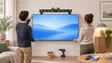
Find the right wall mount for a Samsung TV: the VESA pattern and screw size for your model, Samsung's M4/M6/M8 guidance by screen size, and safety steps first.
The wizard itself takes around ten minutes, plus any software update.
Antenna or set-top box, soundbar (on the HDMI ARC/eARC port) and Ethernet if you use it — the wizard can then detect them.