
How-to
Set up an antenna and scan for channels on a Samsung TV
Free-to-air TV needs three things: a decent antenna, the right input, and a channel scan. Samsung calls the scan Auto Program or Auto Tuning.
Quick answer
Connect the antenna cable to the TV's RF/ANT IN port, set the source to TV, then run Auto Program: on recent models Settings, All Settings, General & Privacy, Broadcasting, Auto Program, Start (called Auto Tuning in some regions). Choose Air or Antenna as the signal type. The scan replaces the existing channel list. Don't use it if you watch through a cable or satellite box.
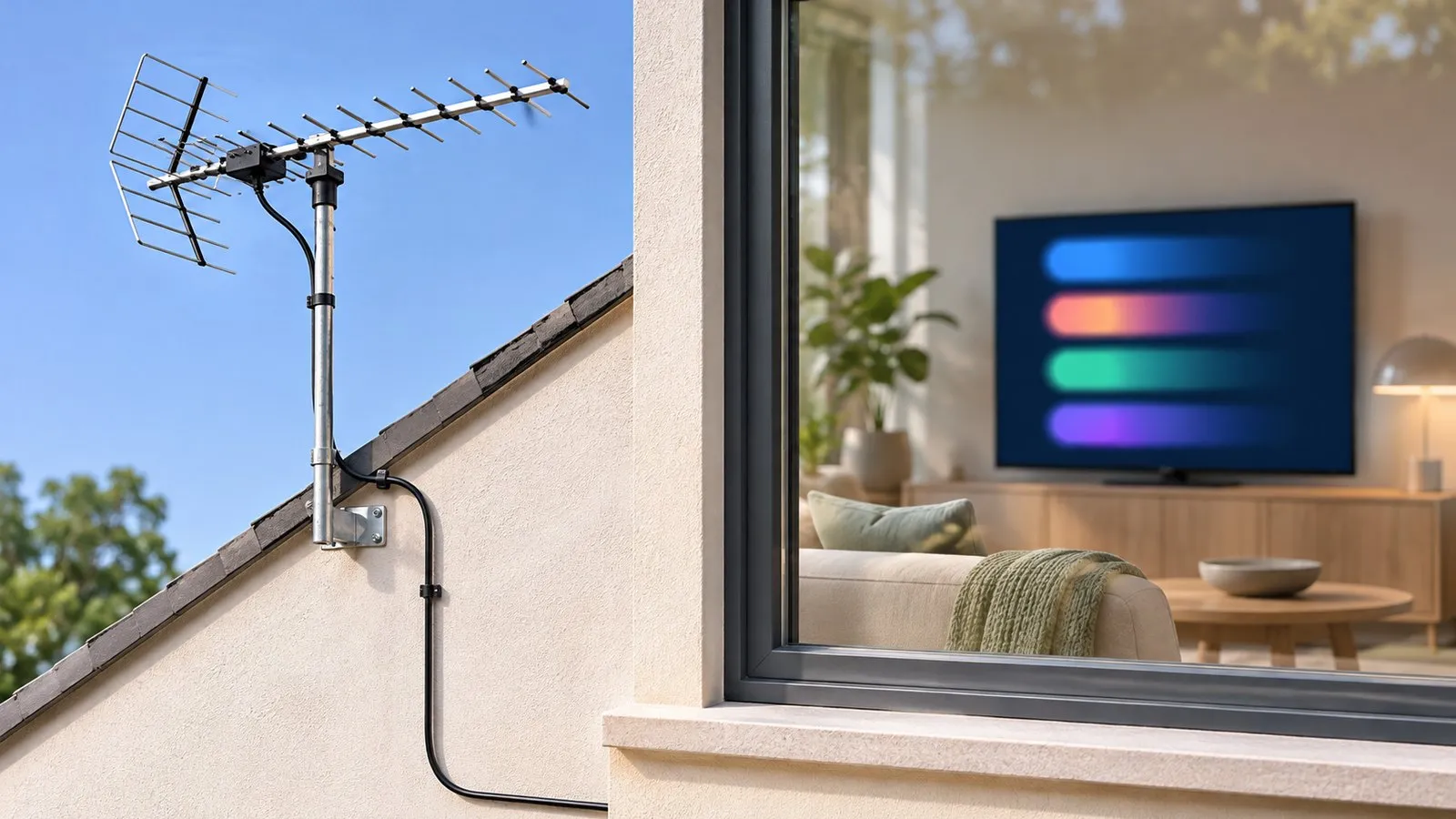
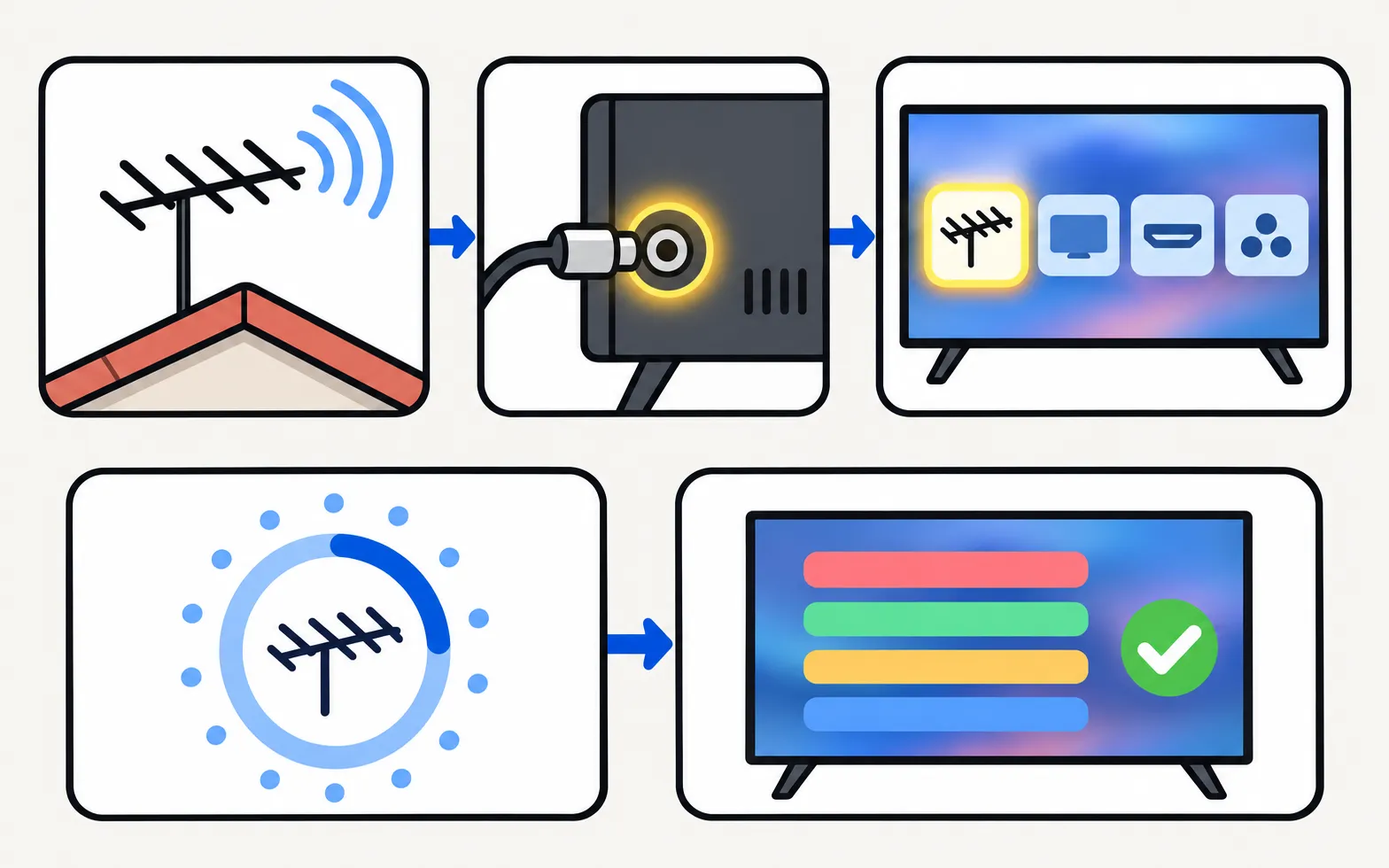
1. Connect the antenna
- Plug the antenna cable into RF / ANT IN on the TV (or the One Connect box).
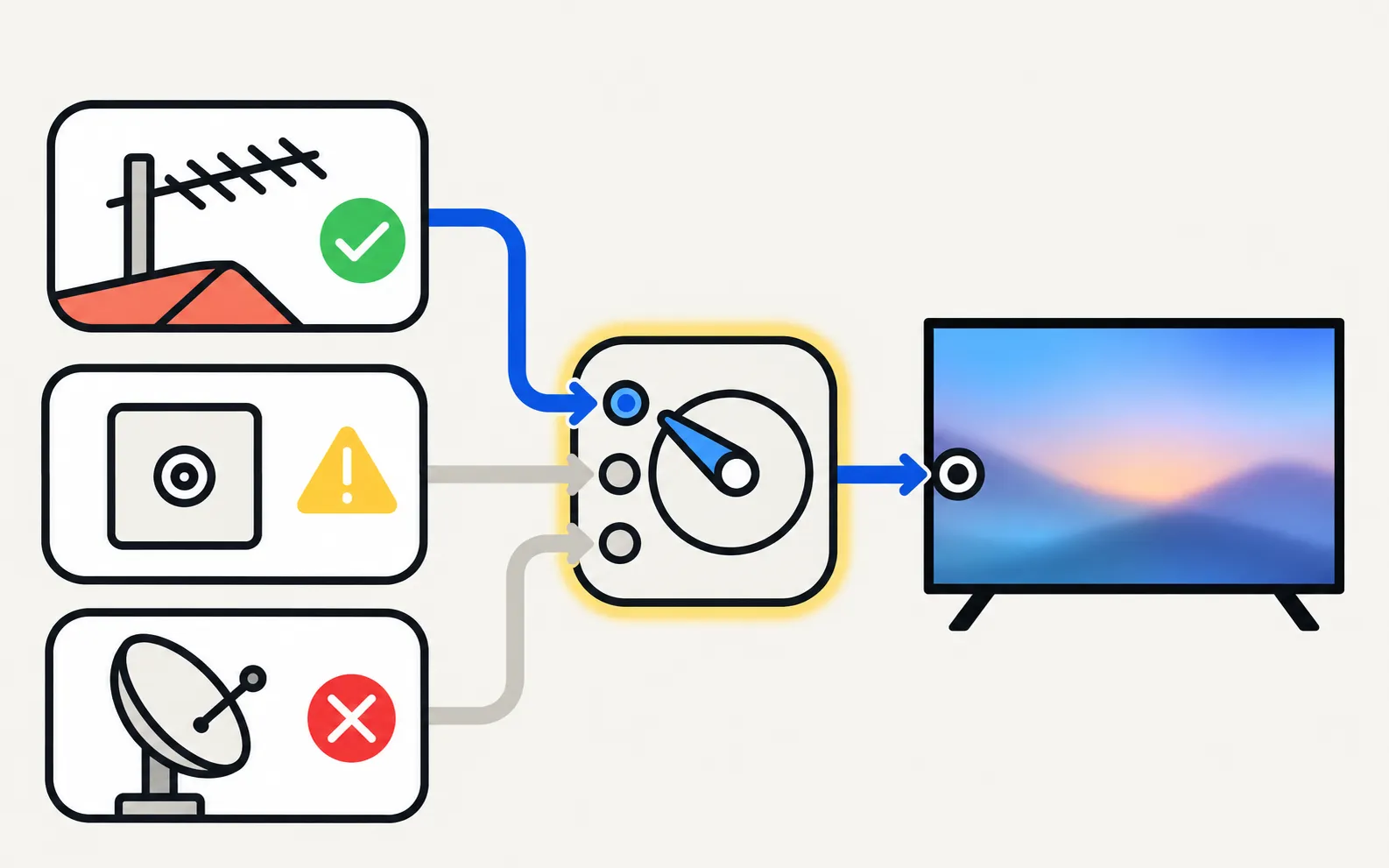
- Satellite dishes go to the satellite input on models with a built-in satellite tuner (common in Europe).
- Set the source to TV: Home → Connected Devices/Source → TV.
2. Run Auto Program
Samsung’s path for recent models:
Older models go through Broadcasting directly under All Settings or Settings, then Auto Tuning. Select Start and follow the prompts:
-
Choose the signal
Air / Antenna (terrestrial), Cable (only if your cable goes straight into the TV), or Satellite. -
Choose the channel type
Digital, or digital and analogue where offered. -
Scan
Leave the TV until the scan finishes.
Samsung notes the scan replaces your saved list.
Market notes
| Region | Standard | Notes |
|---|---|---|
| US, Canada, Mexico | ATSC (ATSC 3.0 on some newer models) | Choose Air for antenna |
| Europe, UK | DVB-T/T2 (terrestrial), DVB-S/S2 (satellite) | Many models have built-in satellite tuners |
| Brazil and much of Latin America | ISDB-T | Samsung spec sheets for the region list ISDB-T |
If the scan finds nothing
See Samsung TV finds no channels: antenna position, cable, signal strength and the retail/demo-mode trap that wipes settings.
After scanning
- Sort, delete and favourite channels: edit channels.
- Check signal quality: Self Diagnosis → Signal Information on models with a tuner (diagnostics).
Frequently asked questions
Why is the Broadcasting menu missing?
Samsung says it's only available when an antenna (coaxial) cable is connected and the source is set to TV.
Will scanning delete my channels?
Yes. Samsung notes Auto Program deletes the existing list and saves the newly found channels — including any custom order.
Should I scan if I use a cable or satellite box?
No. Samsung advises not to use Auto Program when the TV is connected to a cable or satellite box; select the box's HDMI input instead.
Which antenna do I need?
It depends on your distance from transmitters and your country's broadcast standard. An outdoor or loft aerial pointed at your local transmitter usually beats an indoor antenna.
Sources
- How to set available channels on your 2025 Samsung Smart TV (Auto Program) — Samsung Malaysia · Samsung · checked November 11, 2026
- How to Set Up Channels on a Samsung TV — Samsung UAE · Samsung · checked November 11, 2026
- [2022] How to troubleshoot your TV if a channel does not appear — Samsung Ireland · Samsung · checked November 11, 2026
Related guides
Troubleshooting
No channels found
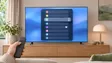
Channel scan finds nothing on a Samsung TV? Check the antenna and source, signal type, retail mode, signal strength and the right scan settings for your region.
How-to
Edit channels
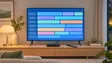
Open Edit Channels on a Samsung TV to delete, restore, reorder and lock channels, and build up to five Favourites lists — plus why a rescan undoes your changes.
Topic
Channels
Watch free TV on a Samsung TV: connect an antenna, scan for channels, fix 'no channels found', edit and favourite channels, use the TV guide and record.
How-to
Connect a cable box
Connect a cable, satellite or IPTV box to a Samsung TV by HDMI, pick the input, use one remote for both (Anynet+ or Universal Remote) and fix signal or sound.

Explainer
Diagnostics and service menu
What Samsung TV Self Diagnosis and Device Care test (picture, sound, HDMI, signal, storage), where they are by year, and why to avoid the hidden service menu.