

No channels found
Channel scan finds nothing on a Samsung TV? Check the antenna and source, signal type, retail mode, signal strength and the right scan settings for your region.
Topic
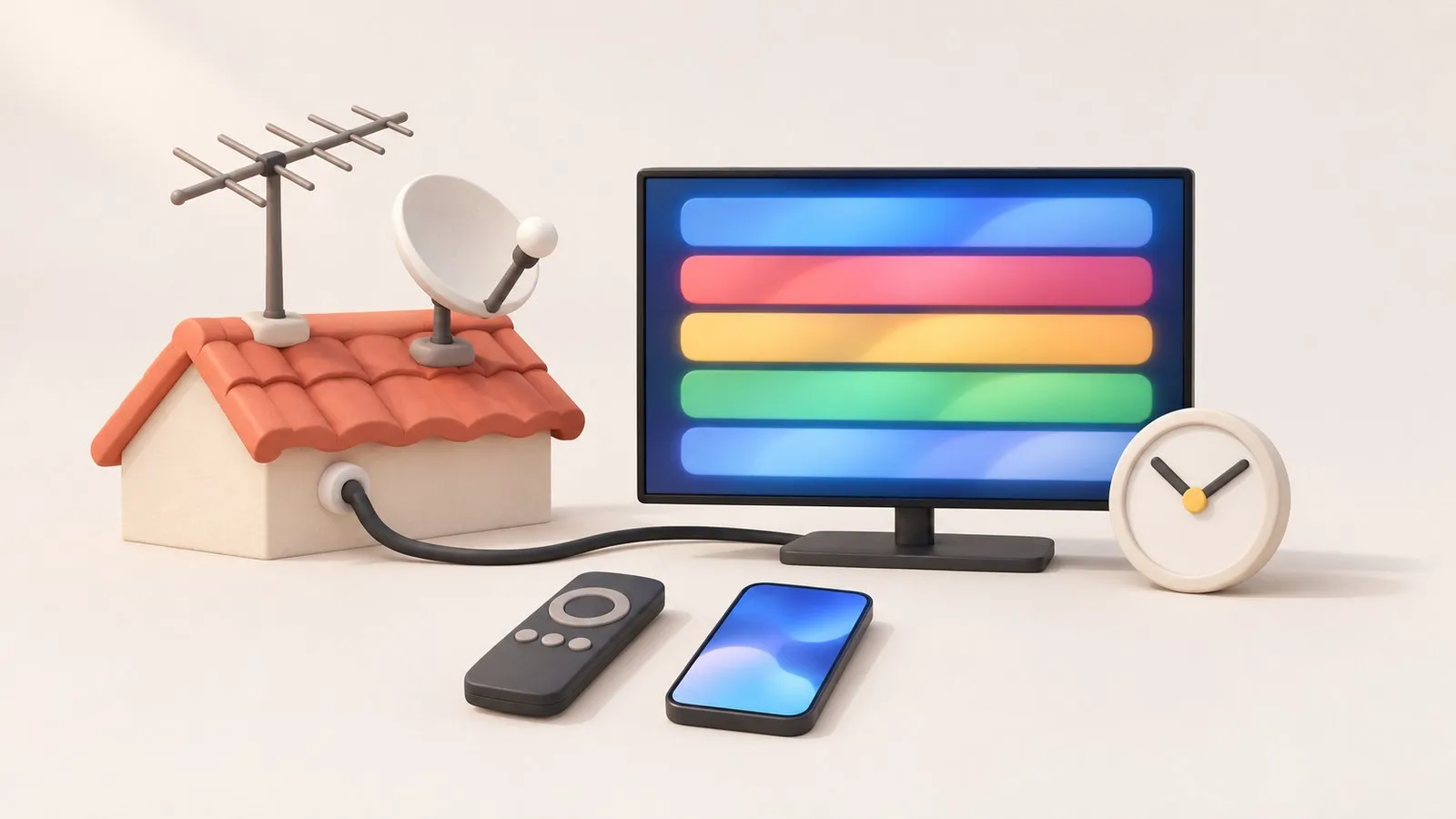
Connect an antenna to RF/ANT IN, set the source to TV and run Auto Program (Auto Tuning) under Broadcasting. Then tidy the list in Edit Channels and add favourites. If you watch through a cable or satellite box, don't scan — use the box's HDMI input.
| Task or problem | Guide |
|---|---|
| Connect an aerial and scan | Antenna and channel scan |
| Scan finds nothing | No channels found |
| Delete, sort, favourite channels | Edit channels |
| Programme guide missing or wrong | TV guide (EPG) |
| Record programmes | Can a Samsung TV record? |
| Use a cable or satellite box | Connect a cable box |
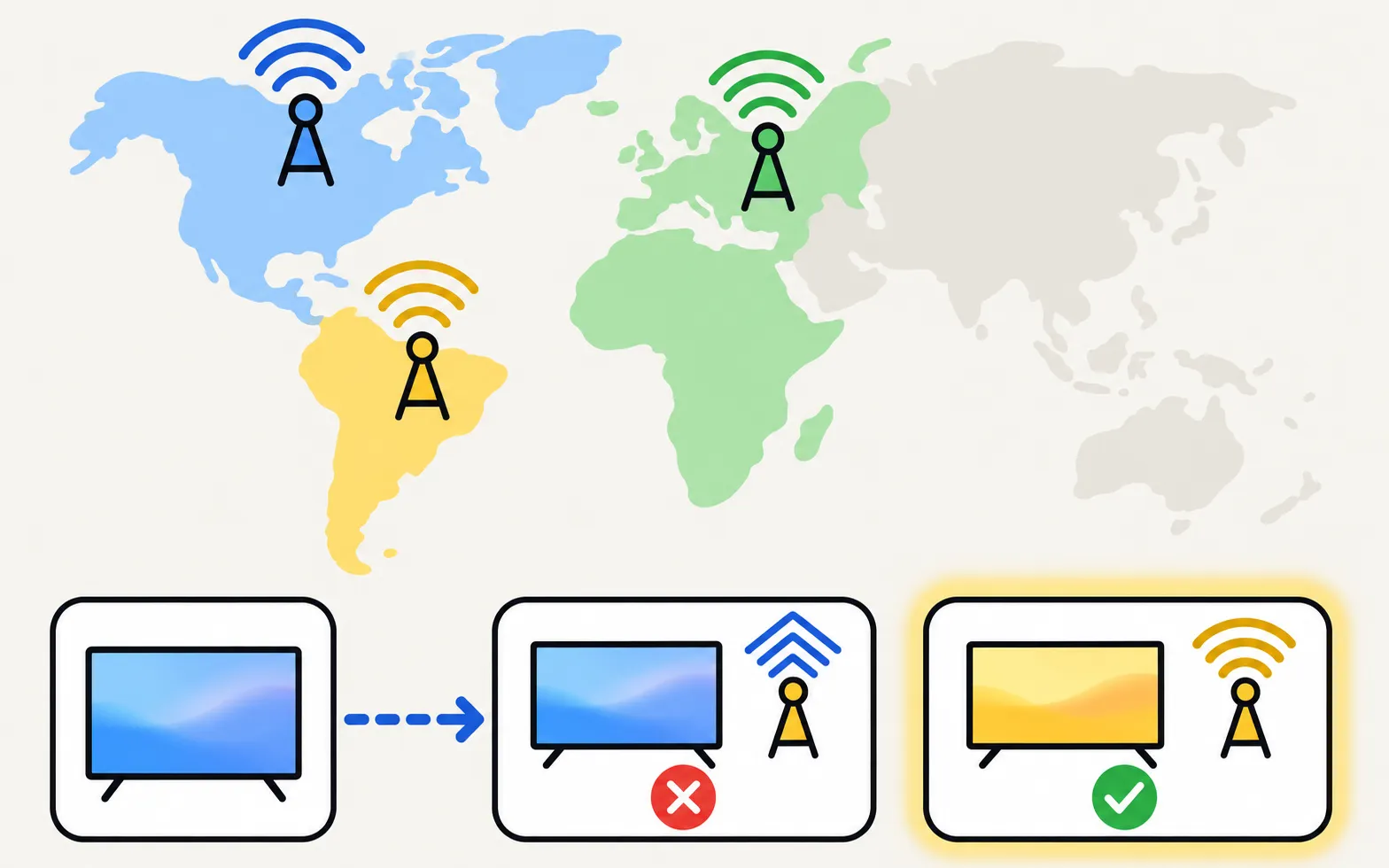
Samsung builds tuners for each market’s standard — ATSC in North America, DVB-T/T2 and DVB-S/S2 in Europe, ISDB-T in much of Latin America — so a TV bought abroad may not receive local channels. Free internet channels are an alternative: free TV apps.
Channel scan finds nothing on a Samsung TV? Check the antenna and source, signal type, retail mode, signal strength and the right scan settings for your region.
Connect an antenna or aerial to a Samsung TV and run Auto Program to find free channels: the menu path, antenna vs cable settings and what a new scan replaces.
Open Edit Channels on a Samsung TV to delete, restore, reorder and lock channels, and build up to five Favourites lists — plus why a rescan undoes your changes.
Open the programme guide on a Samsung TV with either remote, see where its listings come from, and fix 'No information' by rescanning and checking reception.
Recording TV to a USB drive on a Samsung TV depends on model and country (not the US or Canada). How recording, scheduling and Timeshift work where offered.
Samsung TVs sold in most countries include a tuner for local digital broadcasts; many European models also include satellite tuners. Check your model's specifications.
Yes, through apps — free services like Samsung TV Plus or broadcaster apps stream over the internet.