

Buffering and slow internet
Samsung TV keeps buffering? Check the speed you need (Samsung: 25 Mbps for 4K), test the connection, move to 5 GHz or Ethernet and ease the router's load.
Topic
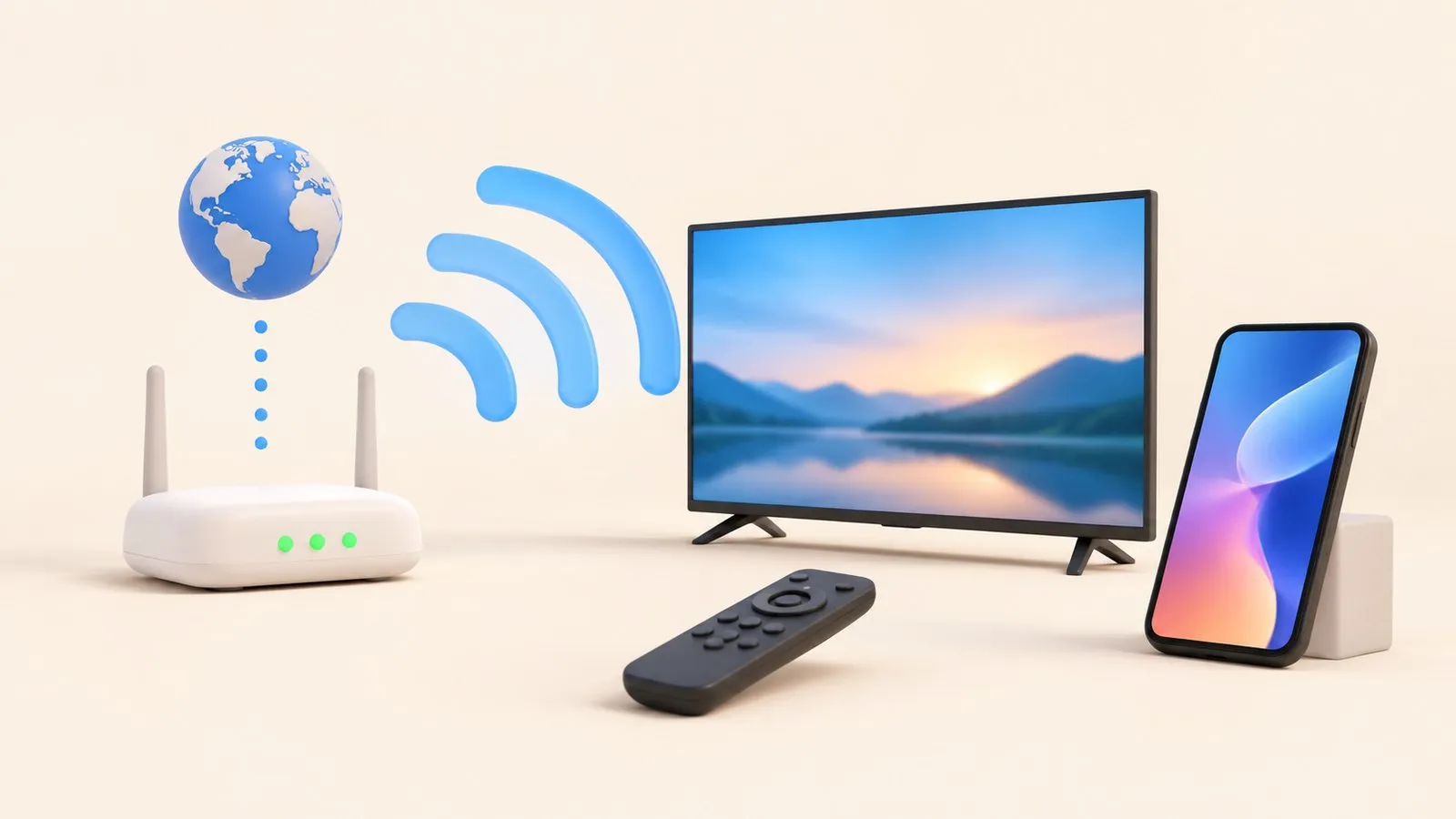
Most Samsung TV network problems are solved by restarting the router and TV in order, checking the signal and band (some 2018 models only see 2.4 GHz), running Network Status, using Reset Network and, if the TV is connected without internet, setting DNS to 8.8.8.8. An Ethernet cable is the most reliable connection for streaming.
| Problem or task | Guide |
|---|---|
| Set up Wi-Fi, Ethernet or a hotspot | Connect to the internet |
| TV won’t connect or can’t find the network | Won’t connect to Wi-Fi |
| Connects, then drops | Wi-Fi keeps disconnecting |
| “Connected” but apps say no internet | Connected but no internet |
| Videos buffer or look blurry | Buffering and slow internet |
| Need the TV’s IP or MAC address | IP and MAC address |
| VPN on the TV | VPN on a Samsung TV |
The TV’s network connection also decides whether phones can control it. Phone and TV must be on the same home network (not a guest network). The phone uses Wi-Fi; the TV can use Wi-Fi or Ethernet. No internet is needed, and mobile data can't be used. If your phone can’t find the TV, see Samsung TV not showing up on your phone.
Samsung TV keeps buffering? Check the speed you need (Samsung: 25 Mbps for 4K), test the connection, move to 5 GHz or Ethernet and ease the router's load.
Samsung TV connected but apps say no internet? Run Network Status, set DNS to 8.8.8.8 in IP Settings, check date and time, restart the router, update the TV.
Samsung TV dropping Wi-Fi every few minutes or after standby? Improve the signal, fix band steering and address changes, reset the network, or use a cable.
Samsung TV won't connect to Wi-Fi or can't find your network? Check signal and band, run Network Status, reset the network, set DNS, restart the router, update.
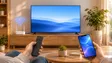
How to connect a Samsung Smart TV to the internet: Wi-Fi step by step, a wired Ethernet connection, or a phone hotspot — plus how to check the connection works.
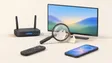
Find a Samsung TV's IP address (Network Status, IP Settings) and MAC address (About This TV), why you might need them, and how to reserve the IP in your router.
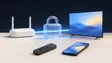
Use a VPN with a Samsung TV: check the app store, run the VPN on your router or a streaming device, and fix what it breaks (internet, buffering, phone remotes).
Settings, All Settings, Connection, Network, Network Status on 2022 and newer TVs; under General, Network on 2017–2021 TVs.
Phone remotes, casting and screen mirroring all talk to the TV over your home network, so the TV must be connected — by Wi-Fi or Ethernet — to the same router as the phone.