
How-to
Samsung TV IP address and MAC address: where to find them
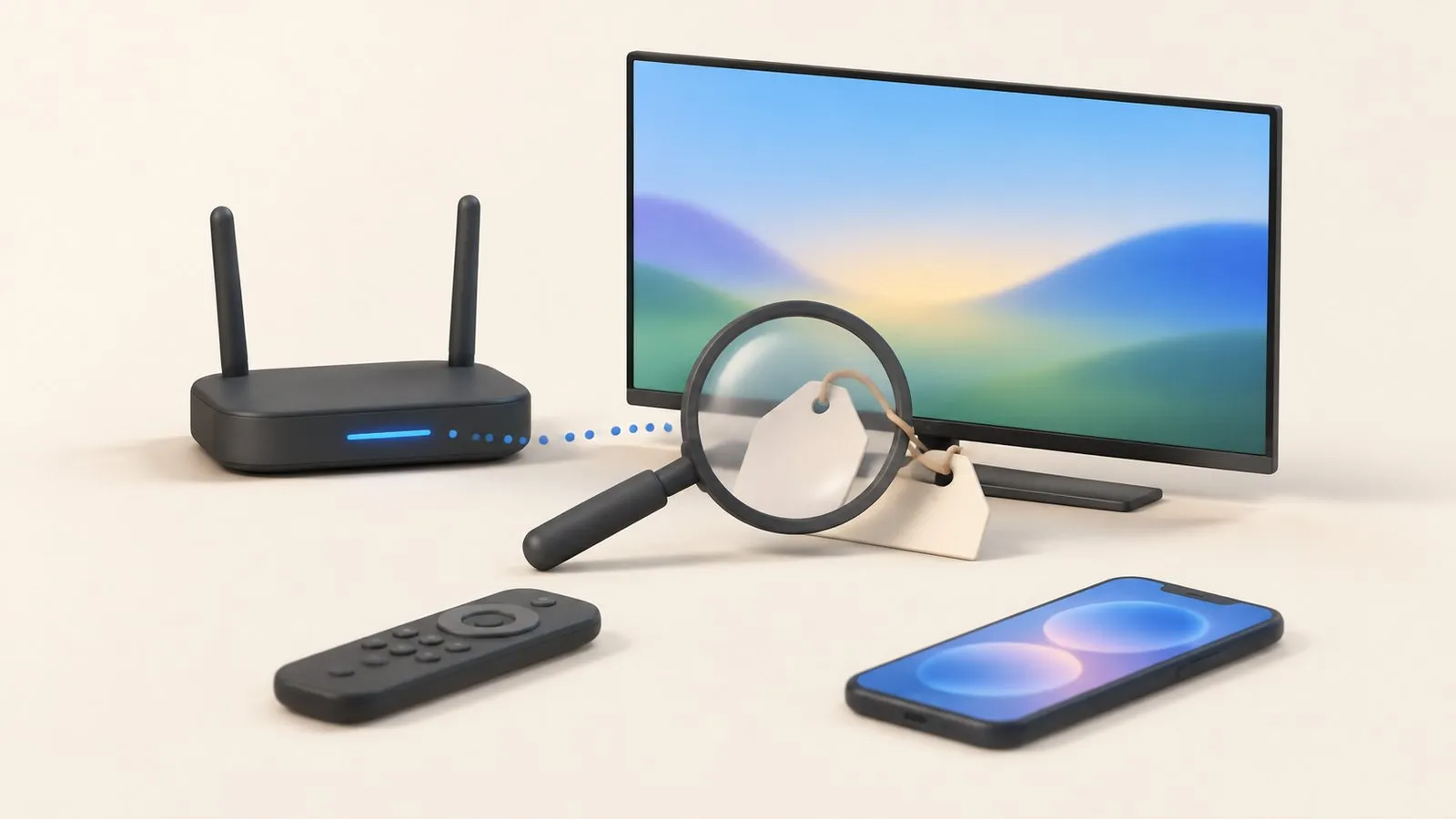
Router settings, parental controls and some home-automation systems ask for your TV's IP or MAC address. Both are a few menus away.
Quick answer
The IP address is in Network Status: open Settings, then Connection (General on 2017–2021 TVs), Network, Network Status, and select IP Settings. The MAC address is under Settings, Support, About This TV (or Contact Samsung) — scroll down. Your router's list of connected devices shows both too. A phone remote app may also display the TV's IP address.
IP address
The path depends on the model year — find your TV’s year from its model code if you don’t know it.
TVs from 2022 and newer
→ IP Settings
TVs from 2017–2021
→ IP Settings
IP Settings shows the IP address, subnet mask, gateway and DNS. Samsung’s Canadian guide notes this is also where you change IP and DNS settings for troubleshooting.
MAC address
Samsung’s US guide: open Settings, select Support, then About This TV (or Contact Samsung) and scroll down to the MAC address. On 2022 and newer menus, Support sits under All Settings: .
From your router or phone
- Router: its app or web page lists connected devices with IP and MAC addresses; the TV usually appears with “Samsung” or its model name.
- Phone remote app: Samsung TV Remote shows the connected TV’s details:
TV information shows the model, model code, model year, IP address and whether the TV can be turned on from the app.
Shows the TV's model, model code, model year and IP address, and whether it can be turned on from the app.
Reserve the TV’s IP address
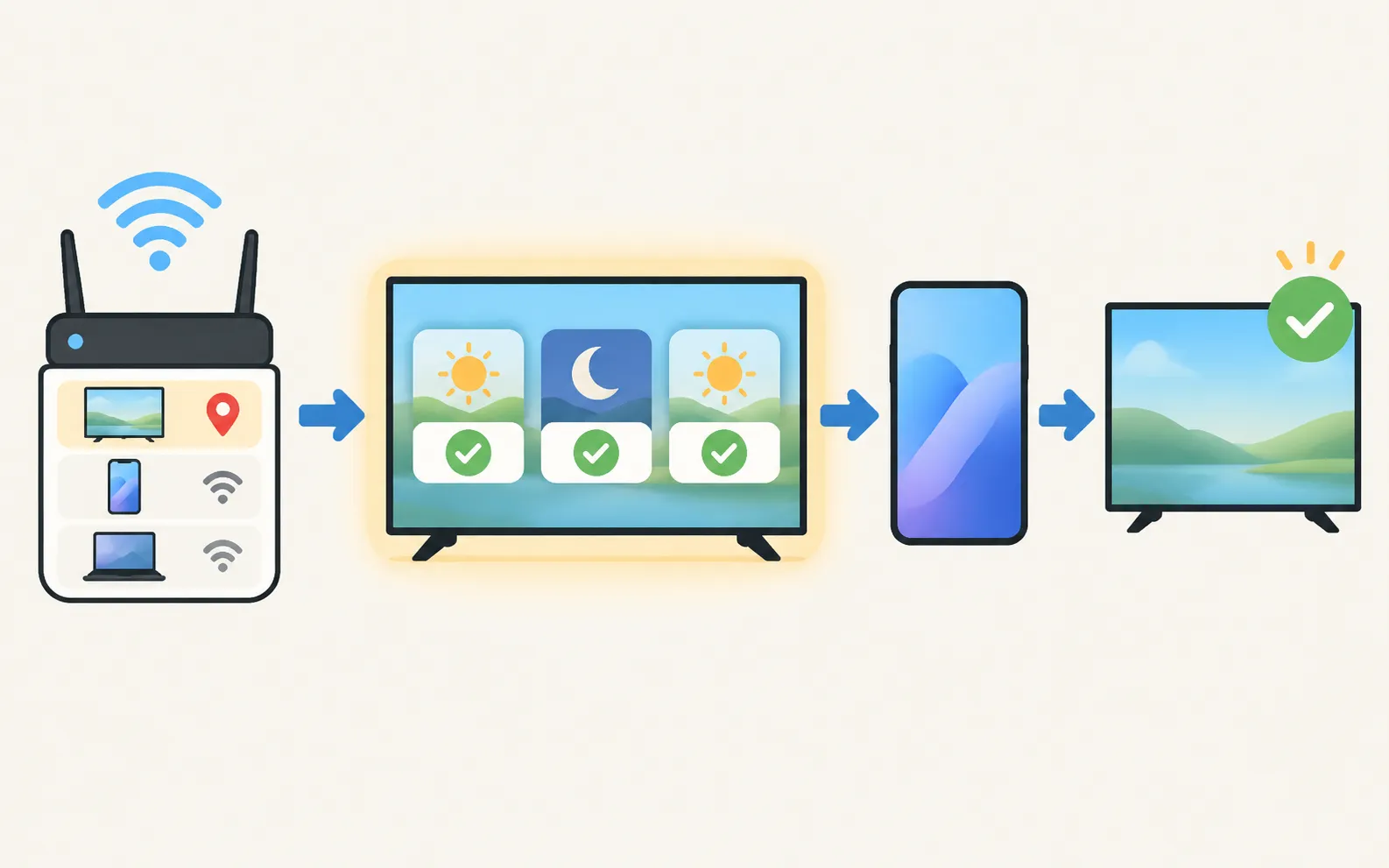
In your router’s settings, find DHCP reservation (also called static lease or address reservation), pick the TV from the list and save. The TV then always gets the same address — useful for turning the TV on from a phone, smart-home systems such as Home Assistant, and TVs that keep dropping Wi-Fi.
Frequently asked questions
Why does my TV show IP address 0.0.0.0?
The TV isn't connected to the network yet. Fix the Wi-Fi connection first.
Wi-Fi and Ethernet have different MAC addresses?
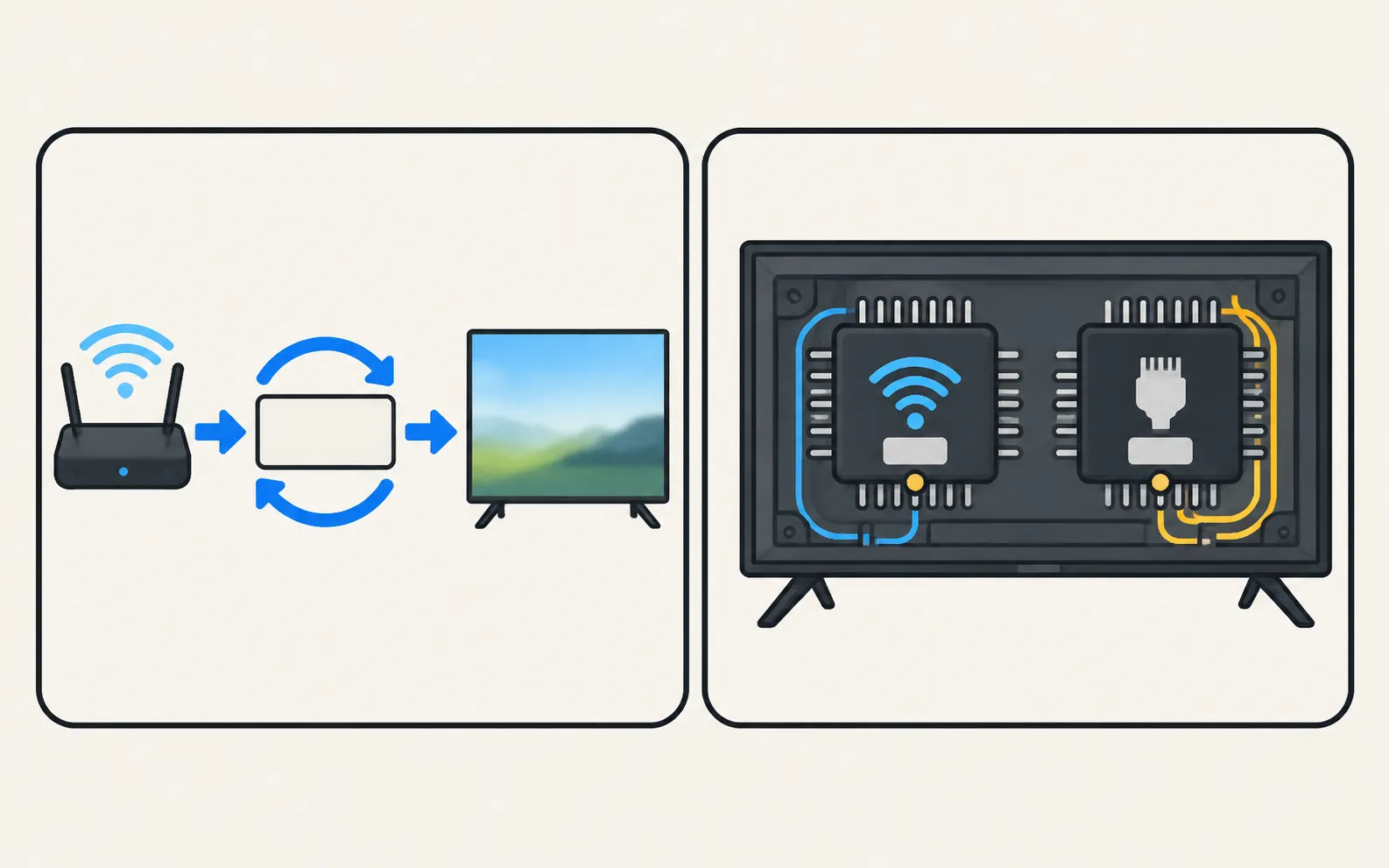
Yes. Every network adapter has its own MAC address; the TV reports the one for the connection type, so note which you're using.
Should I give my TV a fixed IP address?
Reserving its address in the router (DHCP reservation) is the easiest way. It helps when phones wake the TV over the network or when the TV keeps dropping after standby.
Sources
- How to verify network status on your Samsung TV (IP and DNS settings) — Samsung Canada · Samsung · checked November 11, 2026
- Connect your Samsung TV to the internet (ANS10005241; MAC address under Support, About this TV) — Samsung US · Samsung · checked November 11, 2026
- Samsung US support answer on TV model codes (ANS10006944) — Samsung US · Samsung · checked November 10, 2026
Related guides
Troubleshooting
Wi-Fi keeps disconnecting
Samsung TV dropping Wi-Fi every few minutes or after standby? Improve the signal, fix band steering and address changes, reset the network, or use a cable.
Troubleshooting
Connected but no internet
Samsung TV connected but apps say no internet? Run Network Status, set DNS to 8.8.8.8 in IP Settings, check date and time, restart the router, update the TV.
How-to
Turn the TV on with your phone
Switch a Samsung TV on from your phone: enable Power On with Mobile (menu paths by year), keep the TV in standby, and fix a TV that won't wake over Wi-Fi.
How-to
Home Assistant
Add a Samsung Smart TV to Home Assistant with the samsungtv integration: discovery, the Allow prompt, Wake-on-LAN power-on, what it controls and the VLAN limit.
Troubleshooting
TV not showing up on your phone
Phone can't find your Samsung TV? Turn the TV fully on, put both on the same home Wi-Fi, switch off VPN and guest networks, and allow local network access.