
Tool
Samsung TV menu finder: where every setting is, by model year
Samsung moves settings around almost every year. Pick a setting and your TV's year, and the finder shows the path Samsung documents for it.
Quick answer
Choose a setting and your TV's model year in the finder above to see where Samsung puts it. As a rule of thumb, 2022 and newer TVs group network and device options under Connection and most others under General & Privacy (inside All Settings), 2017–2021 TVs put both under General, and diagnostics, updates and About TV are always under Support.
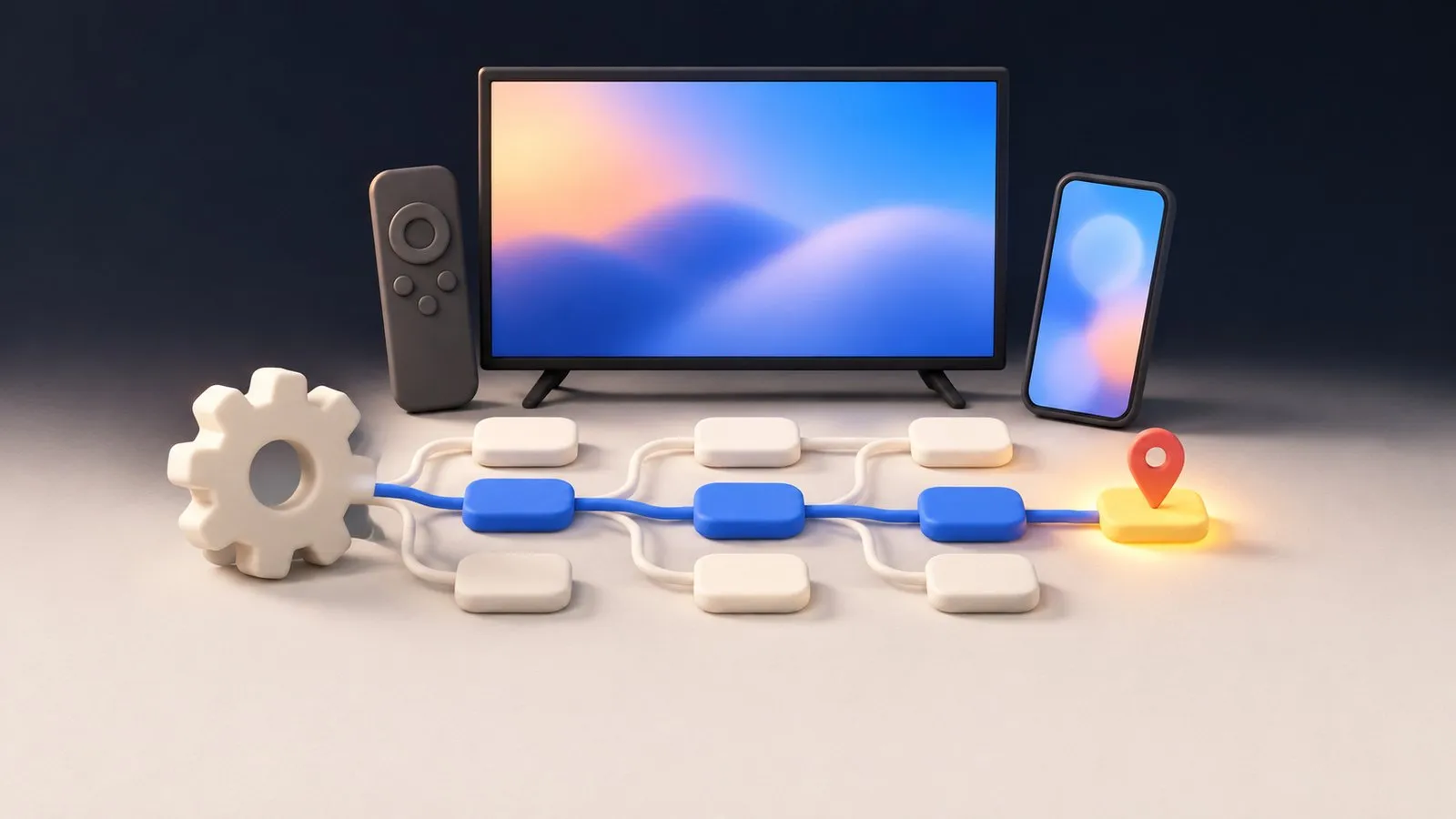
How Samsung’s menus moved
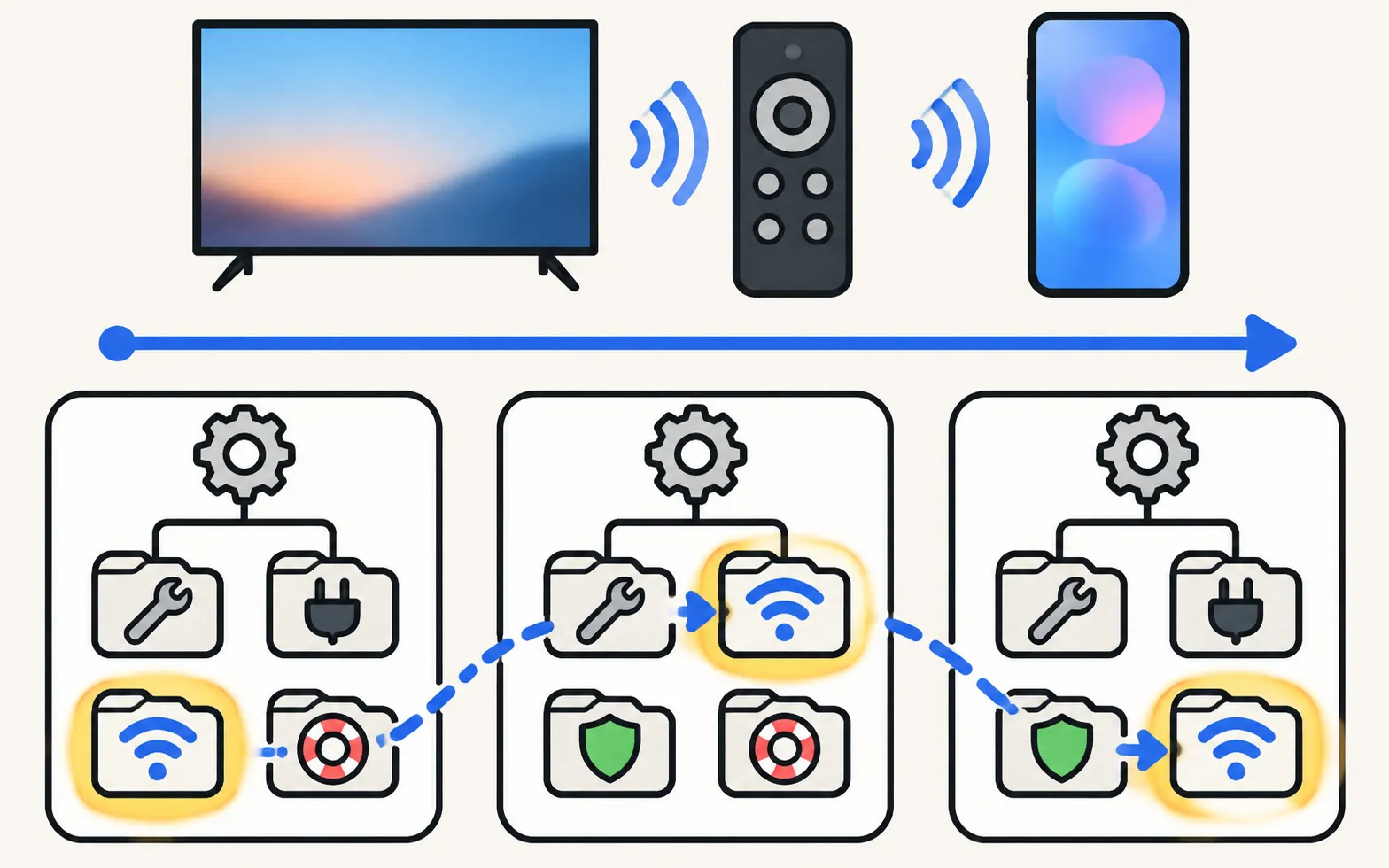
| Area | 2022–2026 | 2017–2021 | 2016 | 2013–2015 |
|---|---|---|---|---|
| Network, external devices | Connection (some under General & Privacy) | General | System / Network | Menu › System / Network |
| Energy, accessibility, system | General & Privacy | General | System | System |
| Tests, updates, About TV | Support (Device Care on newer) | Support | Support | Support |
Not sure of your TV’s year? Decode your model number — and tick “Remember my TV” so guides open on your year.
How we build this list
Every path comes from a Samsung support page and links to it. When Samsung documents a path without naming the model years, we show it only in our review builds until we can confirm the years. If your TV shows something different, Samsung’s own advice applies: menus vary by model, region and software version — update the TV and check its e-Manual (find the user manual).
Guides that use these paths
- Turn on your TV with your phone — Power On with Mobile
- Anynet+ (HDMI-CEC) and soundbar and HDMI ARC
- Bluetooth headphones and keyboard and mouse
- Game Mode
- Lines on the screen — Picture Test
- Factory reset and language, region and time
Frequently asked questions
How do I know my TV's model year?
Read the year letter in your model code, or use the model number decoder. The finder can remember your TV's year if you choose Remember my TV in the decoder.
The path doesn't match my TV. Why?
Samsung notes that menus vary by model, region and software version. Update the TV and check the e-Manual, or tell us your model code so we can check.
Where do these paths come from?
Each path is taken from a Samsung support page, linked next to it. Paths Samsung doesn't document for a given year aren't shown as verified.
Sources
- Samsung Australia support: power on the TV with the SmartThings app (Power On with Mobile) — Samsung Australia · Samsung · checked November 10, 2026
- Samsung Hong Kong support: connect a mobile device and TV with Smart View — Samsung Hong Kong · Samsung · checked November 10, 2026
- What is eARC and how to set on Samsung Smart TV (incl. Anynet+ paths 2014–2026) — Samsung Australia · Samsung · checked November 11, 2026
- Connect Bluetooth Headphones to your Samsung TV (menu paths 2015–2026) — Samsung Australia · Samsung · checked November 11, 2026
- Connect a Keyboard & Mouse to your Samsung TV — Samsung Australia · Samsung · checked November 11, 2026
- Game Mode Settings on your Samsung TV (paths 2016–2025) — Samsung Australia · Samsung · checked November 11, 2026
- Lines on Samsung TV screen (Picture Test paths 2015–2026) — Samsung Australia · Samsung · checked November 11, 2026
- How do I perform a factory reset on Samsung TV? (paths 2013–2020) — Samsung Philippines · Samsung · checked November 11, 2026
- How to reset your Samsung TV (ANS10005248) — Samsung US · Samsung · checked November 11, 2026
- Update the software on your Samsung smart TV or monitor (ANS00062224) — Samsung US · Samsung · checked November 11, 2026
- How do I change the menu language on my Samsung TV? (paths 2013–2017+) — Samsung Ireland · Samsung · checked November 11, 2026
Related guides
Topic
Settings
Find and fix Samsung TV settings: software updates, factory reset, PIN, Voice Guide, subtitles, language, sleep timer, parental controls and menu paths by year.
Tool
Model code decoder
Type your Samsung TV model code to see its model year, size, series, region and what the Samsung TV Remote app can do on it. Covers 2010–2026 codes.

How-to
Factory reset
Factory reset a Samsung TV: the menu path for each year since 2013, default PIN 0000, what a reset erases, lighter resets first, and how without a remote.

How-to
Software update
Update a Samsung Smart TV: Auto Update, Update Now, or USB with the right file format and folder — plus fixes when the update is greyed out or fails.

Explainer
Anynet+ (HDMI-CEC)
Anynet+ is Samsung's HDMI-CEC: one remote for TV, soundbar and console — and why TVs switch on by themselves. Where to find it by year and when to turn it off.