
Troubleshooting
Samsung TV HDMI ARC or eARC not working with a soundbar: fixes
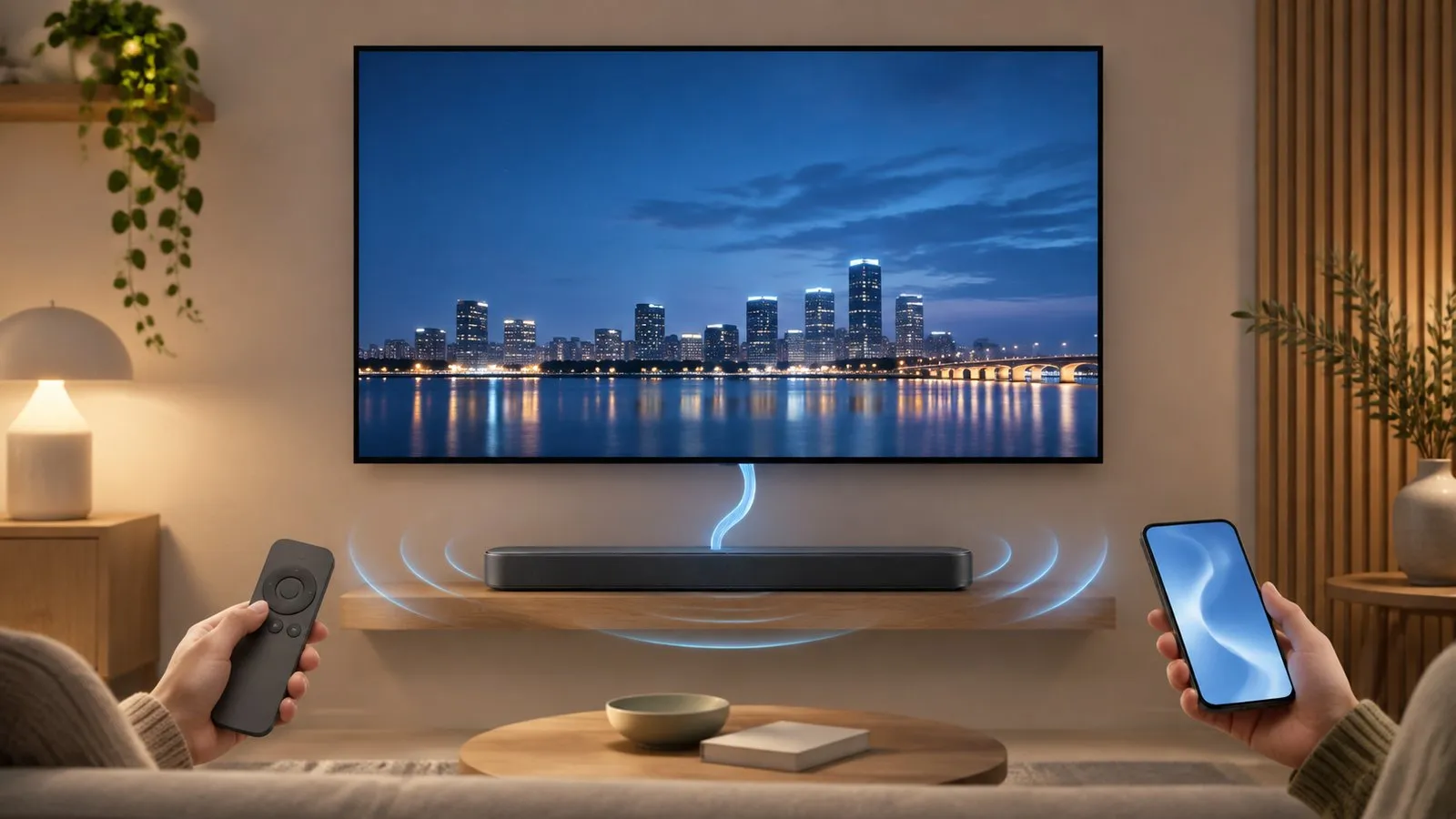
HDMI ARC sends the TV's sound to a soundbar over one cable — when four things line up. Here they are, with Samsung's menu paths by year.
Quick answer
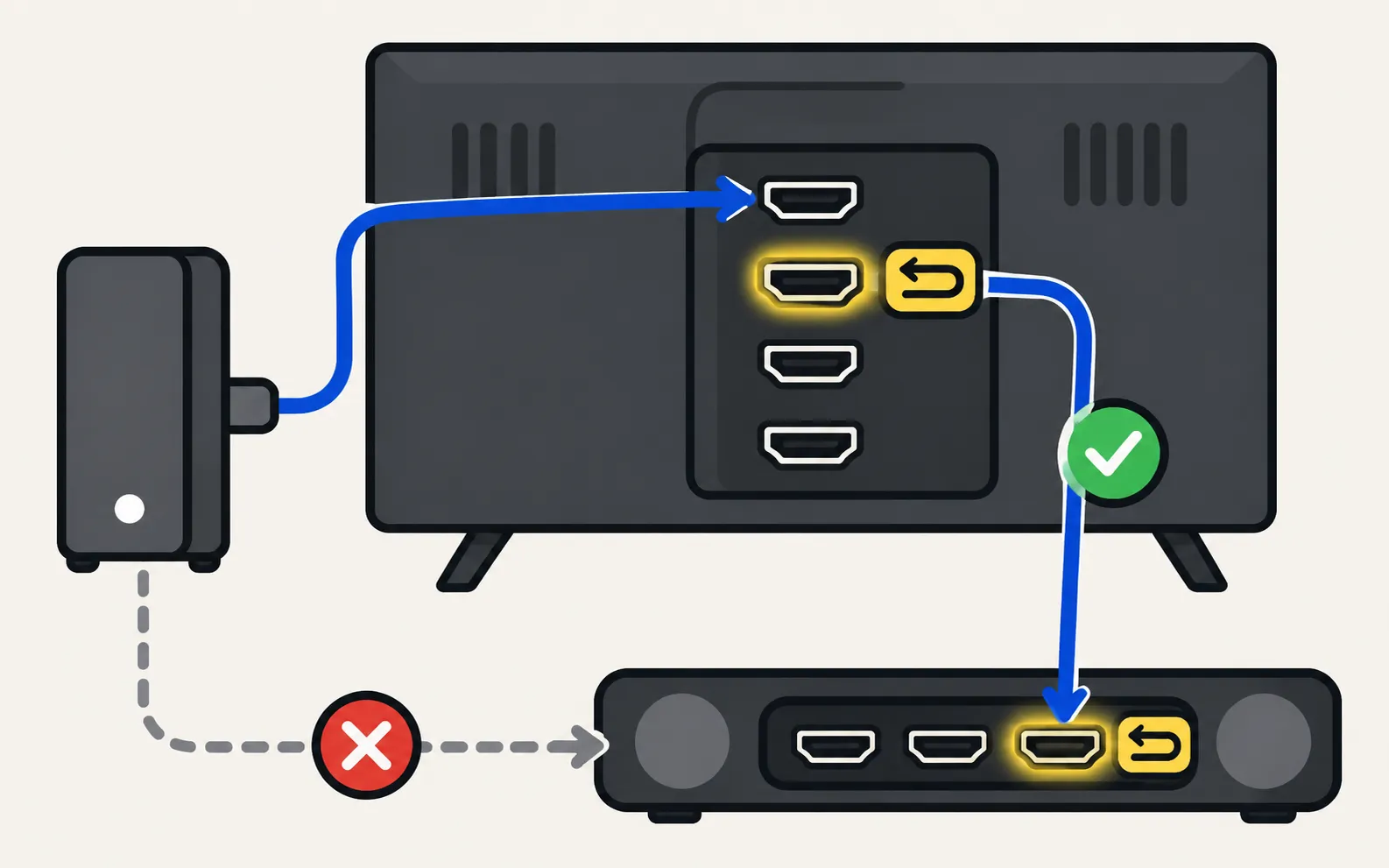
Connect the soundbar to the TV's HDMI port marked ARC or eARC and to the soundbar's HDMI OUT (TV-ARC) port. Turn on Anynet+ (HDMI-CEC) on the TV and HDMI-CEC on the soundbar, set the TV's Sound Output to the soundbar, and set Digital Output Audio Format to Auto. For eARC, also set HDMI-eARC Mode to Auto. If it's still silent, try PCM or Pass-Through, another HDMI cable and a power cycle of both devices.
1. Check the ports and cable
- TV side: use the HDMI port labelled ARC or eARC (usually only one port has it).
- Soundbar side: use the port labelled HDMI OUT (TV-ARC) or similar — not an HDMI IN port.
- Cable: for eARC, Samsung specifies a cable that supports HEAC or HEC. Swap in a known-good cable if you’re unsure.
2. Turn on Anynet+ (HDMI-CEC)
ARC needs HDMI-CEC on both devices — on the TV it’s called Anynet+. The menu moved between model years, so check your TV’s year if you’re unsure. Samsung lists these paths:
TVs from 2025 and newer
TVs from 2023–2024
TVs from 2022
TVs from 2017–2021
TVs from 2014–2016
- 2016:
- 2014–2015:
On the soundbar, turn on its HDMI-CEC (sometimes called “HDMI control”, “TV-ARC” or by the brand’s own name). For non-Samsung soundbars, check its manual.
3. Choose the soundbar as Sound Output
Open Sound Output ( on 2022 and newer TVs; without “All Settings” on 2017–2021) and pick the soundbar or Receiver (HDMI) entry, not TV Speaker.
4. Set the audio format (and eARC Mode)
In :
| Setting | Set to | Why |
|---|---|---|
| HDMI-eARC Mode (eARC TVs) | Auto | eARC works only when this is on |
| Digital Output Audio Format | Auto | Samsung’s recommended start |
| Dolby Atmos (if offered) | On | For Atmos soundbars over eARC |
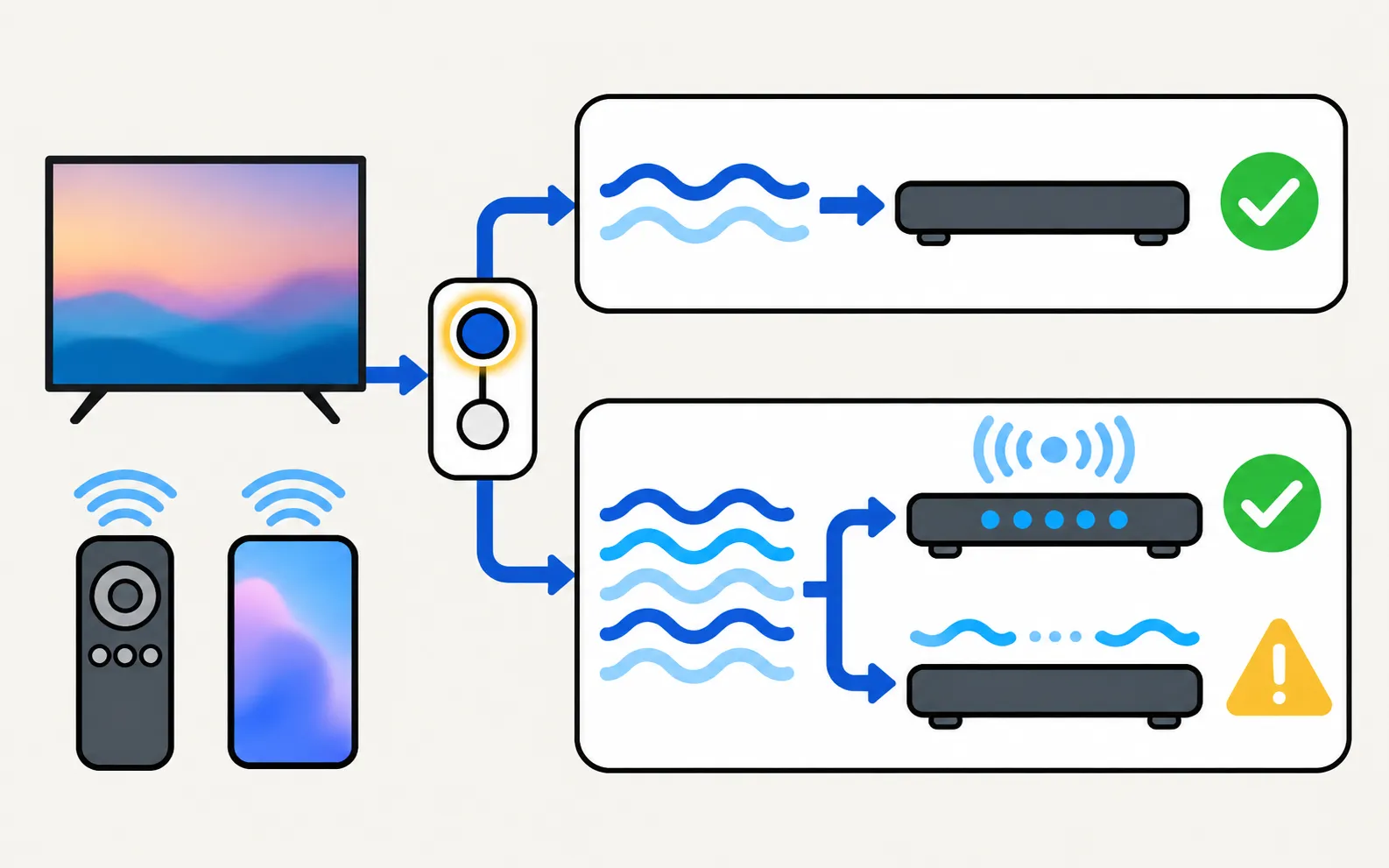
If the soundbar shows the right input but stays silent, Samsung’s eARC guide suggests trying PCM, Auto and Pass-Through one at a time to find a format the soundbar accepts.
5. Restart the link
-
Power-cycle both
Unplug the TV and the soundbar for 30 seconds; plug the soundbar in first, then the TV. -
Remove other devices
Samsung suggests disconnecting set-top boxes and streaming devices temporarily while you establish the eARC link. -
Reset eARC Mode
Reconnect the HDMI cable, then set HDMI-eARC Mode to Auto again. -
Update both
Update the TV’s software and the soundbar’s firmware (the soundbar maker’s app or website explains how).
Sound cuts out or drops
- Brief muting while the soundbar connects is normal, Samsung notes.
- Frequent dropouts point to the cable or the audio format — try a new cable and PCM.
- Lip-sync problems have their own fixes: audio out of sync.
- If the soundbar switches the TV on or off unexpectedly, that’s Anynet+ — see TV turns on by itself.
The simple fallbacks
If ARC still won’t cooperate, an optical cable gives reliable stereo and Dolby Digital sound, and many soundbars also accept Bluetooth or Wi-Fi. All the connection types are compared in connect a soundbar or speakers to a Samsung TV.
Frequently asked questions
What's the difference between ARC and eARC?
ARC sends compressed sound from the TV to the soundbar. eARC, part of HDMI 2.1, can carry full-resolution formats such as Dolby Atmos in high bit rate. Samsung lists eARC on selected TVs from 2020 and selected soundbars from 2019; both devices must support it.
Do I need a special HDMI cable for eARC?
Samsung says to use an eARC-capable HDMI cable that supports HEAC or HEC (HDMI with Ethernet). Many recent high-speed cables qualify; an old cable is a common cause of eARC trouble.
Why does my soundbar turn on and off with the TV?
That's Anynet+ (HDMI-CEC) working as intended. It's also what lets the TV remote control the soundbar's volume.
Can I use optical instead?
Yes. An optical cable is a simple fallback when ARC misbehaves. It doesn't carry high-bit-rate formats such as Dolby Atmos over eARC, and the soundbar usually needs its own remote or the TV's settings for volume.
Does Samsung support DTS over eARC?
Samsung's eARC guide says DTS isn't supported for eARC pass-through; it's supported only on the soundbar's own HDMI input.
Sources
- What is eARC and how to set on Samsung Smart TV (incl. Anynet+ paths 2014–2026) — Samsung Australia · Samsung · checked November 11, 2026
- Samsung TV has very low or no audio (TSG10002215) — Samsung US · Samsung · checked November 11, 2026
- Connect Bluetooth Headphones to your Samsung TV (menu paths 2015–2026) — Samsung Australia · Samsung · checked November 11, 2026
Related guides

How-to
Connect a soundbar
Four ways to connect a soundbar, receiver or speakers to a Samsung TV (HDMI ARC/eARC, optical, Bluetooth, Wi-Fi), which to choose and how to set Sound Output.

Troubleshooting
No sound
Samsung TV picture but no sound? Check mute and Sound Output, run the built-in Sound Test, rule out Bluetooth and soundbars, reseat HDMI and cold-boot the TV.

Explainer
Anynet+ (HDMI-CEC)
Anynet+ is Samsung's HDMI-CEC: one remote for TV, soundbar and console — and why TVs switch on by themselves. Where to find it by year and when to turn it off.

Troubleshooting
Audio delay
Voices out of sync on a Samsung TV? Find out if the source, a soundbar or Bluetooth causes it, then use Audio Delay, the soundbar's sync setting or a cable.

Troubleshooting
TV turns on by itself
Samsung TV switching itself on at night or in the morning? Read the Event Log's power-on reason, then turn off Anynet+, Power On with Mobile or the trigger.

How-to
PS5 and Xbox settings
Set up a PS5 or Xbox Series X|S on a Samsung TV: HDMI port, Game Mode, Input Signal Plus, 4K 120 Hz and VRR on capable models, HDR and audio settings.