
Troubleshooting
Samsung TV turns on by itself: causes and fixes
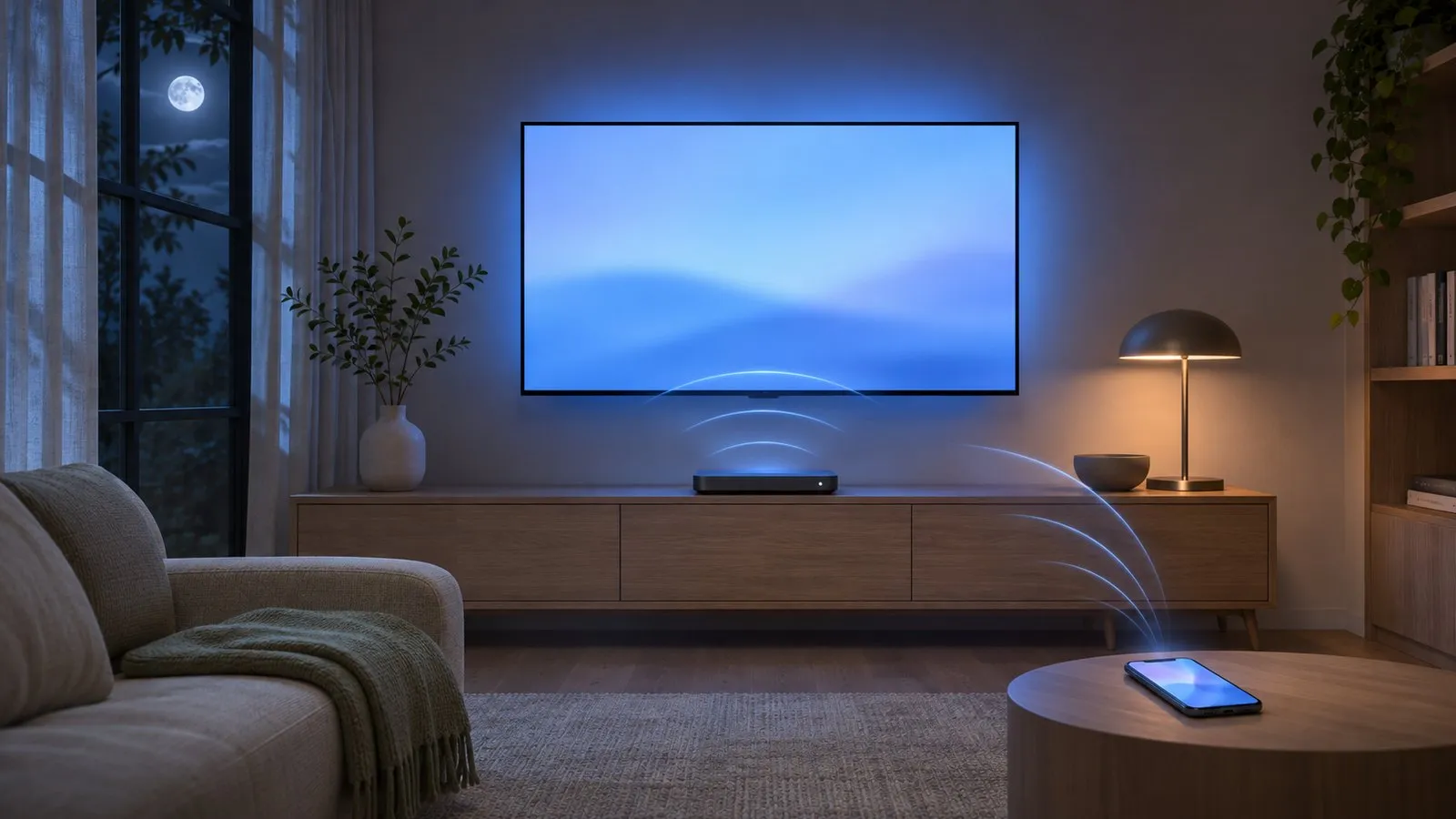
A Samsung TV almost never turns on by magic. Something on your network, an HDMI device or a sensor tells it to — and newer TVs record exactly what.
Quick answer
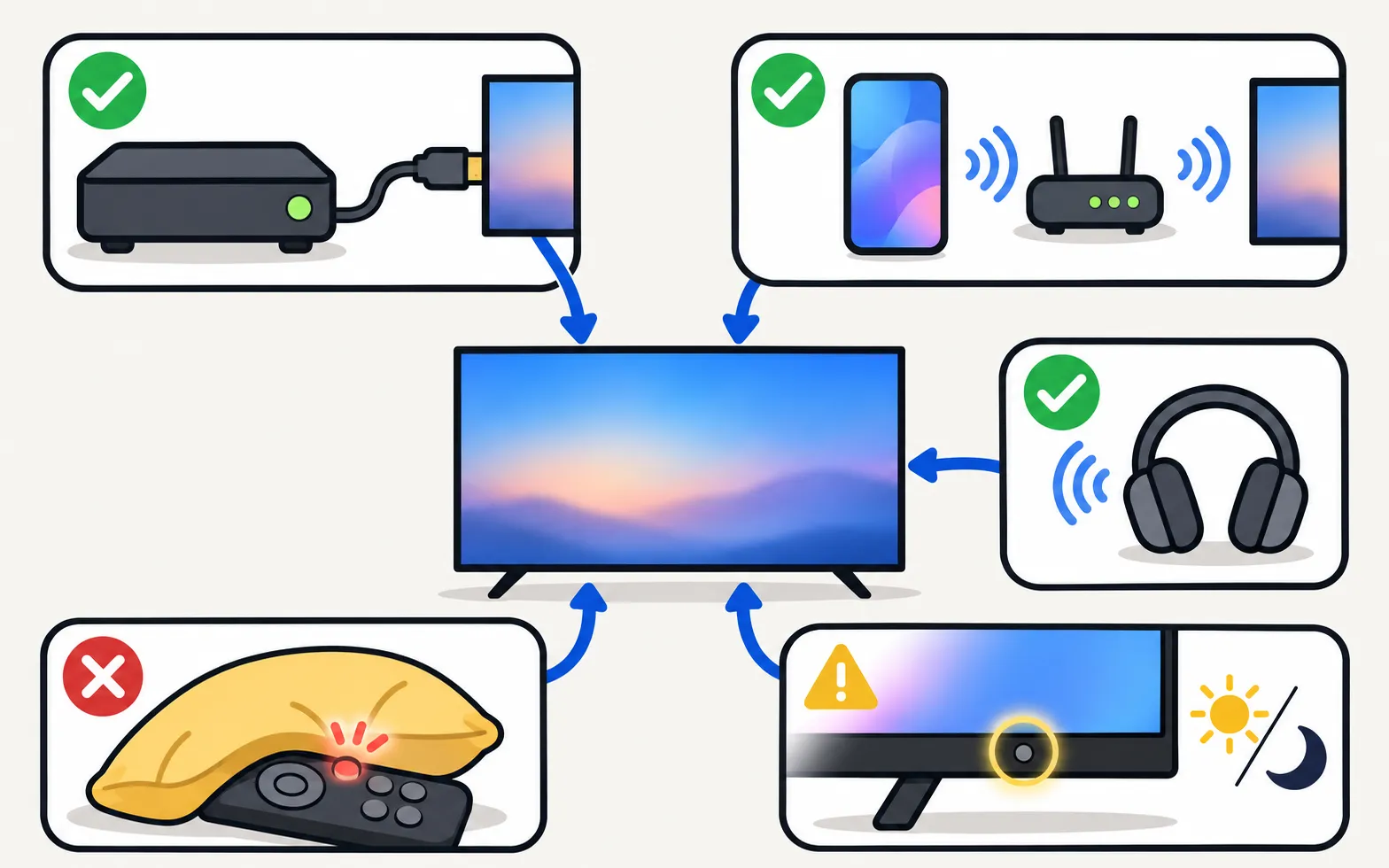
Most Samsung TVs that turn on by themselves are woken by a connected HDMI device through Anynet+ (HDMI-CEC), by a phone or app through Power On with Mobile, or by a sensor or Bluetooth device. On 2019 and newer TVs, open Support, then About TV, and check the Event Log for the power-on reason. Then turn off the matching setting: Anynet+ under External Device Manager, or Power On with Mobile under Network, Expert Settings.
Step 1: ask the TV why it turned on (2019 and newer)
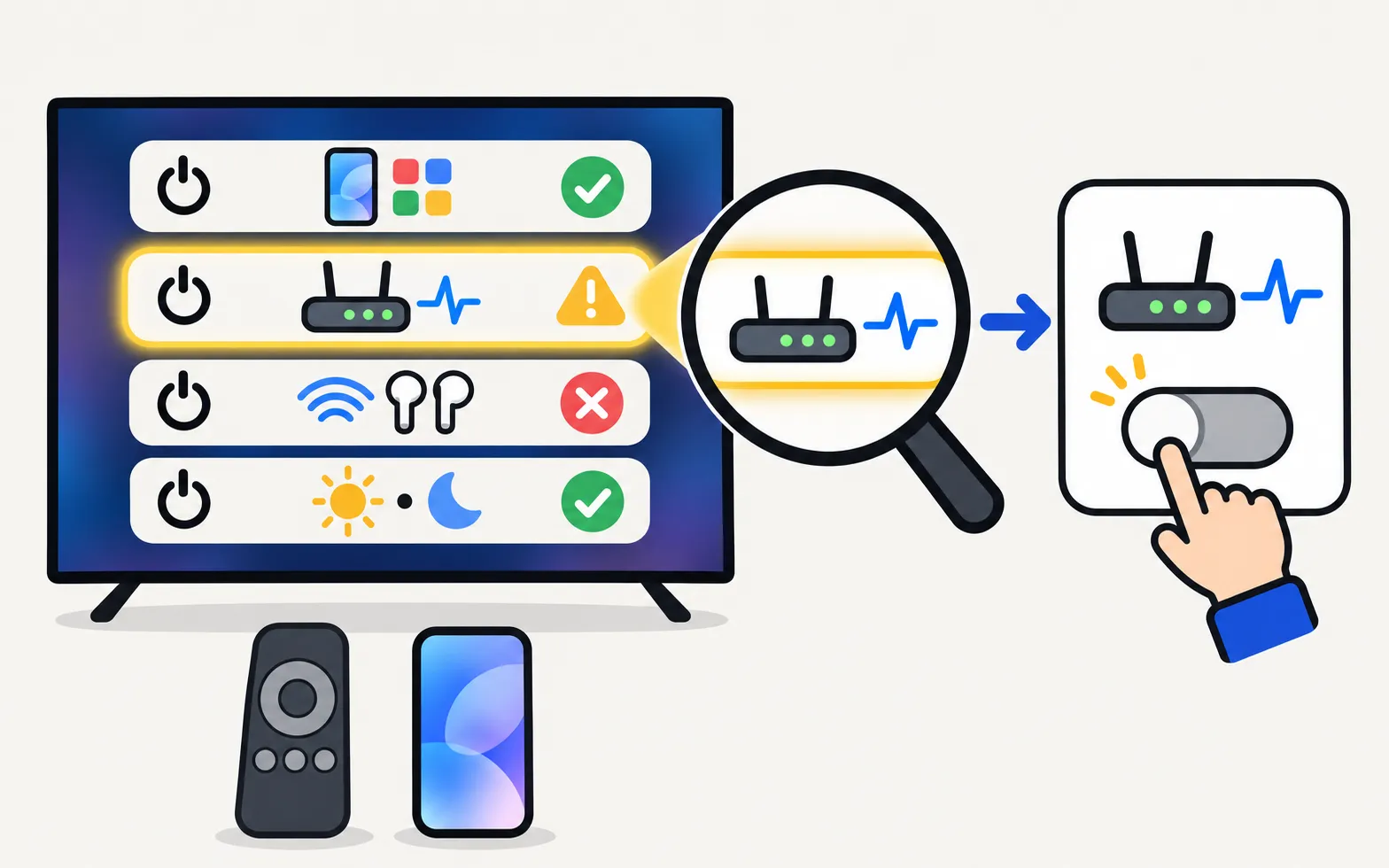
Samsung TVs from 2019 onwards keep an Event Log that can record a Power-on Reason. Samsung’s South African support guide gives the route:
Update the TV’s software first so the log is complete. Then match the reason. Samsung lists these:
| Power-on reason (as Samsung describes it) | What woke the TV | Fix |
|---|---|---|
| An app such as YouTube or SmartThings | A phone, tablet or app on your network | Turn off Power On with Mobile, or stop the app/routine |
| WOL (a “magic packet” wake signal) | A device sending a network wake-up signal | Turn off Power On with Mobile |
| BLE | A Bluetooth device’s wake-up function | Unpair or switch off the device |
| Sensor | The brightness sensor used by Ambient Mode | Adjust Ambient Mode / sensor settings |
Step 2: turn off the usual suspects
Anynet+ (HDMI-CEC)
When a console, cable box, streaming stick or soundbar turns on, it can switch the TV on too.
Use the steps for your TV’s year; the model code decoder shows it if you’re unsure.
TVs from 2025 and newer
TVs from 2023–2024
TVs from 2022
TVs from 2017–2021
Samsung notes the trade-off: with Anynet+ off, devices can’t turn the TV on, but the TV remote can’t control them either. Often a better fix is to turn off the “auto power on” or CEC option on the one device causing trouble (a console’s HDMI device link, for example). Background: Anynet+ (HDMI-CEC) explained.
Power On with Mobile
This setting lets phones and apps on your network wake the TV — including SmartThings routines and casting apps.
TVs from 2022 and newer
TVs from 2017–2021
Samsung warns that with this off you can’t power the TV on through SmartThings. If you like turning the TV on from your phone, keep it on and find the device or app that wakes it instead — turn on your Samsung TV with your phone explains how it works.
Schedules and routines
- TV on-timer: look in the TV’s time settings for an on-timer or scheduled power-on.
- Smart-home routines: SmartThings, Alexa or Google Home routines (“good morning”, “movie time”) can switch the TV on.
- Samsung TV Plus or Art Mode starting: if the TV seems to “come alive” on a channel or artwork, see stop Samsung TV Plus starting automatically or, for The Frame, The Frame turns on by itself.
Step 3: rule out hardware
- A stuck remote button: take the batteries out (or put a SolarCell remote in another room) for a night. Samsung also suggests cleaning the remote.
- Bezel touch controls: on some models, dust or moisture can trigger the touch controls; Samsung’s US guide suggests wiping them with a microfibre cloth.
- Power and cables: unplug the TV for 30 seconds, check the power cord for damage, plug it directly into a wall outlet (not a surge protector), and update the software. With a One Connect box, check its cable — Samsung lists a poor connection as a possible cause.
Still turning on?
If the TV keeps switching on with no external reason, or also switches off or restarts, Samsung advises requesting service. Related guides: turns off by itself and keeps restarting.
Frequently asked questions
Why does my TV turn on when I start my PlayStation, Xbox or cable box?
That's Anynet+ (HDMI-CEC): the device tells the TV to wake up and switch to its input. It's a feature, and you can turn it off in the TV's External Device Manager — but then the TV remote won't control that device either.
If I turn off Power On with Mobile, what do I lose?
Phones and apps — including SmartThings — can no longer turn the TV on over the network. Turning it off is still possible from a phone.
My TV turns on by itself every morning at the same time. Why?
Look for a schedule: an on-timer in the TV's time settings, a smart-home routine (SmartThings, Alexa, Google Home), or a device on a timer. The Event Log on 2019+ TVs shows the trigger.
Could it be a fault?
If the Event Log shows no external reason and the TV also switches off by itself or restarts, a power fault is possible. Samsung advises requesting service if it continues after the settings checks.
Sources
- What is eARC and how to set on Samsung Smart TV (incl. Anynet+ paths 2014–2026) — Samsung Australia · Samsung · checked November 11, 2026
- How to troubleshoot the Samsung TV that keeps turning on by itself (Event Log, power-on reason) — Samsung South Africa · Samsung · checked November 11, 2026
- Samsung TV or projector powers on or off by itself (TSG10002365) — Samsung US · Samsung · checked November 11, 2026
- Samsung UAE support: a TV that keeps powering on and off — Samsung UAE · Samsung · checked November 10, 2026
- Samsung Australia support: power on the TV with the SmartThings app (Power On with Mobile) — Samsung Australia · Samsung · checked November 10, 2026
- Samsung US troubleshooting: remote is not working (TSG10002214) — Samsung US · Samsung · checked November 10, 2026
Related guides

Troubleshooting
TV turns off by itself
Samsung TV switching off on its own? Check Auto Power Saving, the sleep timer, Anynet+, devices, the power cable and software, and why it may shut off at start.

Explainer
Anynet+ (HDMI-CEC)
Anynet+ is Samsung's HDMI-CEC: one remote for TV, soundbar and console — and why TVs switch on by themselves. Where to find it by year and when to turn it off.
How-to
Turn the TV on with your phone
Switch a Samsung TV on from your phone: enable Power On with Mobile (menu paths by year), keep the TV in standby, and fix a TV that won't wake over Wi-Fi.

Troubleshooting
Frame turns on by itself
The Frame waking up, switching off or leaving Art Mode on its own? Adjust Motion Detector, Night Mode and Sleep After, then check HDMI-CEC and phone wake-ups.

Troubleshooting
TV keeps restarting
Samsung TV stuck restarting or rebooting to the logo? Isolate power, HDMI and USB devices, check Anynet+, update or reset safely, and spot a board fault.

How-to
Stop TV Plus starting
Samsung TV keeps switching on to TV Plus? Turn off Autorun Samsung TV Plus in Smart Features, start on the last input instead, and fixes if the option is gone.