
How-to
Game Mode on Samsung TVs: settings, Game Bar and input lag
Game Mode trims the TV's picture processing so your button presses reach the screen faster. Here's where it lives on every Samsung TV year.
Quick answer
Game Mode reduces input lag. On 2023–2024 Samsung TVs it's in Settings, All Settings, Connection, Game Mode Settings; on 2025 models Samsung lists Advanced Features, Game Mode Settings; on 2017–2021 TVs General, External Device Manager, Game Mode Settings. Samsung says Game Mode switches on automatically when a console is detected. On models with a Game Bar, hold Play/Pause during a game to open it.
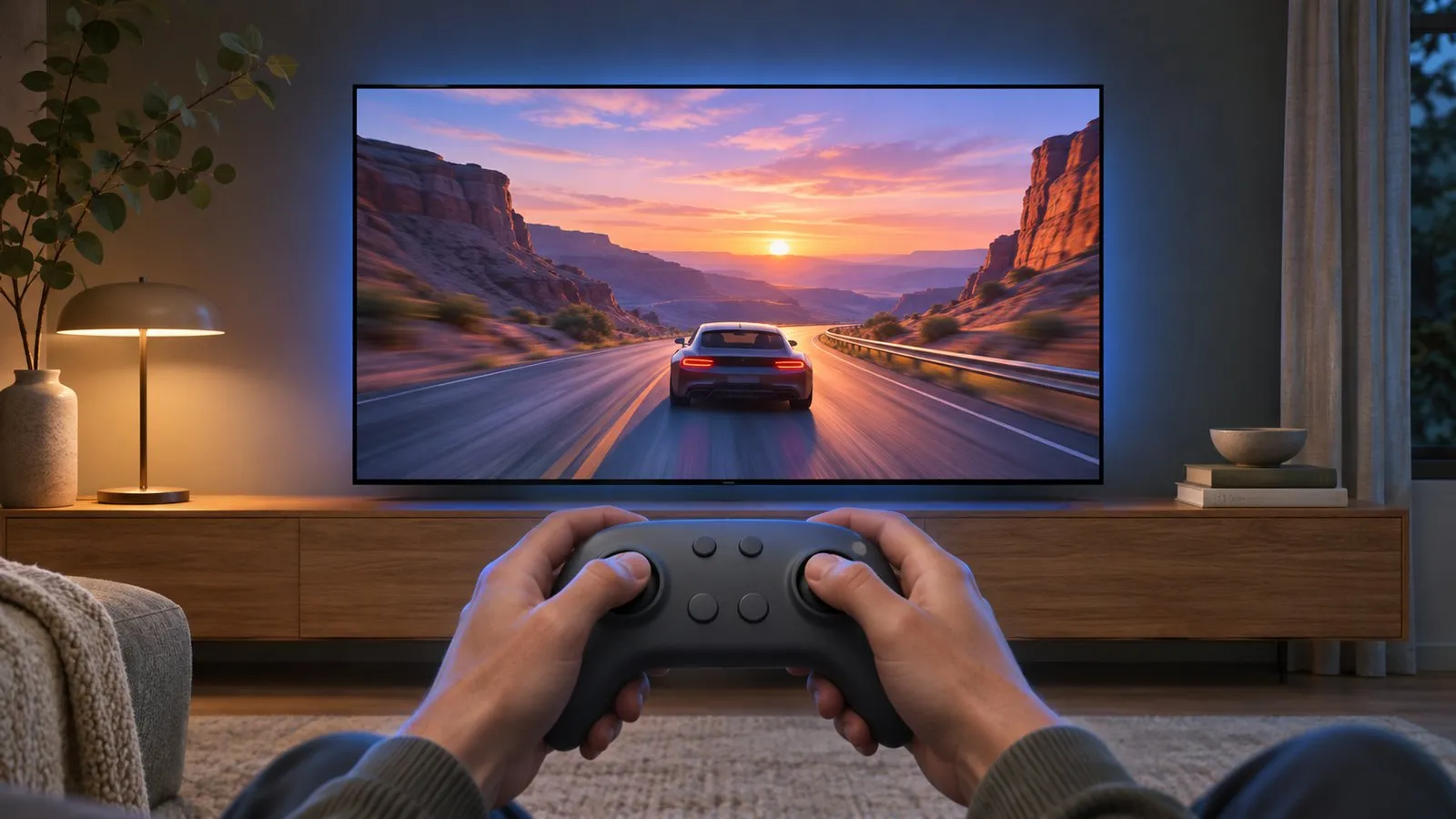
Turn on Game Mode
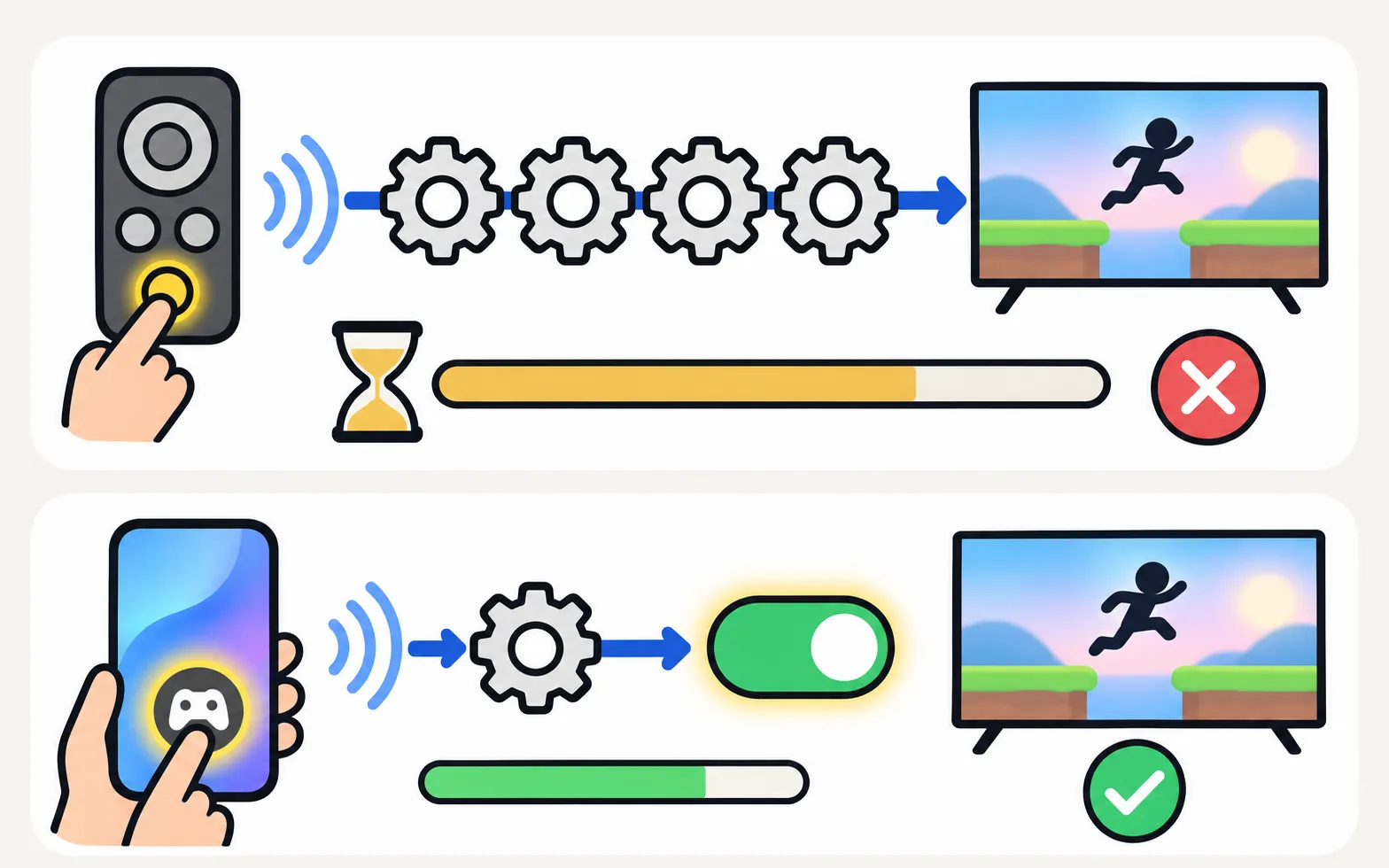
The path depends on the model year — find your TV’s year from its model code if you don’t know it.
Samsung’s Australian guide lists these paths:
TVs from 2025
TVs from 2023–2024
TVs from 2022
TVs from 2017–2021
TVs from 2016
For 2026 TVs, look in the same areas (Advanced Features or Connection); Samsung’s guide hadn’t covered 2026 when we checked.
Automatic Game Mode
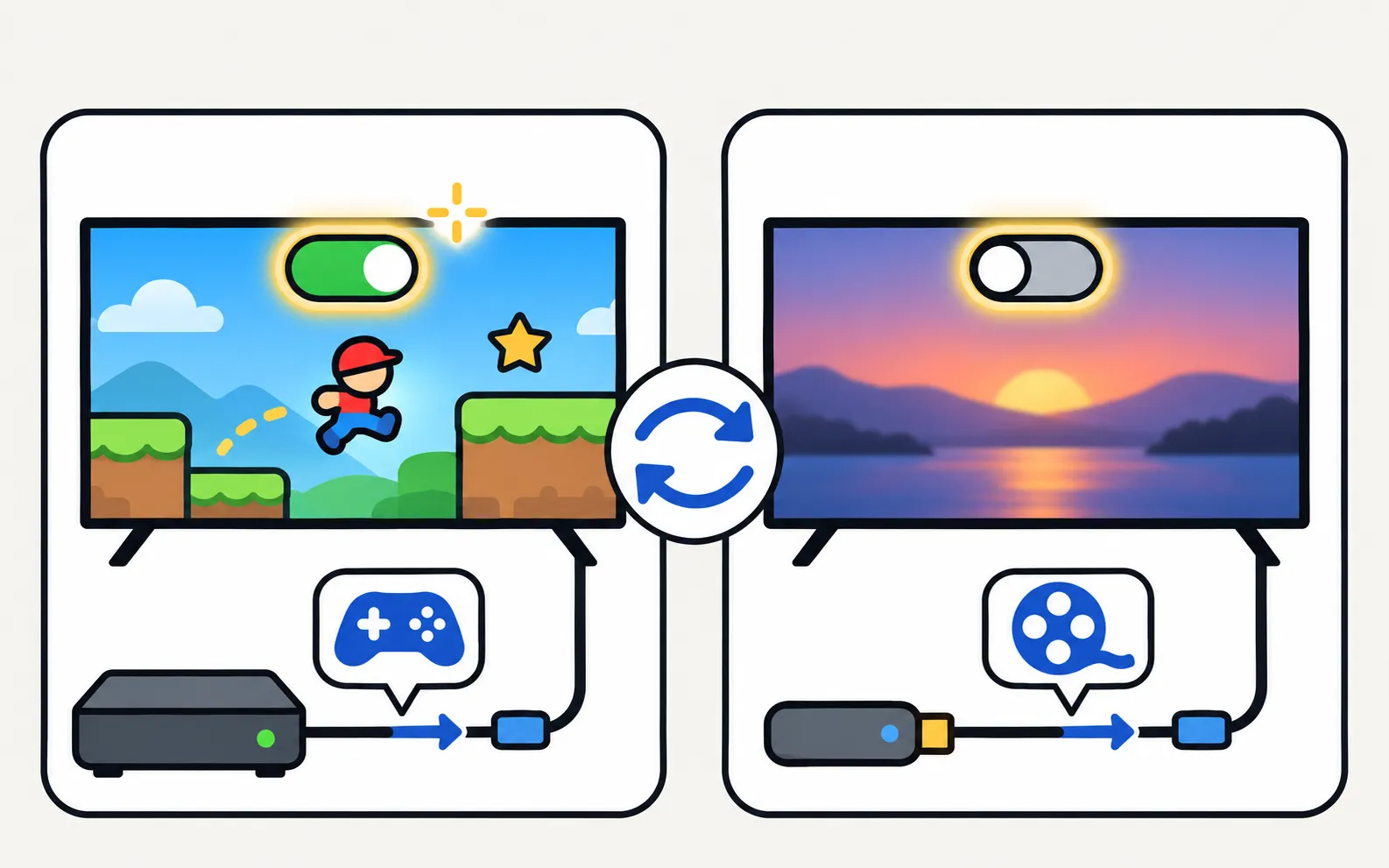
Samsung says Game Mode switches on automatically when you connect a console — Xbox, PlayStation and Nintendo Switch are detected without extra setup — and may switch on when a gaming device is detected as the source. Set Game Mode to Auto where offered, and make sure the console’s own “auto low latency” option is on.
Cloud games played through Samsung Gaming Hub are a different case: the apps handle their own settings, and Game Mode applies to HDMI devices such as consoles and PCs.
The Game Bar
On newer models with a Game Bar, Samsung’s guide: with Game Mode set to On or Auto, press and hold Play/Pause on the remote during a game. The bar shows game-related status and quick settings; what it includes depends on the model and year.
Less lag, still a good picture
- Use the right port: on models where only some HDMI ports support 4K 120 Hz, connect the console there and turn on Input Signal Plus.
- HDR: keep HDR gaming on if your console and TV support it; calibrate with the console’s HDR tool.
- Motion smoothing: Game Mode disables most of it; avoid turning heavy processing back on.
- Sound: a soundbar can add delay — see audio out of sync.
Console-specific settings: best Samsung TV settings for PS5 and Xbox and Nintendo Switch.
Frequently asked questions
Does Game Mode make the picture worse?
It turns off some processing (like motion smoothing) to cut lag, so the picture can look a little different. Samsung notes Picture and Sound Mode switch to Game Mode automatically and the screen may shake somewhat.
Why is Game Mode greyed out?
Samsung says Game Mode isn't available for normal TV viewing — select the HDMI input your console uses first.
What is the Game Bar?
An overlay on newer Samsung TVs that shows game-related status and quick settings. Samsung's guide: with Game Mode on or Auto, press and hold Play/Pause during a game.
Do I need Game Mode for cloud gaming?
Cloud gaming apps on the TV handle this themselves; Game Mode applies to HDMI devices such as consoles and PCs.
Sources
- Game Mode Settings on your Samsung TV (paths 2016–2025) — Samsung Australia · Samsung · checked November 11, 2026
- Game Bar on your Samsung TV (ANS00090624) — Samsung US · Samsung · checked November 11, 2026
- Samsung QN90F review — RTINGS.com · Reference · checked November 11, 2026
- Samsung DU7200 review — RTINGS.com · Reference · checked November 11, 2026
Related guides
How-to
PS5 and Xbox settings
Set up a PS5 or Xbox Series X|S on a Samsung TV: HDMI port, Game Mode, Input Signal Plus, 4K 120 Hz and VRR on capable models, HDR and audio settings.

Troubleshooting
Nintendo Switch
Samsung TV shows no signal from a Switch 2 or Switch? Nintendo's checks (cable, AC adapter, direct connection, VRR), plus Game Mode and Input Signal Plus.

Explainer
Samsung Gaming Hub
What Samsung Gaming Hub is, which TVs have it, what you need (controller, subscription, fast internet) and how to make cloud gaming smooth without a console.
How-to
Best picture settings
The Samsung TV picture settings that matter: Movie or Filmmaker Mode, motion smoothing, automatic dimming and brightness for your room, and what to leave alone.

Troubleshooting
Audio delay
Voices out of sync on a Samsung TV? Find out if the source, a soundbar or Bluetooth causes it, then use Audio Delay, the soundbar's sync setting or a cable.