
How-to
Samsung TV user manual (e-Manual): how to find yours
Samsung's full manual lives inside the TV and on Samsung's support site. All you need is the model code.
Quick answer
Samsung TVs include an e-Manual you can open from the TV's settings (look under Support, or Open e-Manual). To download it, find your full model code (back label, or Settings, Support, About This TV), search it on Samsung's support site for your country and open Manuals & Software (Manuals & Downloads). There you'll find the e-Manual, the quick guide and software updates for that model.
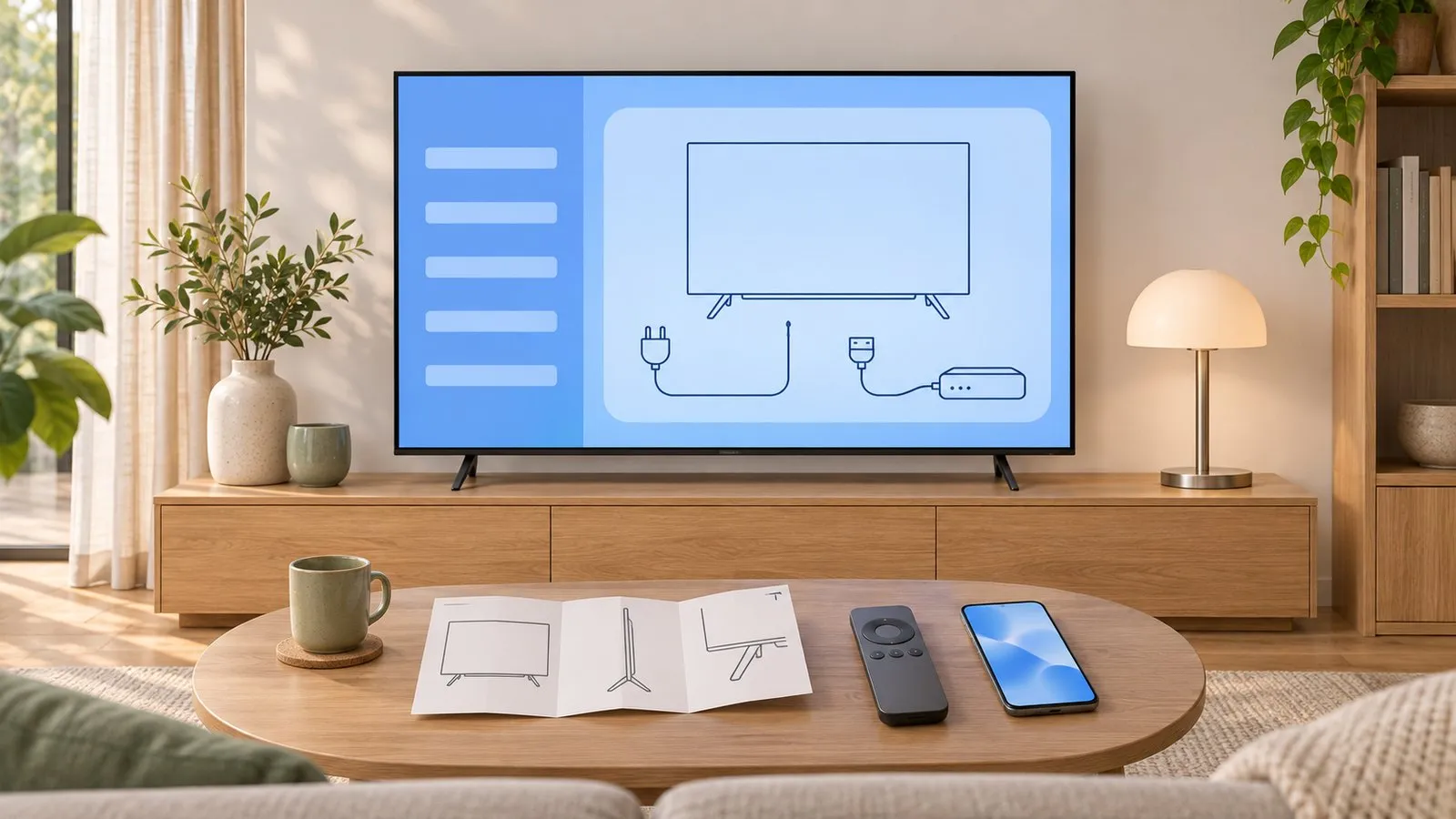
Decode a Samsung TV model code
Step 1: get your exact model code
- Back label of the TV.
- Newer TVs: .
- Decode it to know the year and series — use the decoder above or the full model number decoder.
Step 2: open the e-Manual on the TV
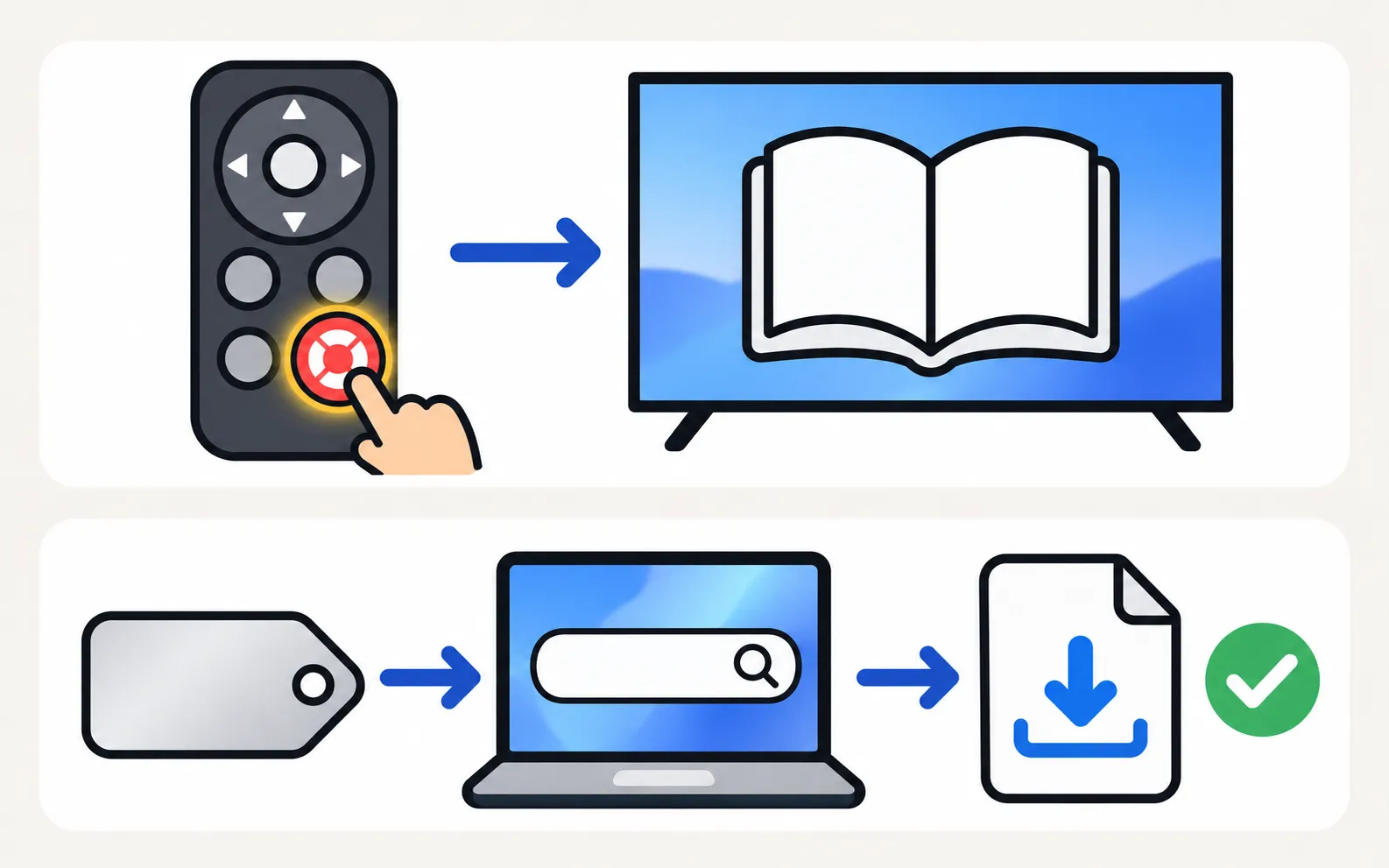
Most Samsung Smart TVs include the full manual on the TV itself, opened from Support (look for Open e-Manual, or an e-Manual item in the settings menu). It’s searchable and links straight to settings on many models.
Step 3: download it from Samsung
-
Open Samsung's support site for your country
For example samsung.com, then Support. -
Search your model code
Use the full code first (e.g. UN55AU8000FXZA), then the short code if needed. -
Open Manuals & Software
Called Manuals & Downloads on some regional sites. Samsung’s product pages list the e-Manual and quick guide for the model. -
Download
The e-Manual (PDF) and, where offered, firmware for USB updates (software update).
What you’ll find in the e-Manual
- Every menu path for your exact model (menu path finder collects the common ones).
- Supported video, photo and music formats for USB (USB playback).
- Remote button functions (remote buttons explained).
- Connection diagrams and specifications.
Frequently asked questions
Is the e-Manual the same as the paper guide in the box?
No. The box usually contains a short quick guide; the e-Manual is the full manual with every setting.
Can I get the manual in another language?
Samsung's download pages often offer several languages for a model; regional sites may differ.
My model isn't found on the support site. Why?
Use the full code including the suffix, try your country's Samsung site, or search the short code. Older models are sometimes removed from regional sites.
Sources
- Samsung US support answer on TV model codes (ANS10006944) — Samsung US · Samsung · checked November 10, 2026
- Update the software on your Samsung smart TV or monitor (ANS00062224) — Samsung US · Samsung · checked November 11, 2026
- 55-inch Crystal UHD 4K AU7000 (UN55AU7000PXPA) specifications — Samsung Caribbean · Samsung · checked November 11, 2026
- Samsung TV user manual: About the Buttons on the Samsung Smart Remote (Q9F manual, via ManualsLib) — Samsung (hosted by ManualsLib) · Reference · checked November 11, 2026
Related guides
Tool
Model code decoder
Type your Samsung TV model code to see its model year, size, series, region and what the Samsung TV Remote app can do on it. Covers 2010–2026 codes.
Topic
Models & years
Browse Samsung TV models by year from 2010 to 2026: lineups, series and TV types, how to tell which TV you have, and the developer-tested models for each year.
Tool
Menu path finder
Find a Samsung TV setting for your TV's year: Anynet+, Bluetooth, Game Mode, Power On with Mobile, Picture Test, reset and more, each from Samsung's pages.
How-to
USB playback
Play videos, photos and music from USB on a Samsung TV: how to open the drive, formats that work, why files won't play and the 4 GB FAT32 limit.
How-to
First-time setup
Set up a new Samsung Smart TV: pair the remote, pick language and network, decide on terms and privacy, scan channels or connect a box, then update.