
How-to
Samsung TV wall mount: VESA size and screw size by model
Every Samsung TV lists its VESA hole pattern and screw size in its manual. Get those two numbers, and choosing a mount is easy.
Quick answer
Samsung TVs are VESA-compliant: any VESA mount rated for your TV's size and weight with the matching hole pattern fits. Find your model's VESA pattern (for example 200 × 200 or 400 × 400 mm) in its manual or mounting guide. Samsung's Australian guide gives the screw sizes: M4 for 19–22-inch TVs, M6 for 30–40-inch and M8 for 43–88-inch TVs, all with a 1.25 mm thread pitch.
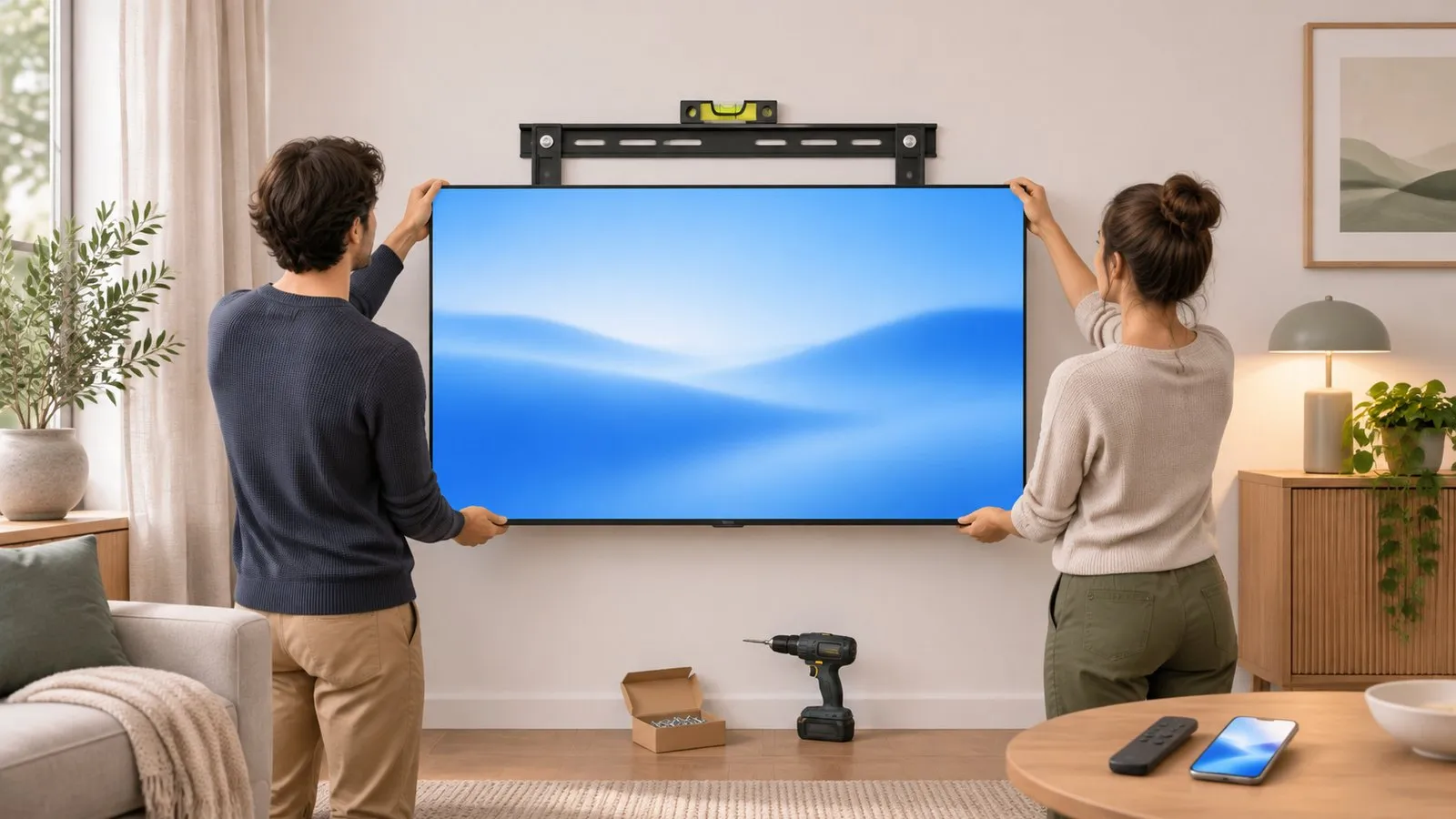
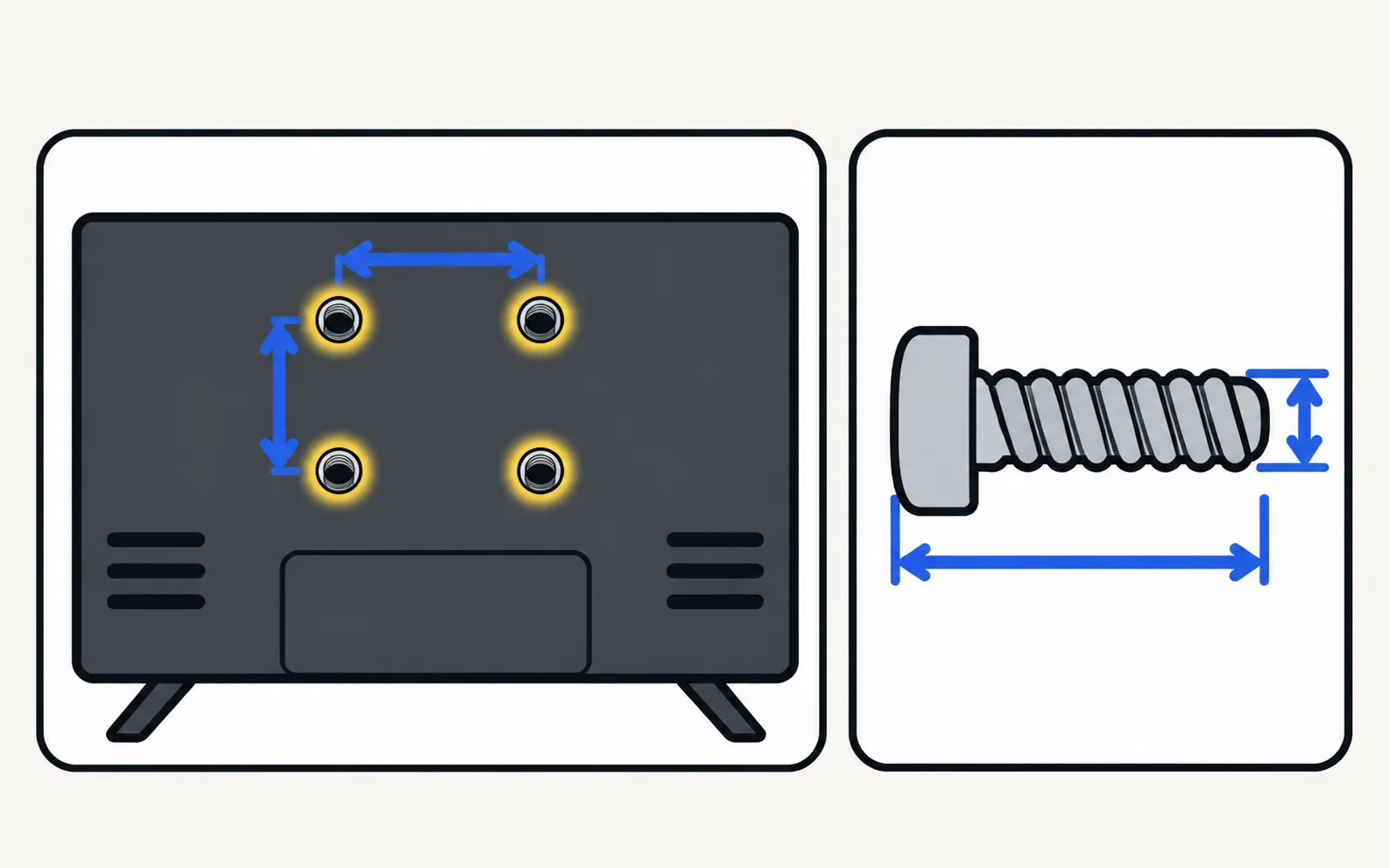
1. Find your TV’s VESA pattern
- Manual or mounting guide: Samsung lists the VESA hole spacing (A × B in millimetres) and screw size by screen size — for example in its 2020 TU7000 mounting guide.
- Measure: the distance between the mounting holes on the back, horizontally (A) and vertically (B).
- Model code: decode the series and size (model number decoder) and download the manual (find the user manual).
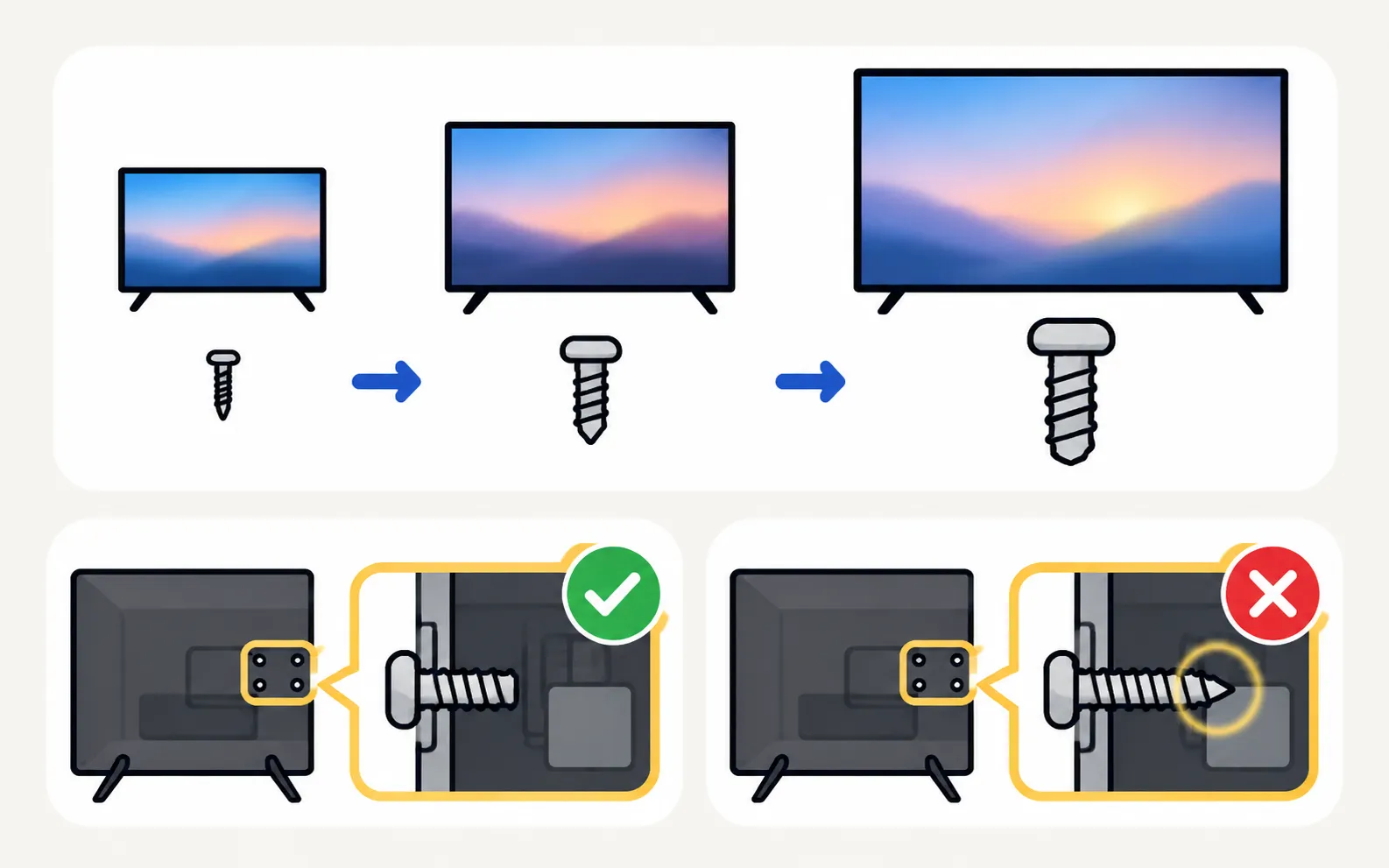
2. Screw size (Samsung’s guidance)
| Screen size | Screw | Thread pitch |
|---|---|---|
| 19–22 inches | M4 | 1.25 mm |
| 30–40 inches | M6 | 1.25 mm |
| 43–88 inches | M8 | 1.25 mm |
Check the screw length in your manual — screws that are too long can damage the TV; too short won’t hold.
3. Choose the mount
- Matches your VESA pattern and is rated for the TV’s size and weight (weight is in the specifications).
- Fixed, tilting or full-motion — full-motion mounts need stronger walls.
- Leaves room behind for cables (or a One Connect box on models that have one).
- Fits the wall space: check the TV’s real width and height in Samsung TV dimensions by screen size.
4. Before drilling
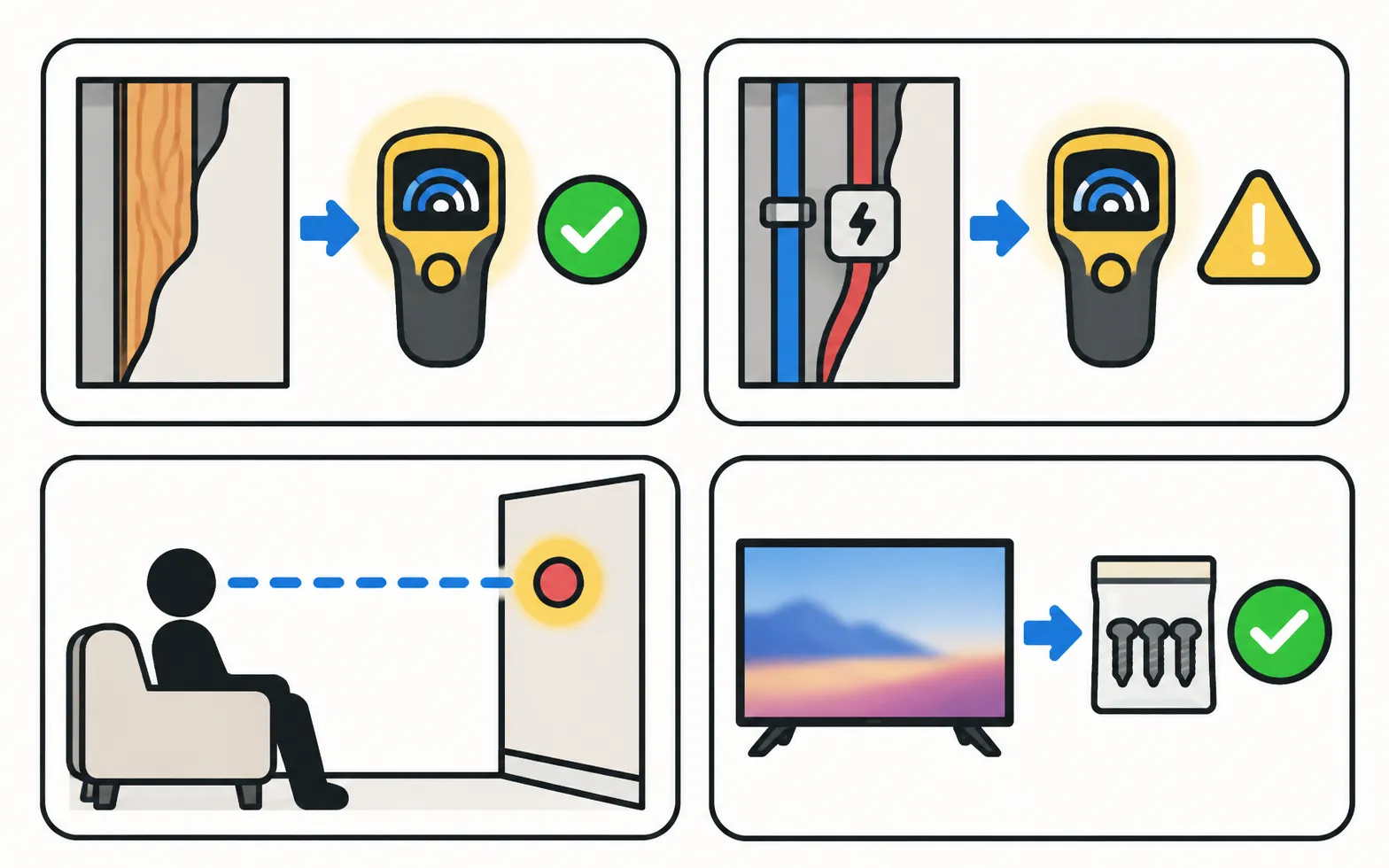
- Locate studs or choose fixings rated for your wall (plasterboard needs special anchors).
- Check for pipes and cables in the wall.
- Mark the height: eye level when seated is a common starting point.
- Keep the TV’s stand and screws for future moves.
The Frame has its own flush mount: The Frame installation. Prefer the stand? See attach the stand or feet.
Frequently asked questions
Which screws does my Samsung TV need?
Samsung's Australian guide: M4 for 19–22 inches, M6 for 30–40 inches, M8 for 43–88 inches, thread pitch 1.25 mm. The exact length is in your model's manual; too-long screws can damage the TV.
Do wall mounts include the screws?
Samsung's US guidance says mounts generally come with the screws, spacers and washers you need. Check that they match your TV's size.
Can I mount The Frame with a normal VESA mount?
The Frame is designed for Samsung's slim flush mount; see the Frame installation guide.
Sources
- Things to Consider Before Wall Mounting your Samsung TV (screw sizes) — Samsung Australia · Samsung · checked November 11, 2026
- Things to consider before mounting your Samsung TV on a wall (ANS00038091, archived copy of 19 Oct 2025) — Samsung US · Samsung · checked November 12, 2026
- TU7000 2020 TV Mounting Guide (PDF) — Samsung US · Samsung · checked November 11, 2026
- Lines on Samsung TV screen (Picture Test paths 2015–2026) — Samsung Australia · Samsung · checked November 11, 2026
Related guides
How-to
Stand and feet
Fit the stand or feet to a new Samsung TV safely: screen face down on a covered table, follow the Quick Setup Guide, screws from the top, the 75-inch rule.
How-to
Install and bezels
Mount The Frame flush on the wall: the slim wall mount, routing the One Connect cable, placing the box, attaching magnetic bezels, plus safety tips.
How-to
First-time setup
Set up a new Samsung Smart TV: pair the remote, pick language and network, decide on terms and privacy, scan channels or connect a box, then update.

How-to
User manual (e-Manual)
Find your Samsung TV's manual: open the e-Manual built into the TV, or download the e-Manual and quick guide from Samsung's support site with your model code.
Reference
TV sizes and dimensions
How big is a 55-inch Samsung TV? Samsung's reference width and height for 32–115-inch screens, viewing distances, and where to find your model's exact size.