
Reference
Samsung TV dimensions by screen size, 32 to 115 inches
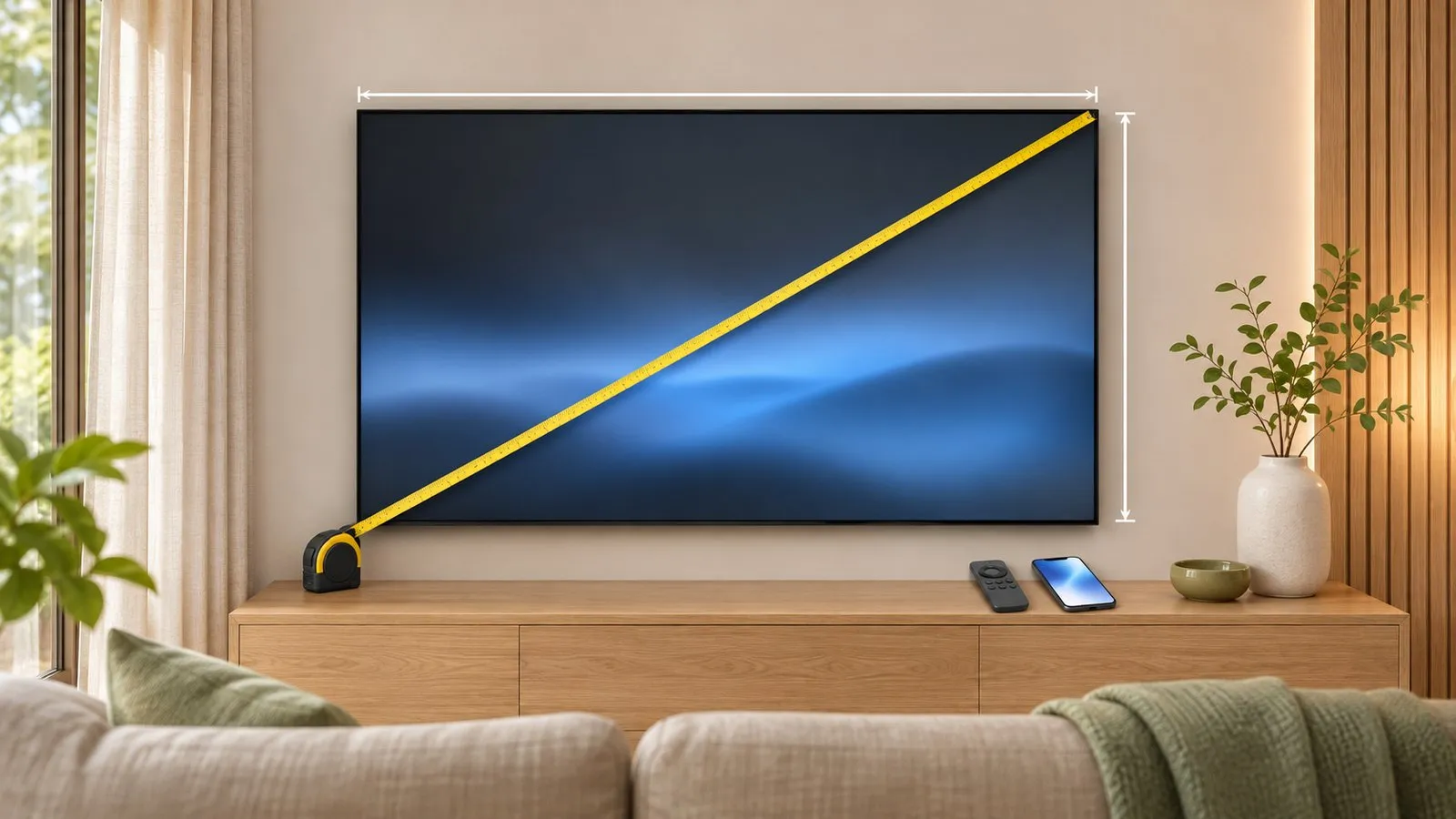
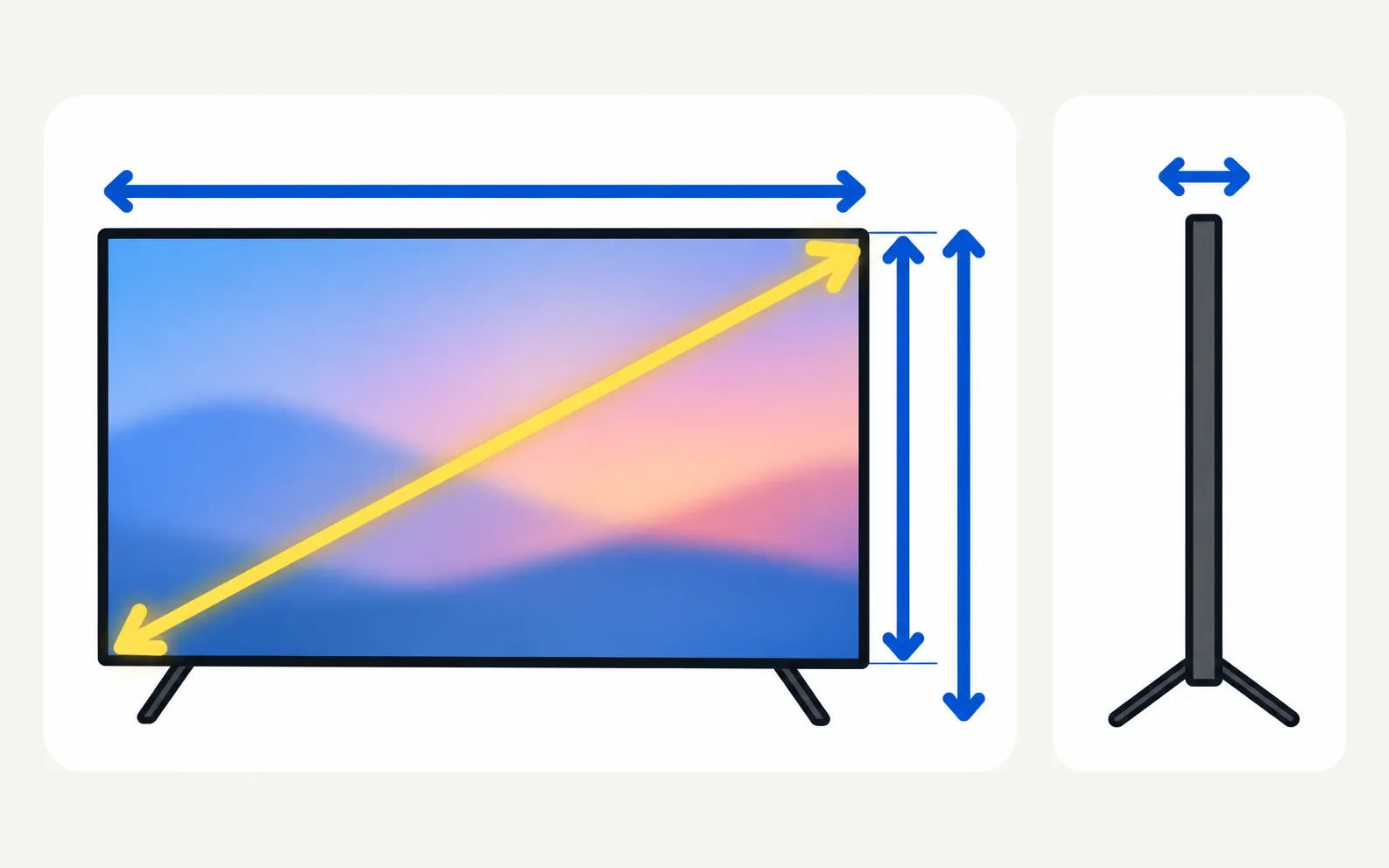
A TV's inch size is the screen diagonal. For the space it actually takes up — and for a cabinet, wall or box — you need width, height and depth from your model's spec sheet.
Quick answer
Samsung measures TV size diagonally across the screen. Its reference table puts a 55-inch screen at about 1,225 × 710 mm and a 65-inch at about 1,440 × 831 mm (width × height), with a general viewing distance of screen size × 1.2. For your exact model's dimensions — with and without stand, and weight — check the model's specifications on Samsung's website, since bezels and stands vary.
Samsung’s size reference table
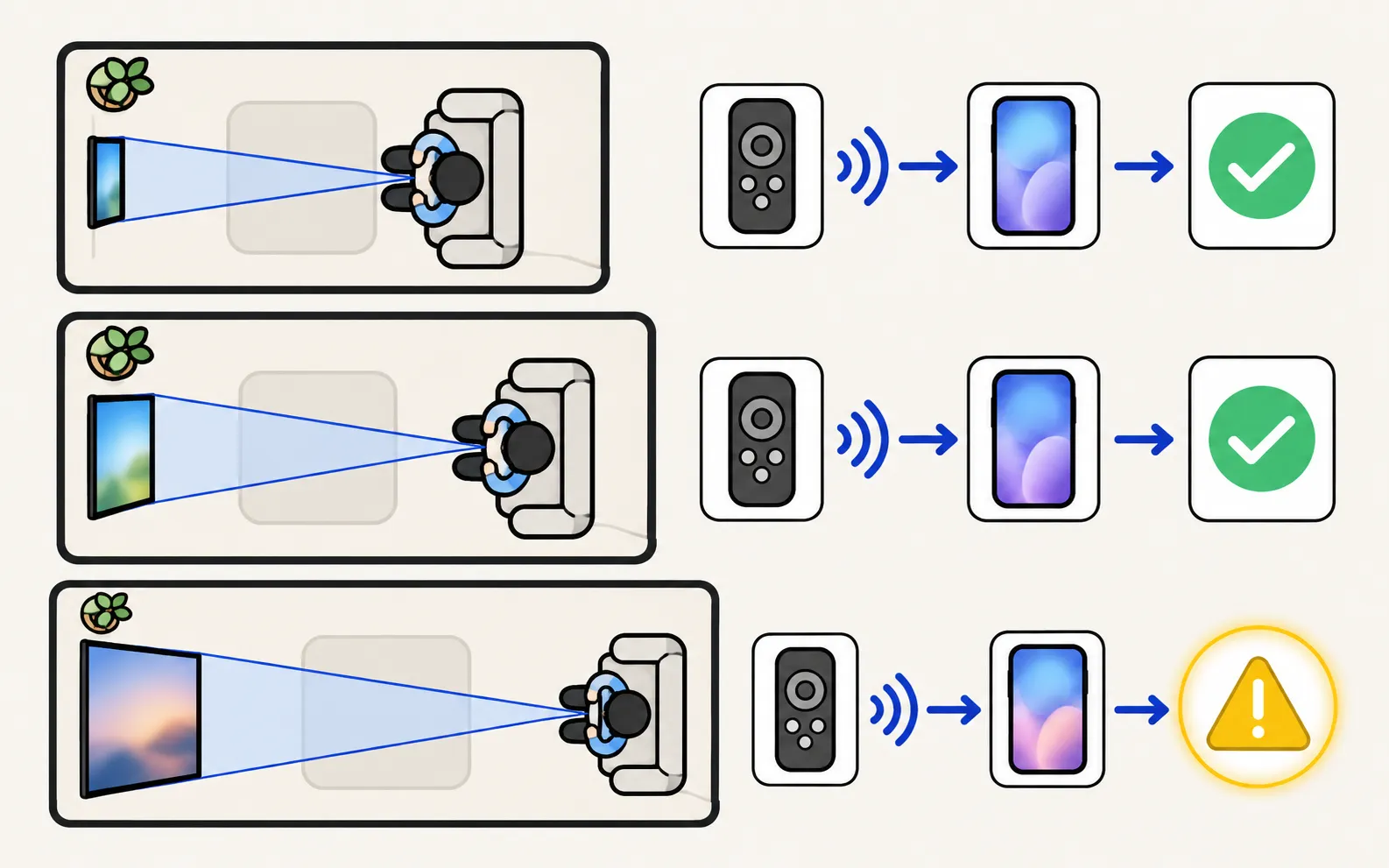
From Samsung’s TV size guide. Width × height are approximate screen dimensions for reference — Samsung notes actual product dimensions vary by model.
| Size | Width × height (mm) | General viewing distance | Recommended for 4K |
|---|---|---|---|
| 32” | 710 × 400 | 1.1 m (3.5 ft) | 0.8 m (2.7 ft) |
| 42” | 935 × 540 | 1.3 m (4.3 ft) | 1.1 m (3.5 ft) |
| 43” | 965 × 560 | 1.4 m (4.5 ft) | 1.1 m (3.6 ft) |
| 48” | 1,070 × 620 | 1.5 m (4.9 ft) | 1.2 m (4 ft) |
| 50” | 1,110 × 640 | 1.5 m (5.0 ft) | 1.3 m (4.2 ft) |
| 55” | 1,225 × 710 | 1.7 m (5.5 ft) | 1.4 m (4.6 ft) |
| 58” | 1,285 × 749 | 1.8 m (5.9 ft) | 1.5 m (4.8 ft) |
| 65” | 1,440 × 831 | 2.0 m (6.5 ft) | 1.7 m (5.4 ft) |
| 75” | 1,670 × 955 | 2.3 m (7.5 ft) | 1.9 m (6.3 ft) |
| 77” | 1,720 × 990 | 2.3 m (7.5 ft) | 2.0 m (6.4 ft) |
| 83” | 1,850 × 1,060 | 2.5 m (8.2 ft) | 2.1 m (6.9 ft) |
| 85” | 1,885 × 1,080 | 2.6 m (8.5 ft) | 2.2 m (7.1 ft) |
| 98” | 2,180 × 1,240 | 3.0 m (9.8 ft) | 2.5 m (8.2 ft) |
| 100” | 2,230 × 1,275 | 3.0 m (9.8 ft) | 2.5 m (8.3 ft) |
| 115” | 2,570 × 1,478 | 3.5 m (11.5 ft) | 2.9 m (9.6 ft) |
Samsung’s rule of thumb: general viewing distance = screen size × 1.2, so the screen fills about 30–40° of your field of view.
Find your model’s exact dimensions
-
Get the model code
From the label on the back or — then decode it; the two digits after the region letters are the size. -
Open the product page
Search the model code on Samsung’s website for your country and open Specifications. -
Read Dimensions and Weight
Look for the set without stand, the set with stand, the stand footprint and the package size. Or use the user manual.
Planning tips
- Cabinet or alcove: use the with stand width and the stand’s footprint, plus room for cables.
- Wall mount: use the without stand dimensions and the VESA pattern — see wall mounting.
- Stand or feet position: some models have feet near the edges, so the furniture must be nearly as wide as the TV — see attach the stand or feet.
- Getting it home: check the package dimensions against your car or doorways.
Picture not filling the screen? That’s a setting — see picture size.
Frequently asked questions
Is a 55-inch TV 55 inches wide?
No. 55 inches is the diagonal. Samsung's reference table gives about 1,225 mm (48 inches) wide and 710 mm (28 inches) high for the screen area.
How far should I sit from my TV?
Samsung's general rule is screen size × 1.2 — about 1.7 m for a 55-inch — and a little closer for 4K, where its table suggests about 1.4 m for 55 inches.
Where do I find the dimensions with the stand?
On your model's product page under Specifications (Dimensions and Weight), or in its user manual. Decode your model code first to find the right page.
Can I change the picture size if it doesn't fill the screen?
That's a picture setting, not the panel size — see picture size and aspect ratio.
Sources
- How to measure TV size: guide to dimensions & distance — Samsung Caribbean · Samsung · checked November 11, 2026
Related guides

Tool
Model code decoder
Type your Samsung TV model code to see its model year, size, series, region and what the Samsung TV Remote app can do on it. Covers 2010–2026 codes.
How-to
User manual (e-Manual)
Find your Samsung TV's manual: open the e-Manual built into the TV, or download the e-Manual and quick guide from Samsung's support site with your model code.
How-to
Wall mounting
Find the right wall mount for a Samsung TV: the VESA pattern and screw size for your model, Samsung's M4/M6/M8 guidance by screen size, and safety steps first.
How-to
Stand and feet
Fit the stand or feet to a new Samsung TV safely: screen face down on a covered table, follow the Quick Setup Guide, screws from the top, the 75-inch rule.

Topic
Models & years
Browse Samsung TV models by year from 2010 to 2026: lineups, series and TV types, how to tell which TV you have, and the developer-tested models for each year.