
How-to
Samsung Frame TV: wall mount, One Connect cable and bezels
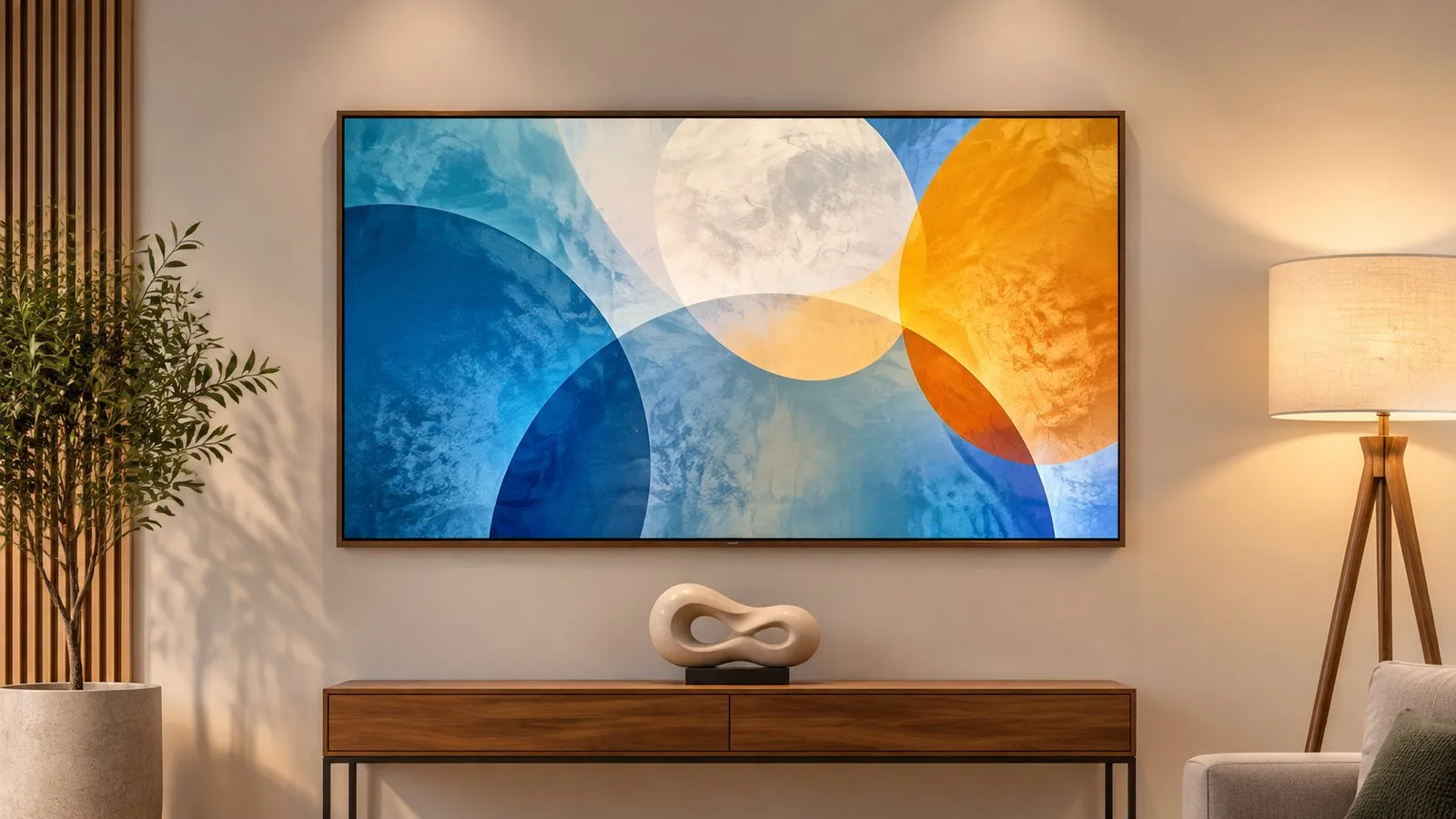
The Frame only looks like a picture if it hangs like one. Plan the wall mount, the cable route and the box before you drill.
Quick answer
The Frame is designed to hang flat against the wall with Samsung's slim-fit wall mount (included with many models), with one thin One Connect cable carrying signals (and on many models power) to a separate box that holds all the inputs. Plan where the box goes, route the cable, mount the bracket level, hang the TV, then clip on the optional magnetic bezel. Follow the installation guide in the box and anchor the TV securely.
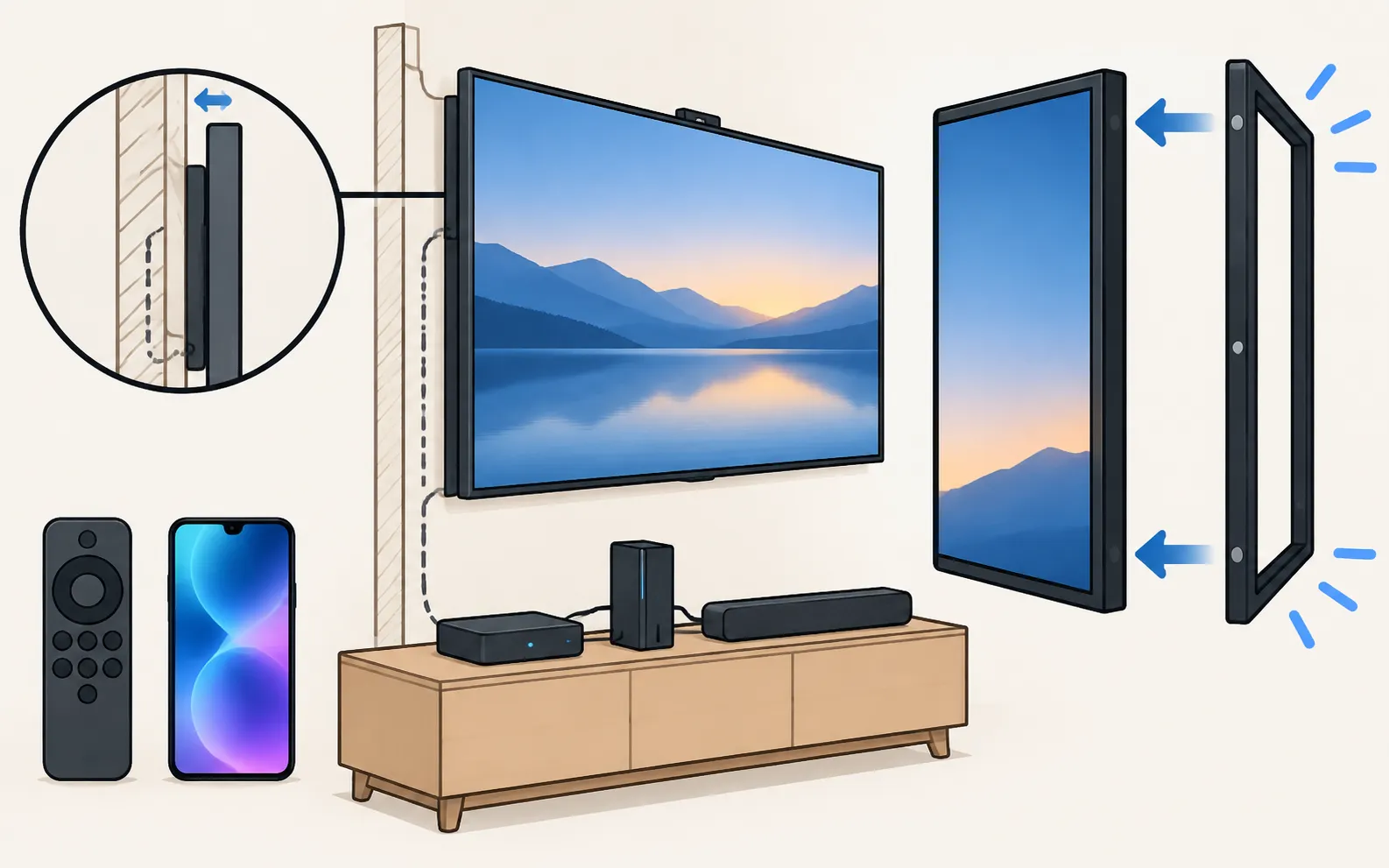
Plan first
- Where the One Connect box will sit, and how the thin cable will reach it.
- The height of the TV (eye level for viewing; art height if it’s mostly a picture).
- Whether the wall is solid, studded or plasterboard — and the right fixings.
- Where the soundbar, set-top box and power will connect (all to the box).
Install
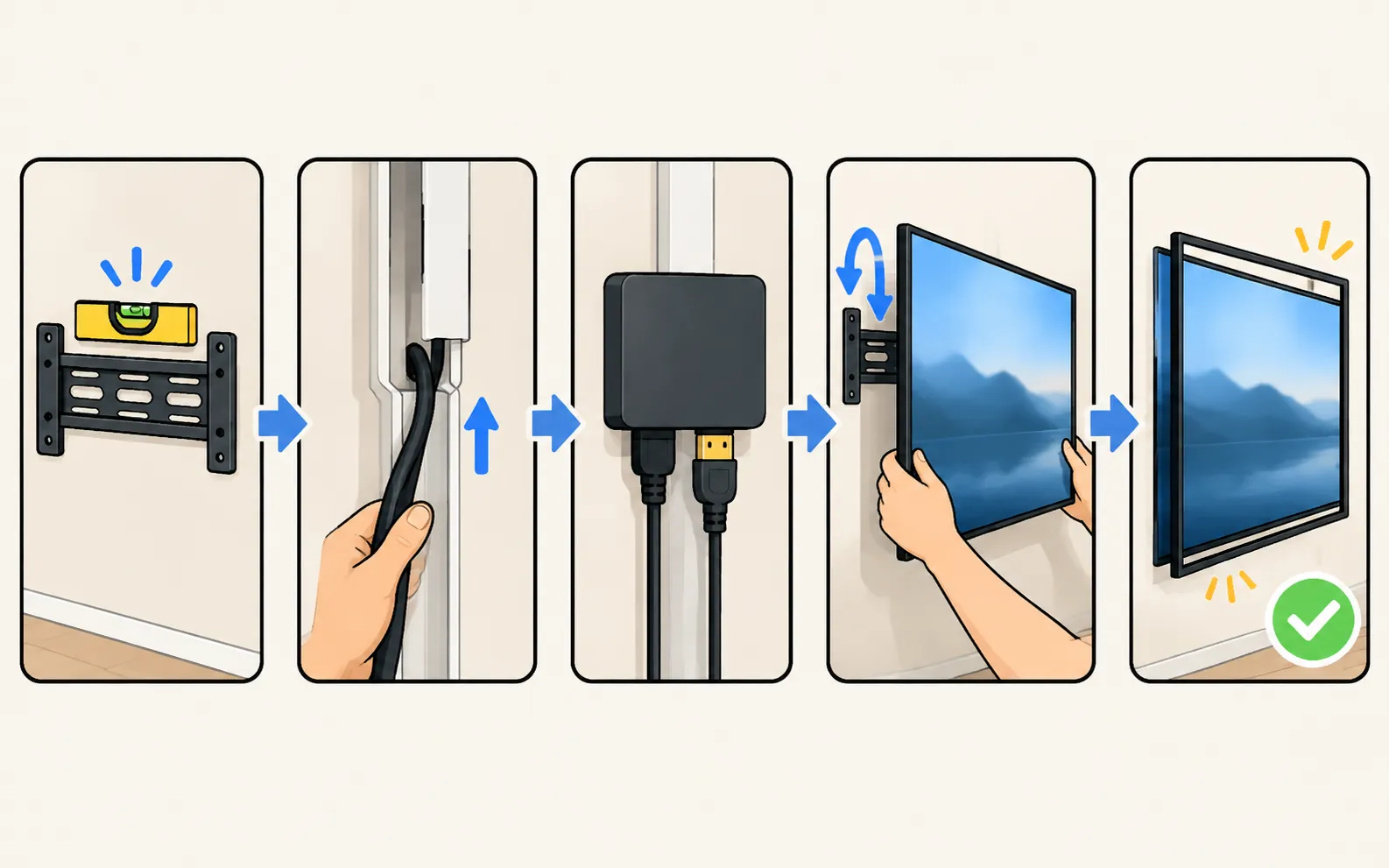
-
Mount the bracket
Follow the installation guide for your model’s slim mount; check it’s level. -
Route the One Connect cable
Down the wall in a cable channel, or through a wall plate to the box location. Avoid sharp bends — Samsung lists kinked or pinched cables as a cause of no picture. -
Connect the box
One Connect cable, power and your devices. Samsung’s US guide shows how to attach the cable at both ends. -
Hang the TV
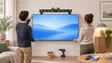
With two people, onto the bracket, then check it’s secure. -
Clip on the bezel
If you have one, it attaches magnetically around the edge.
After installation
- Set up Art Mode with your photos or the Art Store (Art Mode).
- If the screen stays black, reseat the One Connect cable and power-cycle the box (One Connect box problems).
- For other Samsung TVs and VESA mounts, see wall-mount a Samsung TV.
Frequently asked questions
Where should the One Connect box go?
Somewhere ventilated within reach of the One Connect cable — a cabinet below, an adjacent room via a wall channel, or behind furniture. Keep it where your set-top box and soundbar can connect to it.
Can I use a different wall mount?
The Frame is designed for flush mounting with Samsung's slim mount; other VESA mounts may hold the TV further from the wall. Check your model's installation guide.
How do the bezels attach?
The Frame's optional bezels clip on magnetically around the screen edge; follow the bezel's instructions for your size and year.
Sources
- How to connect your One Connect Box to your Samsung TV (ANS00062213, archived copy of 18 Dec 2025) — Samsung US · Samsung · checked November 12, 2026
- How to Fix a No-Picture Issue with Your One Connect Box — Samsung UAE · Samsung · checked November 11, 2026
- Lines on Samsung TV screen (Picture Test paths 2015–2026) — Samsung Australia · Samsung · checked November 11, 2026
Related guides

Topic
The Frame
Samsung The Frame explained: Art Mode with your photos or the Art Store, wall mounting and bezels, turning on by itself, models by year and Ambient Mode.

How-to
Art Mode
Switch The Frame to Art Mode, show your own photos via SmartThings or USB, use the Samsung Art Store, and adjust brightness, mats and the motion sensor.
How-to
One Connect box
What the Samsung One Connect box does, how to connect it, and how to fix no picture, no power or ports not working — including Samsung's test for a faulty box.
How-to
Wall mounting
Find the right wall mount for a Samsung TV: the VESA pattern and screw size for your model, Samsung's M4/M6/M8 guidance by screen size, and safety steps first.